




48 117
484
48 117
484
Information:
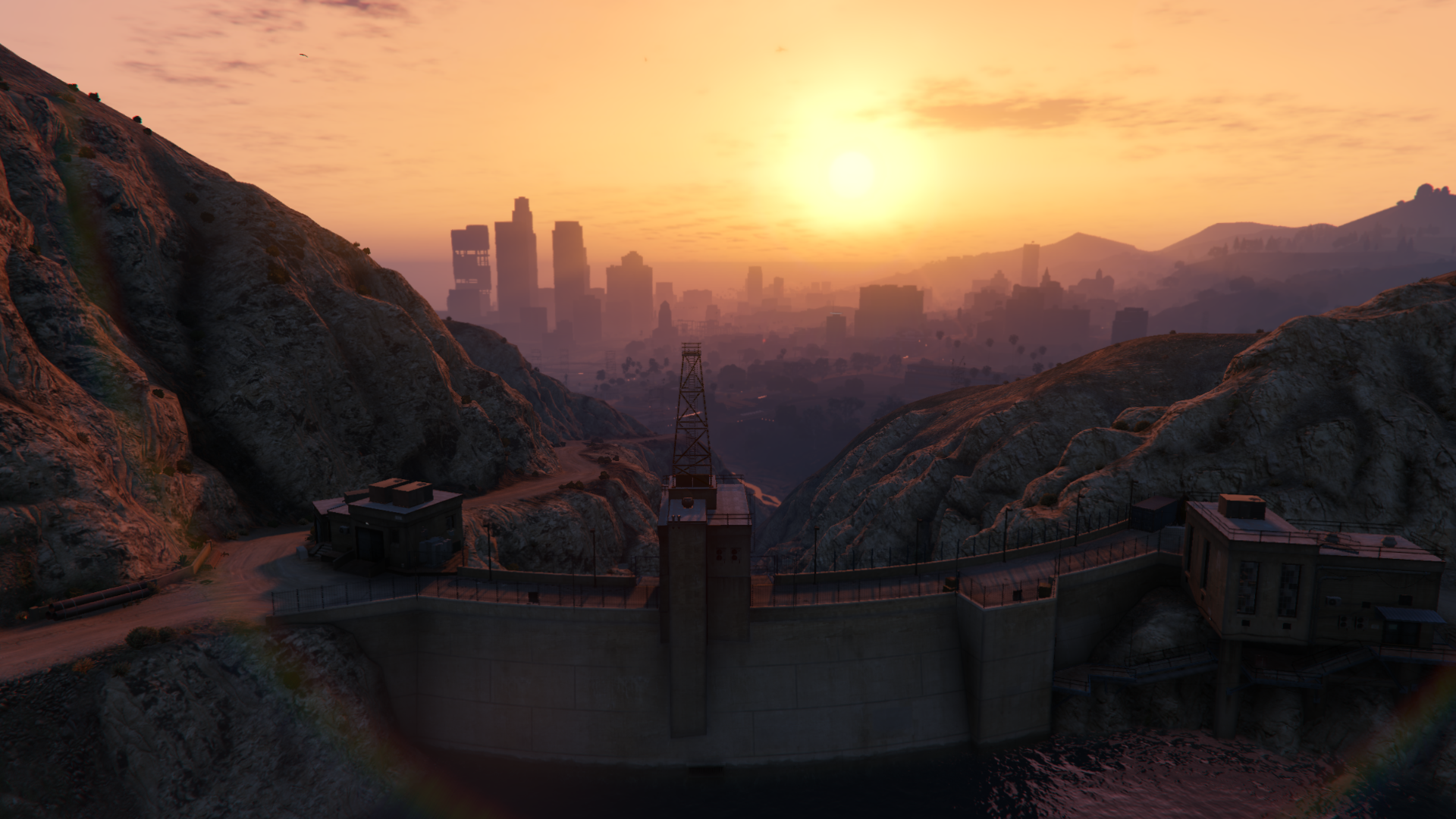
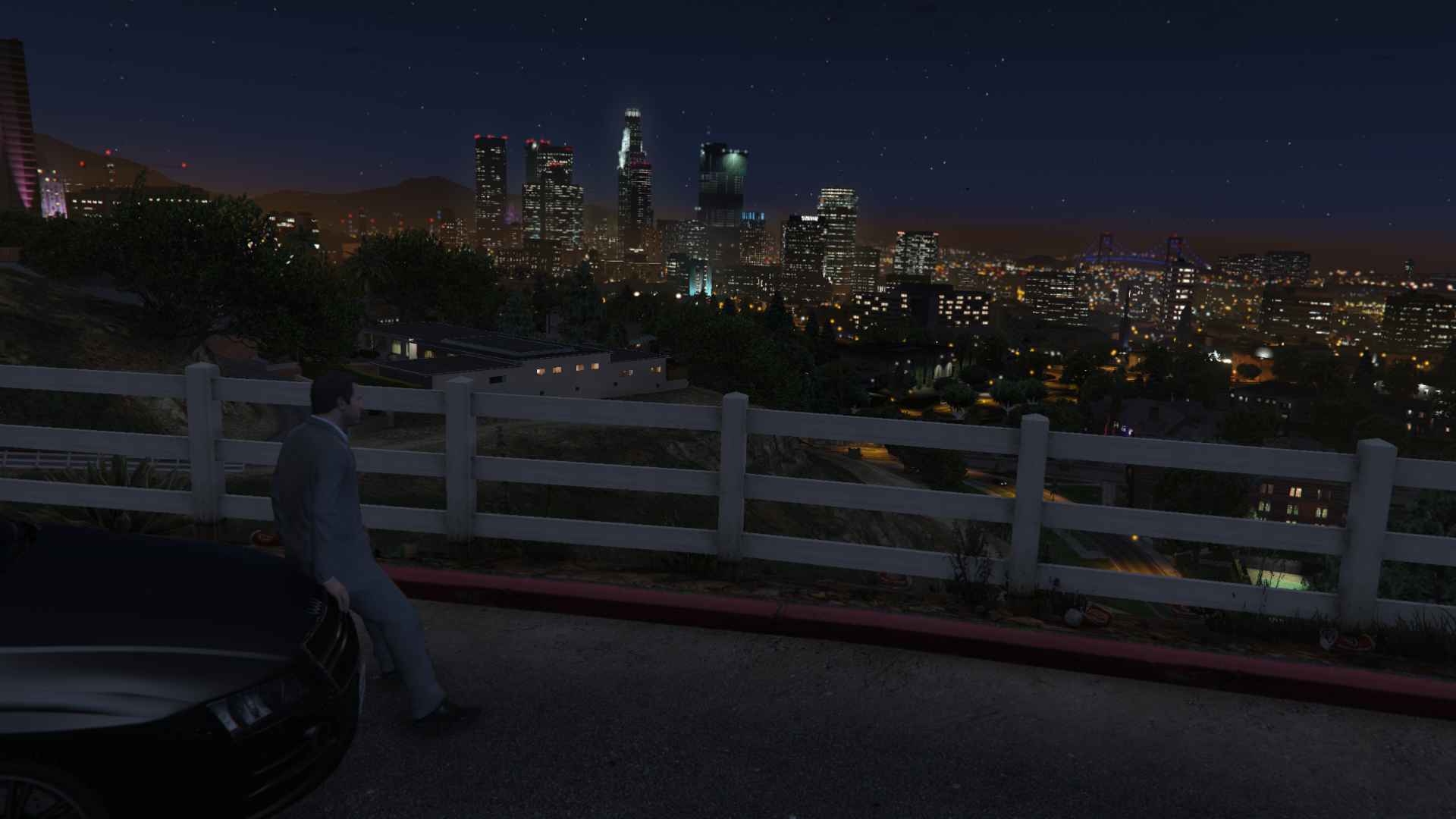
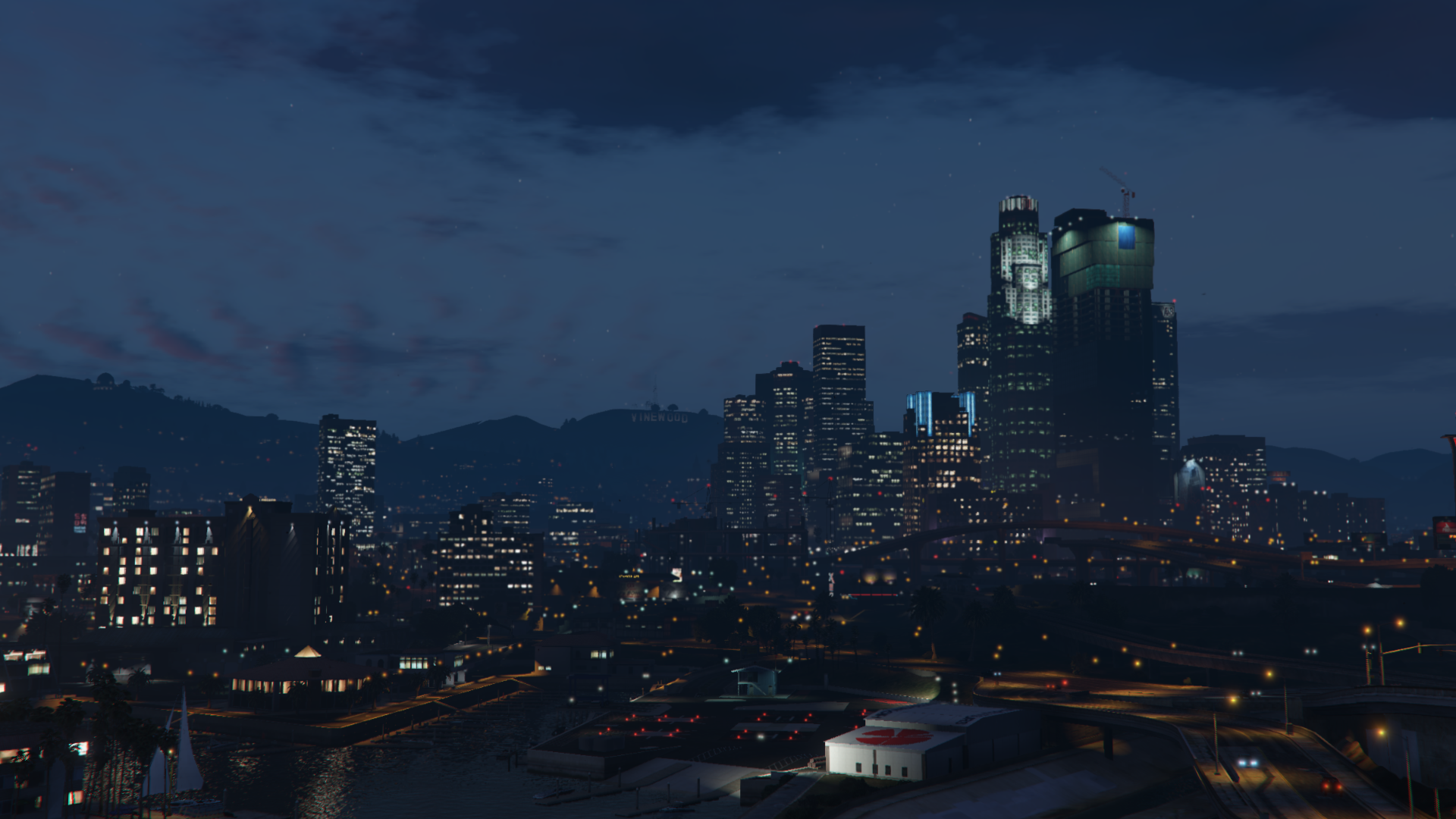
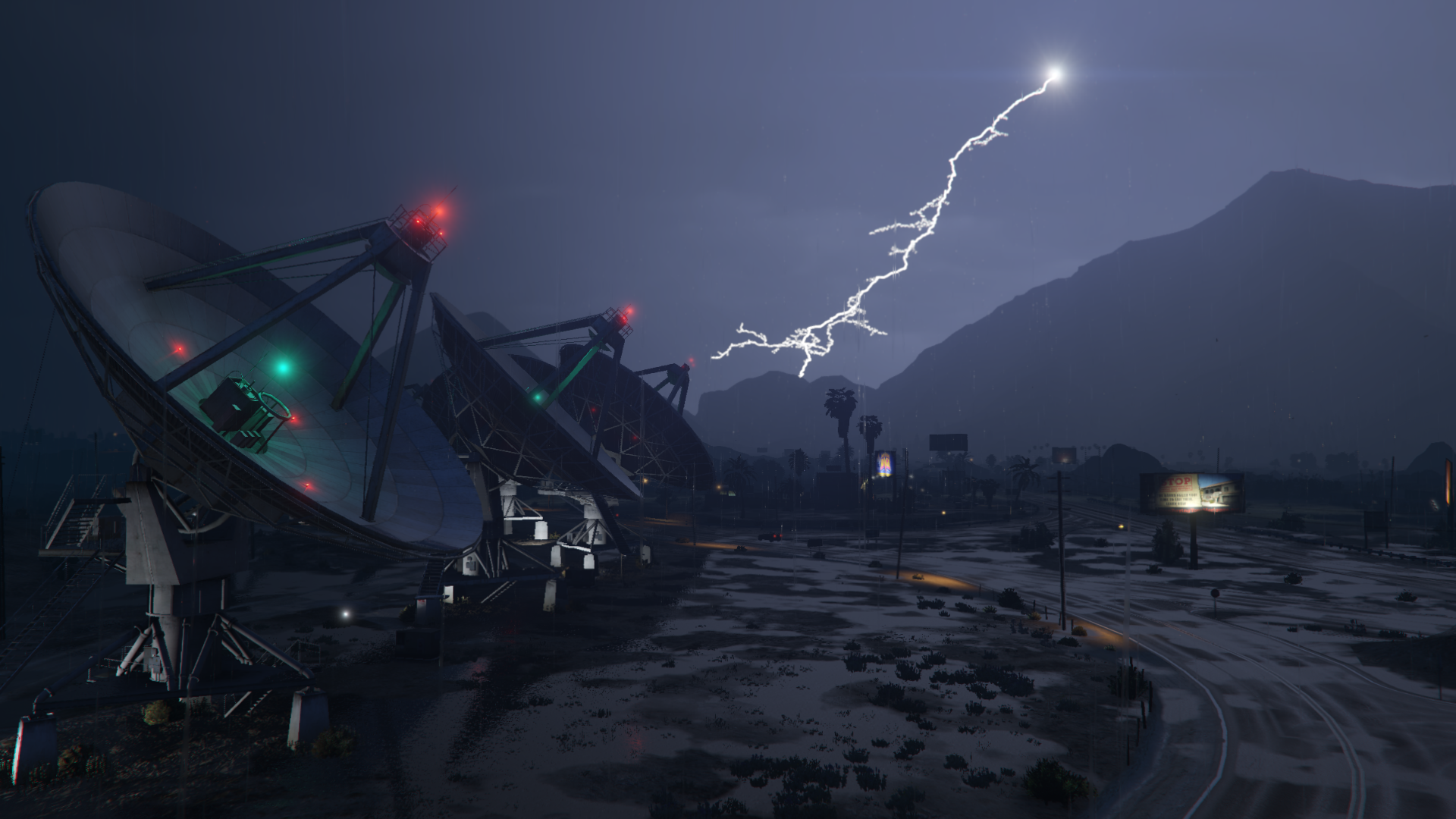
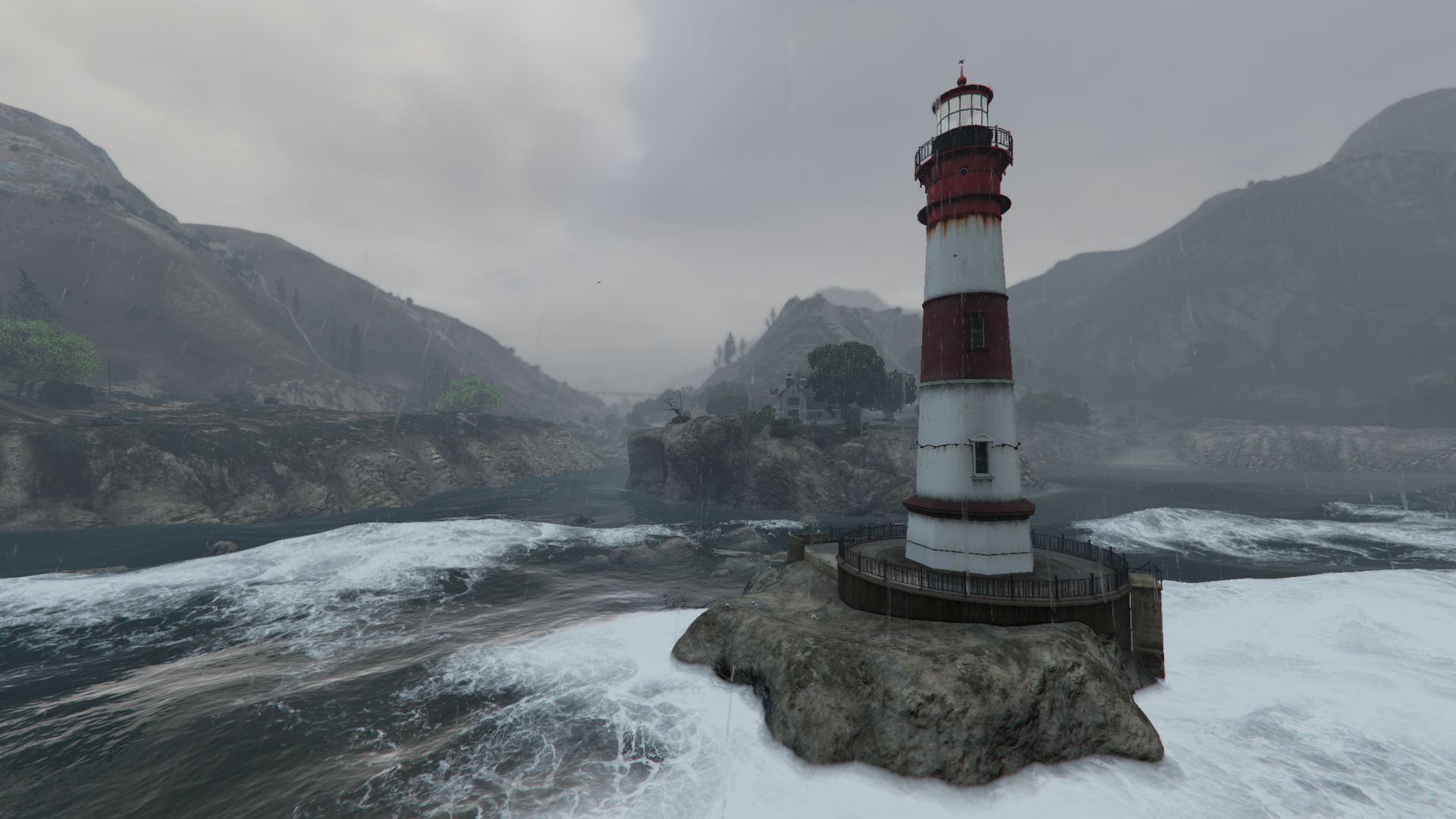
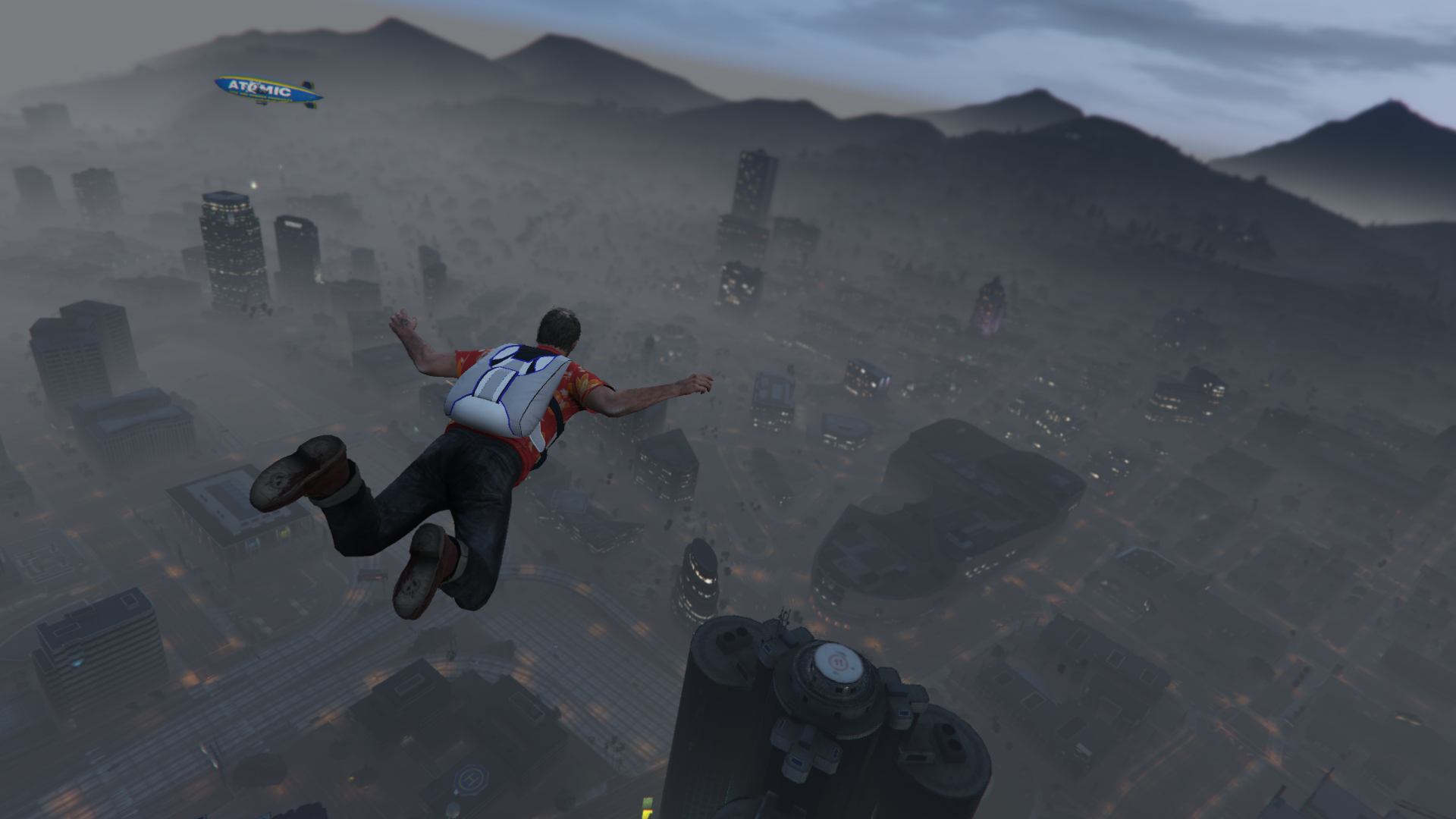
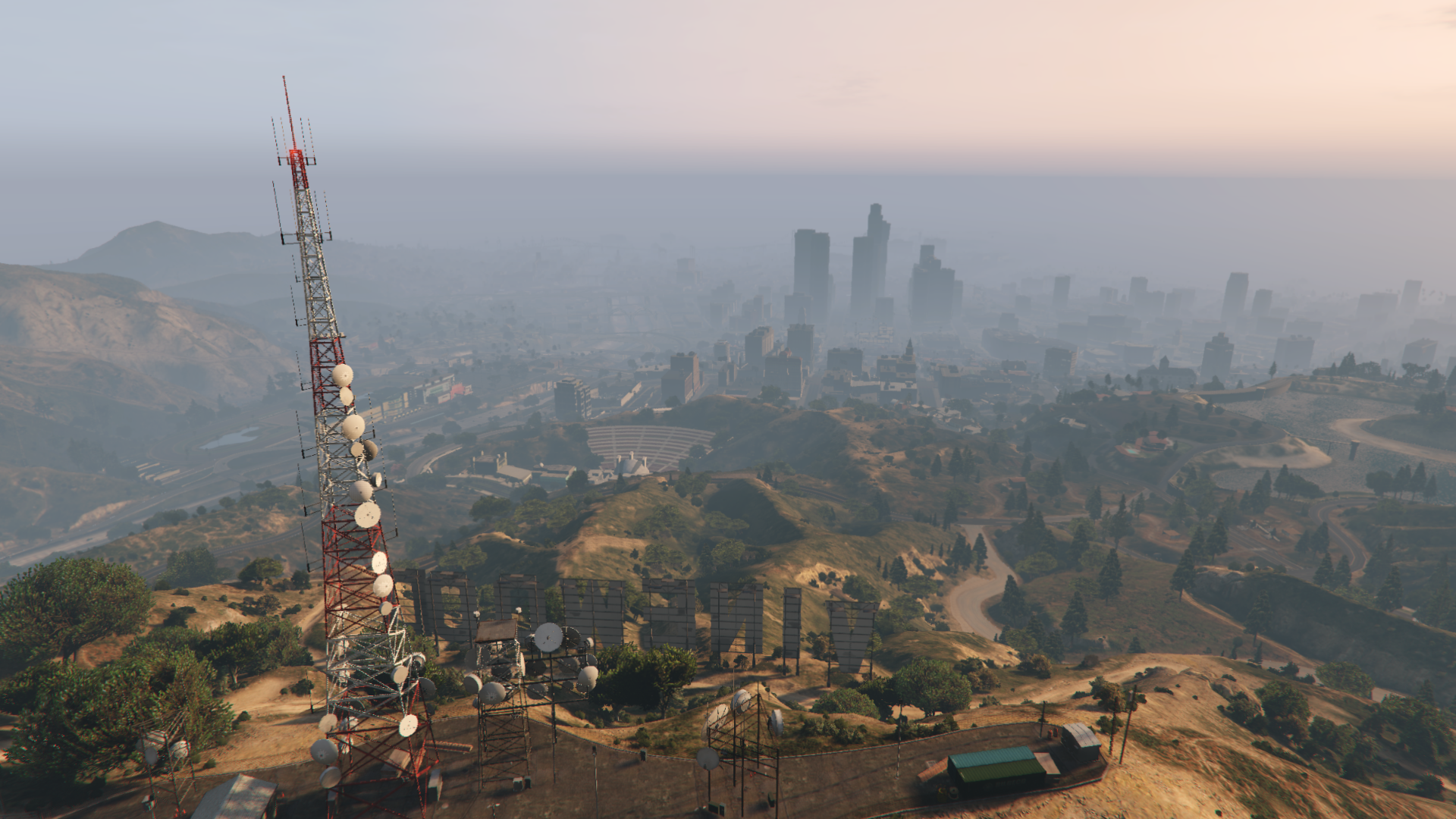
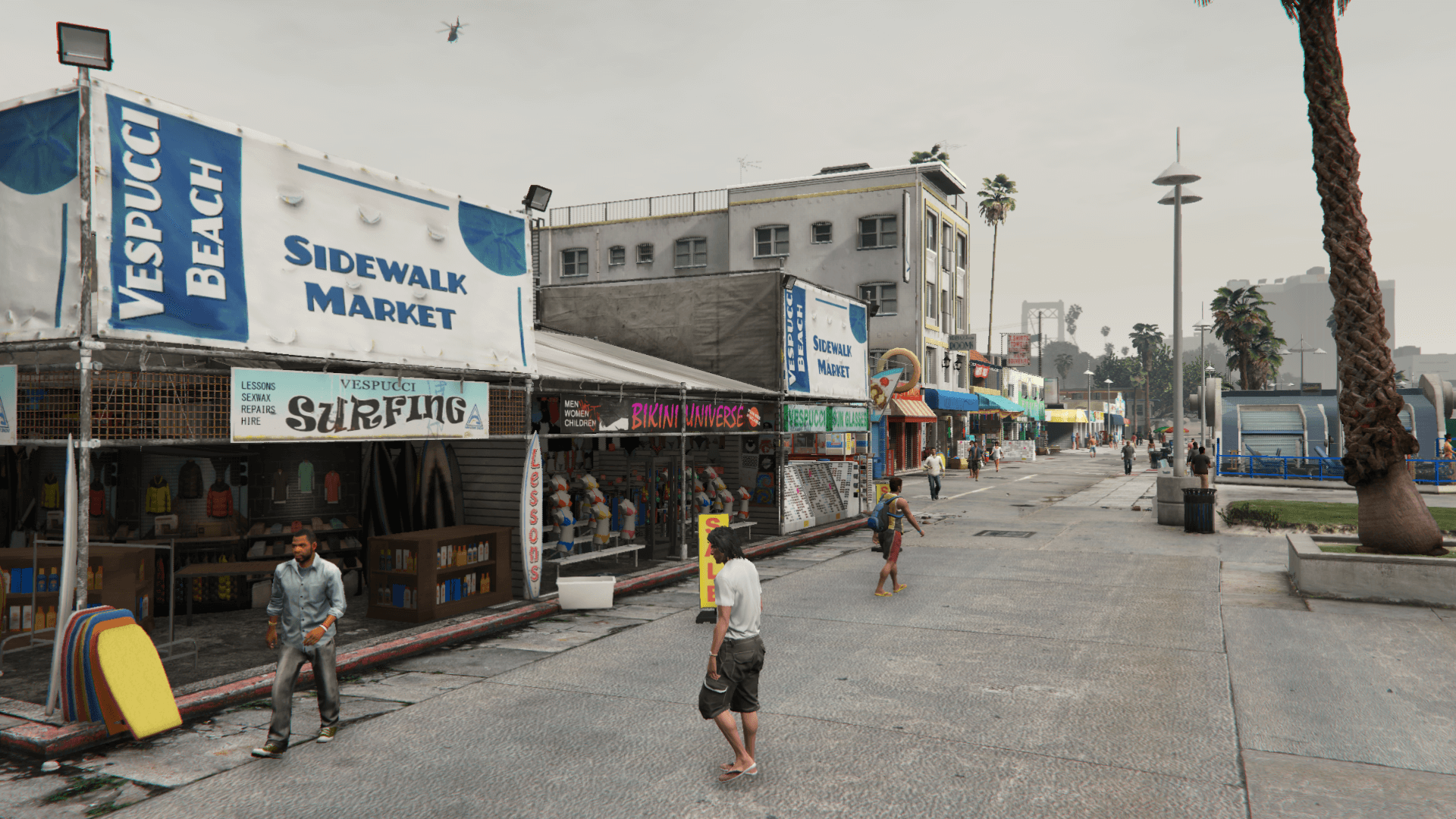
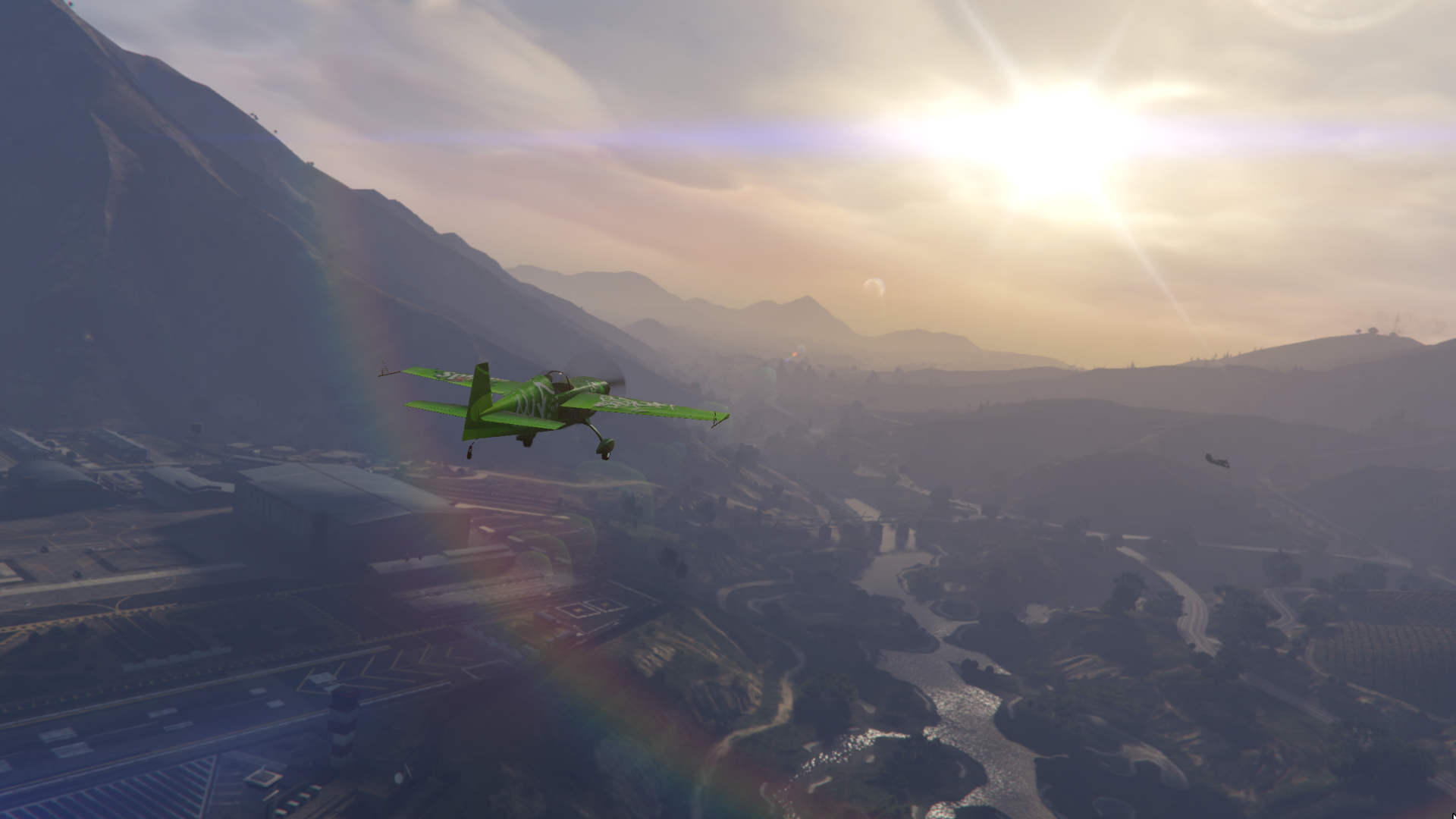
This mod restores various graphics elements from the PS3 and X360 version of the game
Main Changes:
- Weathers
- Lens flare, lightning, light pollution, clouds, various timecycle modifiers and other miscellaneous visual settings (including the original lens distortion and chromatic aberration values of various timecycle modifiers)
- Textures of the bokeh, damage effect (upscaled), flares (animorphic, artefact, chromatic, corona) and water foam (upscaled)
- Original Snapmatic filters
- Restored the unique "Cloudy" and "Stormy" cloudhats models
Optionals:
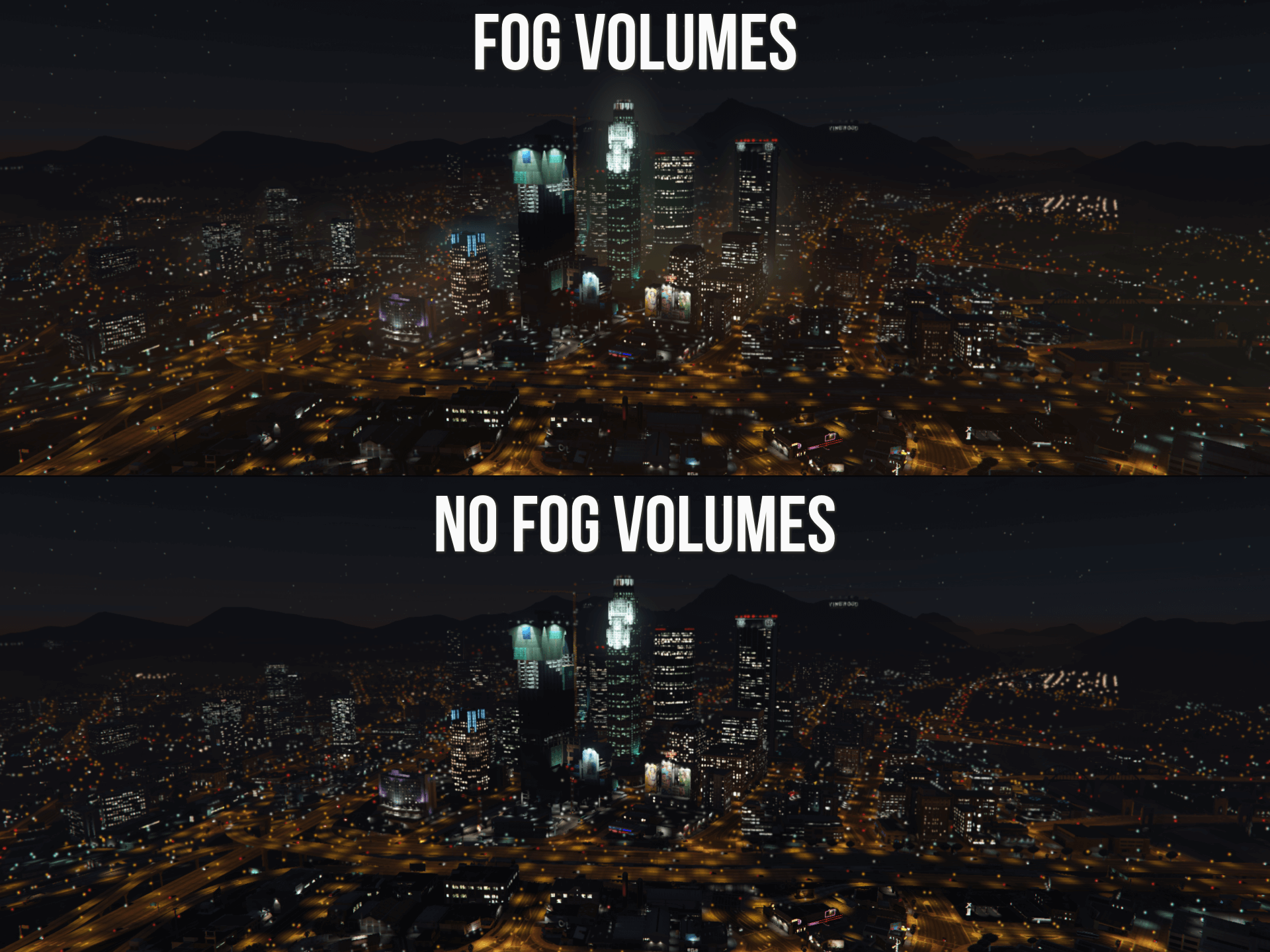
- Disable Fog Volumes: this optional removes the fog volumes around the map. Note: this optional isn't required if the "Shader" quality is set to "Normal"
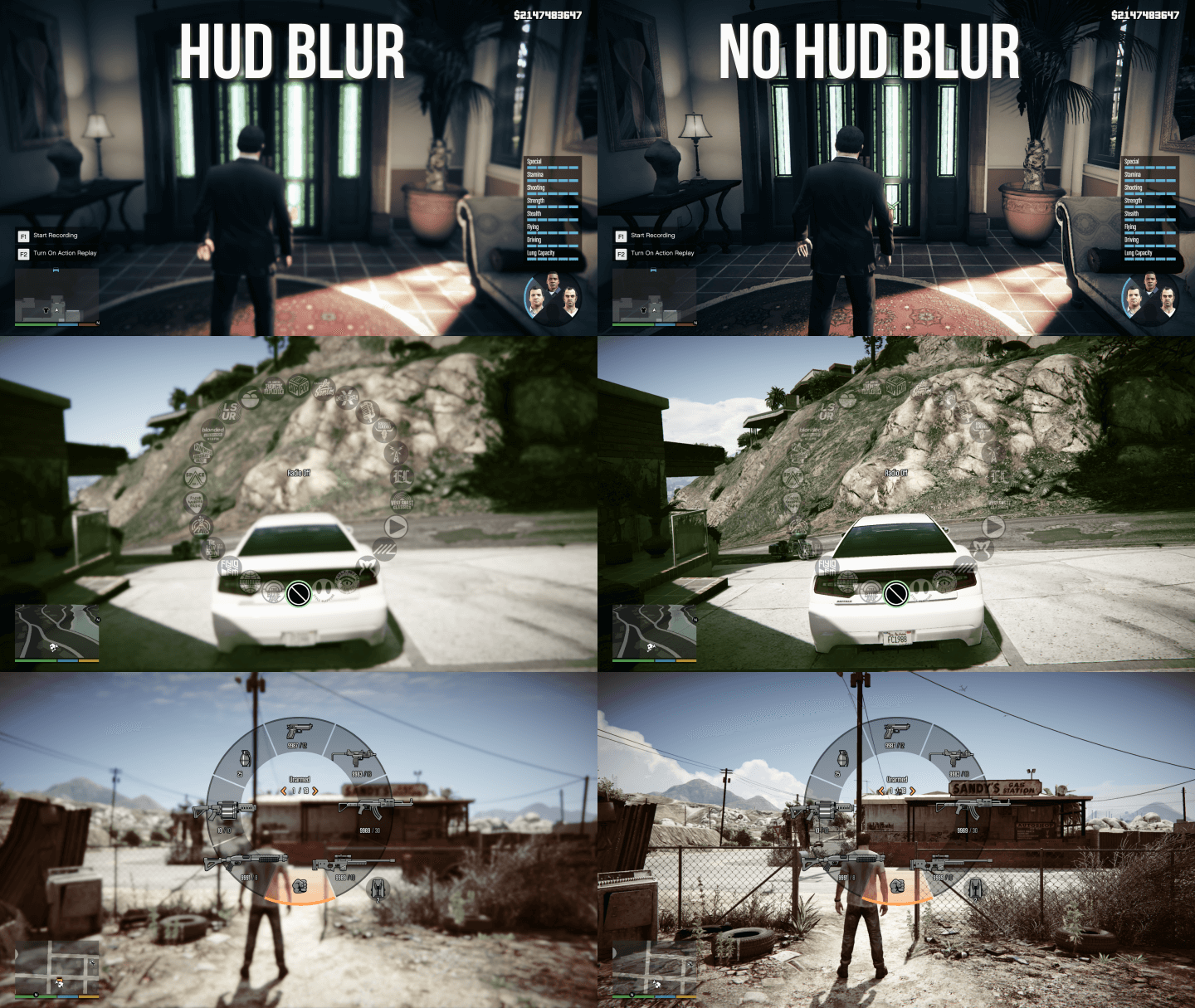
- Disable HUD Blur & Reduce Film Grain: this optional removes the DoF/blur from the character, radio and weapon wheels and during the character switch scene and reduces the film grain (only for the character switch scene)
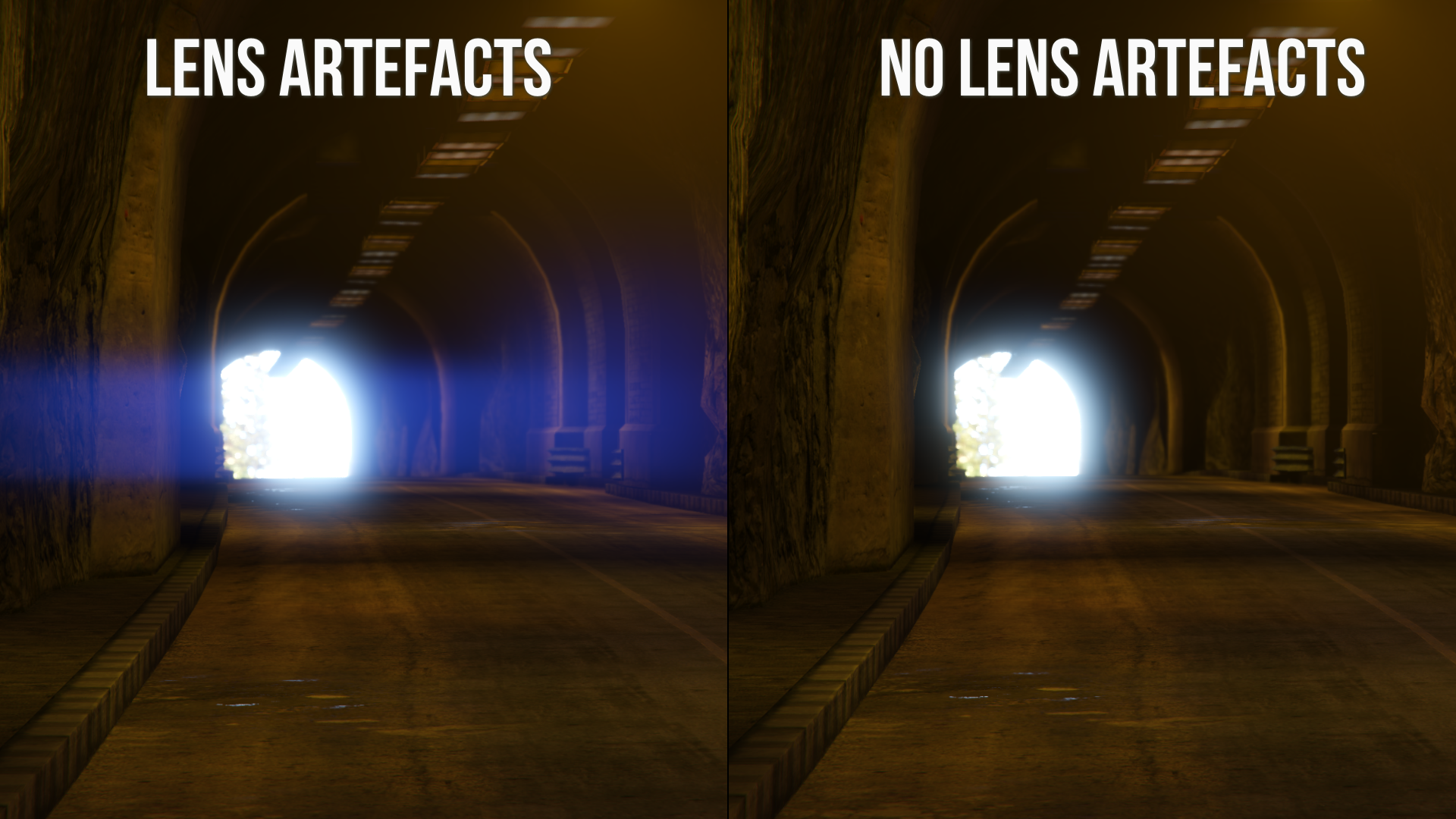
- Disable Lens Artefacts: this optional removes the blue lens artefacts that are enabled when the "PostFX" quality set to "Very High" and "Ultra"
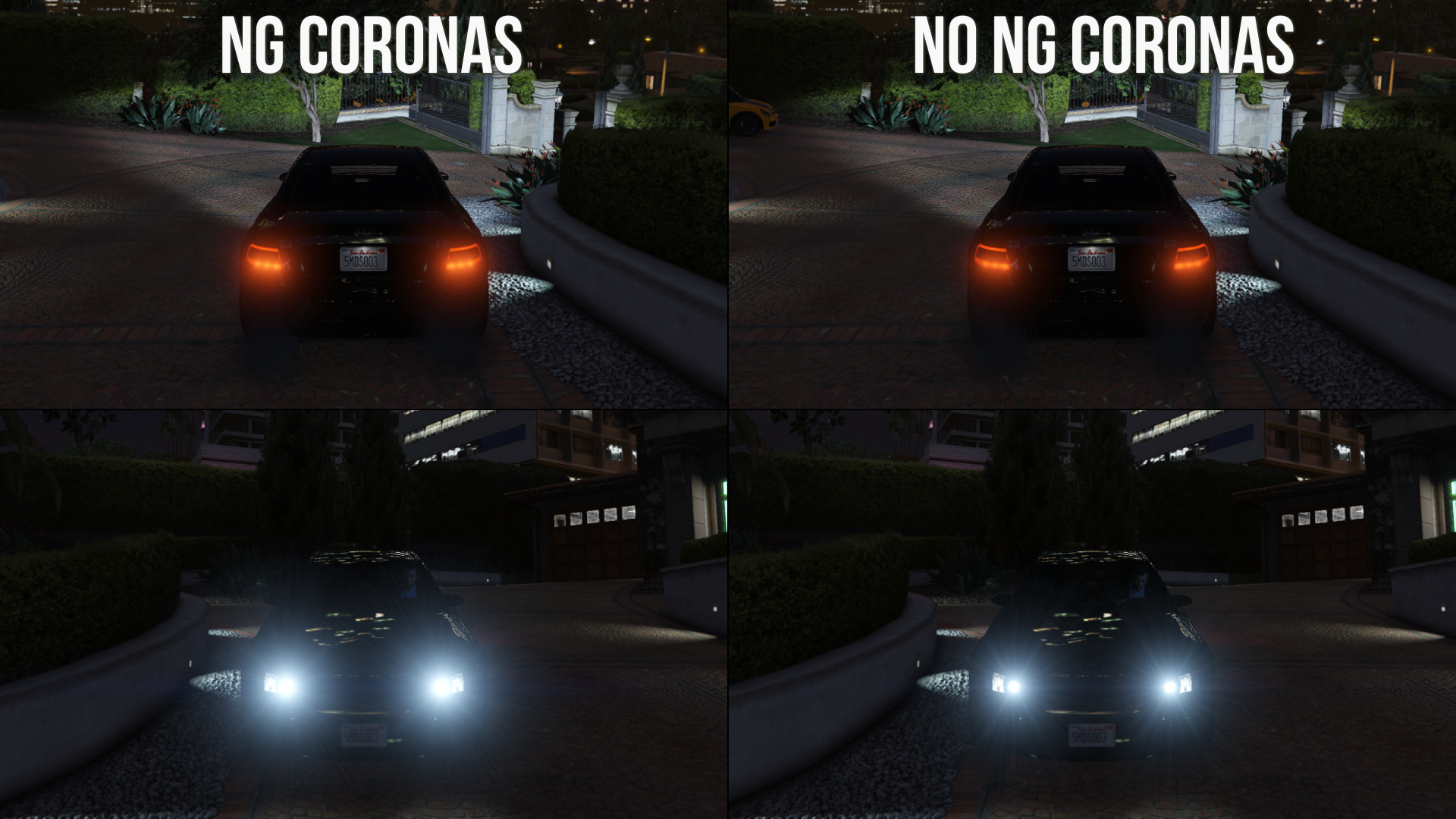
- Disable NGCoronas & Small Rain Puddles: this optional disables an additional layer of the corona texture emitted from light sources and changes the scale of the rain puddles
- Original Sniper Rifle & Telescope Filters: this optional changes the "Sniper" and "telescope" timecycle modifiers with the ones from PS3/X360
Requirements (Legacy):
- CodeWalker or OpenIV
- RageOpenV or OpenIV.asi (included with OpenIV)
- OIV Package Installer
Requirements (Enhanced):
- CodeWalker. Note: download the latest version from the Discord server
- RageOpenV or OpenRPF
- OIV Package Installer
Installation (Legacy):
- Install the Main Files.oiv package with the OIV package installer
- Disable NGCoronas & Small Rain Puddles (optional): import visualsettings.dat in mods\update\update.rpf\common\data
- Original Sniper Rifle & Telescope Filters (optional): import timecycle_mods_1.xml in mods\update\update.rpf\common\data
Installation (Enhanced):
- Install the Main Files.oiv package with the OIV package installer
- Disable NGCoronas & Small Rain Puddles (optional): import visualsettings.dat in mods\update\update.rpf\common\data
- Original Sniper Rifle & Telescope Filters (optional): import timecycle_mods_1.xml in mods\update\update.rpf\common\data
Installation (Legacy & Enhanced Optionals):
- Disable Fog Volumes: import vfxfogvolumeinfo.ymt in mods\update\update.rpf\x64\data\effects
- Disable HUD Blur & Reduce Film Grain: import timecycle_mods_4.xml in mods\update\update.rpf\common\data\timecycle
- Disable Lens Artefacts: import lensartefacts.ymt in mods\update\update.rpf\x64\data\effects
Special Thanks:
- alloc8or for the Visual Settings + Timecycle Reloader
- dexyfex for CodeWalker
- Skylumz for Sollumz
- The OpenIV Team for OpenIV
- DK22Pac for the WFT/XFT to DFF converter
- Parik for DragonFF
- Stryfaar for helping during development
- safari4831 for the OIV Package Installer
- Tervel1337 for changing the lens distortion and chromatic aberration values of some timecycle modifiers
Changelog:
v2.7.2
- Added the improved caustic, cloudnoise and vehicles 2D shadow textures from Bugstar Fixes
- Fixed shadows flickering with TAA enabled and potentially other issues (such as black lines during the character switch) caused by the "graphics.ytd" (Enhanced)
Legacy:
- Updated the "Main Files" OIV package
Enhanced:
- Updated the "Main Files" OIV package
Първо качено на: 15 септември 2018
Последно обновено на: 09 септември 2026
Последно изтеглено: преди 1 час
405 Коментари
More mods by Alex106:
Information:
This mod restores various graphics elements from the PS3 and X360 version of the game
Main Changes:
- Weathers
- Lens flare, lightning, light pollution, clouds, various timecycle modifiers and other miscellaneous visual settings (including the original lens distortion and chromatic aberration values of various timecycle modifiers)
- Textures of the bokeh, damage effect (upscaled), flares (animorphic, artefact, chromatic, corona) and water foam (upscaled)
- Original Snapmatic filters
- Restored the unique "Cloudy" and "Stormy" cloudhats models
Optionals:
- Disable Fog Volumes: this optional removes the fog volumes around the map. Note: this optional isn't required if the "Shader" quality is set to "Normal"
- Disable HUD Blur & Reduce Film Grain: this optional removes the DoF/blur from the character, radio and weapon wheels and during the character switch scene and reduces the film grain (only for the character switch scene)
- Disable Lens Artefacts: this optional removes the blue lens artefacts that are enabled when the "PostFX" quality set to "Very High" and "Ultra"
- Disable NGCoronas & Small Rain Puddles: this optional disables an additional layer of the corona texture emitted from light sources and changes the scale of the rain puddles
- Original Sniper Rifle & Telescope Filters: this optional changes the "Sniper" and "telescope" timecycle modifiers with the ones from PS3/X360
Requirements (Legacy):
- CodeWalker or OpenIV
- RageOpenV or OpenIV.asi (included with OpenIV)
- OIV Package Installer
Requirements (Enhanced):
- CodeWalker. Note: download the latest version from the Discord server
- RageOpenV or OpenRPF
- OIV Package Installer
Installation (Legacy):
- Install the Main Files.oiv package with the OIV package installer
- Disable NGCoronas & Small Rain Puddles (optional): import visualsettings.dat in mods\update\update.rpf\common\data
- Original Sniper Rifle & Telescope Filters (optional): import timecycle_mods_1.xml in mods\update\update.rpf\common\data
Installation (Enhanced):
- Install the Main Files.oiv package with the OIV package installer
- Disable NGCoronas & Small Rain Puddles (optional): import visualsettings.dat in mods\update\update.rpf\common\data
- Original Sniper Rifle & Telescope Filters (optional): import timecycle_mods_1.xml in mods\update\update.rpf\common\data
Installation (Legacy & Enhanced Optionals):
- Disable Fog Volumes: import vfxfogvolumeinfo.ymt in mods\update\update.rpf\x64\data\effects
- Disable HUD Blur & Reduce Film Grain: import timecycle_mods_4.xml in mods\update\update.rpf\common\data\timecycle
- Disable Lens Artefacts: import lensartefacts.ymt in mods\update\update.rpf\x64\data\effects
Special Thanks:
- alloc8or for the Visual Settings + Timecycle Reloader
- dexyfex for CodeWalker
- Skylumz for Sollumz
- The OpenIV Team for OpenIV
- DK22Pac for the WFT/XFT to DFF converter
- Parik for DragonFF
- Stryfaar for helping during development
- safari4831 for the OIV Package Installer
- Tervel1337 for changing the lens distortion and chromatic aberration values of some timecycle modifiers
Changelog:
v2.7.2
- Added the improved caustic, cloudnoise and vehicles 2D shadow textures from Bugstar Fixes
- Fixed shadows flickering with TAA enabled and potentially other issues (such as black lines during the character switch) caused by the "graphics.ytd" (Enhanced)
Legacy:
- Updated the "Main Files" OIV package
Enhanced:
- Updated the "Main Files" OIV package
Първо качено на: 15 септември 2018
Последно обновено на: 09 септември 2026
Последно изтеглено: преди 1 час
 5mods on Discord

@Alex106 It looks like it fixed it. Tested on both character switch and wasted
Also is it possible to have only the gen7 phones from this mod?
@ProbablyWorth Good to know. I'm going upload a new version in the next few days, which should hopefully resolve this issue
@ProbablyWorth I forgot to answer before, but for the phones, extract all the files from "spgen7assets_gen9\dlc.rpf\x64\levels\gta5\props\lev_des\lev_des.rpf", copy the x64c.rpf in the mods folder and import them in "mods\x64c.rpf\levels\gta5\props\lev_des\lev_des.rpf"
@Alex106 It is possible if you can add or edit the daytime lighting similar from Visual Vanilla's 'pre-release sun-position' like here: https://imgur.com/a/XS56IJU I want the sky to be more contrasting, especially when you're in the city with the sky is very washed out.
@tokonomii I don't plan to add anything like that, but you should be able to apply it by installing the optional from Visual Vanilla in this way:
1) Install Visual Paradise
2) Choose the sun position optional you want from Visual Vanilla and install it
3) Export w_clear, w_clearing, w_clouds, w_extrasunny, w_foggy, w_overcast, w_rain, w_smog, w_thunder and w_xmas) from "mods\update\update.rpf\common\data\timecycle"
4) Replace all the "light_direction_override" (not "override_sun") lines in each XML with this one: "<light_direction_override> 1.0000 1.0000 1.0000 1.0000 1.0000 1.0000 1.0000 1.0000 1.0000 1.0000 1.0000 1.0000 1.0000</light_direction_override>"
5) Import the files back in the update.rpf
@Alex106 VisaulVanilla is incompatible with Enhanced. However, to clarify, I noticed that your mod makes only makes the sky vibrant in rural areas and when you are high in the air. It would be good if you can also make the city look as vibrant as those areas.
@tokonomii My bad, I misread.
Anywyay, that would require to make various changes, which I want to make, sorry
when updating, should i just install over the previous package installation, or make sure i uninstall the previous version through the oiv package installer first?
@blackorean You can install it over the previous one
Crashes my game after 5 or so minutes with an ERR_GFX_STATE message
@dudeman11 Game version and build number?
If on Enhanced, do you have things like Frame Gen or Ray Tracing enabled?
Build number: 1.0.1158.16
I am on enhanced, no frame gen, but Ray tracing is enabled
@dudeman11 Test with RT disabled. If it keeps crashing, try with this script as well https://www.gta5-mods.com/scripts/resource-extensions
@Alex106 Hi! I’m using GTA V Enhanced and I’m interested in the Disable Fog Volumes option.
Does it completely remove fog, including distant atmospheric fog, or does it only disable volumetric fog? Also, does it cause any visual artifacts in the distance, such as issues with distant buildings, the horizon, or LODs?
I’m looking for a clean image without fog and without any visual artifacts. Thanks!
@AliG_15 No, that optional disables the glowing lights around certains parts of the map at night ( https://img.gta5-mods.com/q95/images/old-gen-timecycle/1fb522-fogvolumes.png ) and no, it doesn't cause artifacts
@Alex106
Alex, Hi!
i have little question about combine some effects of Visual Paradise Enhanced & VisualV (Enhanced).
I do install the VisualV (Enhanced) - it works fine.
i try to edit visualsettings.dat and do NGcoronas to 0.0 like in your Visual Paradise visualsettings.dat file - but coronas in same places in game 0% reduced\deleted. What is the right way to combine it?
seconds - in your mod black vigenete reduced\deleted - i like that, but don't know how to combine it to VisualV files
Help me please
i write in VisualV comments page too, maybe someone can help me with that
sorry for my English, im from Russia)
and 'no lenartefacts' need to.
@Tagget Z real The "No NGCoronas" optional disables only a second layer of the corona texture and not the corona entirely.
The vignette is handled by the weathers files (w_extrasunny.xml, etc.), with the "postfx_vignette_" (intensity, radius, etc.)
What about the lens artefacts?
@Alex106 Thanks for answering me, but how can i delete al this effects if i dont install all the files of Visual Paradise? idk
@Tagget Z real To remove the coronas, you need to use another mod (as this doesn't get rid of it) and for the vignette, you need to edit the values I mentioned above in every weather file