UK Echowood Shopping Plaza v1



763
13
763
13
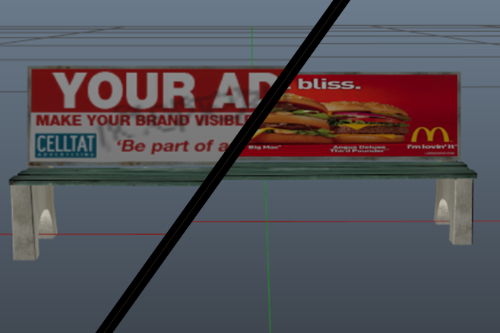
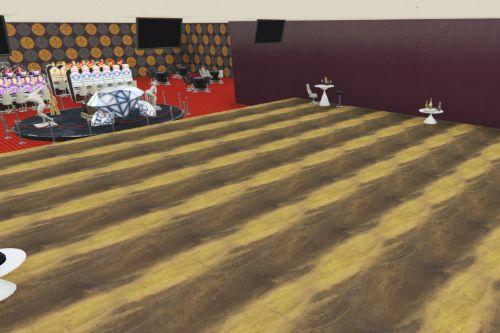
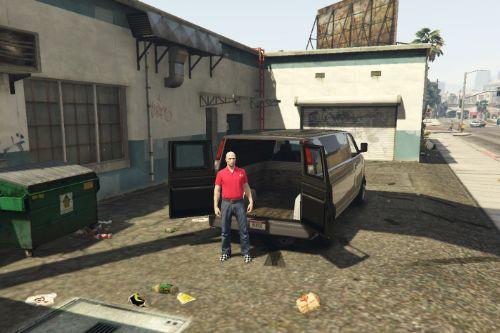
This will change the Echo Shopping Rock Plaza to UK stores.
Installation ----
1. Load OpenIV and navigate to (C:\Program Files (x86)\Steam\steamapps\common\Grand Theft Auto V\mods\x64j.rpf\levels\gta5\_citye\hollywood_01\hw1_23.rpf\)
2. Make sure you have a "mods" folder and then click edit on OpenIV.
3. Replace the file from the folder and then you can boot GTA V and you will have UK stores at the Echo Shopping Rock Plaza.
पहले अपलोड: 13 मई 2020
आखरी अपडेट: 13 मई 2020
Last Downloaded: 21 hours ago
1 टिप्पणी
More mods by Sanders0n:
This will change the Echo Shopping Rock Plaza to UK stores.
Installation ----
1. Load OpenIV and navigate to (C:\Program Files (x86)\Steam\steamapps\common\Grand Theft Auto V\mods\x64j.rpf\levels\gta5\_citye\hollywood_01\hw1_23.rpf\)
2. Make sure you have a "mods" folder and then click edit on OpenIV.
3. Replace the file from the folder and then you can boot GTA V and you will have UK stores at the Echo Shopping Rock Plaza.
पहले अपलोड: 13 मई 2020
आखरी अपडेट: 13 मई 2020
Last Downloaded: 21 hours ago
 5mods on Discord

@Sanders0n You forgot to make the .ydr files.