Vinewood Olympic Games 2028 sign v1.2.1

 支持我

1,564
15
1,564
15
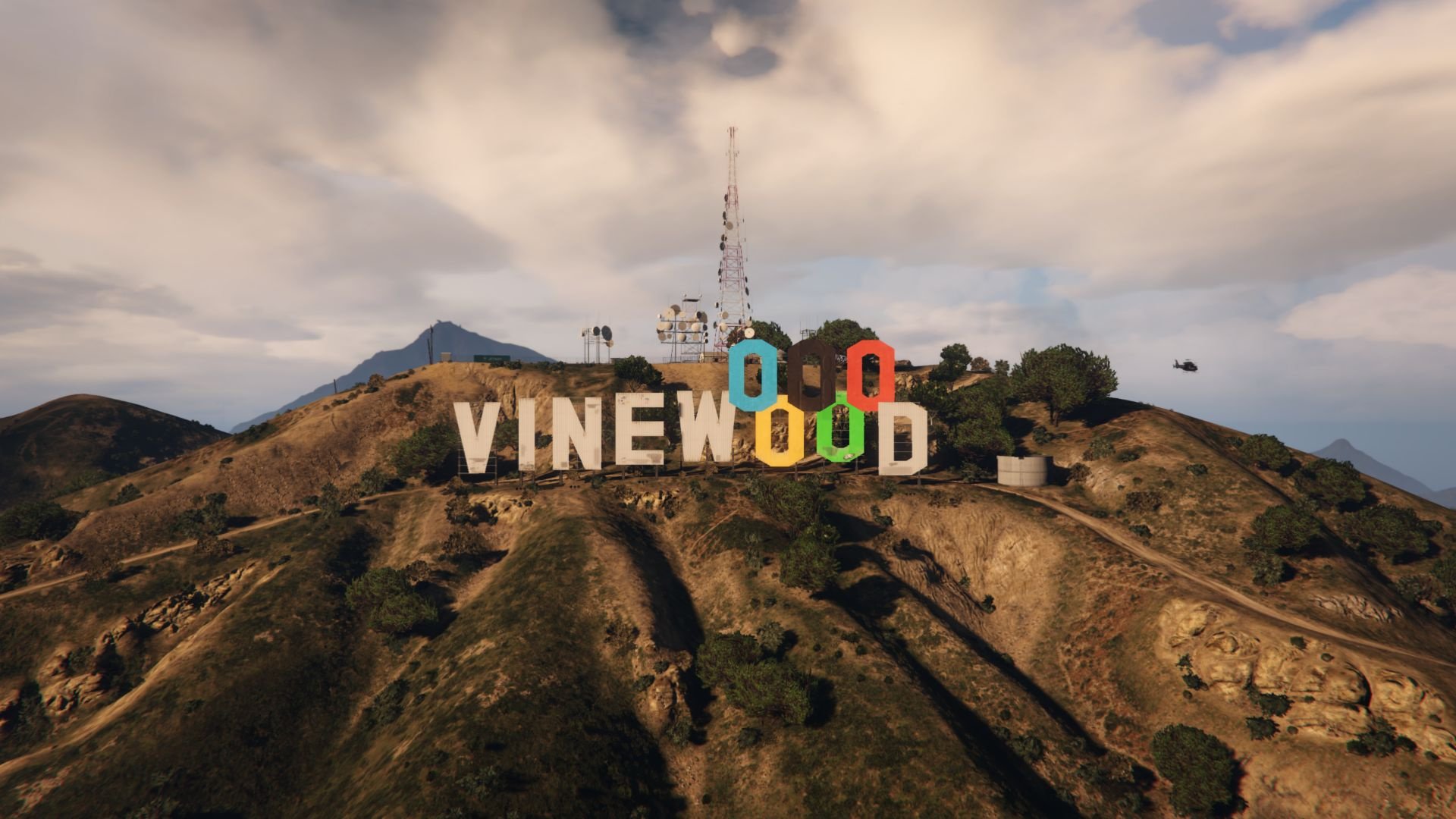
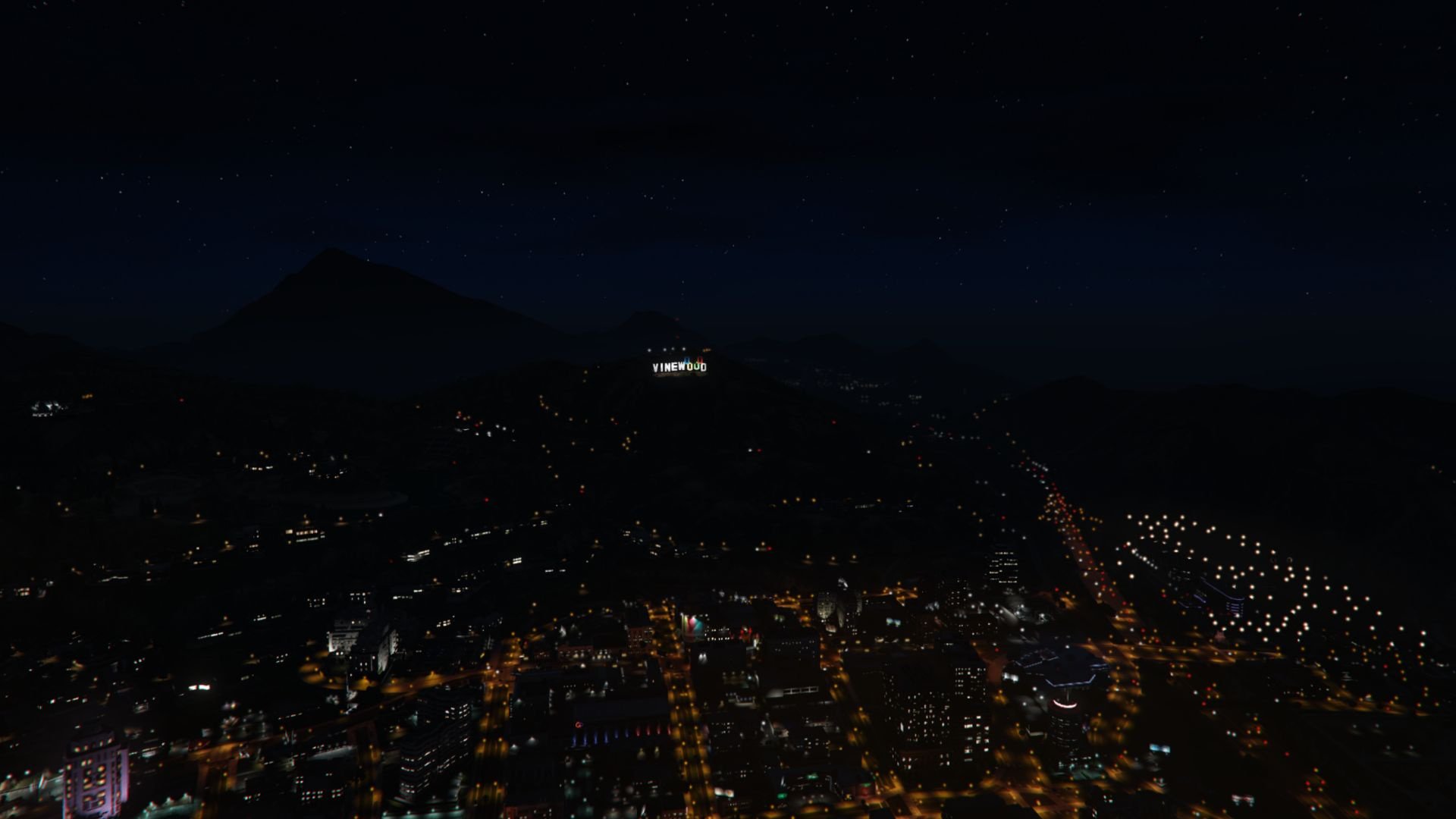
Transforming Vinewood panels into 2028 Olympic Vinewood panels
Installation:
Main file ("Manual installation")
- Use OpenIV to install and activate "Edit Mode".
- Go to Grand Theft Auto V\mods\update\x64\dlcpacks and add the file "vinewood_jo_tgp".
- Then go to Grand Theft Auto V\update.rpf\common\data and edit the "dlclist.xml" file.
- In "dlclist.xml", insert dlcpacks:/vinewood_jo_tgp/ at the bottom of the page (before "") and save.
v1.2.1
- Direct download on GTA5mods (also available on TGP-Launcher)
- Various bug fixes
v1.1
- Smaller file
- Compatible with HOLLYWOOD panels ( https://www.gta5-mods.com/maps/hollywood-sign )
- Add collision
- Fix LOD
首次上传时间: 2024年08月30日
最后更新时间: 2026年01月03日
最后下载: 2天前
17个评论
More mods by TyNox Games Production:

4.9
5,436
102
v2.0.0 [SP]

- 地图模型
5.0
1,070
21
[2025] Legacy v1.0.0
- 建筑
4.83
1,285
26
v1.0.1 [Free Version]
Transforming Vinewood panels into 2028 Olympic Vinewood panels
Installation:
Main file ("Manual installation")
- Use OpenIV to install and activate "Edit Mode".
- Go to Grand Theft Auto V\mods\update\x64\dlcpacks and add the file "vinewood_jo_tgp".
- Then go to Grand Theft Auto V\update.rpf\common\data and edit the "dlclist.xml" file.
- In "dlclist.xml", insert dlcpacks:/vinewood_jo_tgp/ at the bottom of the page (before "") and save.
v1.2.1
- Direct download on GTA5mods (also available on TGP-Launcher)
- Various bug fixes
v1.1
- Smaller file
- Compatible with HOLLYWOOD panels ( https://www.gta5-mods.com/maps/hollywood-sign )
- Add collision
- Fix LOD
首次上传时间: 2024年08月30日
最后更新时间: 2026年01月03日
最后下载: 2天前
 5mods on Discord

This file has been approved automatically. If you think this file should not be here for any reason please report it.
excellent
@InfamousSabre And then you just need to ask me, no need to delete (sorry, I forgot).
@InfamousSabre OK thanks
could u do it with hollywood sign please ?
@kerozezen which Hollywood signs do you use
@TyNox Games P I'm using LA Revo but it doesn't matter I can change the hollywood sign
@kerozezen check if it works now
@TyNox Games P works fine, thanks !!
Works with the hollywood sign La. Revo, if it works, just install this mod that already appears or do you need to do some other procedure?
@Nokk26 Normally, you can superimpose them
Does this conflict with the hollywood sign from the mod "California Architecture"?
It doesn't conflict with the Hollywood sign from another mod called Real California Architecture, it will look better if you add lights on it
@Kyle Heinrich Vea white or colored light ?
@TyNox Games P Colored lights will look better
v1.2 : New download link and bug fix
New link : https://sites.google.com/view/tynox-games-production/launcher/gta-v/vinewood-jo-2028