JD Store [Replace]

4 087
47
4 087
47
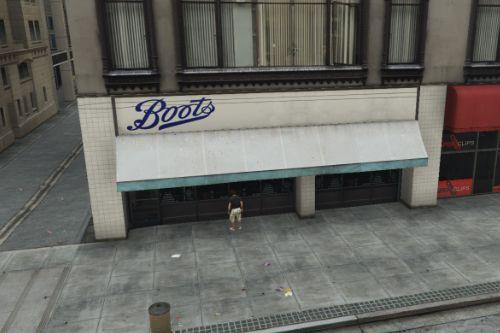
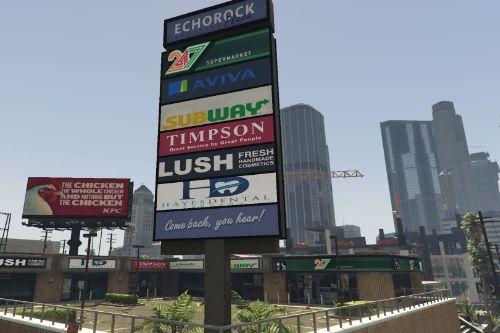
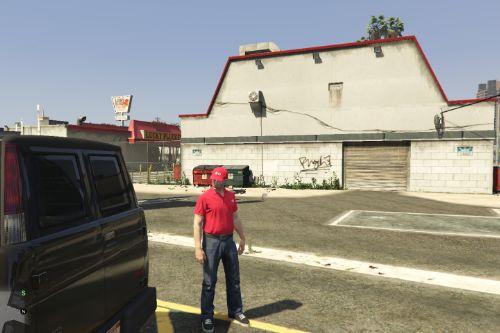
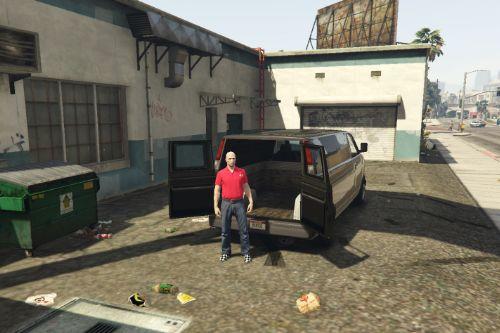
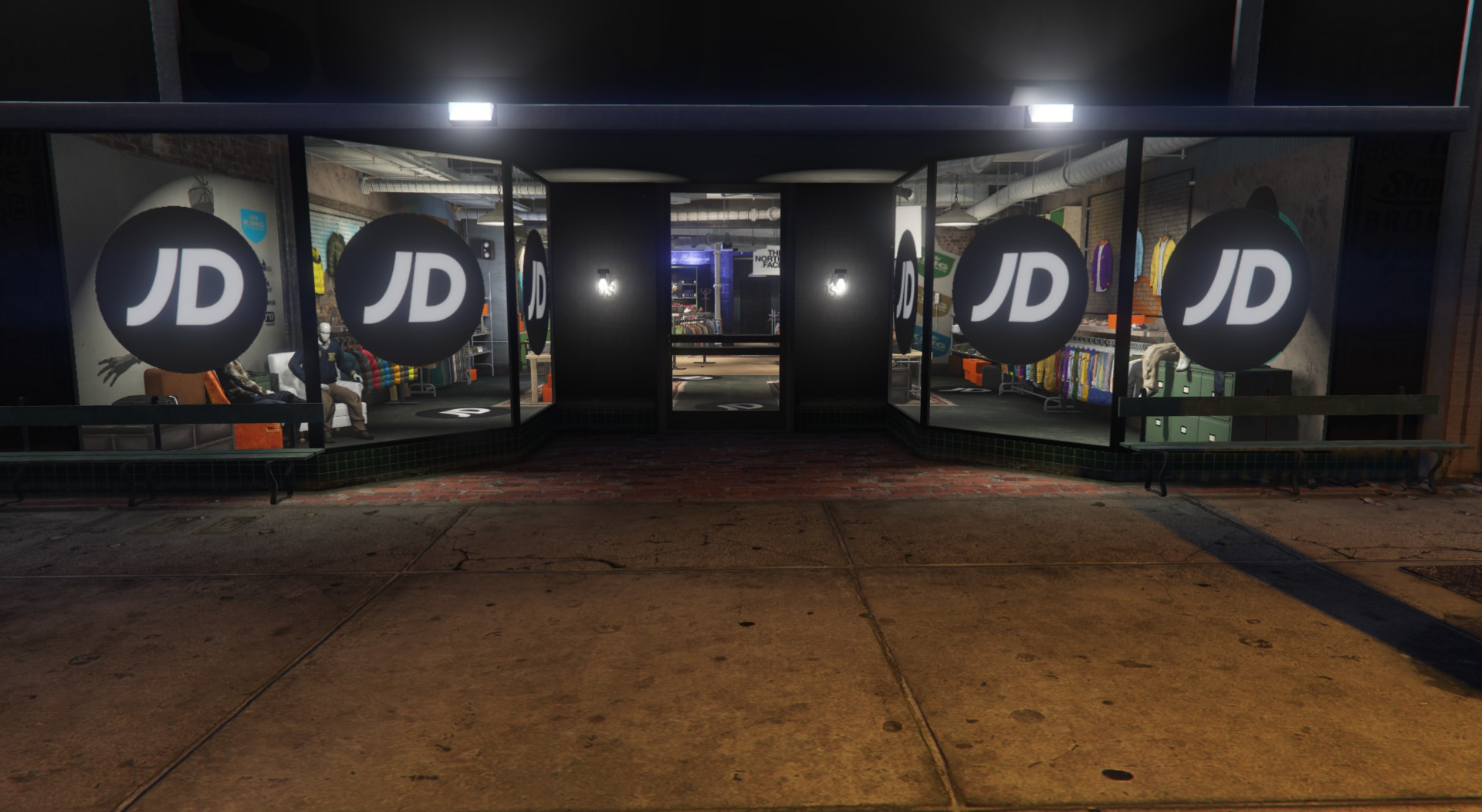
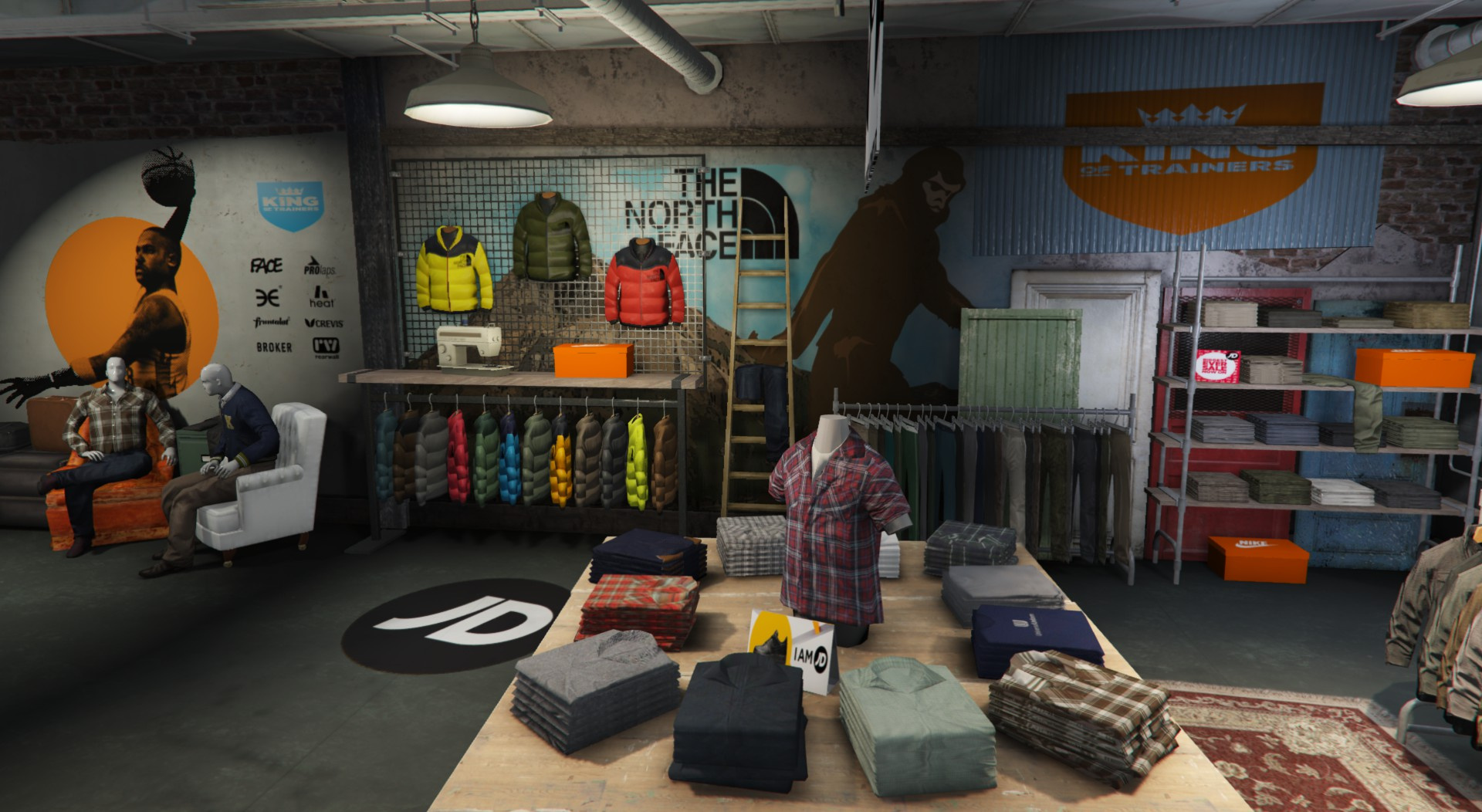
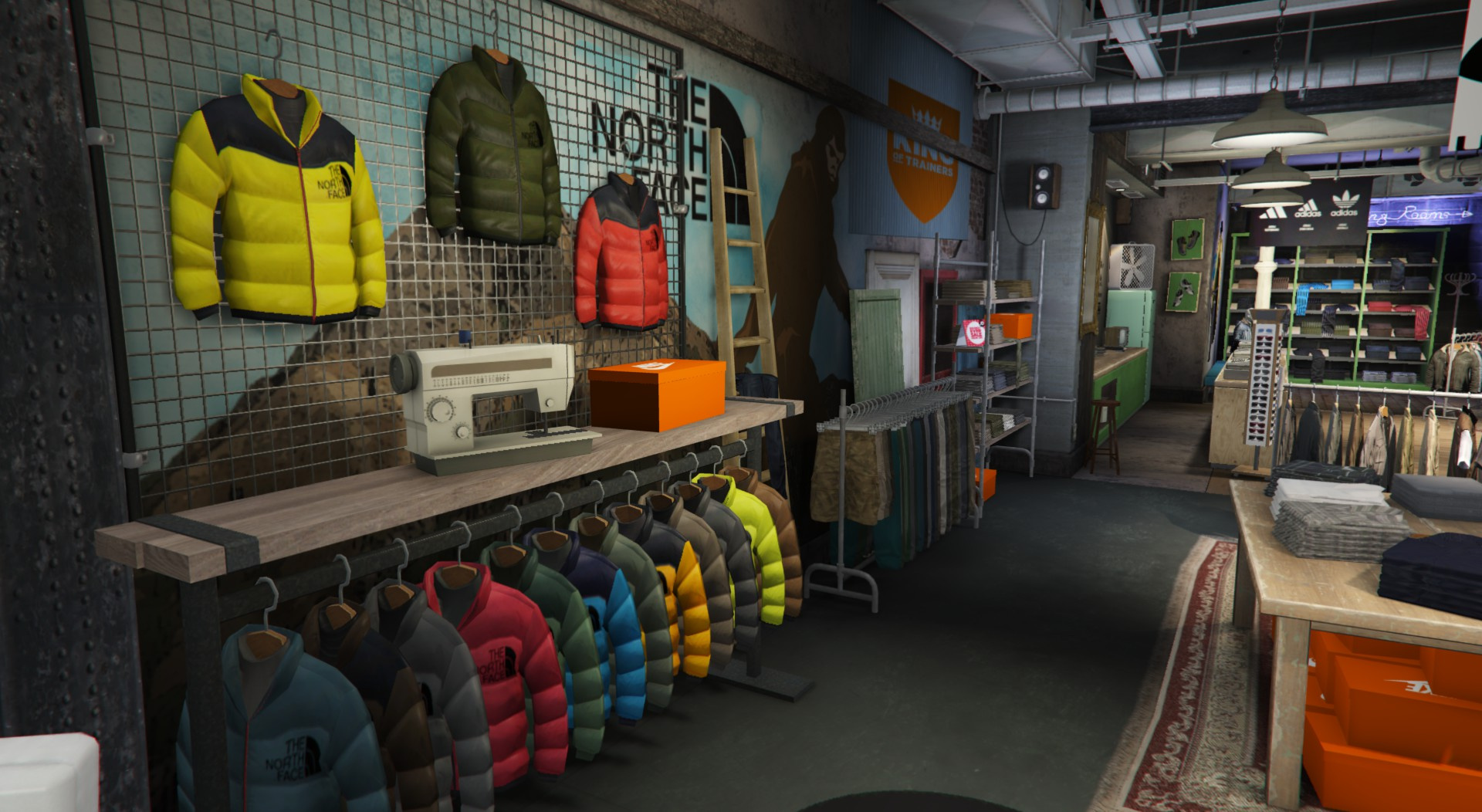
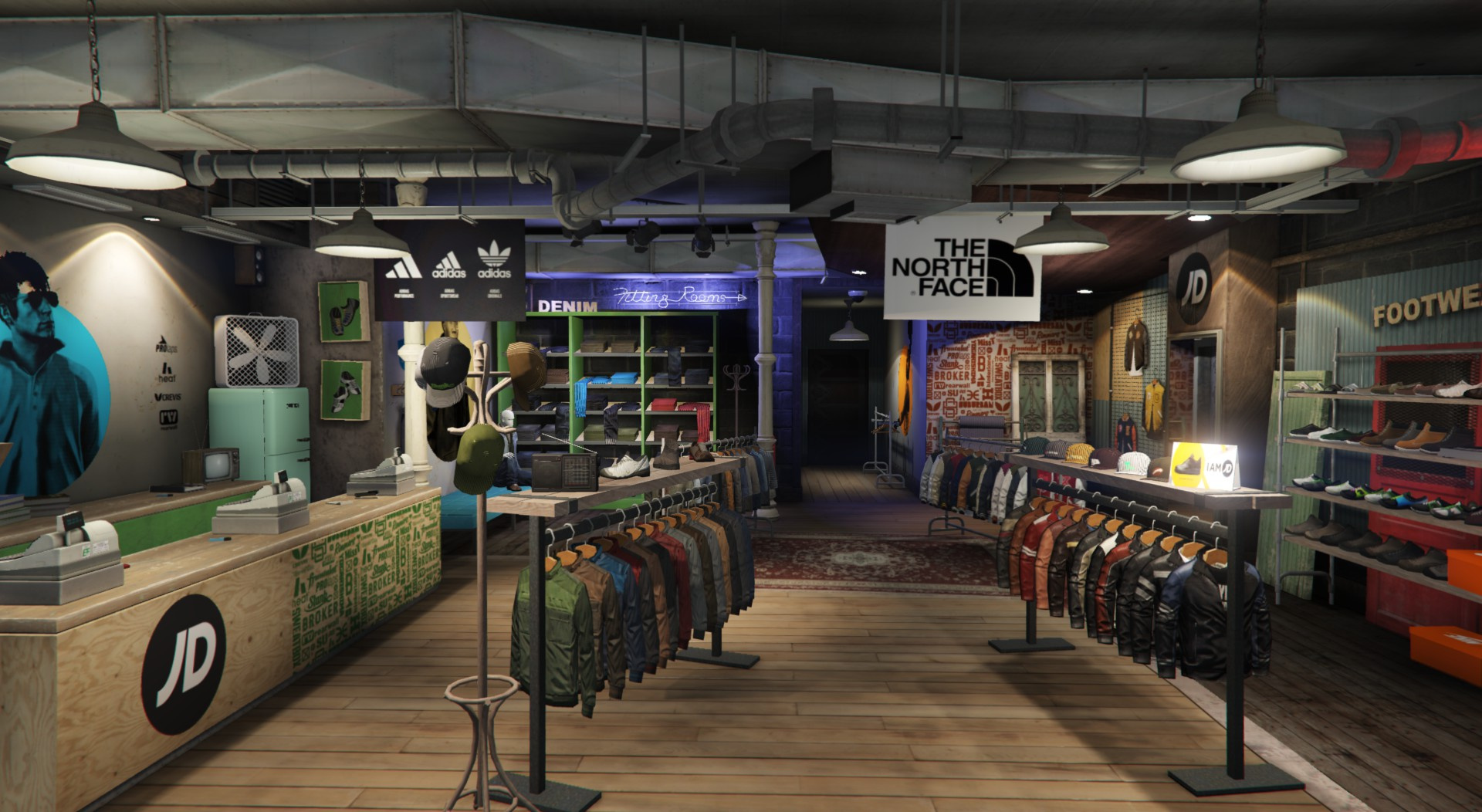
This will change the clothes store at Suburban at Hawick/Alta.
If you have trouble finding it co-ords are here (X=129.06, Y=-203.41,Z=54.51)
Installation ----
1. Load OpenIV and navigate to (C:\Program Files (x86)\Steam\steamapps\common\Grand Theft Auto V\mods\x64h.rpf\levels\gta5\interiors\v_int_52.rpf\\)
2. Make sure you have a "mods" folder and then click edit on OpenIV.
3. Replace the file from the texture & objects folder and then you can boot GTA V and you have a JD Store at Hawick/Alta.
4. More updates of this will come so keep tuned. Check out my website at www.Sanders0n.xyz
If you have trouble finding it co-ords are here (X=129.06, Y=-203.41,Z=54.51)
Installation ----
1. Load OpenIV and navigate to (C:\Program Files (x86)\Steam\steamapps\common\Grand Theft Auto V\mods\x64h.rpf\levels\gta5\interiors\v_int_52.rpf\\)
2. Make sure you have a "mods" folder and then click edit on OpenIV.
3. Replace the file from the texture & objects folder and then you can boot GTA V and you have a JD Store at Hawick/Alta.
4. More updates of this will come so keep tuned. Check out my website at www.Sanders0n.xyz
Ensimmäinen lataamiskerta: 26. helmikuuta 2022
Viimeksi ladattu: 26. helmikuuta 2022
Last Downloaded: 17 hours ago
3 kommenttia
More mods by Sanders0n:
This will change the clothes store at Suburban at Hawick/Alta.
If you have trouble finding it co-ords are here (X=129.06, Y=-203.41,Z=54.51)
Installation ----
1. Load OpenIV and navigate to (C:\Program Files (x86)\Steam\steamapps\common\Grand Theft Auto V\mods\x64h.rpf\levels\gta5\interiors\v_int_52.rpf\\)
2. Make sure you have a "mods" folder and then click edit on OpenIV.
3. Replace the file from the texture & objects folder and then you can boot GTA V and you have a JD Store at Hawick/Alta.
4. More updates of this will come so keep tuned. Check out my website at www.Sanders0n.xyz
If you have trouble finding it co-ords are here (X=129.06, Y=-203.41,Z=54.51)
Installation ----
1. Load OpenIV and navigate to (C:\Program Files (x86)\Steam\steamapps\common\Grand Theft Auto V\mods\x64h.rpf\levels\gta5\interiors\v_int_52.rpf\\)
2. Make sure you have a "mods" folder and then click edit on OpenIV.
3. Replace the file from the texture & objects folder and then you can boot GTA V and you have a JD Store at Hawick/Alta.
4. More updates of this will come so keep tuned. Check out my website at www.Sanders0n.xyz
Ensimmäinen lataamiskerta: 26. helmikuuta 2022
Viimeksi ladattu: 26. helmikuuta 2022
Last Downloaded: 17 hours ago
 5mods on Discord

This file has been approved automatically. If you think this file should not be here for any reason please report it.
Finally
nice mod, it would be really cool if you change some of the frames to yellow color like the real JD store.