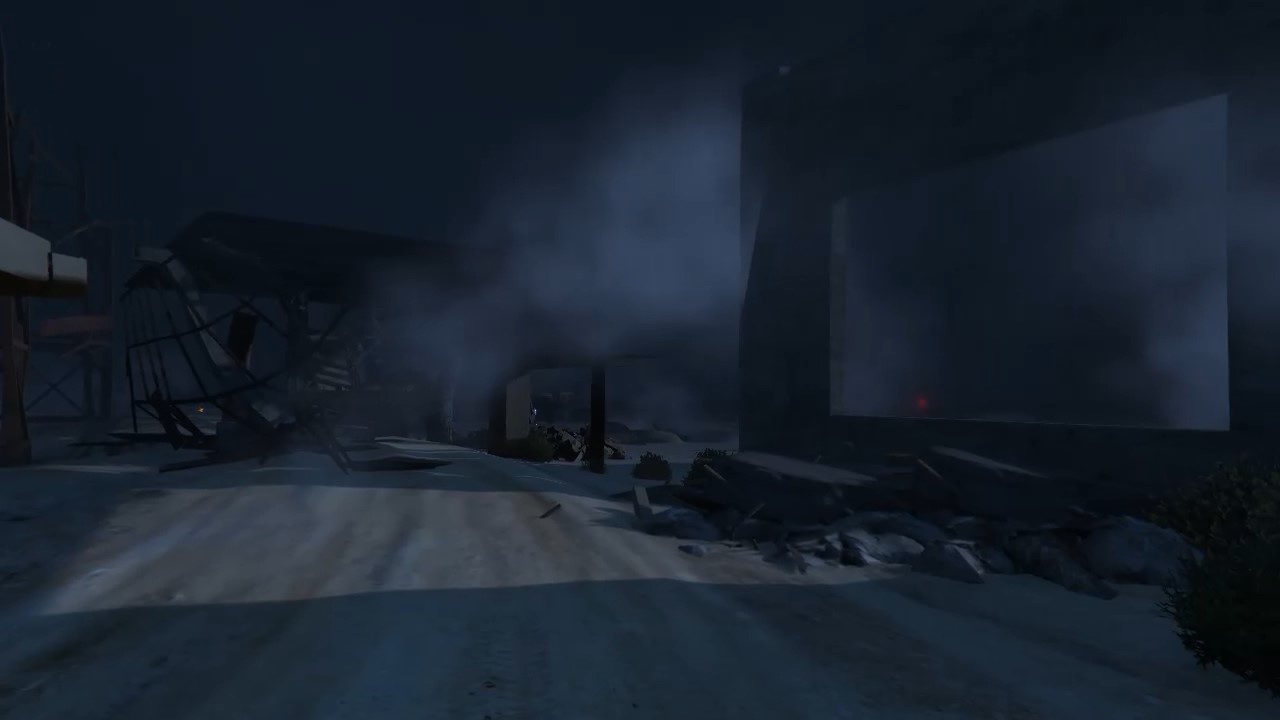
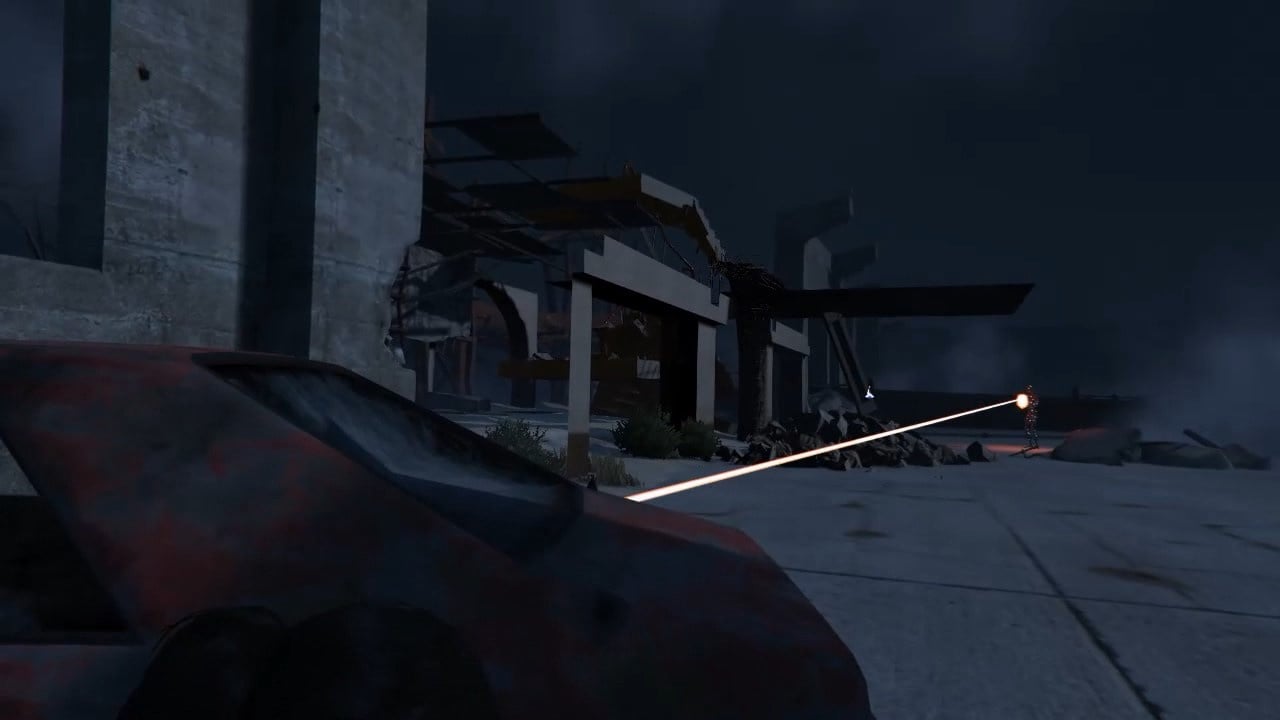
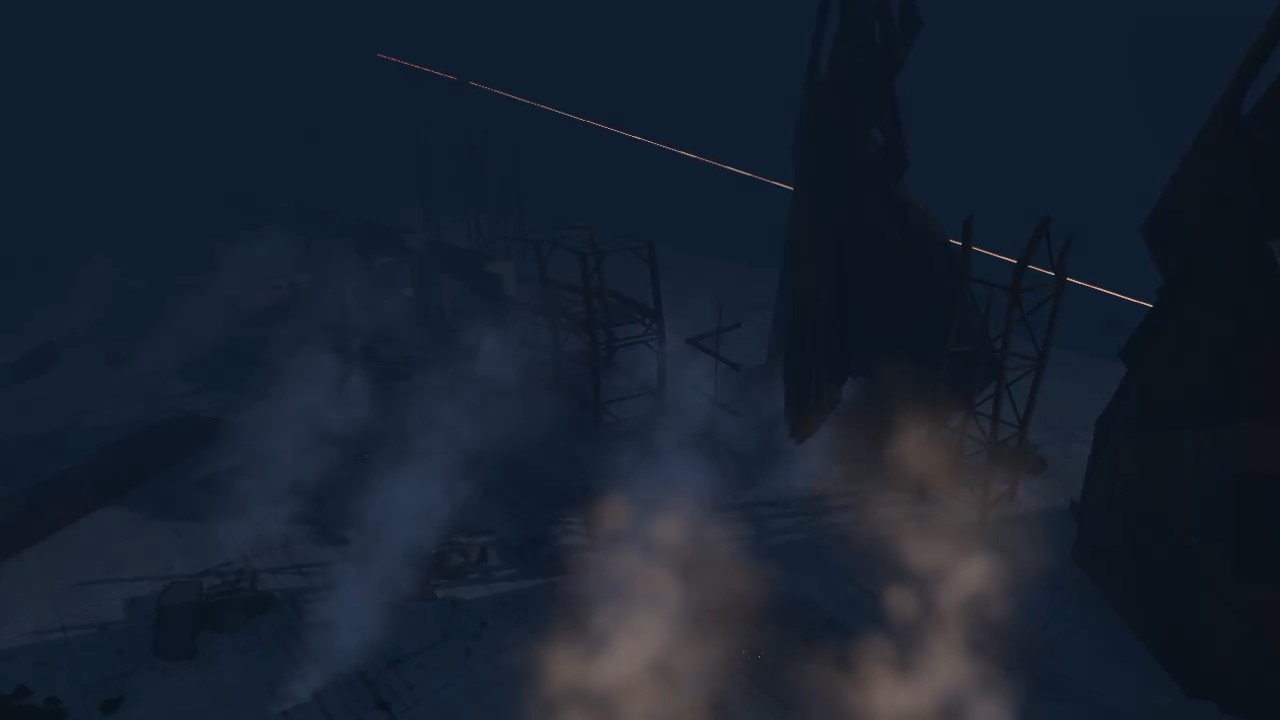
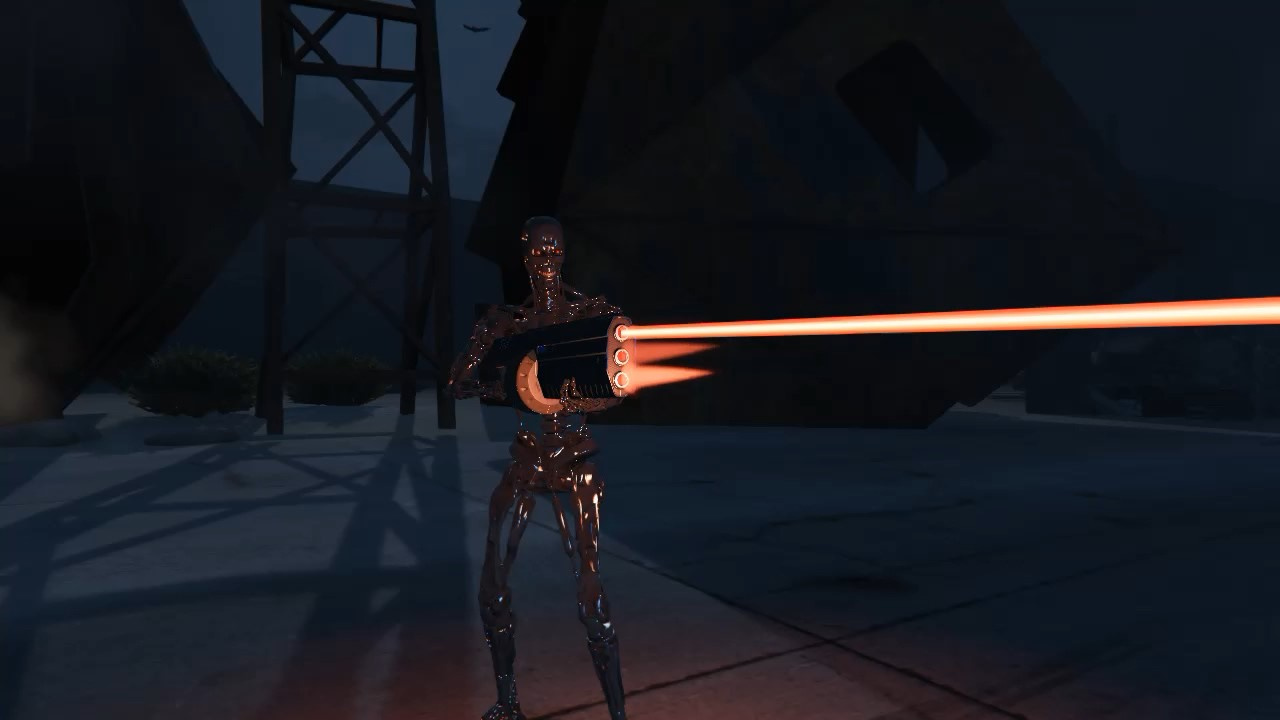
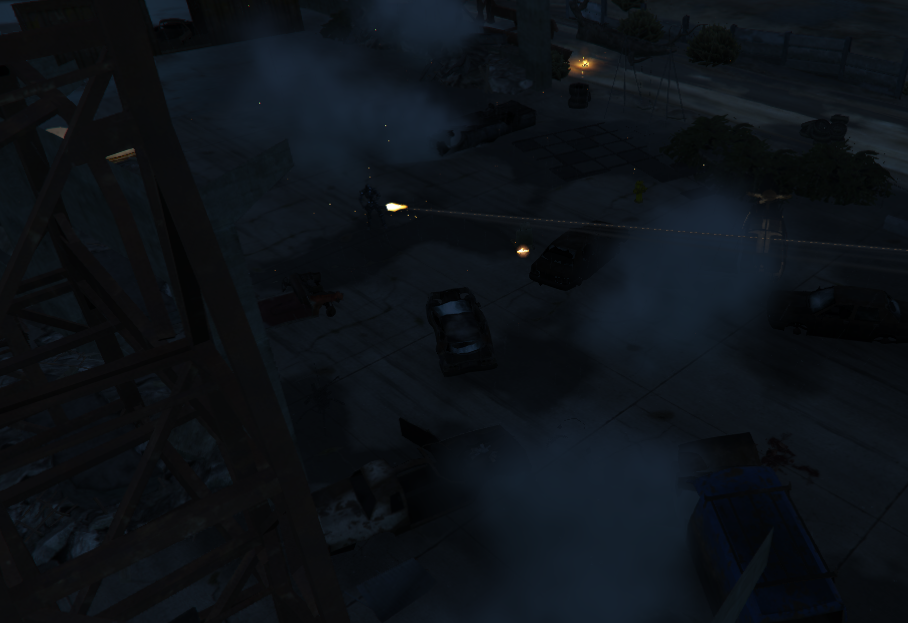
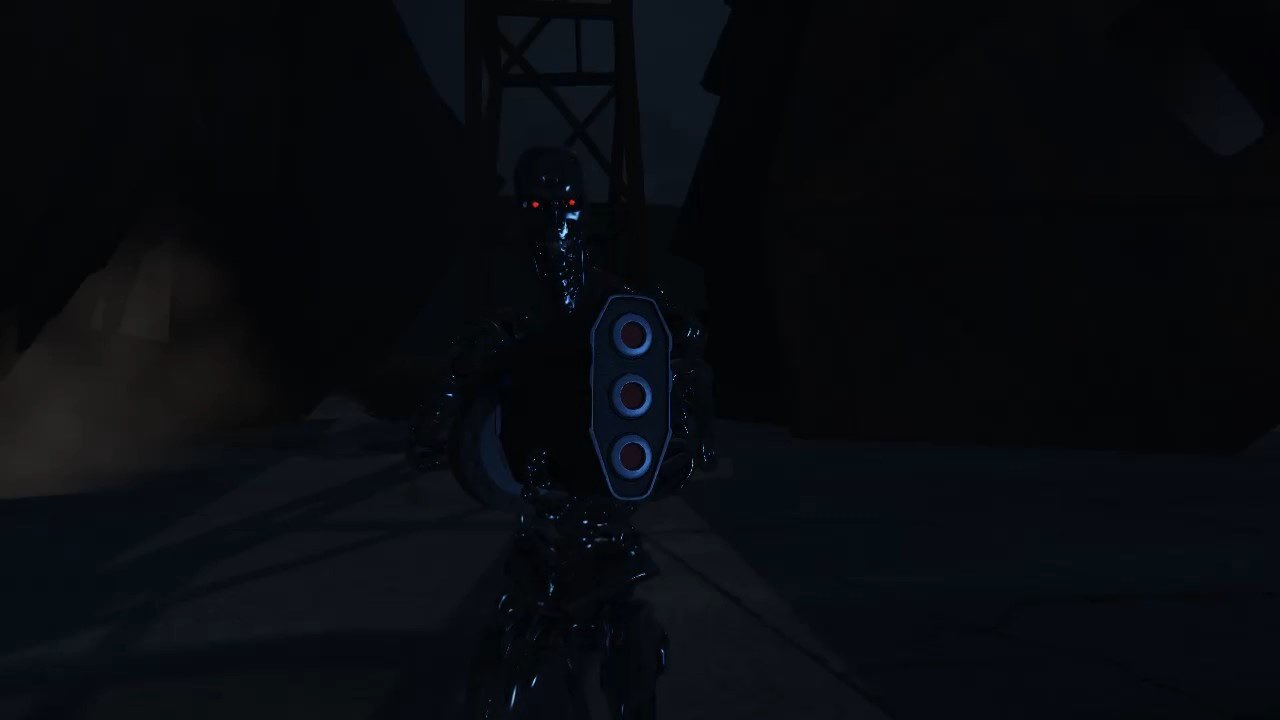
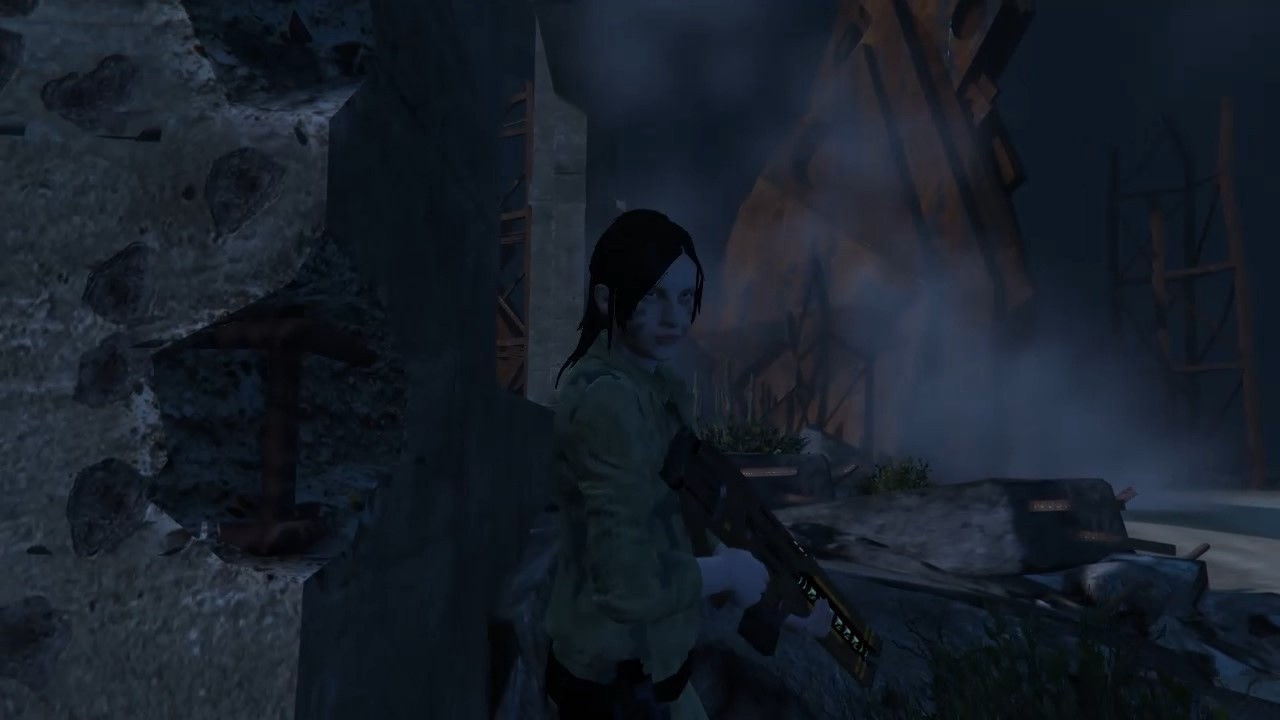
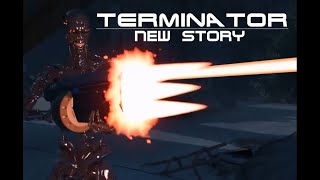
Terminator future [MapEditor] 1.2
![Base Military [MapEditor]](https://img.gta5-mods.com/q75-w500-h333-cfill/images/base-military-mapeditor/3aca25-16.jpg "Base Military [MapEditor]")

![Rio De Janeiro Favela DLC [YMAP]](https://img.gta5-mods.com/q75-w500-h333-cfill/images/rio-de-janeiro-favela-dlc-ymap/f0ccee-1.png "Rio De Janeiro Favela DLC [YMAP]")
![New Police HQ [Menyoo / YMAP]](https://img.gta5-mods.com/q75-w500-h333-cfill/images/new-police-hq-mission-row/e4f41d-Image1.jpg "New Police HQ [Menyoo / YMAP]")




890
15
890
15
Installation \ instruction
1. Install ScriptHookV
2. Download and Download Map Editor - https://pl.gta5-mods.com/scripts/map-editor
3. Download and install Visual C++ Redistributable for Visual Studio 2015 x64, x86, Visual C++ Redistributable for Visual Studio 2013 x64, x86.
4. Install ScriptHookVDotNet copy the main installation folder of the game
5. install NativeUI
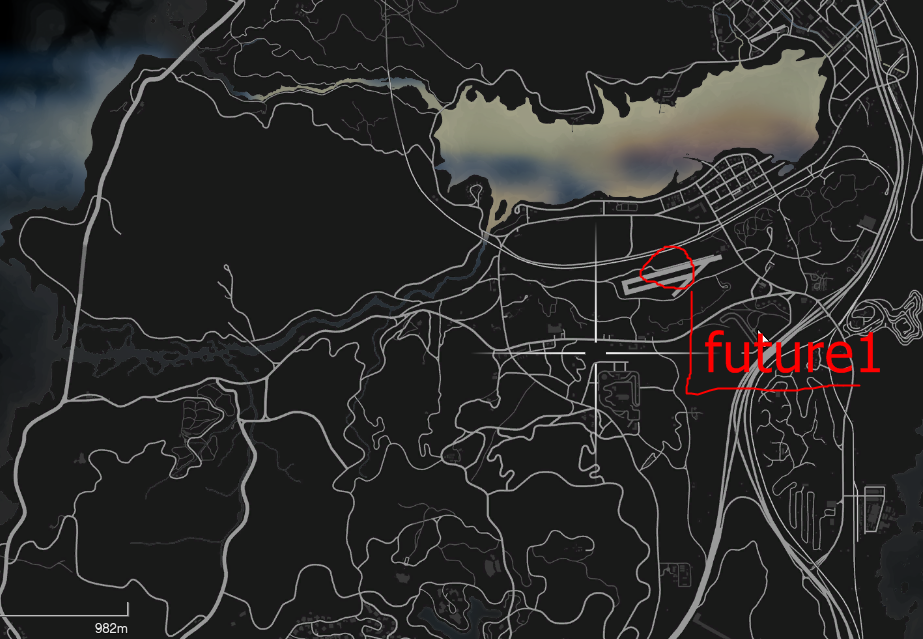
6. copy the contents of the "future1" archive to the main game directory
start the game and press f7 and map load and enter "future0"
version 1.2 more objects and fixes make an impression at night in fog
1. Install ScriptHookV
2. Download and Download Map Editor - https://pl.gta5-mods.com/scripts/map-editor
3. Download and install Visual C++ Redistributable for Visual Studio 2015 x64, x86, Visual C++ Redistributable for Visual Studio 2013 x64, x86.
4. Install ScriptHookVDotNet copy the main installation folder of the game
5. install NativeUI
6. copy the contents of the "future1" archive to the main game directory
start the game and press f7 and map load and enter "future0"
version 1.2 more objects and fixes make an impression at night in fog
Ensimmäinen lataamiskerta: 16. toukokuuta 2019
Viimeksi ladattu: 25. elokuuta 2020
Last Downloaded: 4 päivää sitten
0 kommenttia
More mods by m1983j:
Installation \ instruction
1. Install ScriptHookV
2. Download and Download Map Editor - https://pl.gta5-mods.com/scripts/map-editor
3. Download and install Visual C++ Redistributable for Visual Studio 2015 x64, x86, Visual C++ Redistributable for Visual Studio 2013 x64, x86.
4. Install ScriptHookVDotNet copy the main installation folder of the game
5. install NativeUI
6. copy the contents of the "future1" archive to the main game directory
start the game and press f7 and map load and enter "future0"
version 1.2 more objects and fixes make an impression at night in fog
1. Install ScriptHookV
2. Download and Download Map Editor - https://pl.gta5-mods.com/scripts/map-editor
3. Download and install Visual C++ Redistributable for Visual Studio 2015 x64, x86, Visual C++ Redistributable for Visual Studio 2013 x64, x86.
4. Install ScriptHookVDotNet copy the main installation folder of the game
5. install NativeUI
6. copy the contents of the "future1" archive to the main game directory
start the game and press f7 and map load and enter "future0"
version 1.2 more objects and fixes make an impression at night in fog
Ensimmäinen lataamiskerta: 16. toukokuuta 2019
Viimeksi ladattu: 25. elokuuta 2020
Last Downloaded: 4 päivää sitten
Liity keskusteluun kirjaudu sisään tai rekisteröidy käyttäjäksi, jotta voit kommentoida.
 5mods on Discord
