DLCForge 0.1.0


![PullMeOverRemade [Enhanced / Legacy]](https://img.gta5-mods.com/q75-w500-h333-cfill/images/pmo-remade/490803-PULL.png "PullMeOverRemade [Enhanced / Legacy]")
![BetterChaseRemade [Enhanced / Legacy]](https://img.gta5-mods.com/q75-w500-h333-cfill/images/betterchaseremade/5c9692-image.png "BetterChaseRemade [Enhanced / Legacy]")



81
15
81
15
DLCForge — Intelligent DLC List Generator
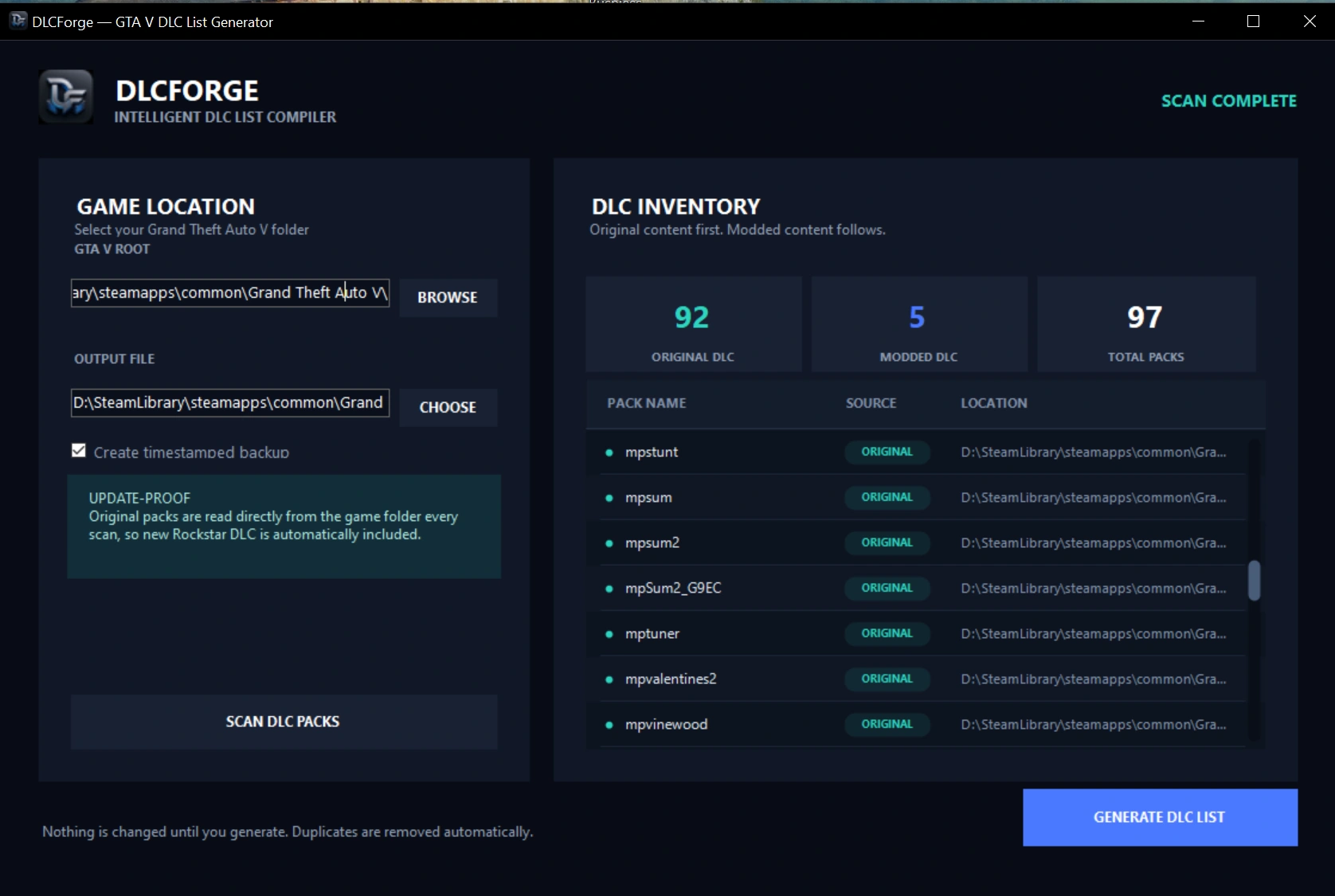
Tired of manually editing dlclist.xml every time you add a mod or Rockstar drops a new title update? DLCForge scans your GTA V installation, finds every original and modded DLC pack, and writes a clean, correctly-ordered dlclist.xml for you — automatically, in seconds.
What it does:
Why use it:
Requirements:
How to use:
Not affiliated with Rockstar Games or Take-Two Interactive. DLCForge does not include or distribute any game files — it only reads folder names already present on your system.
Feedback and bug reports are always welcome — drop a comment below. Enjoy! 🚀
Tired of manually editing dlclist.xml every time you add a mod or Rockstar drops a new title update? DLCForge scans your GTA V installation, finds every original and modded DLC pack, and writes a clean, correctly-ordered dlclist.xml for you — automatically, in seconds.
What it does:
- Auto-detects your GTA V install (Steam, Rockstar Games Launcher, or Epic Games)
- Reads original packs live from update\x64\dlcpacks, so new Rockstar DLC is picked up automatically — no updates to the tool required
- Reads your modded packs from mods\update\x64\dlcpacks and automatically removes any duplicates that collide with original pack names
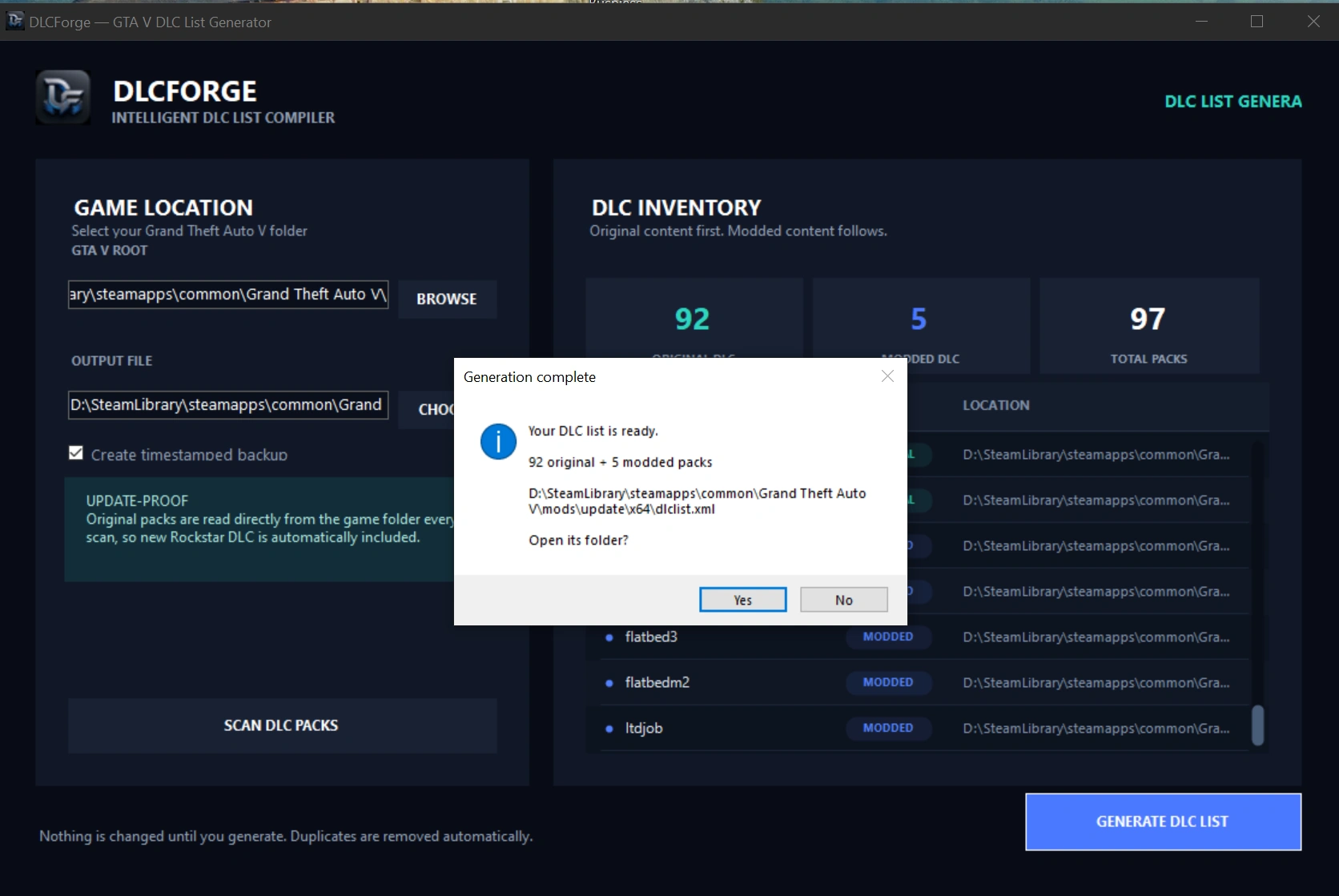
- Generates a properly formatted, correctly ordered dlclist.xml (originals first, mods after)
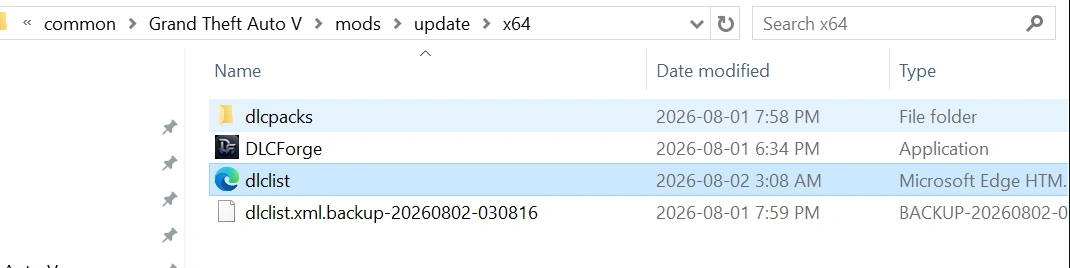
- Optional one-click timestamped backup before overwriting your existing list
Why use it:
- No more hand-editing XML or hunting for missing entries
- Update-proof — always reflects your current dlcpacks folders
- Nothing is changed until you press Generate — scanning is completely read-only
- Clean, modern interface built specifically for this workflow
Requirements:
- Windows 10/11
- A valid Grand Theft Auto V installation
How to use:
- Launch DLCForge — it will try to auto-detect your GTA V folder
- If needed, browse to your GTA V folder and confirm the output path (defaults to mods\update\x64\dlclist.xml)
- Click Scan DLC Packs to preview everything found
- Click Generate DLC List to write the file
Not affiliated with Rockstar Games or Take-Two Interactive. DLCForge does not include or distribute any game files — it only reads folder names already present on your system.
Feedback and bug reports are always welcome — drop a comment below. Enjoy! 🚀
Première mise en ligne : il y a 19 heures
Dernière mise à jour : il y a 19 heures
Téléchargé pour la dernière fois : il y a 13 minutes
9 commentaires
More mods by FlareXll:
DLCForge — Intelligent DLC List Generator
Tired of manually editing dlclist.xml every time you add a mod or Rockstar drops a new title update? DLCForge scans your GTA V installation, finds every original and modded DLC pack, and writes a clean, correctly-ordered dlclist.xml for you — automatically, in seconds.
What it does:
Why use it:
Requirements:
How to use:
Not affiliated with Rockstar Games or Take-Two Interactive. DLCForge does not include or distribute any game files — it only reads folder names already present on your system.
Feedback and bug reports are always welcome — drop a comment below. Enjoy! 🚀
Tired of manually editing dlclist.xml every time you add a mod or Rockstar drops a new title update? DLCForge scans your GTA V installation, finds every original and modded DLC pack, and writes a clean, correctly-ordered dlclist.xml for you — automatically, in seconds.
What it does:
- Auto-detects your GTA V install (Steam, Rockstar Games Launcher, or Epic Games)
- Reads original packs live from update\x64\dlcpacks, so new Rockstar DLC is picked up automatically — no updates to the tool required
- Reads your modded packs from mods\update\x64\dlcpacks and automatically removes any duplicates that collide with original pack names
- Generates a properly formatted, correctly ordered dlclist.xml (originals first, mods after)
- Optional one-click timestamped backup before overwriting your existing list
Why use it:
- No more hand-editing XML or hunting for missing entries
- Update-proof — always reflects your current dlcpacks folders
- Nothing is changed until you press Generate — scanning is completely read-only
- Clean, modern interface built specifically for this workflow
Requirements:
- Windows 10/11
- A valid Grand Theft Auto V installation
How to use:
- Launch DLCForge — it will try to auto-detect your GTA V folder
- If needed, browse to your GTA V folder and confirm the output path (defaults to mods\update\x64\dlclist.xml)
- Click Scan DLC Packs to preview everything found
- Click Generate DLC List to write the file
Not affiliated with Rockstar Games or Take-Two Interactive. DLCForge does not include or distribute any game files — it only reads folder names already present on your system.
Feedback and bug reports are always welcome — drop a comment below. Enjoy! 🚀
Première mise en ligne : il y a 19 heures
Dernière mise à jour : il y a 19 heures
Téléchargé pour la dernière fois : il y a 13 minutes
 5mods on Discord

This file has been approved automatically. If you think this file should not be here for any reason please report it.
Cool mod. Ty bro
@NullVoid No Problem thanks for the comment just make it easy for others who dont want to hand edit there dlclist
Simple and effective. Well done!
@7777N Appreciate you bro
do i still need the dlc list in mods\update\update.rpf\common\data
@BlackCatGaming19 yes you just need to drag and drop replace it with the generated one this make it easy rather than editing one by one when u have alot of modded dlclist names
@FlareXll oh ok i understand now
Ahh yes, another attempt at perfecting the auto DLC list compiler.
I do hope a major breakthrough & greater ease of use is made with this one, will give it a go with fingers crossed!