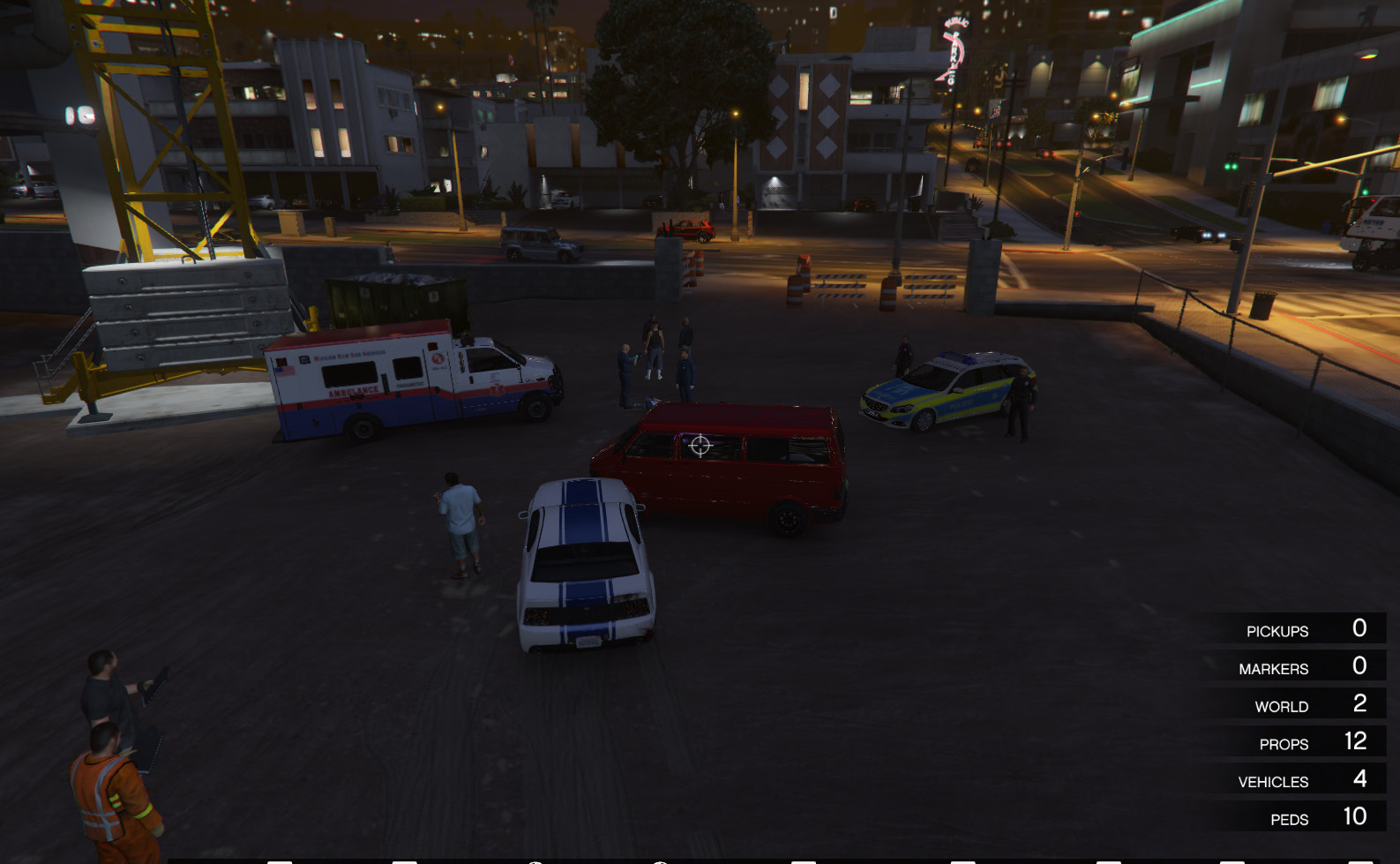
Small Accident 0.1



![Nuketown from COD Black Ops [Addon-Legacy-WIP]](https://img.gta5-mods.com/q75-w500-h333-cfill/images/nuketown-from-cod-black-ops-addon-legacy-wip/03b073-nuki.jpg "Nuketown from COD Black Ops [Addon-Legacy-WIP]")
![GTA VI Logo (Emissive) (Animated) [Add-on]](https://img.gta5-mods.com/q75-w500-h333-cfill/images/gta-vi-logo-emissive-animated-add-on/40a8f0-0.jpg "GTA VI Logo (Emissive) (Animated) [Add-on]")



296
5
296
5
First, you must download and install MapEditor by GuadMaz here: https://www.gta5-mods.com/scripts/map-editor.
Use the instructions there to do so.
There are two methods of installing this. Either you drag the file named "scripts" to you GTA directory and it'll load the map every time you play,
automatically, or you do it manually. To do it manually, drag the file "Small Accident"
from the "Manual Install" folder to your GTA Directory. Start up your game, and using MapEditor, select "Load Mod" and type in "Small Accident
" without the quotes. The map will load. You'll have to do this every time you play.
Use the instructions there to do so.
There are two methods of installing this. Either you drag the file named "scripts" to you GTA directory and it'll load the map every time you play,
automatically, or you do it manually. To do it manually, drag the file "Small Accident"
from the "Manual Install" folder to your GTA Directory. Start up your game, and using MapEditor, select "Load Mod" and type in "Small Accident
" without the quotes. The map will load. You'll have to do this every time you play.
Incarcat: 04 martie 2017
Last Downloaded: in urma cu 4 zile
0 Comentarii
More mods by sprintelekk:
First, you must download and install MapEditor by GuadMaz here: https://www.gta5-mods.com/scripts/map-editor.
Use the instructions there to do so.
There are two methods of installing this. Either you drag the file named "scripts" to you GTA directory and it'll load the map every time you play,
automatically, or you do it manually. To do it manually, drag the file "Small Accident"
from the "Manual Install" folder to your GTA Directory. Start up your game, and using MapEditor, select "Load Mod" and type in "Small Accident
" without the quotes. The map will load. You'll have to do this every time you play.
Use the instructions there to do so.
There are two methods of installing this. Either you drag the file named "scripts" to you GTA directory and it'll load the map every time you play,
automatically, or you do it manually. To do it manually, drag the file "Small Accident"
from the "Manual Install" folder to your GTA Directory. Start up your game, and using MapEditor, select "Load Mod" and type in "Small Accident
" without the quotes. The map will load. You'll have to do this every time you play.
Incarcat: 04 martie 2017
Last Downloaded: in urma cu 4 zile
Alatura-te conversatiei! Logheaza-te sau Inregistreaza-te pentru crearea unui cont ca sa poti scrie comentarii.
 5mods on Discord
