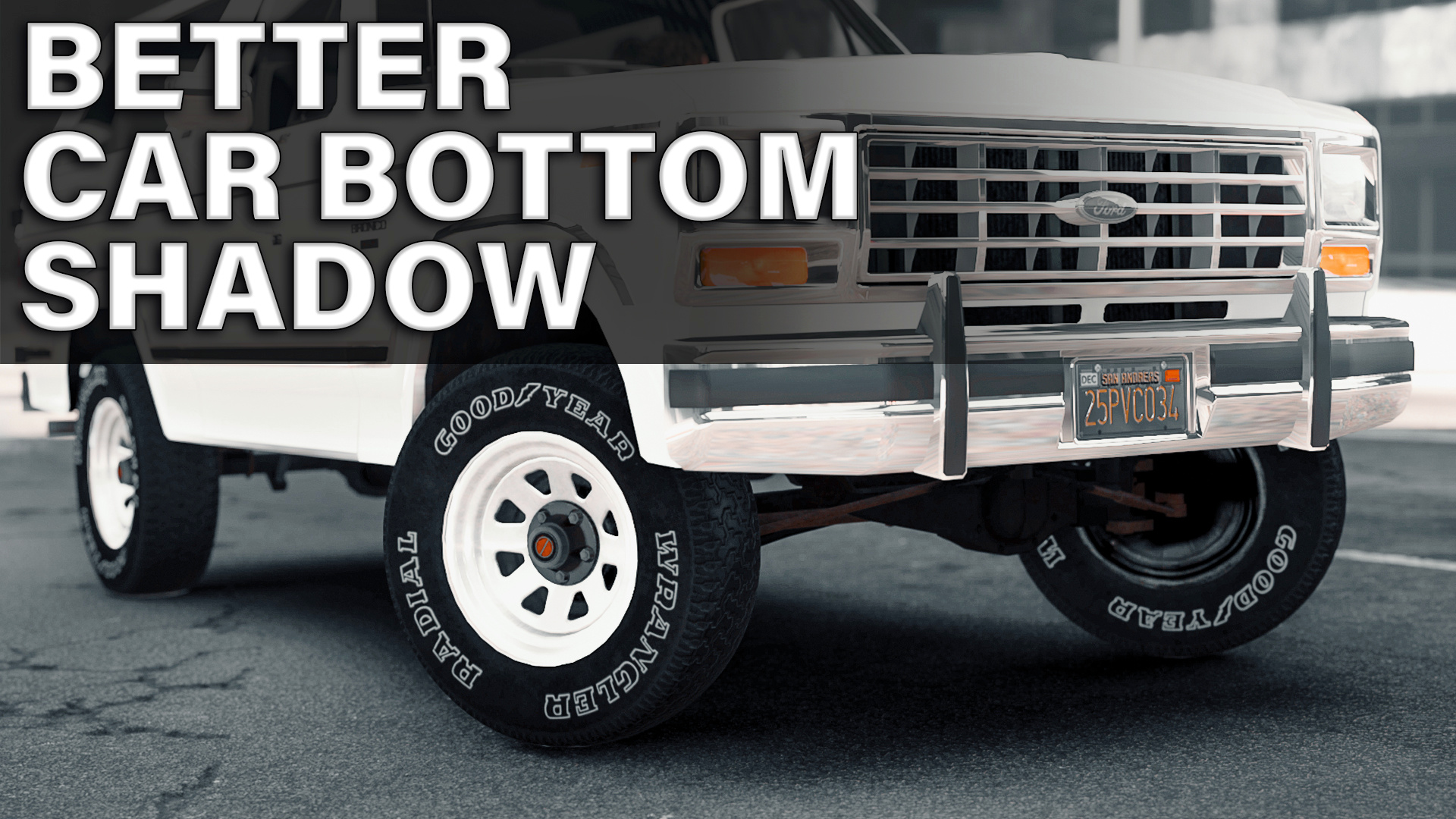
Better Car Bottom Shadow 1.0

![GTA VI Combat Camera [Enhanced]](https://img.gta5-mods.com/q75-w500-h333-cfill/images/gta-vi-combat-camera-enhanced/bd8696-Untitled-2.jpg "GTA VI Combat Camera [Enhanced]")


1.380
36
1.380
36
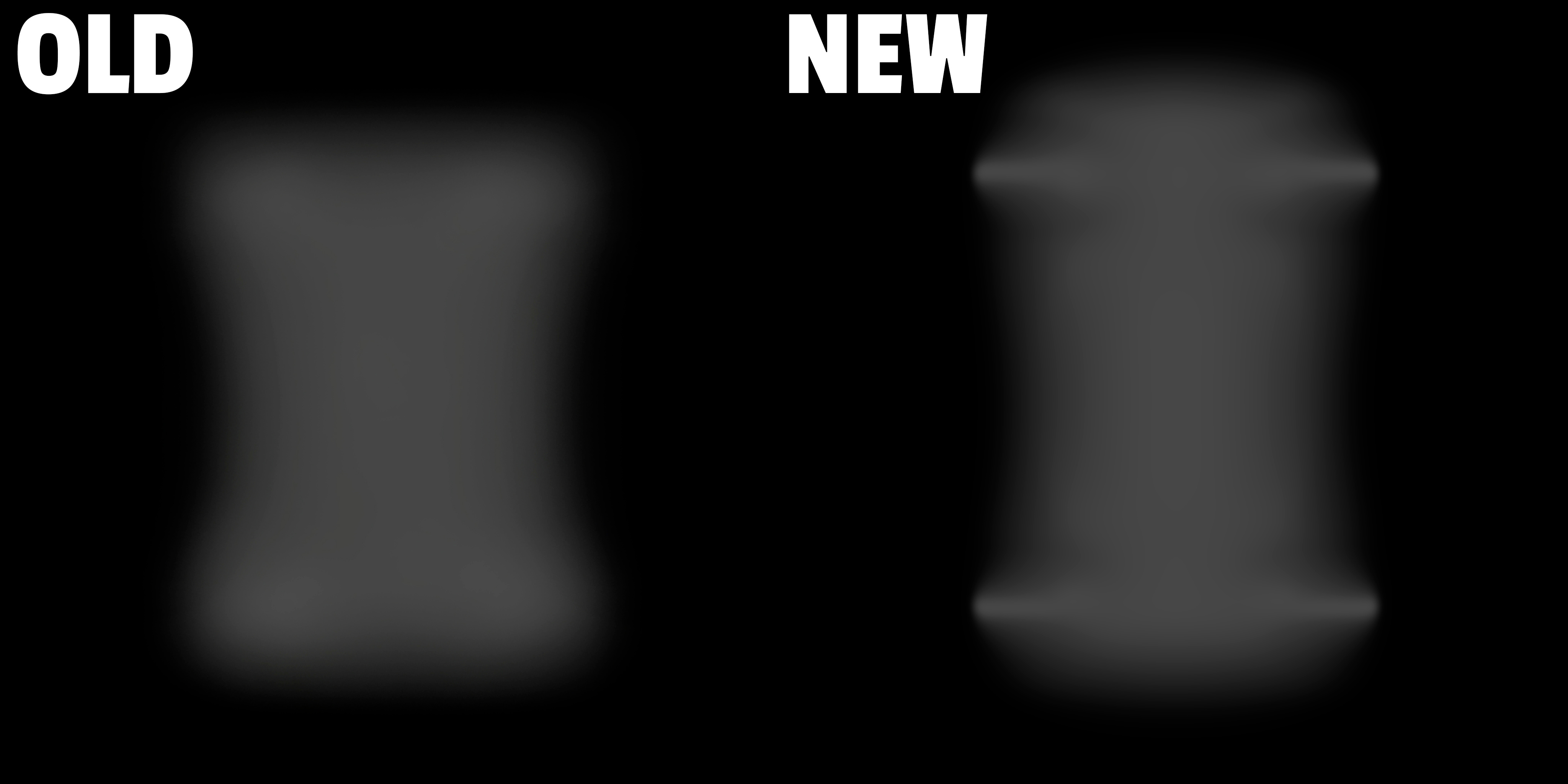
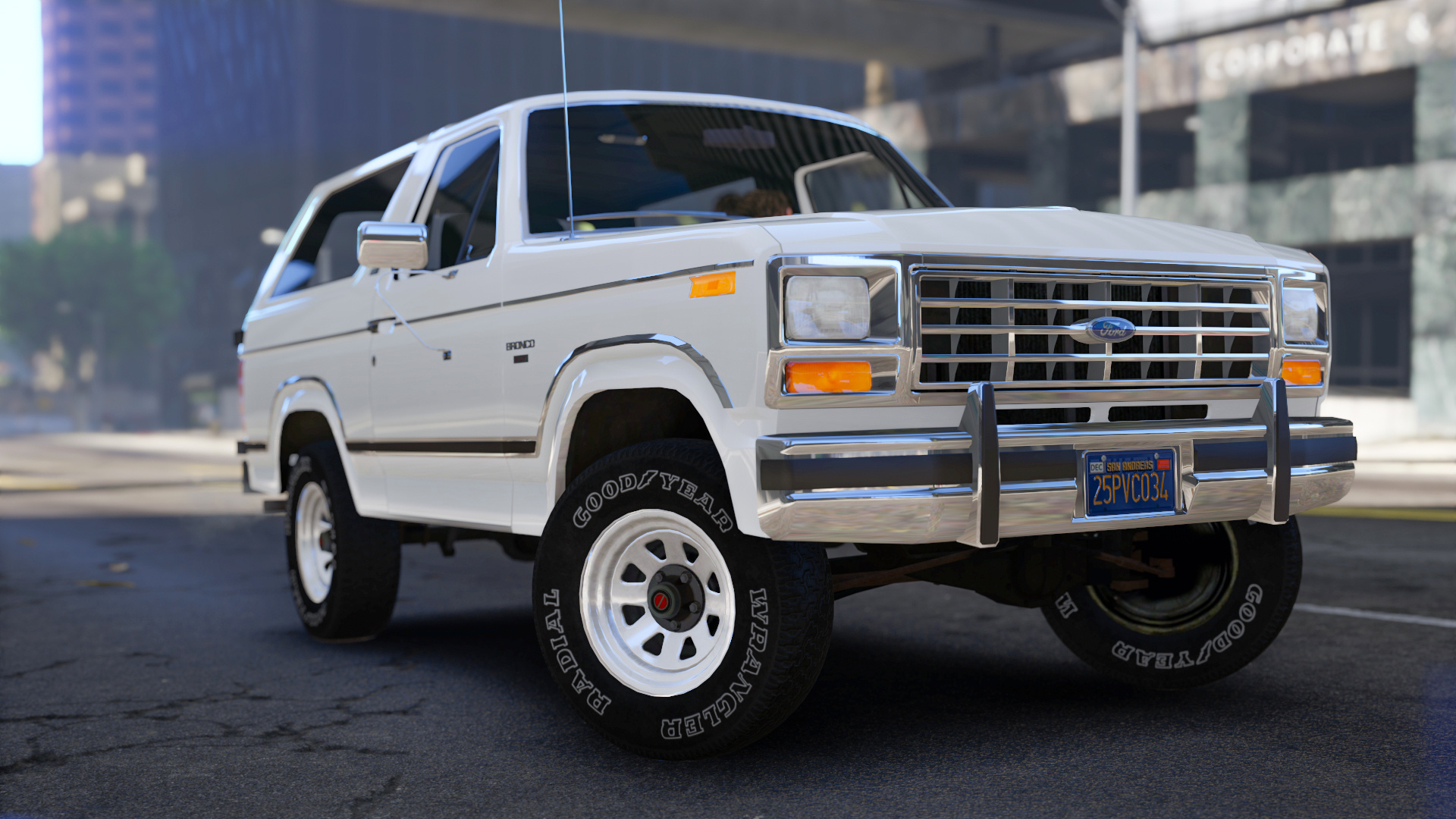
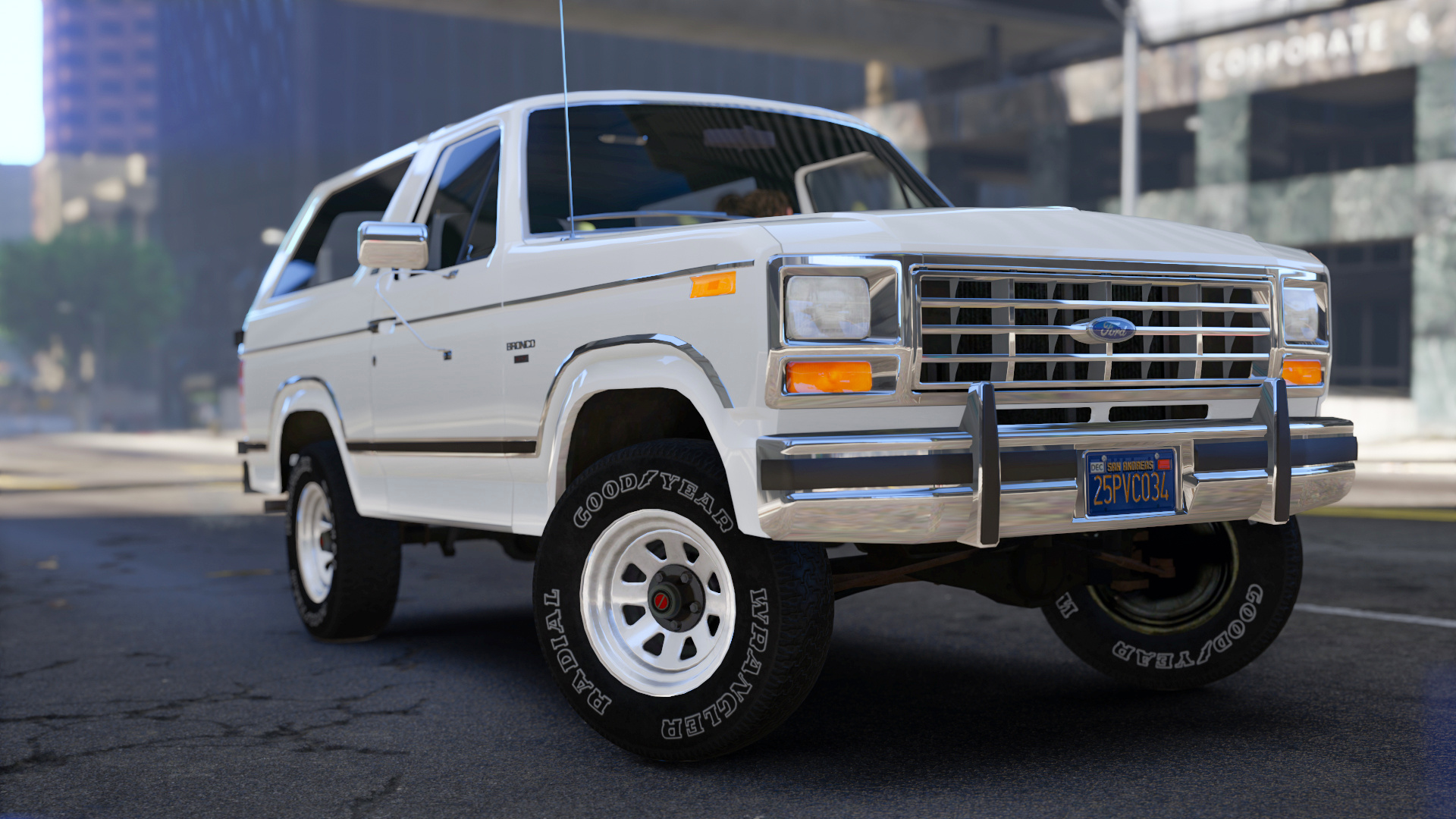
Better Car Bottom Shadow
made by mrch
Installation (mods folder):
1. Start OpenIV.
2. Go to: "GTAV/mods/update/update.rpf/x64/textures".
3. Switch to Edit Mode.
4. Open "graphics.ytd".
5. Select "Import" in top left corner and navigate "carbottom.bmp" file from the archive or just drag and drop it.
6. Accept with automatic MipMaps and Compression.
7. Press "Save" in right bottom corner.
8. Close OpenIV. Done!
made by mrch
Installation (mods folder):
1. Start OpenIV.
2. Go to: "GTAV/mods/update/update.rpf/x64/textures".
3. Switch to Edit Mode.
4. Open "graphics.ytd".
5. Select "Import" in top left corner and navigate "carbottom.bmp" file from the archive or just drag and drop it.
6. Accept with automatic MipMaps and Compression.
7. Press "Save" in right bottom corner.
8. Close OpenIV. Done!
Primo Caricamento: 18 maggio 2022
Ultimo Aggiornamento: 18 maggio 2022
Last Downloaded: 2 giorni fa
4 Commenti
Better Car Bottom Shadow
made by mrch
Installation (mods folder):
1. Start OpenIV.
2. Go to: "GTAV/mods/update/update.rpf/x64/textures".
3. Switch to Edit Mode.
4. Open "graphics.ytd".
5. Select "Import" in top left corner and navigate "carbottom.bmp" file from the archive or just drag and drop it.
6. Accept with automatic MipMaps and Compression.
7. Press "Save" in right bottom corner.
8. Close OpenIV. Done!
made by mrch
Installation (mods folder):
1. Start OpenIV.
2. Go to: "GTAV/mods/update/update.rpf/x64/textures".
3. Switch to Edit Mode.
4. Open "graphics.ytd".
5. Select "Import" in top left corner and navigate "carbottom.bmp" file from the archive or just drag and drop it.
6. Accept with automatic MipMaps and Compression.
7. Press "Save" in right bottom corner.
8. Close OpenIV. Done!
Primo Caricamento: 18 maggio 2022
Ultimo Aggiornamento: 18 maggio 2022
Last Downloaded: 2 giorni fa
 5mods on Discord

We need more stuff like this !
looking good
Is there any performance drops for using this?
@Trancenath91 no. Its only texture