Better Car Bottom Shadow 1.0



![Updated DLC Vehicle Spawn Colors [OIV]](https://img.gta5-mods.com/q75-w500-h333-cfill/images/updated-dlc-vehicle-all-in-one-package-oiv/eecc63-cover1-10.png "Updated DLC Vehicle Spawn Colors [OIV]")


1,383
36
1,383
36
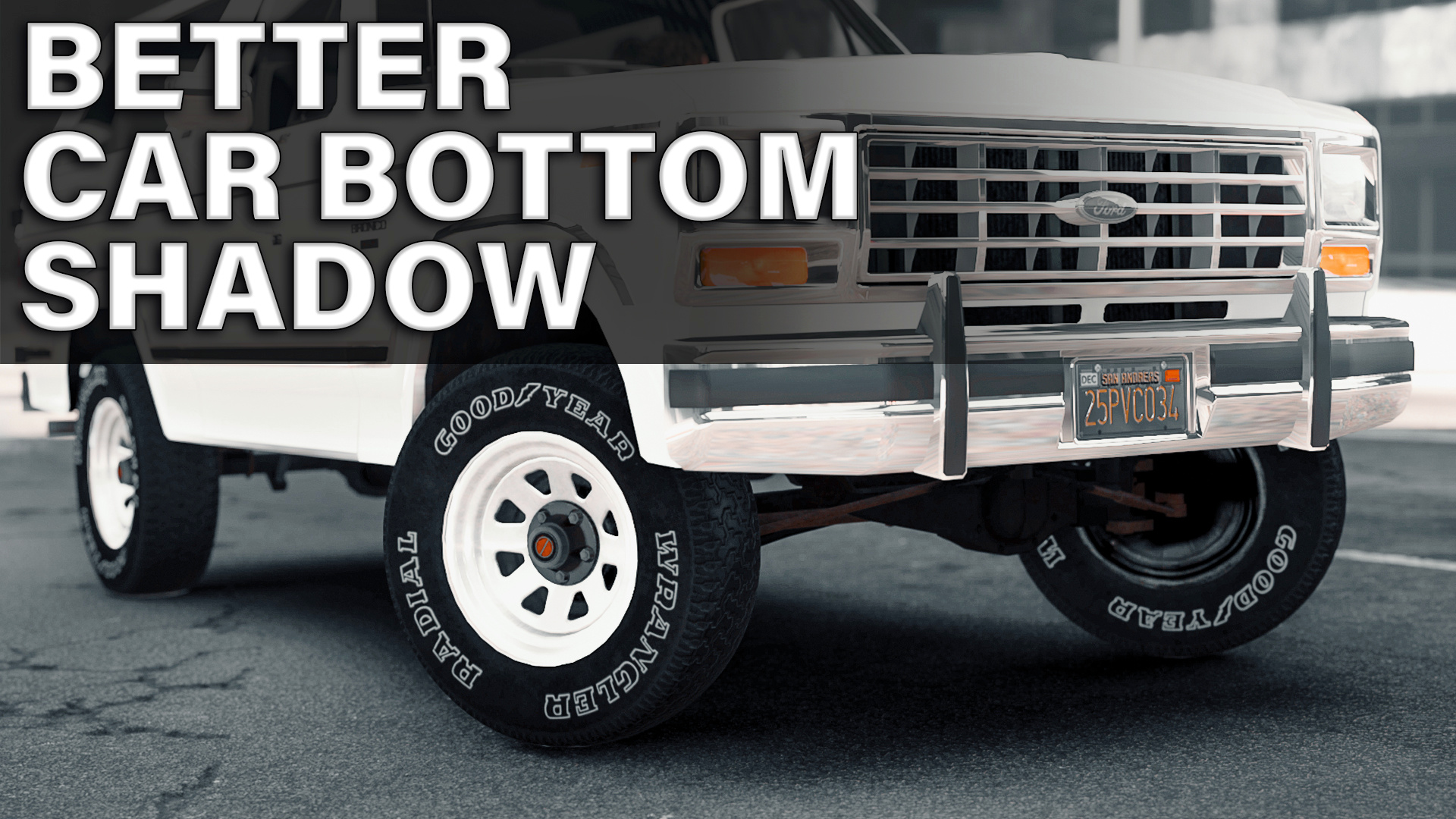
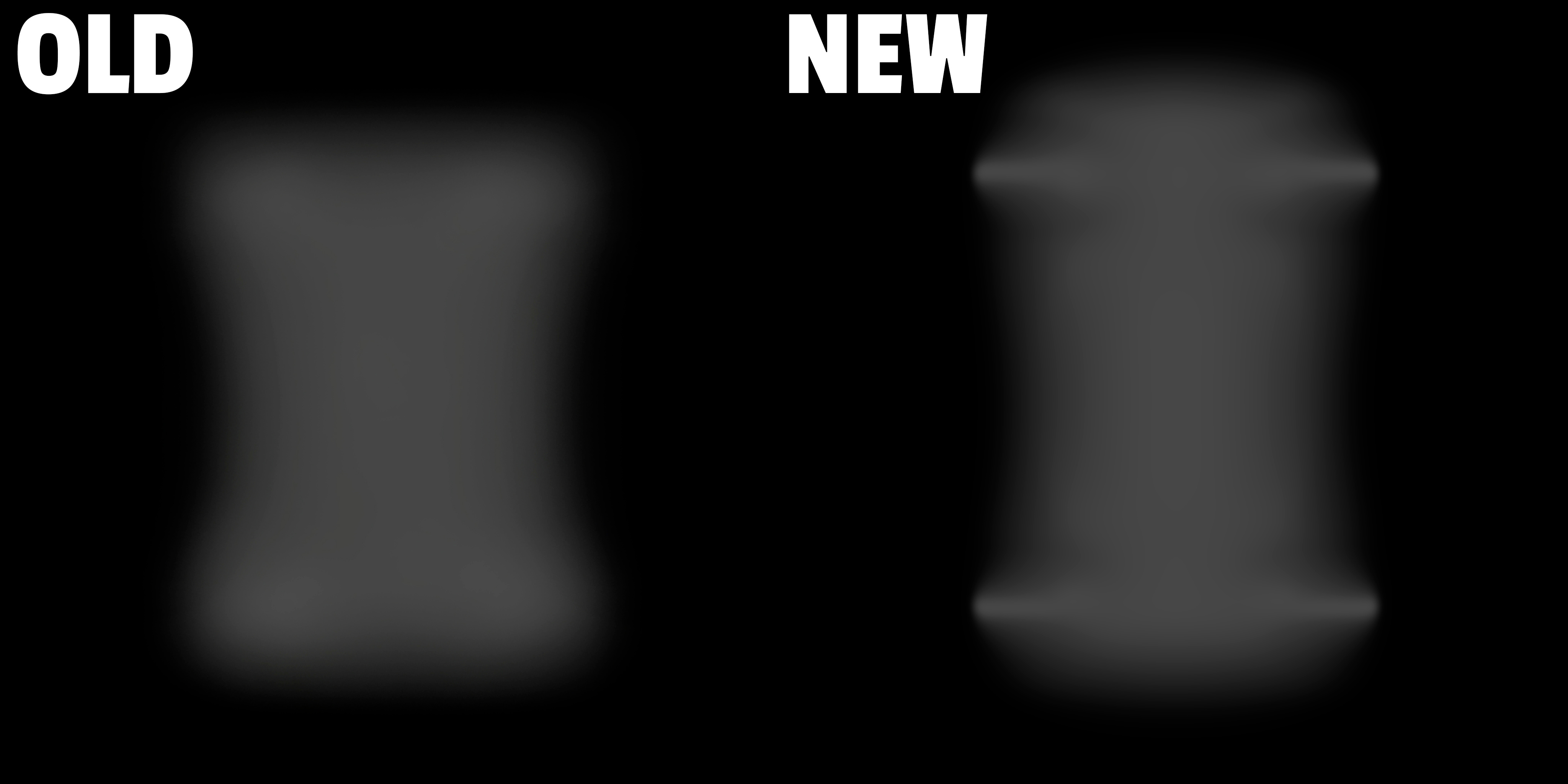
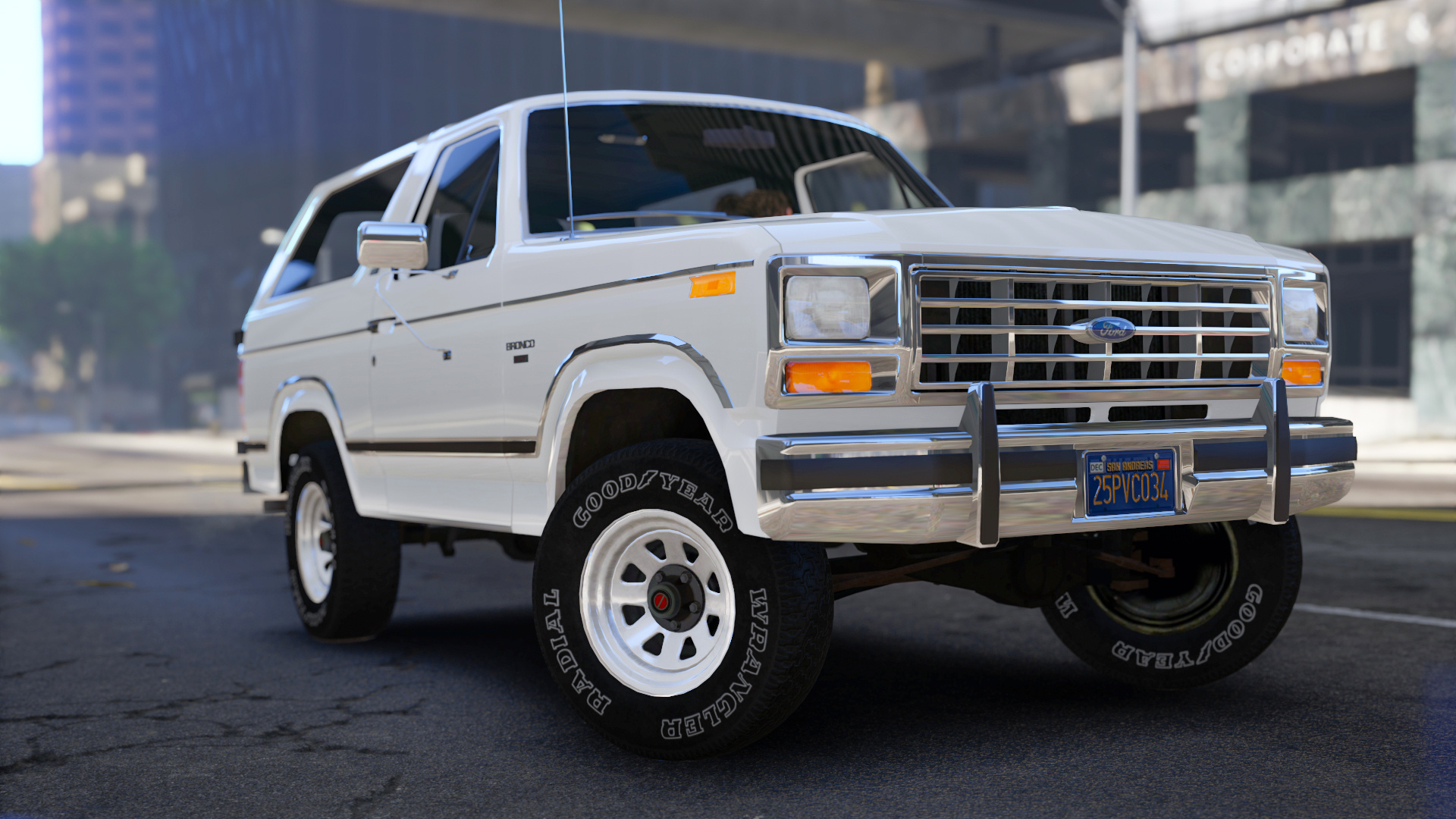
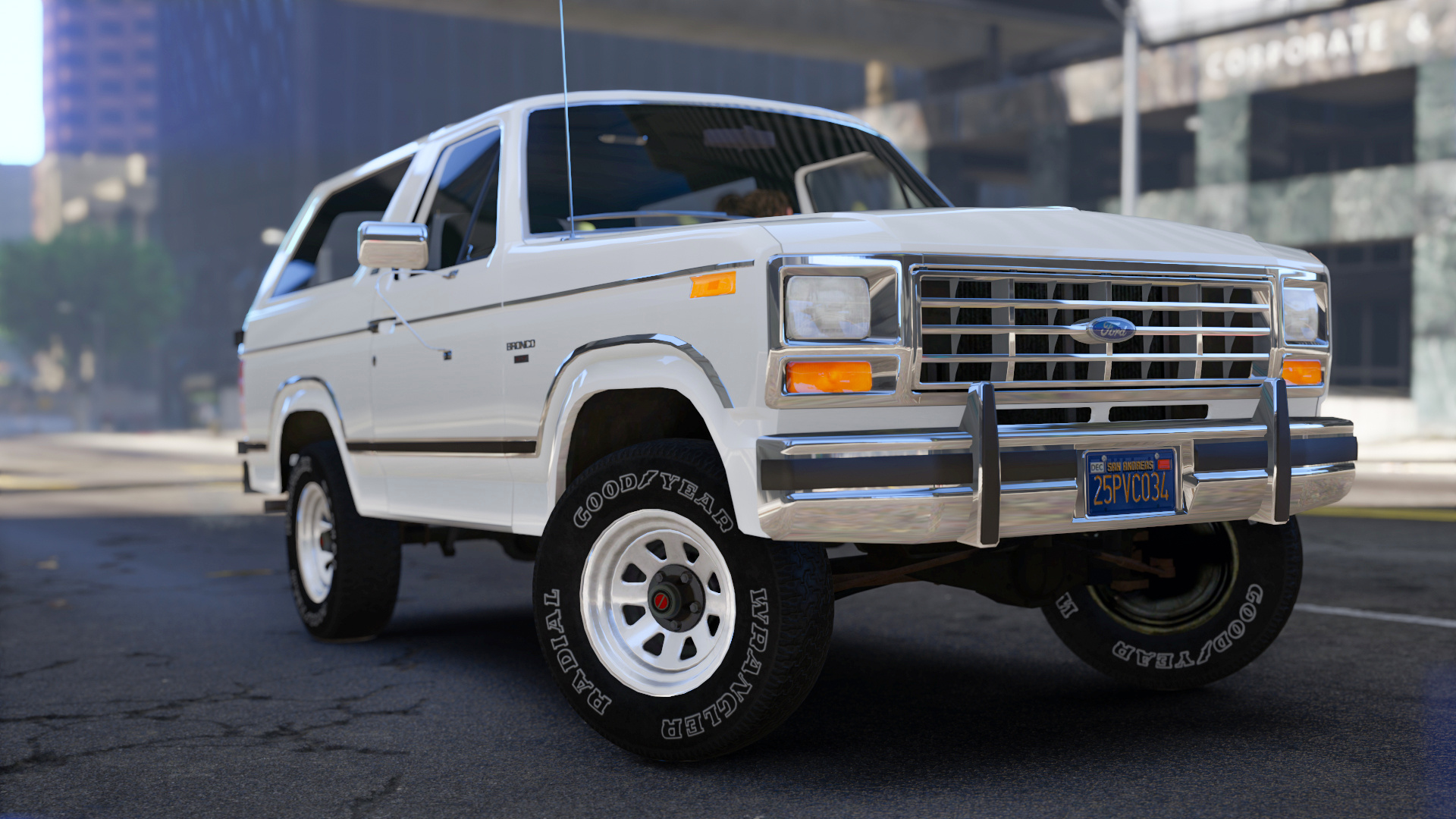
Better Car Bottom Shadow
made by mrch
Installation (mods folder):
1. Start OpenIV.
2. Go to: "GTAV/mods/update/update.rpf/x64/textures".
3. Switch to Edit Mode.
4. Open "graphics.ytd".
5. Select "Import" in top left corner and navigate "carbottom.bmp" file from the archive or just drag and drop it.
6. Accept with automatic MipMaps and Compression.
7. Press "Save" in right bottom corner.
8. Close OpenIV. Done!
made by mrch
Installation (mods folder):
1. Start OpenIV.
2. Go to: "GTAV/mods/update/update.rpf/x64/textures".
3. Switch to Edit Mode.
4. Open "graphics.ytd".
5. Select "Import" in top left corner and navigate "carbottom.bmp" file from the archive or just drag and drop it.
6. Accept with automatic MipMaps and Compression.
7. Press "Save" in right bottom corner.
8. Close OpenIV. Done!
First Uploaded: May 18, 2022
Last Updated: May 18, 2022
Last Downloaded: 2 days ago
4 Comments
Better Car Bottom Shadow
made by mrch
Installation (mods folder):
1. Start OpenIV.
2. Go to: "GTAV/mods/update/update.rpf/x64/textures".
3. Switch to Edit Mode.
4. Open "graphics.ytd".
5. Select "Import" in top left corner and navigate "carbottom.bmp" file from the archive or just drag and drop it.
6. Accept with automatic MipMaps and Compression.
7. Press "Save" in right bottom corner.
8. Close OpenIV. Done!
made by mrch
Installation (mods folder):
1. Start OpenIV.
2. Go to: "GTAV/mods/update/update.rpf/x64/textures".
3. Switch to Edit Mode.
4. Open "graphics.ytd".
5. Select "Import" in top left corner and navigate "carbottom.bmp" file from the archive or just drag and drop it.
6. Accept with automatic MipMaps and Compression.
7. Press "Save" in right bottom corner.
8. Close OpenIV. Done!
First Uploaded: May 18, 2022
Last Updated: May 18, 2022
Last Downloaded: 2 days ago
 5mods on Discord

We need more stuff like this !
looking good
Is there any performance drops for using this?
@Trancenath91 no. Its only texture