Global EV [YMAP / FiveM] 1.0

![Dollar Pills FOB [YMAP / FiveM]](https://img.gta5-mods.com/q75-w500-h333-cfill/images/dollar-pills-fob-ymap-fivem/4bd293-dollarpills_fob5.png "Dollar Pills FOB [YMAP / FiveM]")
![Frickies Yacht [YMAP / FiveM]](https://img.gta5-mods.com/q75-w500-h333-cfill/images/frickies-yacht-ymap-fivem/792bf6-ld_frickies_yacht3.png "Frickies Yacht [YMAP / FiveM]")
![Offshore Wind Turbine Farm [Add-On SP / Enhanced / FiveM]](https://img.gta5-mods.com/q75-w500-h333-cfill/images/offshore-wind-turbine-farm-add-on-sp-enhanced-fivem/18c6c4-ld_offshore_windmil_1.jpg "Offshore Wind Turbine Farm [Add-On SP / Enhanced / FiveM]")
![Coke Tugboat [Add-On SP / FiveM]](https://img.gta5-mods.com/q75-w500-h333-cfill/images/coke-tugboat-add-on-sp-fivem/96008a-ld_coketug_1.jpg "Coke Tugboat [Add-On SP / FiveM]")
![USS Forrestal [Add-On SP / FiveM]](https://img.gta5-mods.com/q75-w500-h333-cfill/images/uss-forrestal-add-on-sp-fivem/a8e11d-ld_uss_forrestal2.jpg "USS Forrestal [Add-On SP / FiveM]")


1,752
17
1,752
17
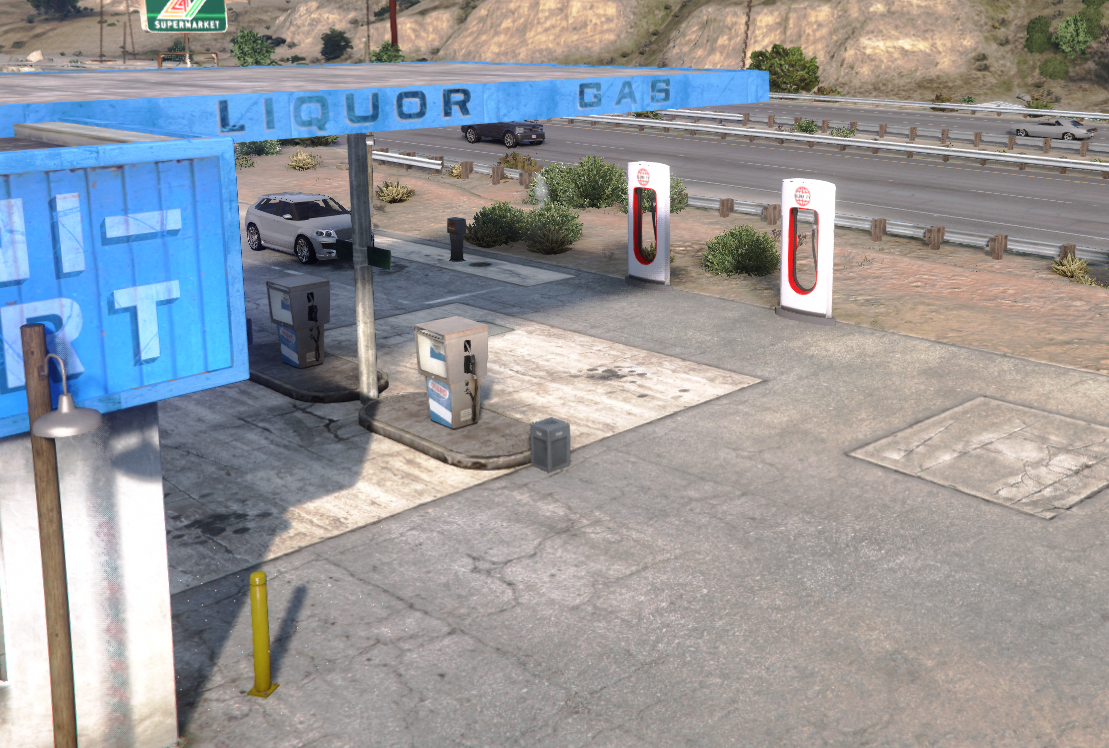
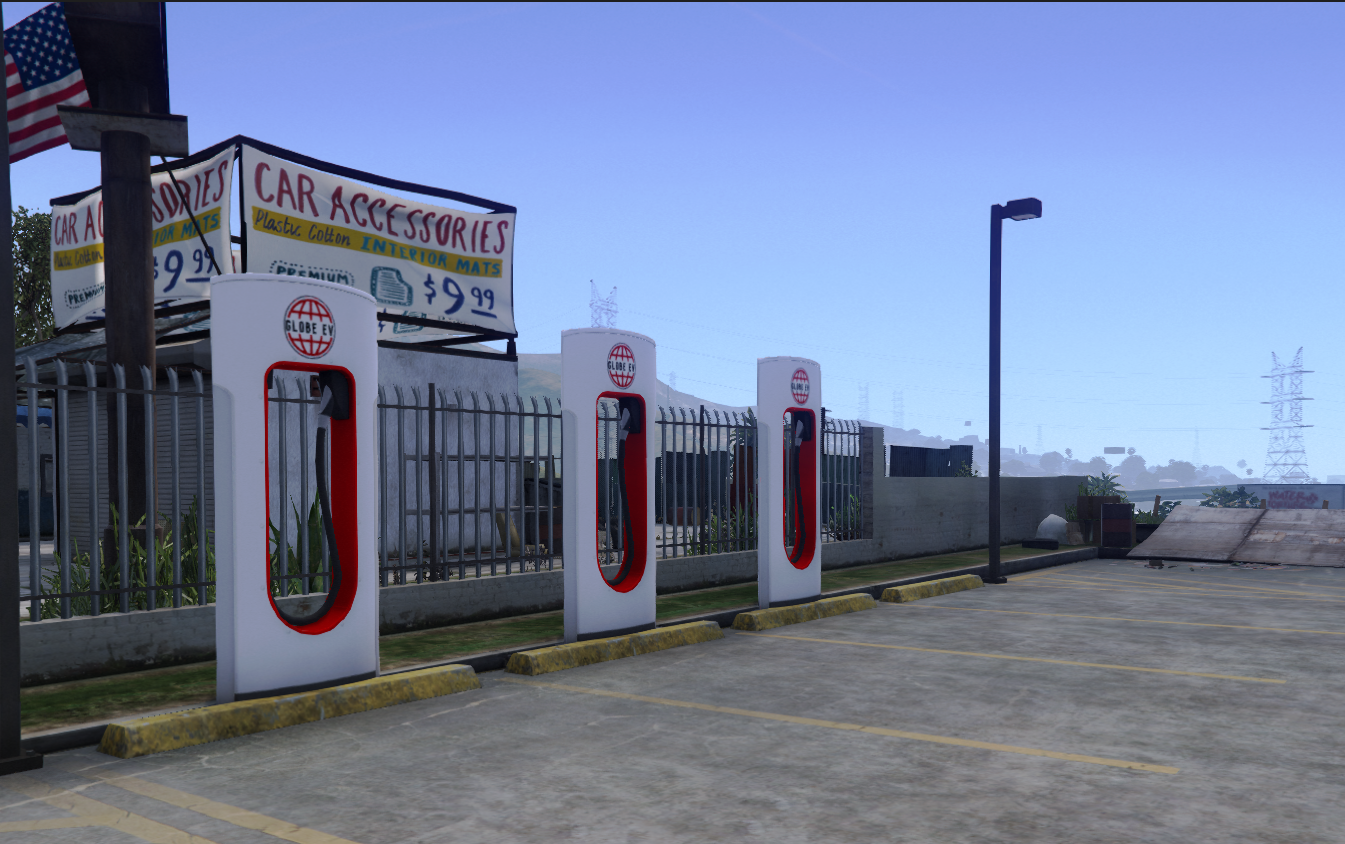
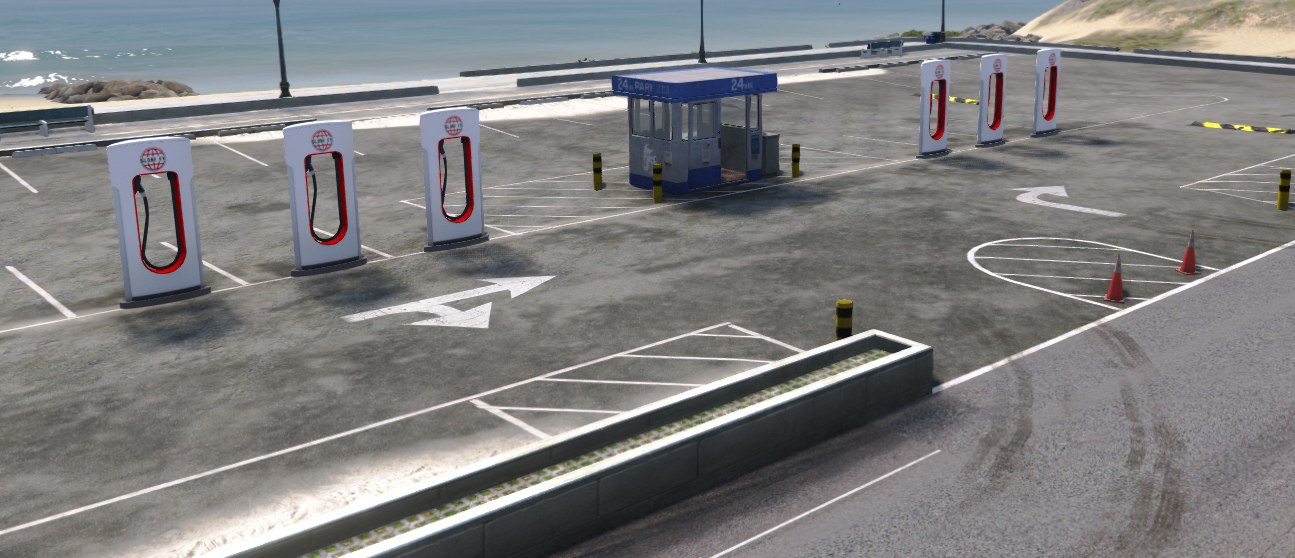
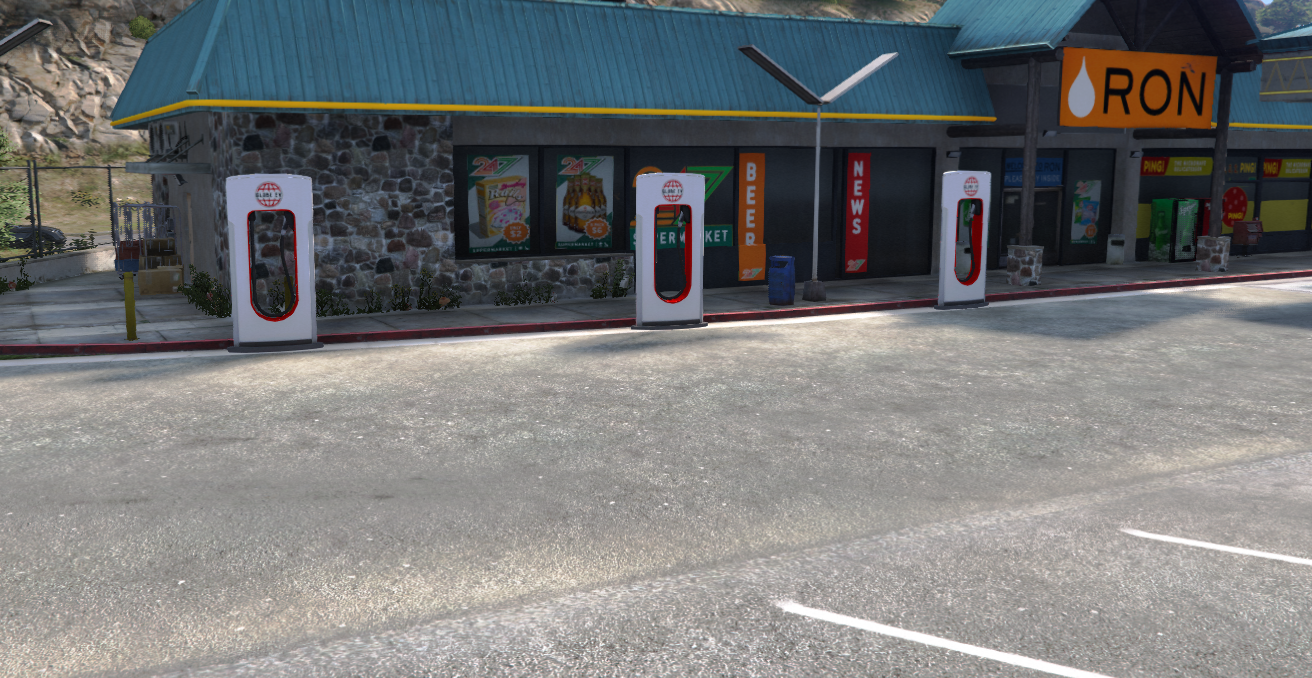
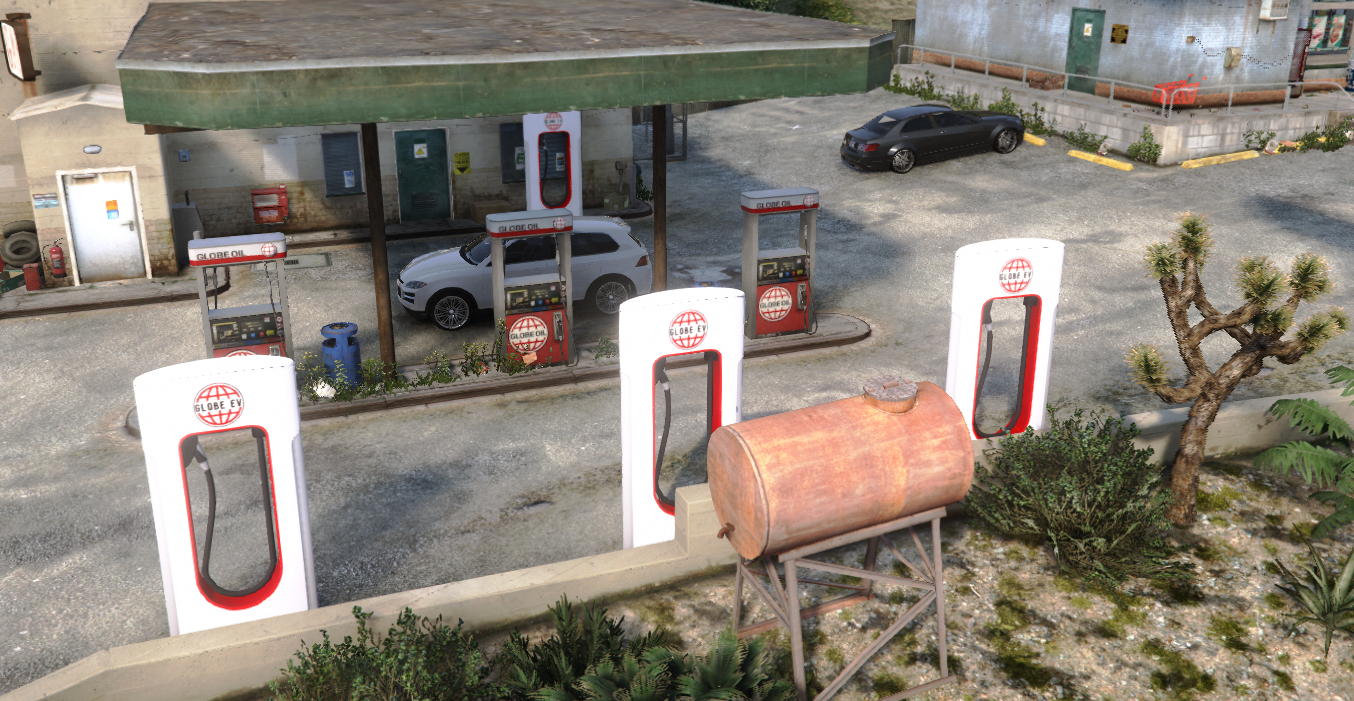
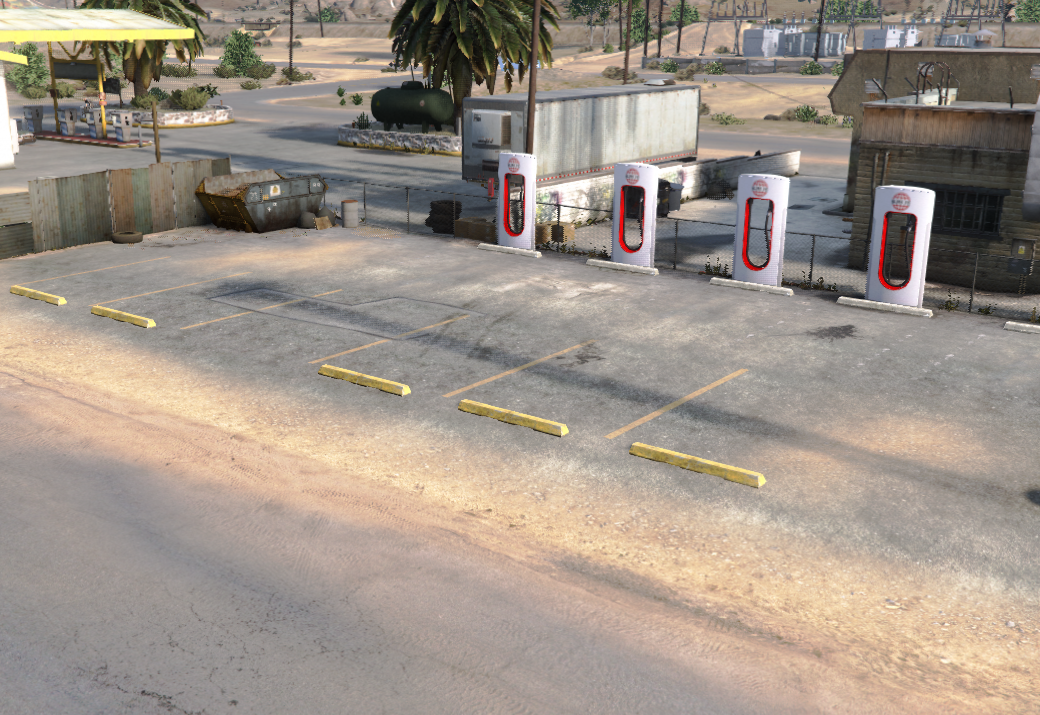
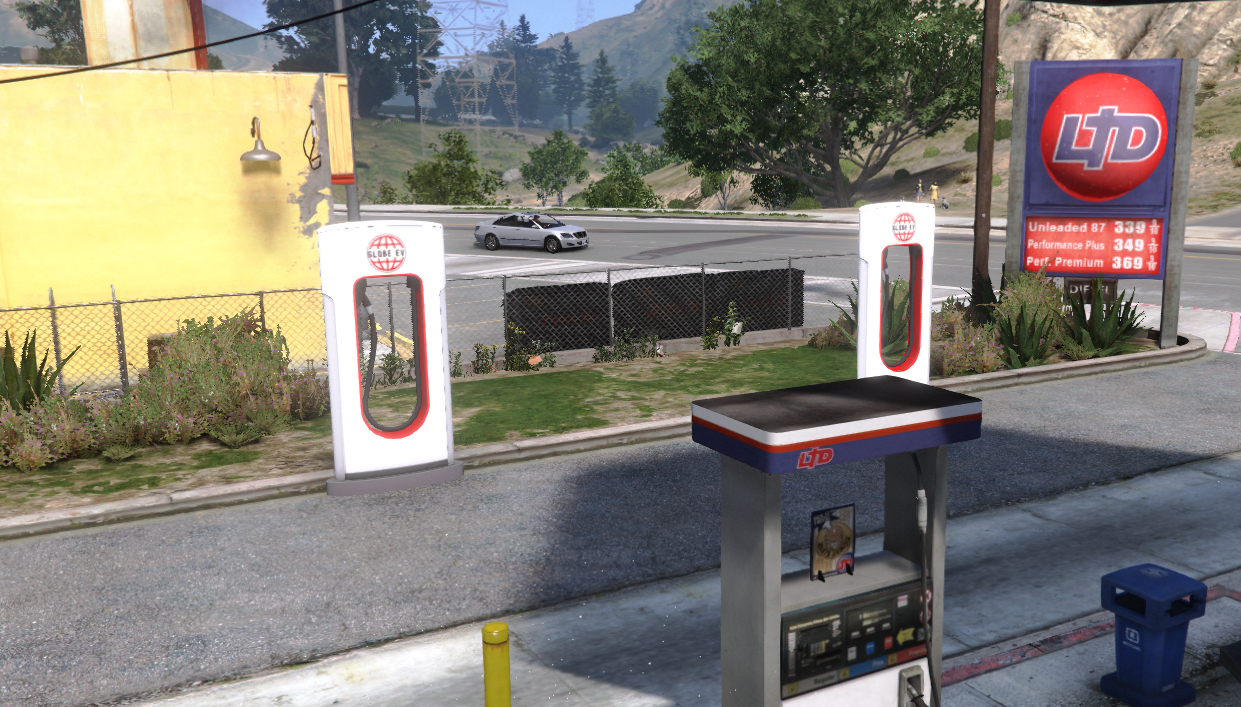
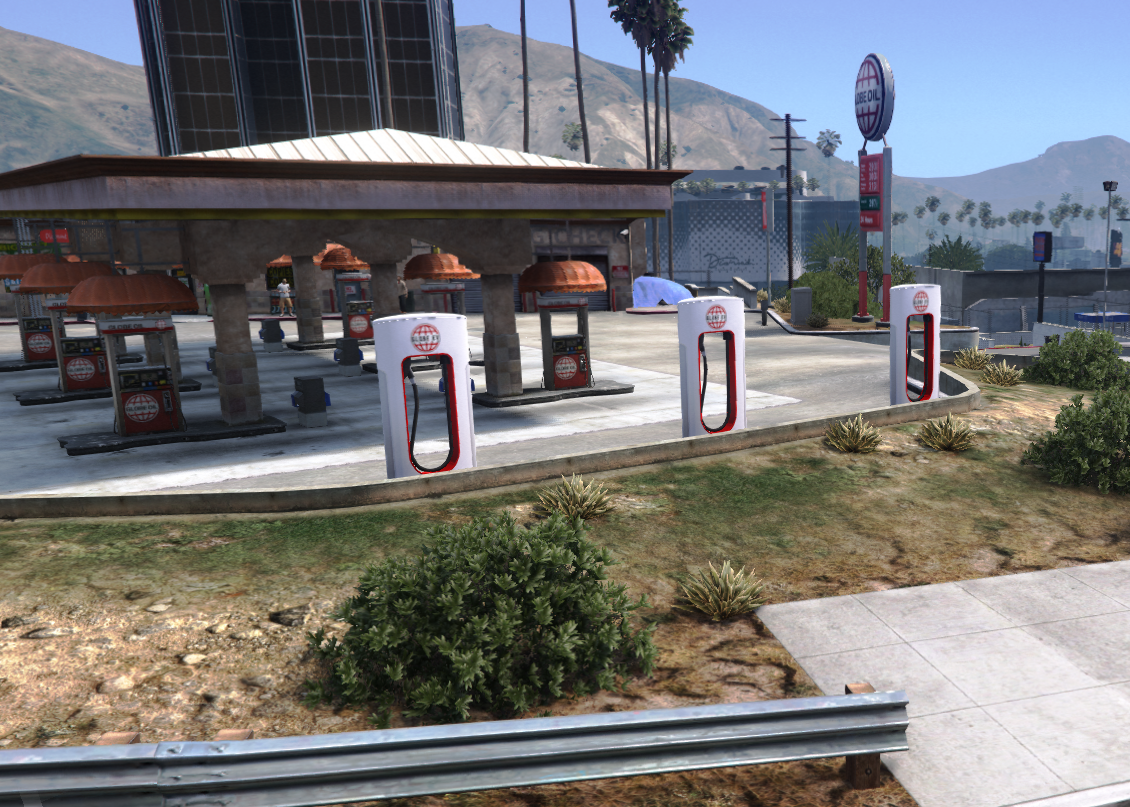
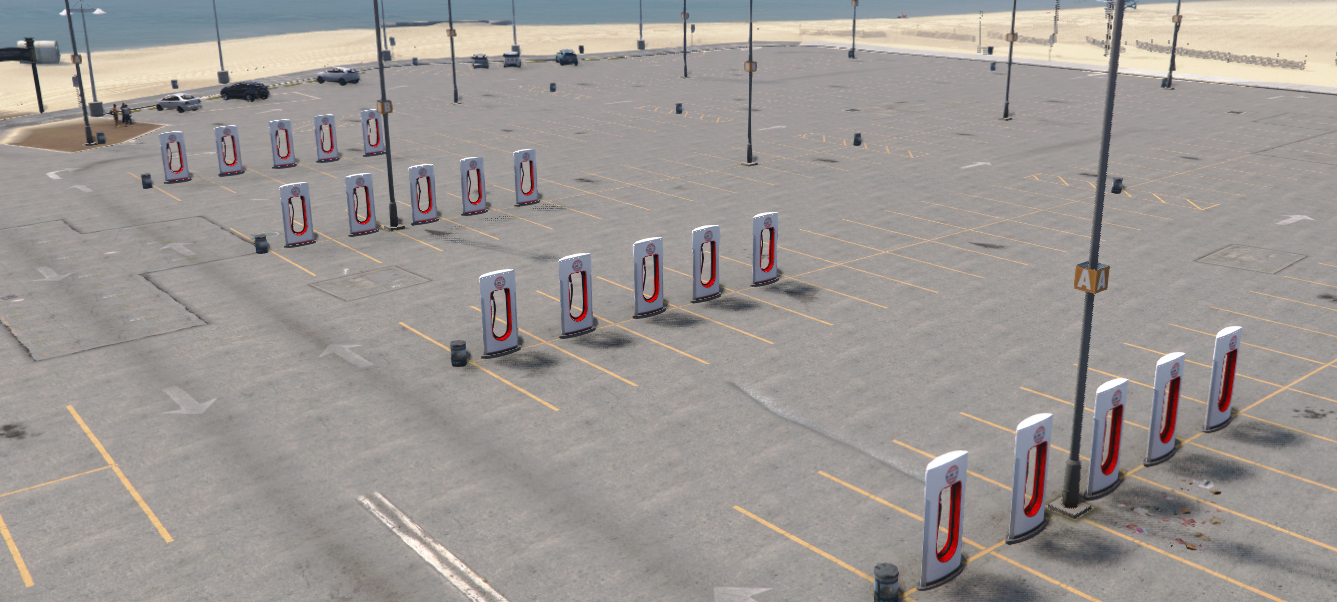
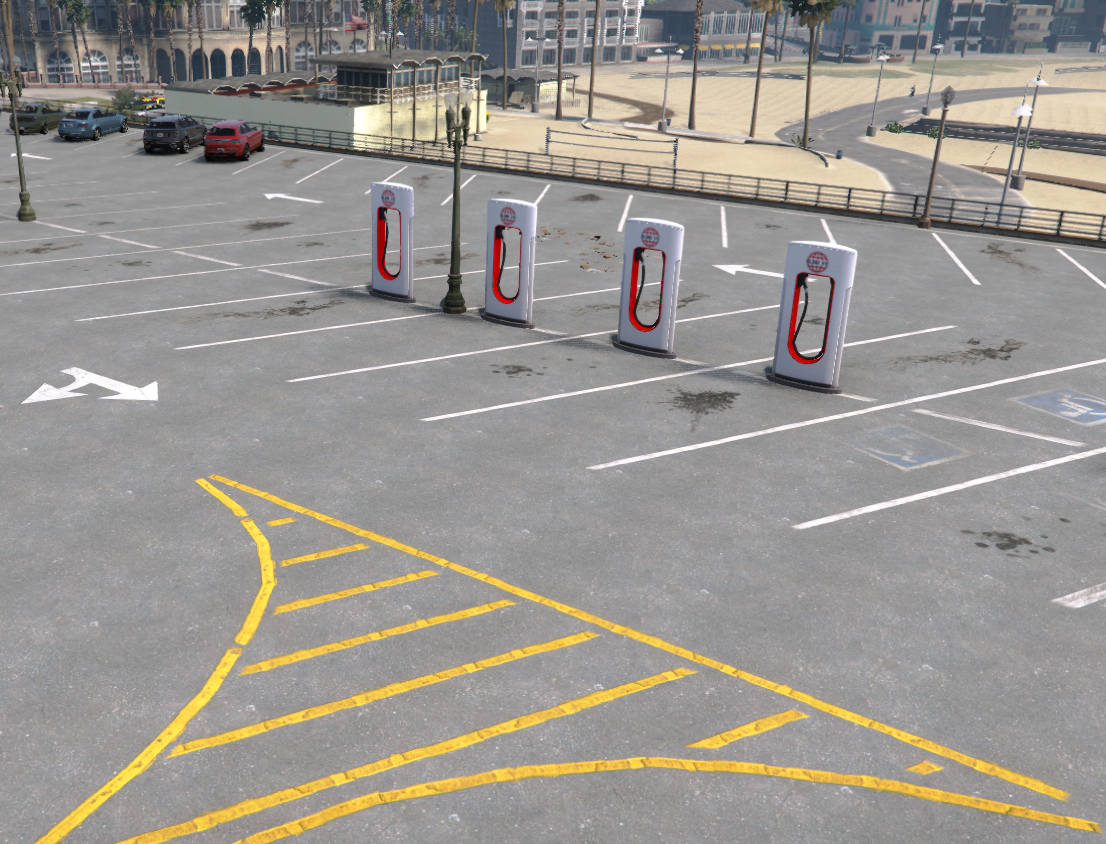
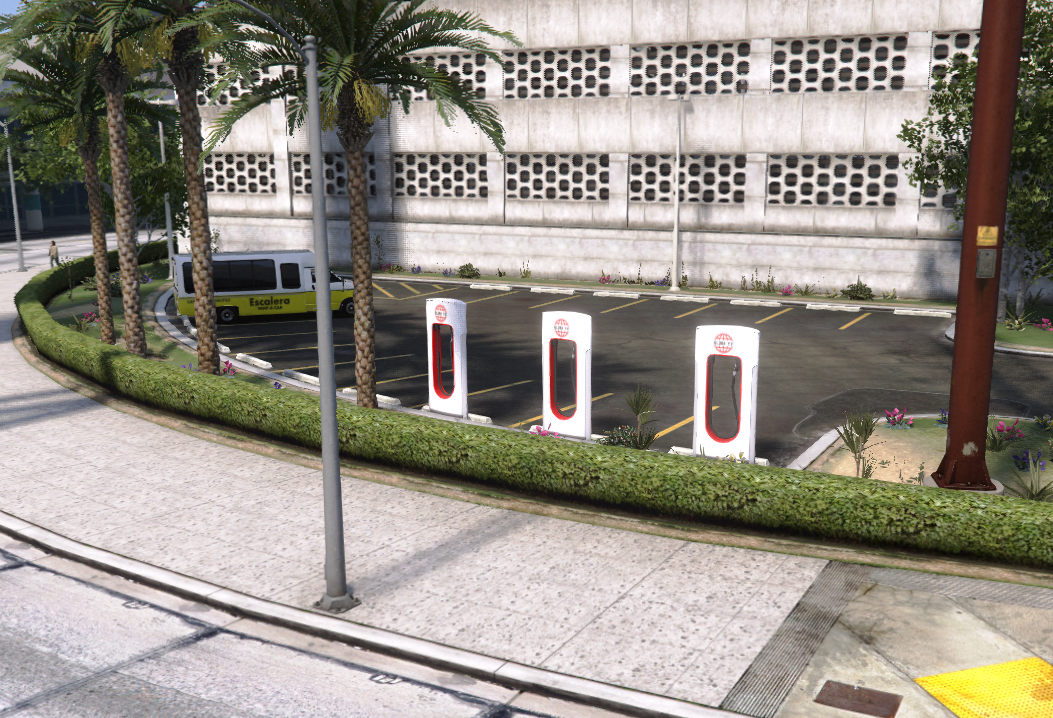
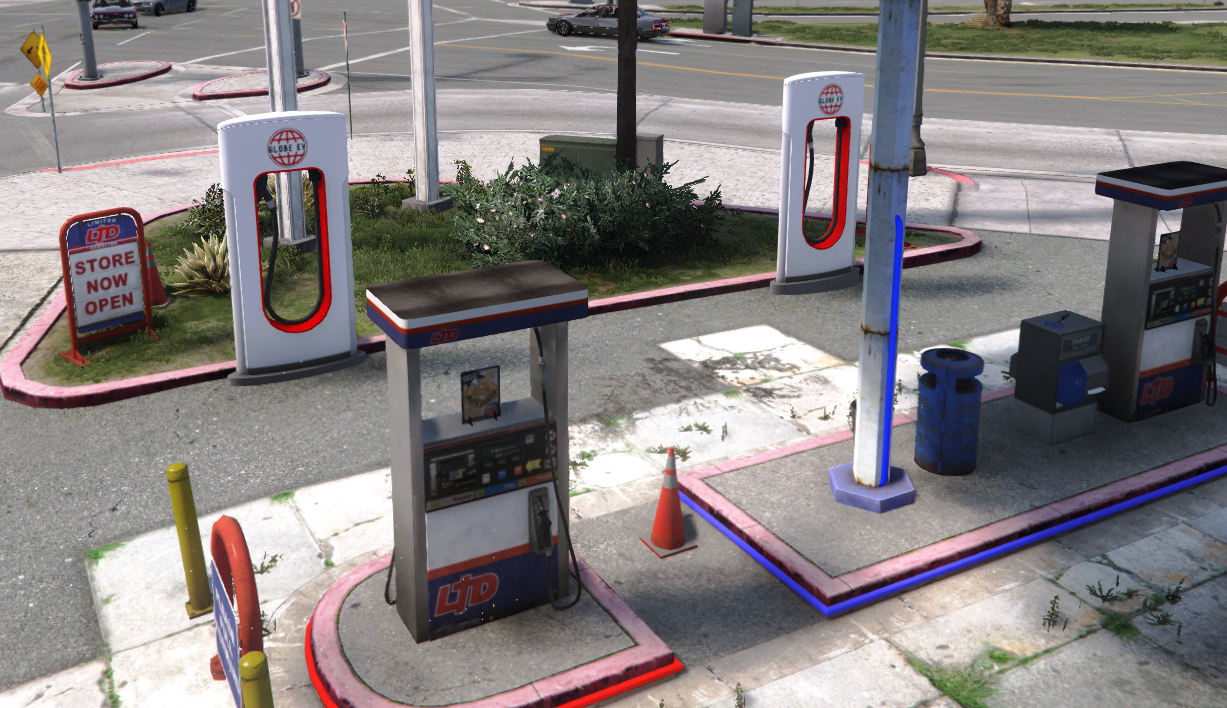
Description: Adds lore friendly EV chargers to all gas stations throughout all of Los Santos & Blaine County
-----------------------------------------
1.0 - Initial release
-----------------------------------------
Credits:
"Louies Development" (Me) for the EV Charger Prop!
-----------------------------------------
Features:
Custom EV Charger
-----------------------------------------
Installation FIVEM:
A - Open the file with 7zip, Winrar, or any other program that allows you to unzip these types of files
B - Unzip the file into your MAP FOLDER and start on your server.cfg
Installation Single Player
A - Open OpenIV and enable Edit Mode
B - Navigate to the path mods\update\x64\dlcpacks
C - Drag the map DLC folder into the dlcpacks folder then copy the name of this DLC folder
D - Return to the update folder and double click to open update.rpf
E - Open common\data find dlclist.xml right click it and select Edit
F - Scroll to the bottom of the file copy the last line of code press Enter and paste it on a new line
G - Replace the DLC name in the new line with the name of your map DLC folder
H - Save the file Installation is complete launch the game to use the mod
-----------------------------------------
1.0 - Initial release
-----------------------------------------
Credits:
"Louies Development" (Me) for the EV Charger Prop!
-----------------------------------------
Features:
Custom EV Charger
-----------------------------------------
Installation FIVEM:
A - Open the file with 7zip, Winrar, or any other program that allows you to unzip these types of files
B - Unzip the file into your MAP FOLDER and start on your server.cfg
Installation Single Player
A - Open OpenIV and enable Edit Mode
B - Navigate to the path mods\update\x64\dlcpacks
C - Drag the map DLC folder into the dlcpacks folder then copy the name of this DLC folder
D - Return to the update folder and double click to open update.rpf
E - Open common\data find dlclist.xml right click it and select Edit
F - Scroll to the bottom of the file copy the last line of code press Enter and paste it on a new line
G - Replace the DLC name in the new line with the name of your map DLC folder
H - Save the file Installation is complete launch the game to use the mod
First Uploaded: March 02, 2025
Last Updated: March 02, 2025
Last Downloaded: 15 minutes ago
3 Comments
More mods by LouieDevs:
Description: Adds lore friendly EV chargers to all gas stations throughout all of Los Santos & Blaine County
-----------------------------------------
1.0 - Initial release
-----------------------------------------
Credits:
"Louies Development" (Me) for the EV Charger Prop!
-----------------------------------------
Features:
Custom EV Charger
-----------------------------------------
Installation FIVEM:
A - Open the file with 7zip, Winrar, or any other program that allows you to unzip these types of files
B - Unzip the file into your MAP FOLDER and start on your server.cfg
Installation Single Player
A - Open OpenIV and enable Edit Mode
B - Navigate to the path mods\update\x64\dlcpacks
C - Drag the map DLC folder into the dlcpacks folder then copy the name of this DLC folder
D - Return to the update folder and double click to open update.rpf
E - Open common\data find dlclist.xml right click it and select Edit
F - Scroll to the bottom of the file copy the last line of code press Enter and paste it on a new line
G - Replace the DLC name in the new line with the name of your map DLC folder
H - Save the file Installation is complete launch the game to use the mod
-----------------------------------------
1.0 - Initial release
-----------------------------------------
Credits:
"Louies Development" (Me) for the EV Charger Prop!
-----------------------------------------
Features:
Custom EV Charger
-----------------------------------------
Installation FIVEM:
A - Open the file with 7zip, Winrar, or any other program that allows you to unzip these types of files
B - Unzip the file into your MAP FOLDER and start on your server.cfg
Installation Single Player
A - Open OpenIV and enable Edit Mode
B - Navigate to the path mods\update\x64\dlcpacks
C - Drag the map DLC folder into the dlcpacks folder then copy the name of this DLC folder
D - Return to the update folder and double click to open update.rpf
E - Open common\data find dlclist.xml right click it and select Edit
F - Scroll to the bottom of the file copy the last line of code press Enter and paste it on a new line
G - Replace the DLC name in the new line with the name of your map DLC folder
H - Save the file Installation is complete launch the game to use the mod
First Uploaded: March 02, 2025
Last Updated: March 02, 2025
Last Downloaded: 15 minutes ago
 5mods on Discord

This file has been approved automatically. If you think this file should not be here for any reason please report it.
insane
does not work on single player.