USS Viper [Ymap / FiveM] 1.1

![USS Lexington Fleet [Add-On SP / FiveM]](https://img.gta5-mods.com/q75-w500-h333-cfill/images/uss-lexington-fleet-add-on-sp-fivem/79ef5a-ld_lex5.jpg "USS Lexington Fleet [Add-On SP / FiveM]")
![USS Tarawa [Add-On SP / Enhanced / FiveM]](https://img.gta5-mods.com/q75-w500-h333-cfill/images/uss-tarawa-add-on-sp-enhanced-fivem/d359aa-ld_uss_tarawa.jpg "USS Tarawa [Add-On SP / Enhanced / FiveM]")
![Russian Border [YMAP / FiveM]](https://img.gta5-mods.com/q75-w500-h333-cfill/images/russian-border-ymap/833e1e-ldrussianborder2.png "Russian Border [YMAP / FiveM]")
![USS Forrestal [Add-On SP / FiveM]](https://img.gta5-mods.com/q75-w500-h333-cfill/images/uss-forrestal-add-on-sp-fivem/a8e11d-ld_uss_forrestal2.jpg "USS Forrestal [Add-On SP / FiveM]")
![USS Type 004 Aircraft Carrier [Add-On SP / FiveM]](https://img.gta5-mods.com/q75-w500-h333-cfill/images/uss-type-004-aircraft-carrier-add-on-sp-fivem/6fb67b-ld_type_004_3.jpg "USS Type 004 Aircraft Carrier [Add-On SP / FiveM]")
1,405
11
1,405
11
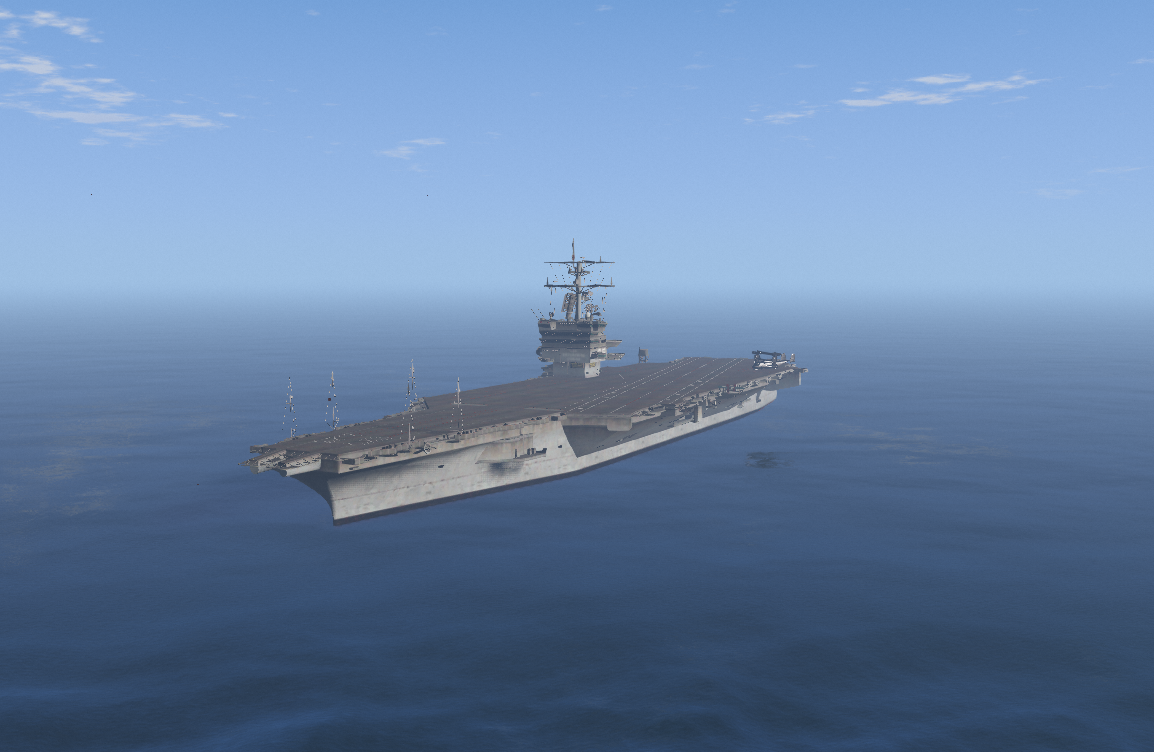
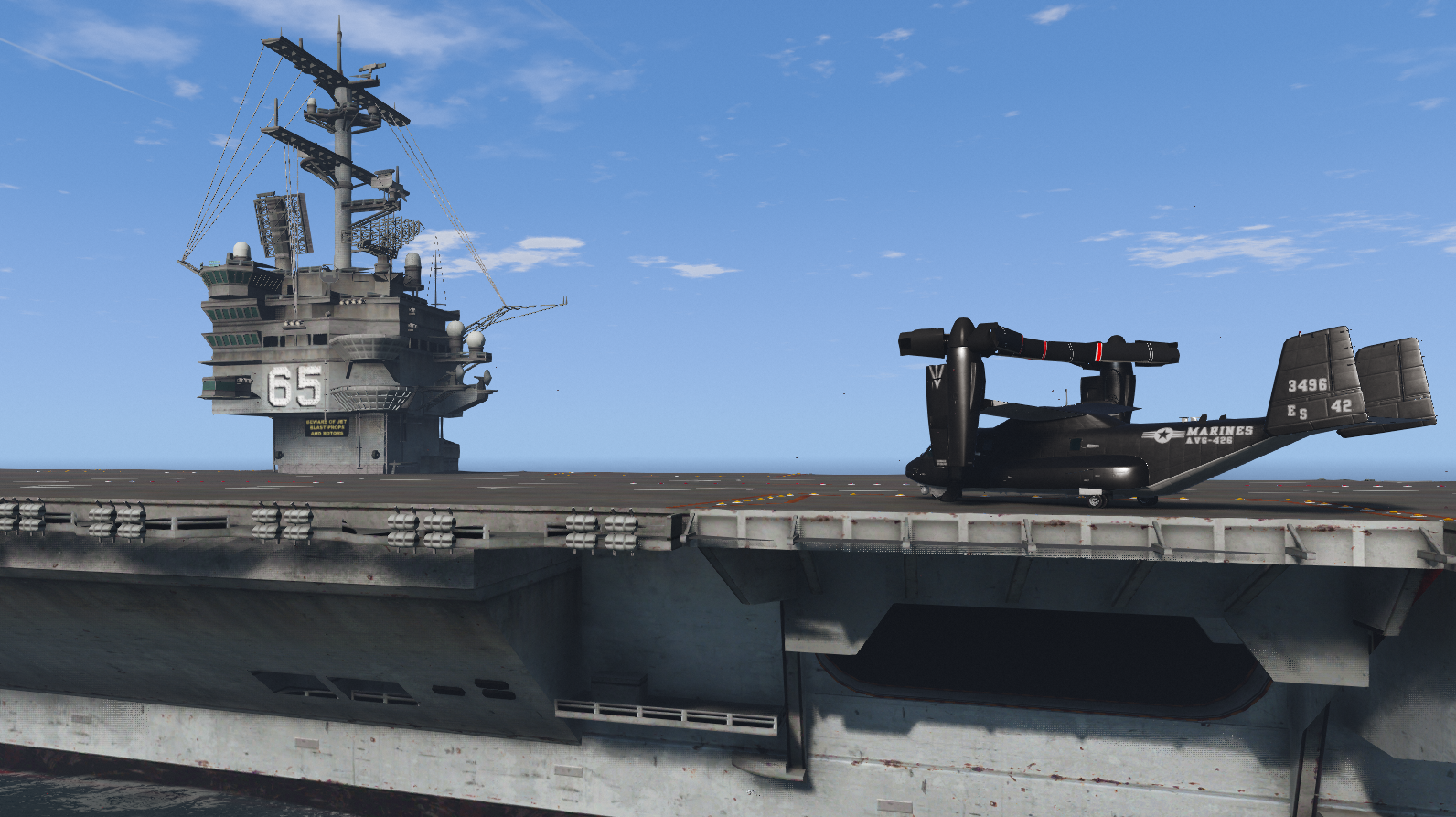
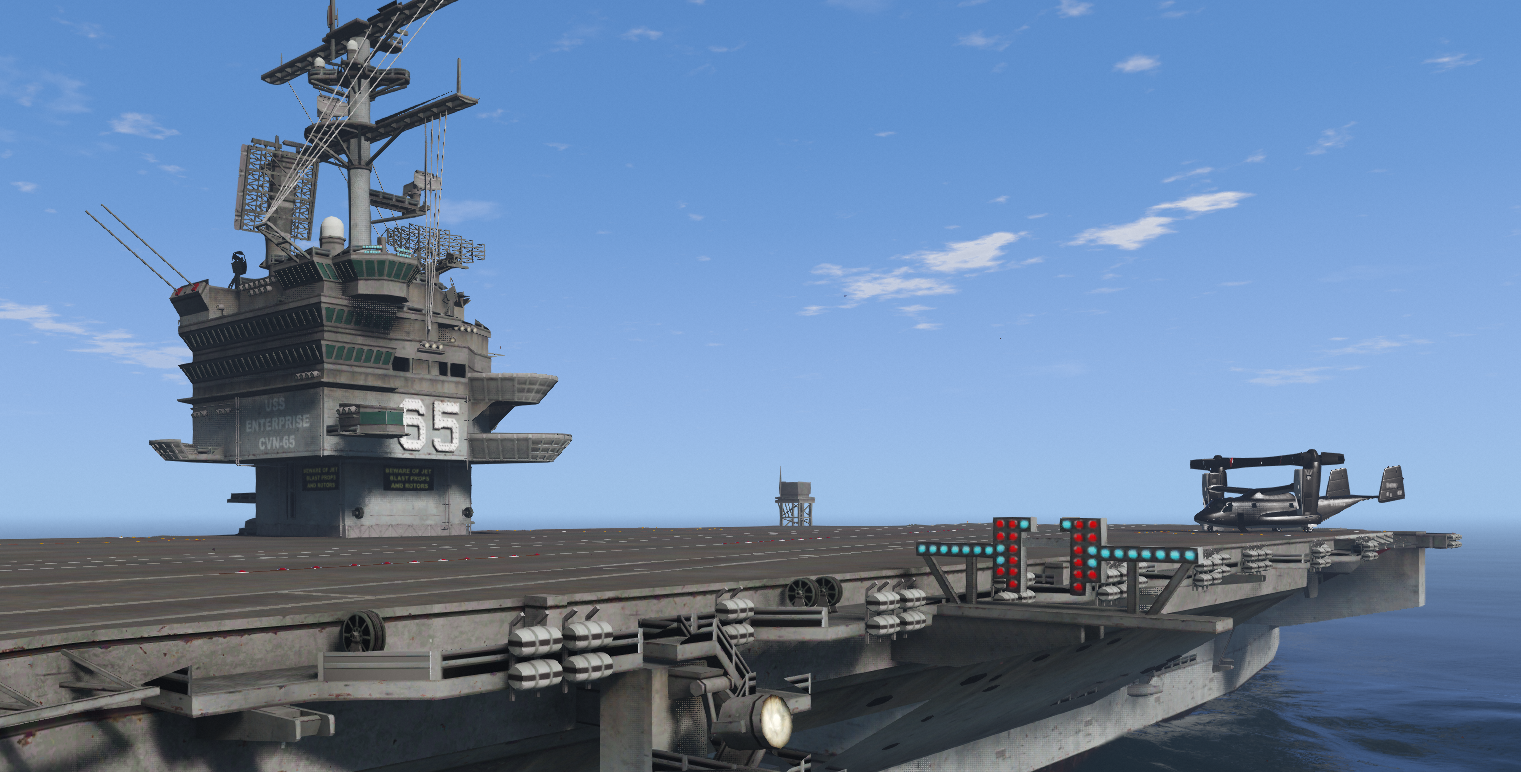
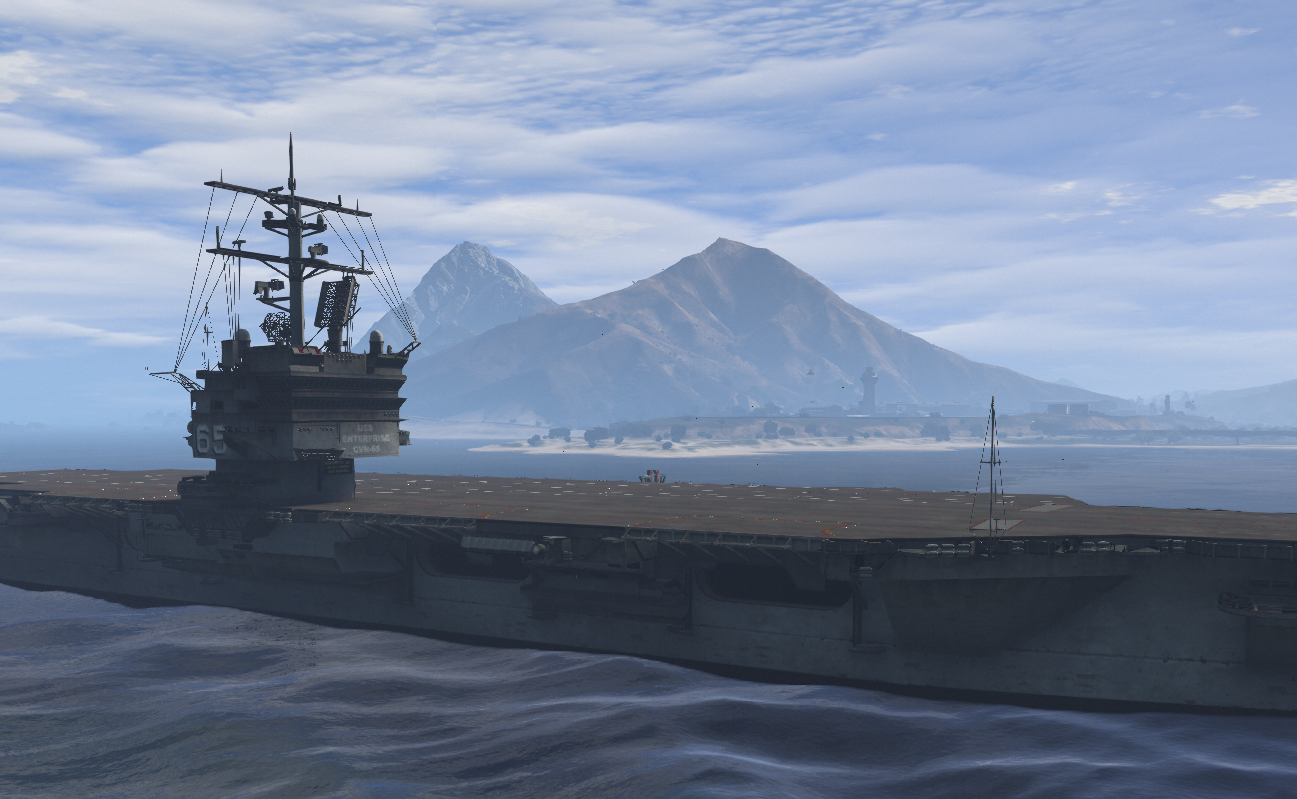
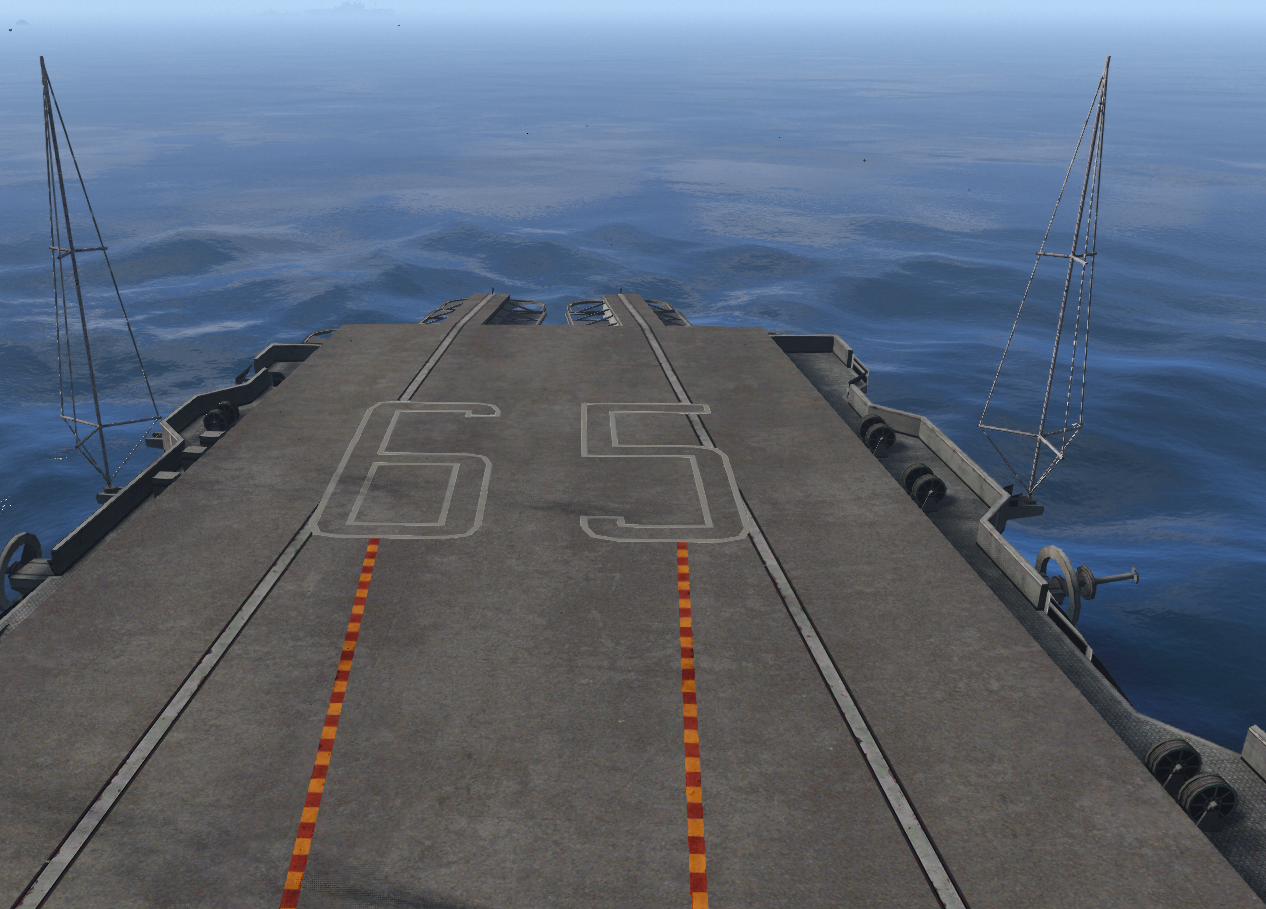
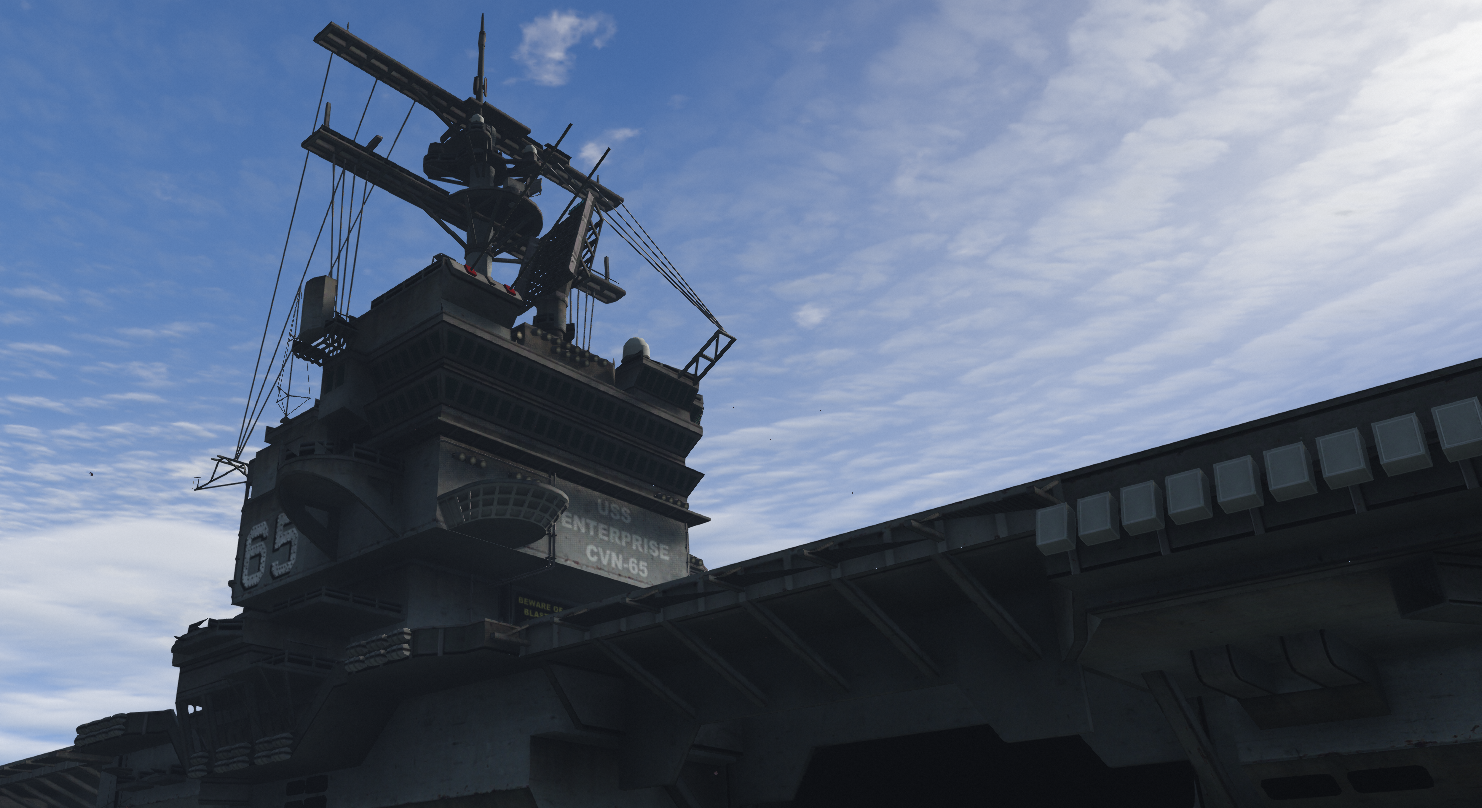
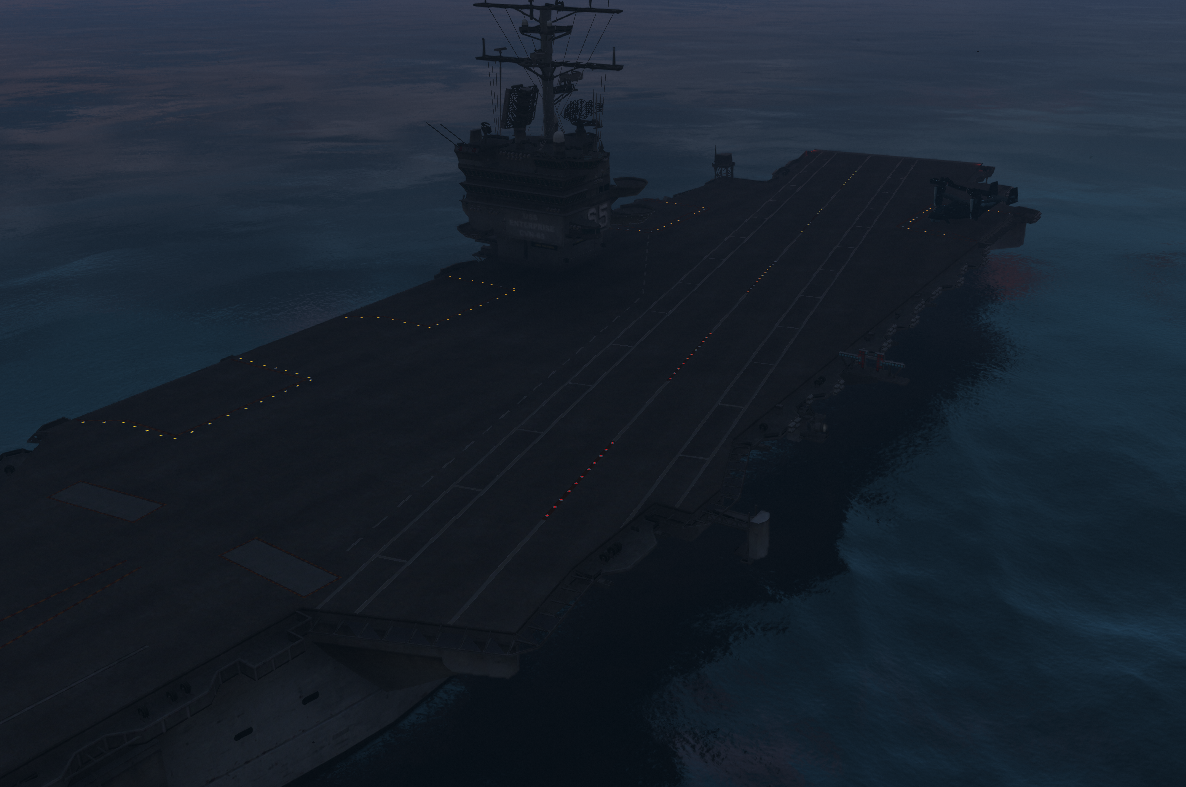
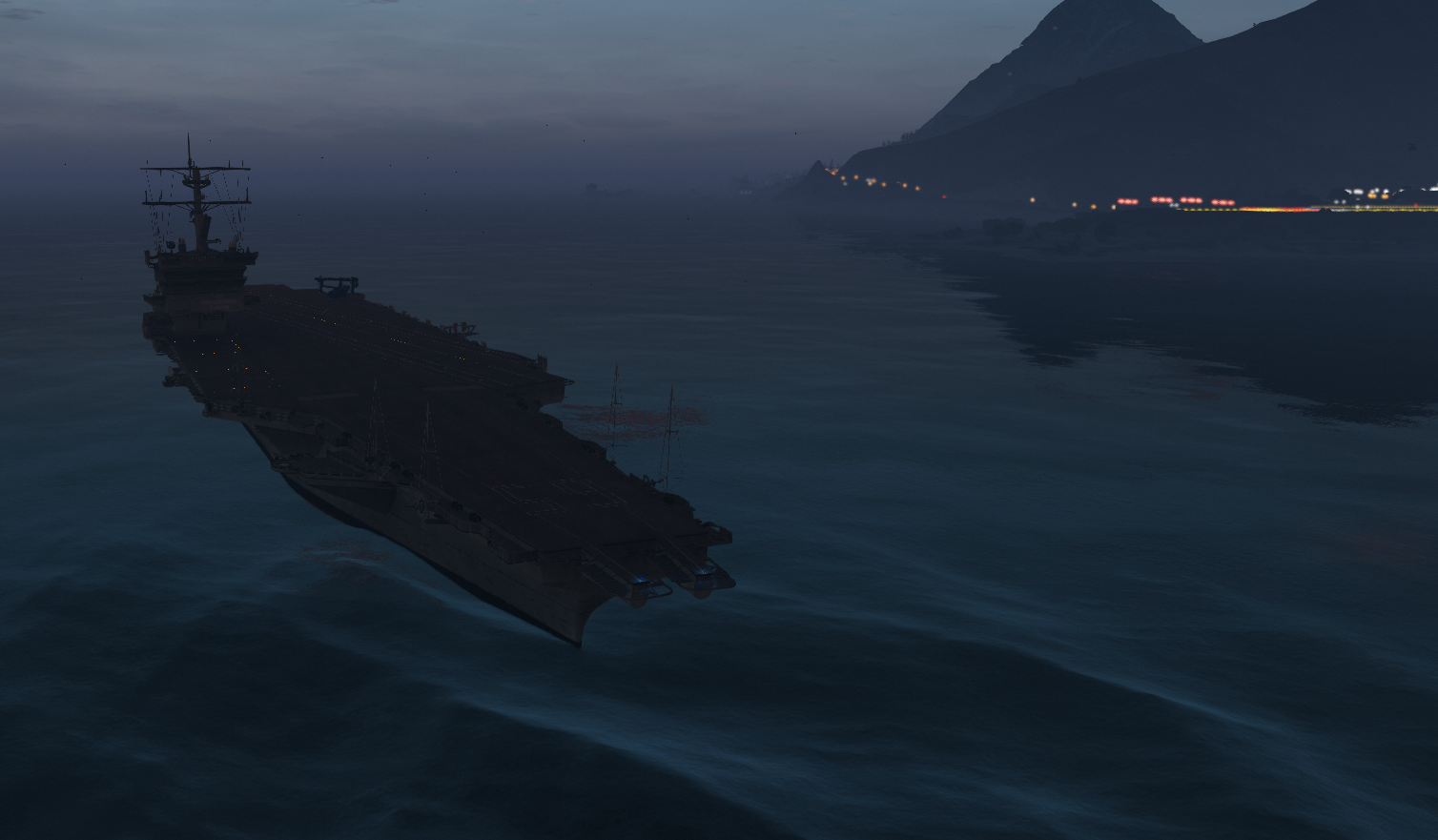
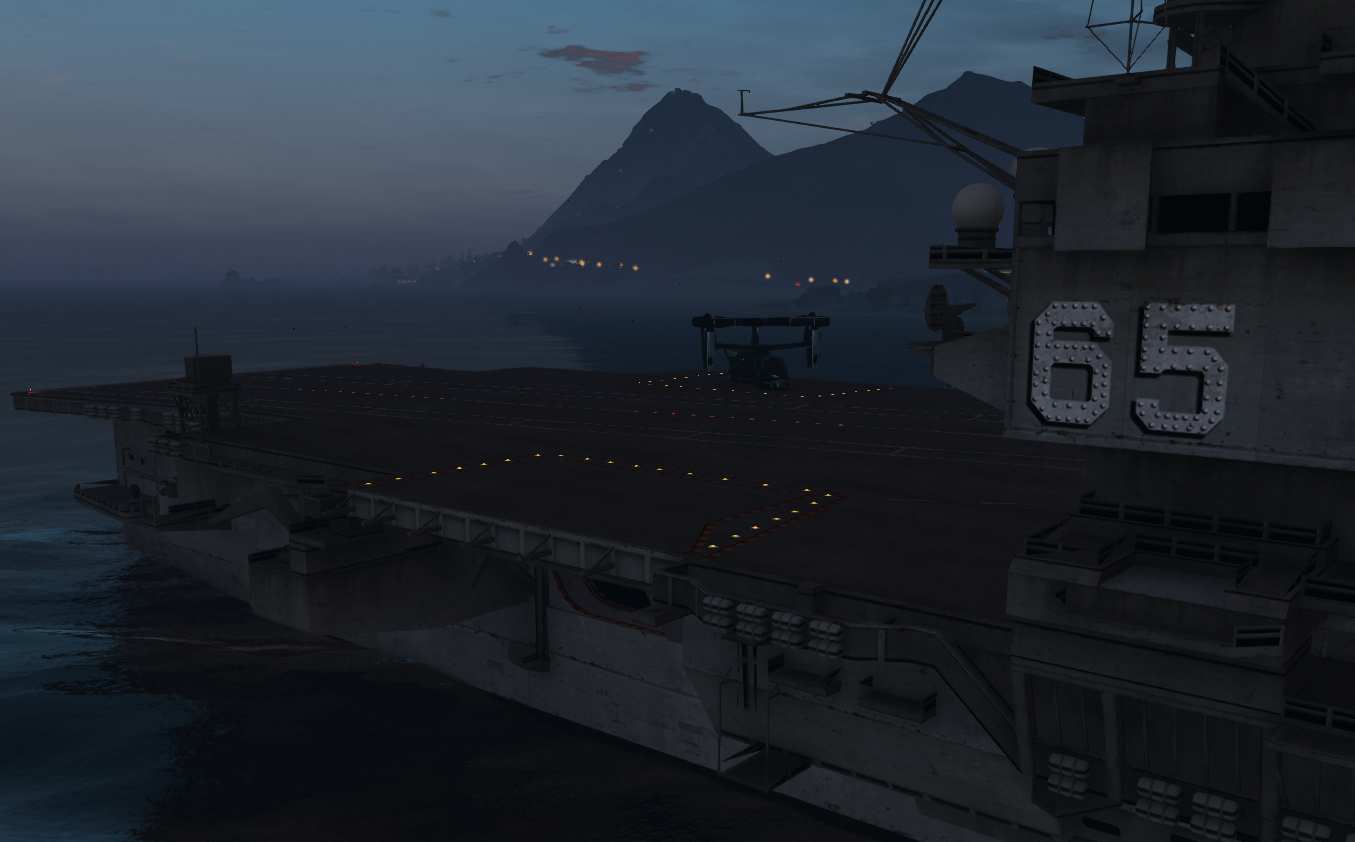
Description: Adds a American Carrier off the coast of Fort Zancudo
-----------------------------------------
Credits:
"Louies Development" (Me) for the Aircraft Carrier Prop!
-----------------------------------------
--Changelog--
1.1 - Fixed Glow at night
-----------------------------------------
Features:
1 Aircraft Carrier
Under 200 Props
Optimized
Lights on Deck
-----------------------------------------
Installation FIVEM:
A - Open the file with 7zip, Winrar, or any other program that allows you to unzip these types of files
B - Unzip the file into your MAP FOLDER and start on your server.cfg
Installation Single Player
A - Open OpenIV and enable Edit Mode
B - Navigate to the path mods\update\x64\dlcpacks
C - Drag the map DLC folder into the dlcpacks folder then copy the name of this DLC folder
D - Return to the update folder and double click to open update.rpf
E - Open common\data find dlclist.xml right click it and select Edit
F - Scroll to the bottom of the file copy the last line of code press Enter and paste it on a new line
G - Replace the DLC name in the new line with the name of your map DLC folder
H - Save the file Installation is complete launch the game to use the mod
-----------------------------------------
Credits:
"Louies Development" (Me) for the Aircraft Carrier Prop!
-----------------------------------------
--Changelog--
1.1 - Fixed Glow at night
-----------------------------------------
Features:
1 Aircraft Carrier
Under 200 Props
Optimized
Lights on Deck
-----------------------------------------
Installation FIVEM:
A - Open the file with 7zip, Winrar, or any other program that allows you to unzip these types of files
B - Unzip the file into your MAP FOLDER and start on your server.cfg
Installation Single Player
A - Open OpenIV and enable Edit Mode
B - Navigate to the path mods\update\x64\dlcpacks
C - Drag the map DLC folder into the dlcpacks folder then copy the name of this DLC folder
D - Return to the update folder and double click to open update.rpf
E - Open common\data find dlclist.xml right click it and select Edit
F - Scroll to the bottom of the file copy the last line of code press Enter and paste it on a new line
G - Replace the DLC name in the new line with the name of your map DLC folder
H - Save the file Installation is complete launch the game to use the mod
First Uploaded: April 03, 2025
Last Updated: April 05, 2025
Last Downloaded: 17 hours ago
6 Comments
More mods by LouieDevs:
Description: Adds a American Carrier off the coast of Fort Zancudo
-----------------------------------------
Credits:
"Louies Development" (Me) for the Aircraft Carrier Prop!
-----------------------------------------
--Changelog--
1.1 - Fixed Glow at night
-----------------------------------------
Features:
1 Aircraft Carrier
Under 200 Props
Optimized
Lights on Deck
-----------------------------------------
Installation FIVEM:
A - Open the file with 7zip, Winrar, or any other program that allows you to unzip these types of files
B - Unzip the file into your MAP FOLDER and start on your server.cfg
Installation Single Player
A - Open OpenIV and enable Edit Mode
B - Navigate to the path mods\update\x64\dlcpacks
C - Drag the map DLC folder into the dlcpacks folder then copy the name of this DLC folder
D - Return to the update folder and double click to open update.rpf
E - Open common\data find dlclist.xml right click it and select Edit
F - Scroll to the bottom of the file copy the last line of code press Enter and paste it on a new line
G - Replace the DLC name in the new line with the name of your map DLC folder
H - Save the file Installation is complete launch the game to use the mod
-----------------------------------------
Credits:
"Louies Development" (Me) for the Aircraft Carrier Prop!
-----------------------------------------
--Changelog--
1.1 - Fixed Glow at night
-----------------------------------------
Features:
1 Aircraft Carrier
Under 200 Props
Optimized
Lights on Deck
-----------------------------------------
Installation FIVEM:
A - Open the file with 7zip, Winrar, or any other program that allows you to unzip these types of files
B - Unzip the file into your MAP FOLDER and start on your server.cfg
Installation Single Player
A - Open OpenIV and enable Edit Mode
B - Navigate to the path mods\update\x64\dlcpacks
C - Drag the map DLC folder into the dlcpacks folder then copy the name of this DLC folder
D - Return to the update folder and double click to open update.rpf
E - Open common\data find dlclist.xml right click it and select Edit
F - Scroll to the bottom of the file copy the last line of code press Enter and paste it on a new line
G - Replace the DLC name in the new line with the name of your map DLC folder
H - Save the file Installation is complete launch the game to use the mod
First Uploaded: April 03, 2025
Last Updated: April 05, 2025
Last Downloaded: 17 hours ago
 5mods on Discord

This file has been approved automatically. If you think this file should not be here for any reason please report it.
would you mind telling me what`s the dlclist name is
@snowydecade ld_uss_viper
@LouieDevs @gta5-mods thanks
Is there any way to move away from the airbase?
@oldtimergamer6351 join my discord and make a ticket