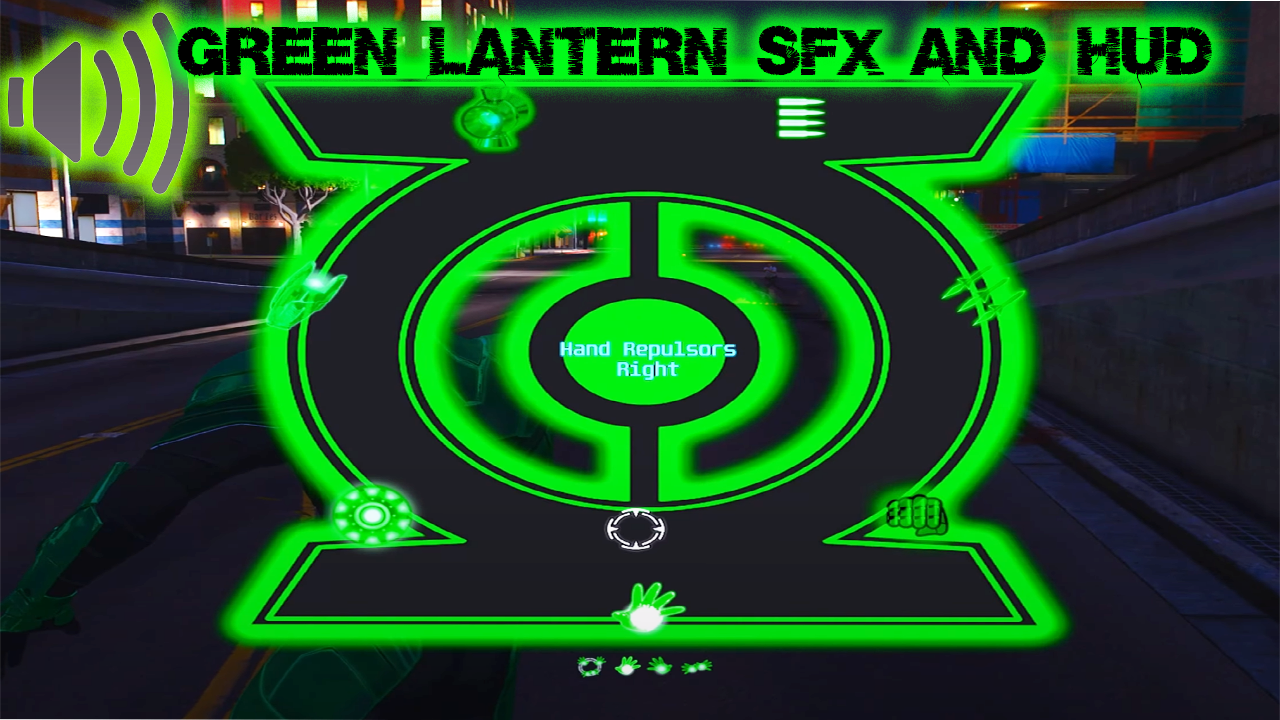
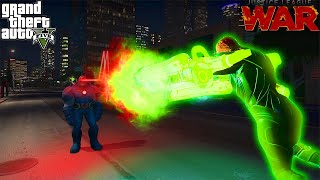
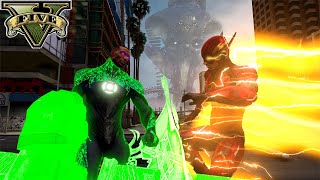
Green Lantern Sound Effects and HUD 2.0


363
2
363
2
These sound effects and HUD are made for JulioNiB's IronmanV Mod.
Version 2.0:
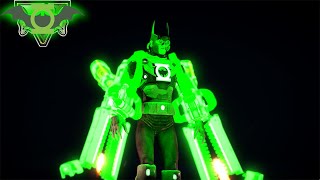
-Includes Sounds for Hal Jordan, John Stewart, and Batman (The Dawnbreaker.) I've also added Blue Beetle sounds for the script.
INSTALLATION:
Make sure to back up your current sounds before doing the following.
-Navigate to your GTA 5 directory
-open your scripts folder
-Go into the folder labeled as "IronmanV Files (v3 E.G.)s"
-Drag and Drop the contents of these sound files into the IronmanV Files folder
-Drag and Drop the contents of these Images files into the IronmanV Files folder
Version 2.0:
-Includes Sounds for Hal Jordan, John Stewart, and Batman (The Dawnbreaker.) I've also added Blue Beetle sounds for the script.
INSTALLATION:
Make sure to back up your current sounds before doing the following.
-Navigate to your GTA 5 directory
-open your scripts folder
-Go into the folder labeled as "IronmanV Files (v3 E.G.)s"
-Drag and Drop the contents of these sound files into the IronmanV Files folder
-Drag and Drop the contents of these Images files into the IronmanV Files folder
First Uploaded: March 17, 2024
Last Updated: July 26, 2025
Last Downloaded: 5 days ago
5 Comments
These sound effects and HUD are made for JulioNiB's IronmanV Mod.
Version 2.0:
-Includes Sounds for Hal Jordan, John Stewart, and Batman (The Dawnbreaker.) I've also added Blue Beetle sounds for the script.
INSTALLATION:
Make sure to back up your current sounds before doing the following.
-Navigate to your GTA 5 directory
-open your scripts folder
-Go into the folder labeled as "IronmanV Files (v3 E.G.)s"
-Drag and Drop the contents of these sound files into the IronmanV Files folder
-Drag and Drop the contents of these Images files into the IronmanV Files folder
Version 2.0:
-Includes Sounds for Hal Jordan, John Stewart, and Batman (The Dawnbreaker.) I've also added Blue Beetle sounds for the script.
INSTALLATION:
Make sure to back up your current sounds before doing the following.
-Navigate to your GTA 5 directory
-open your scripts folder
-Go into the folder labeled as "IronmanV Files (v3 E.G.)s"
-Drag and Drop the contents of these sound files into the IronmanV Files folder
-Drag and Drop the contents of these Images files into the IronmanV Files folder
First Uploaded: March 17, 2024
Last Updated: July 26, 2025
Last Downloaded: 5 days ago
 5mods on Discord

This file has been approved automatically. If you think this file should not be here for any reason please report it.
How do you add props
where can I find props?
@Ccyyccyy7 The DarthKnight's patreon
@andreyevil2 The DarthKnight's patreon