Real Phones HD 1.2






24,971
412
24,971
412
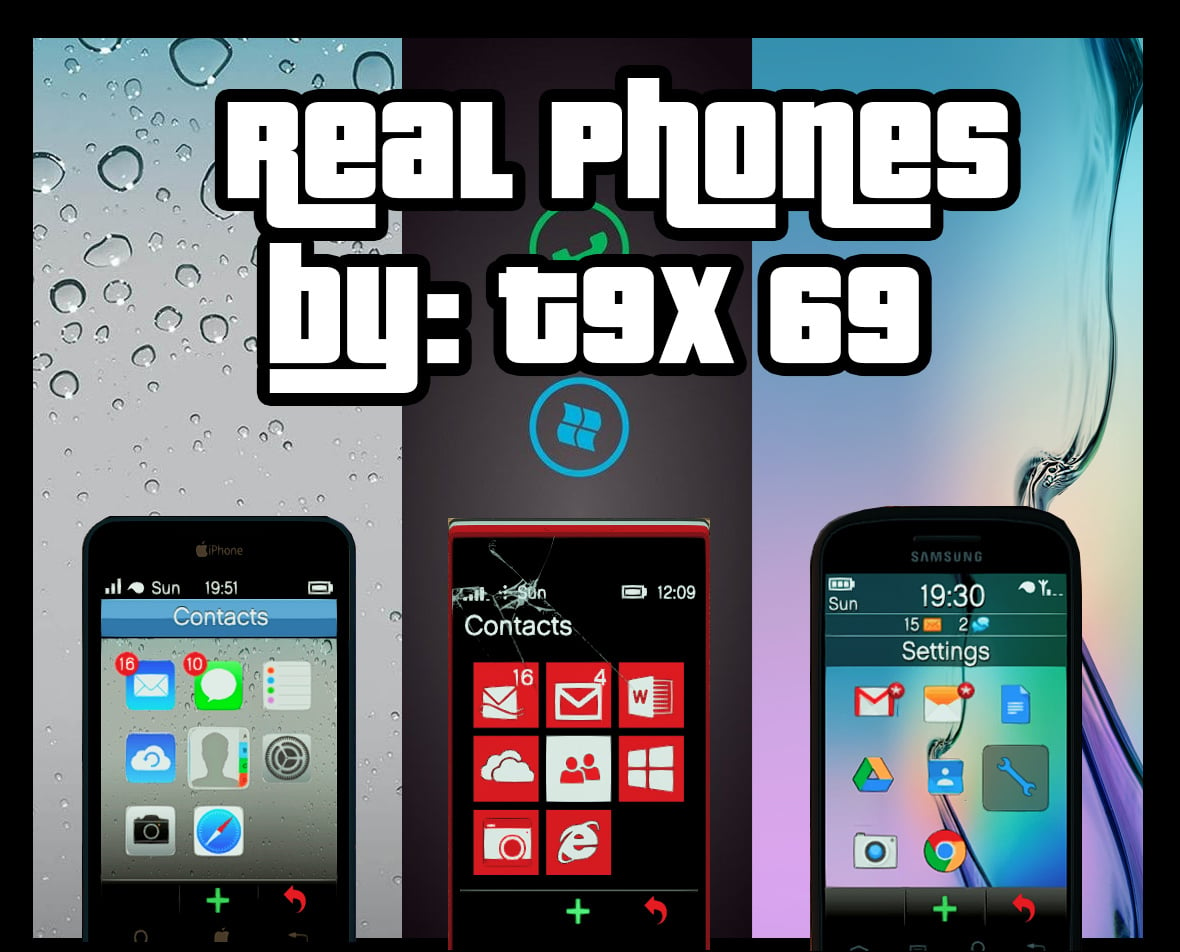
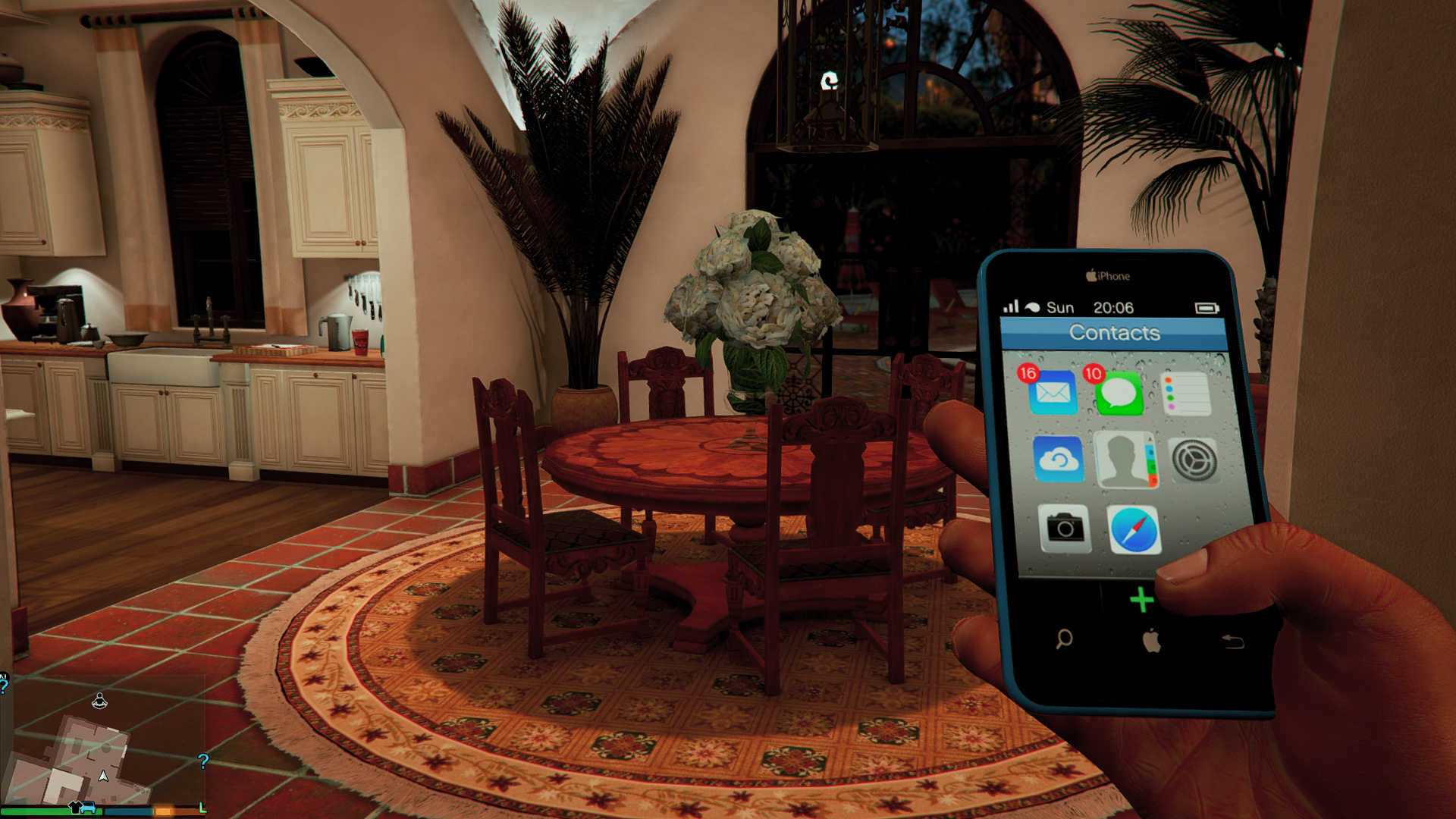
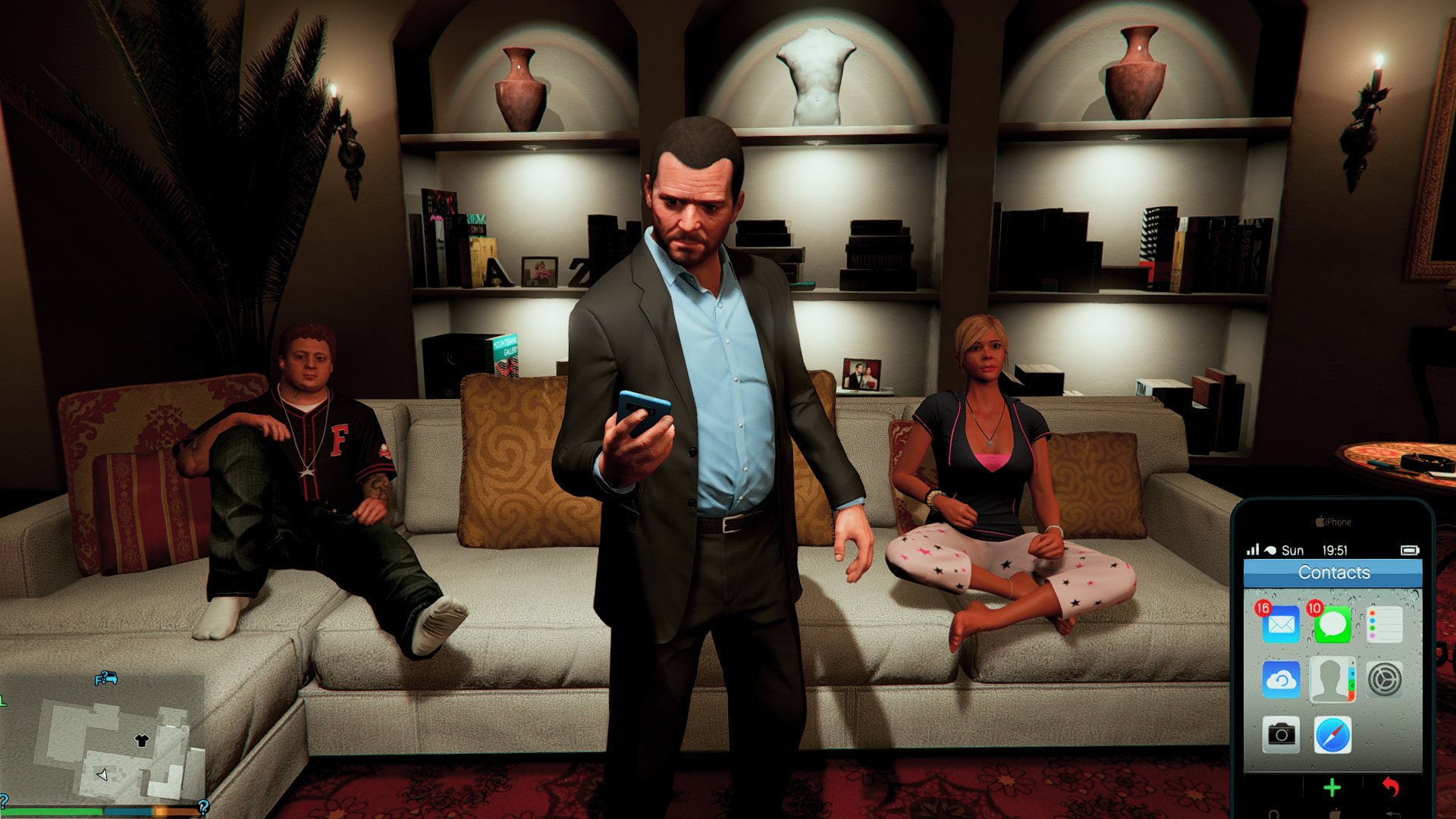
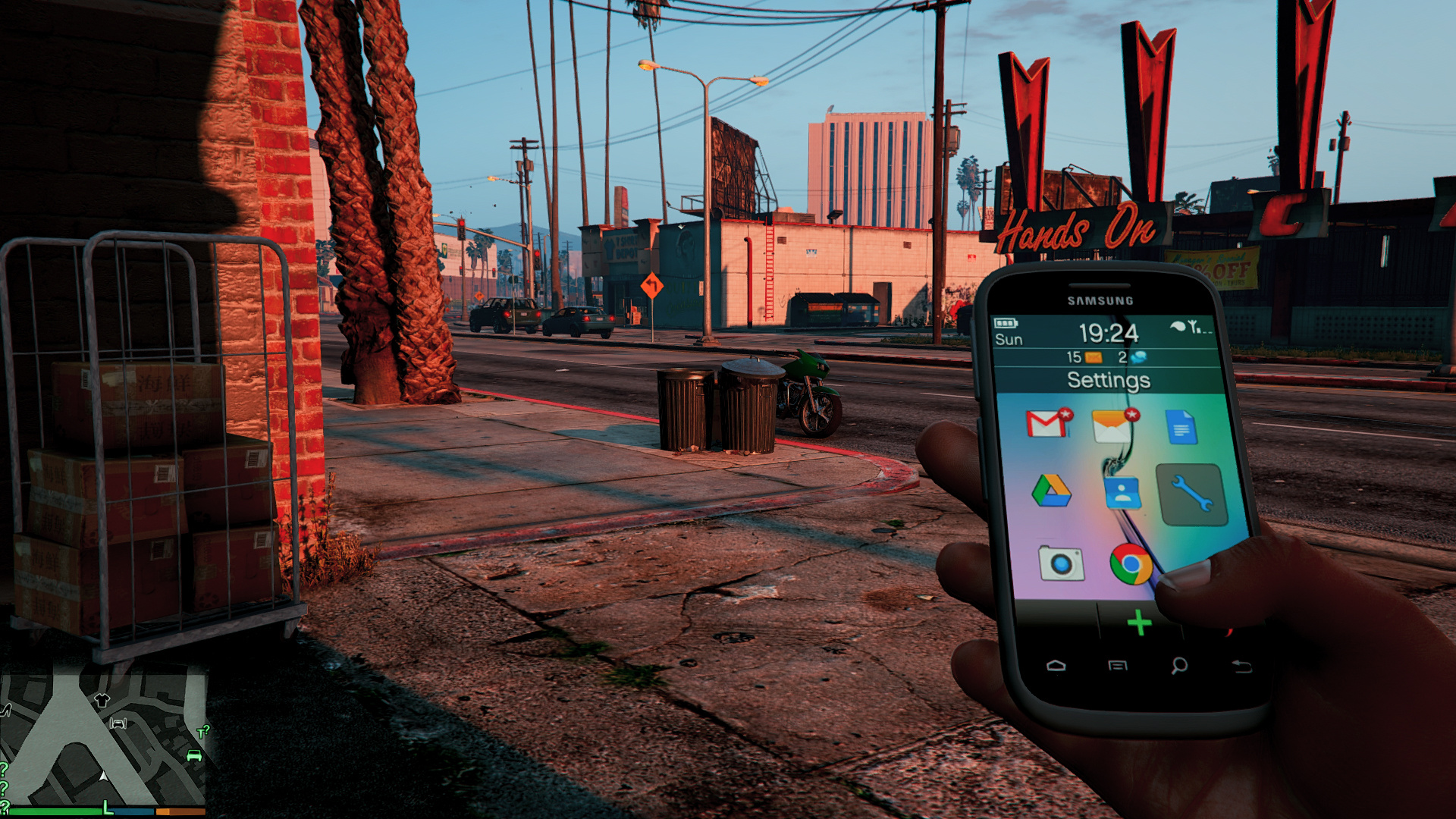
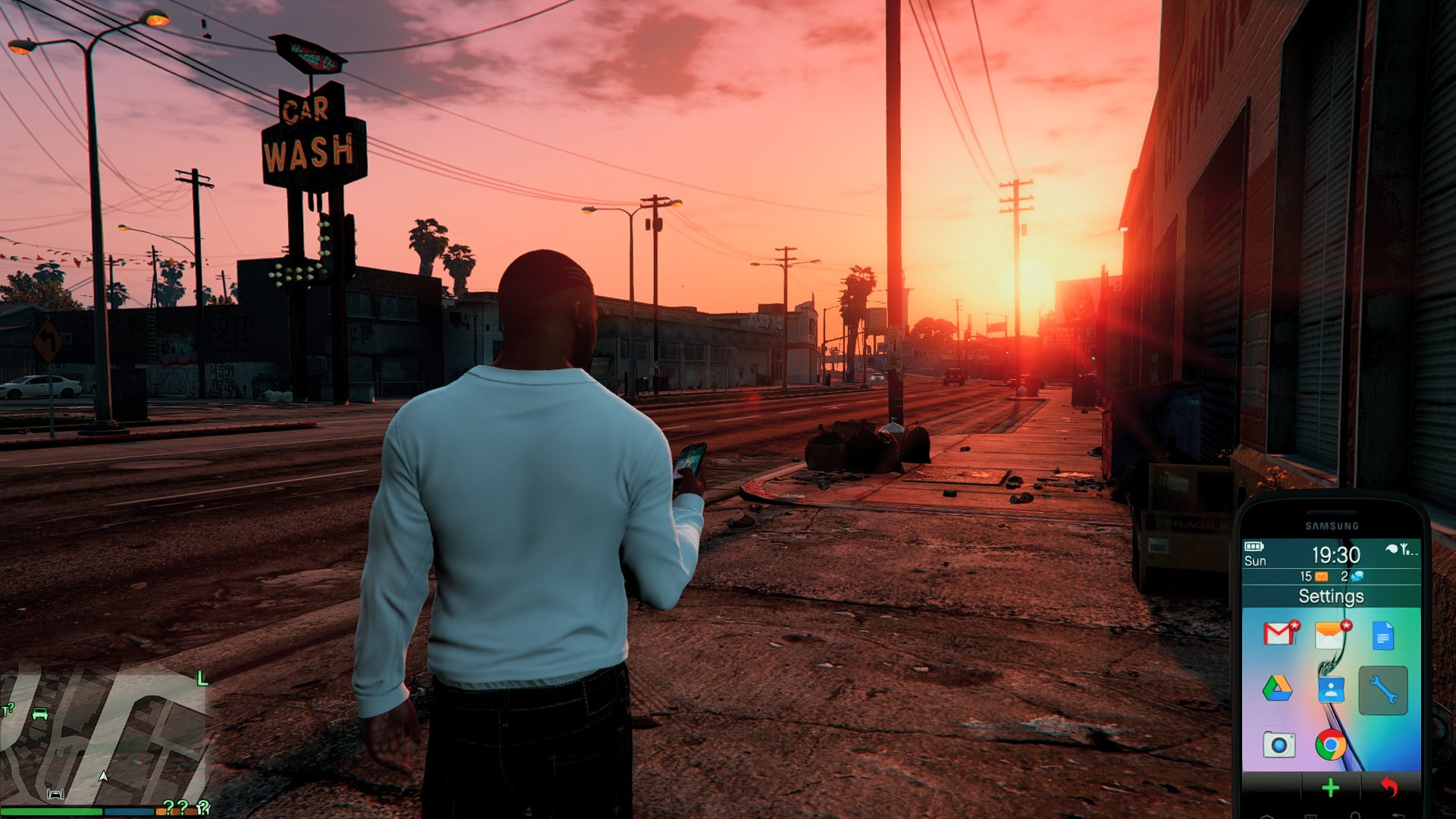
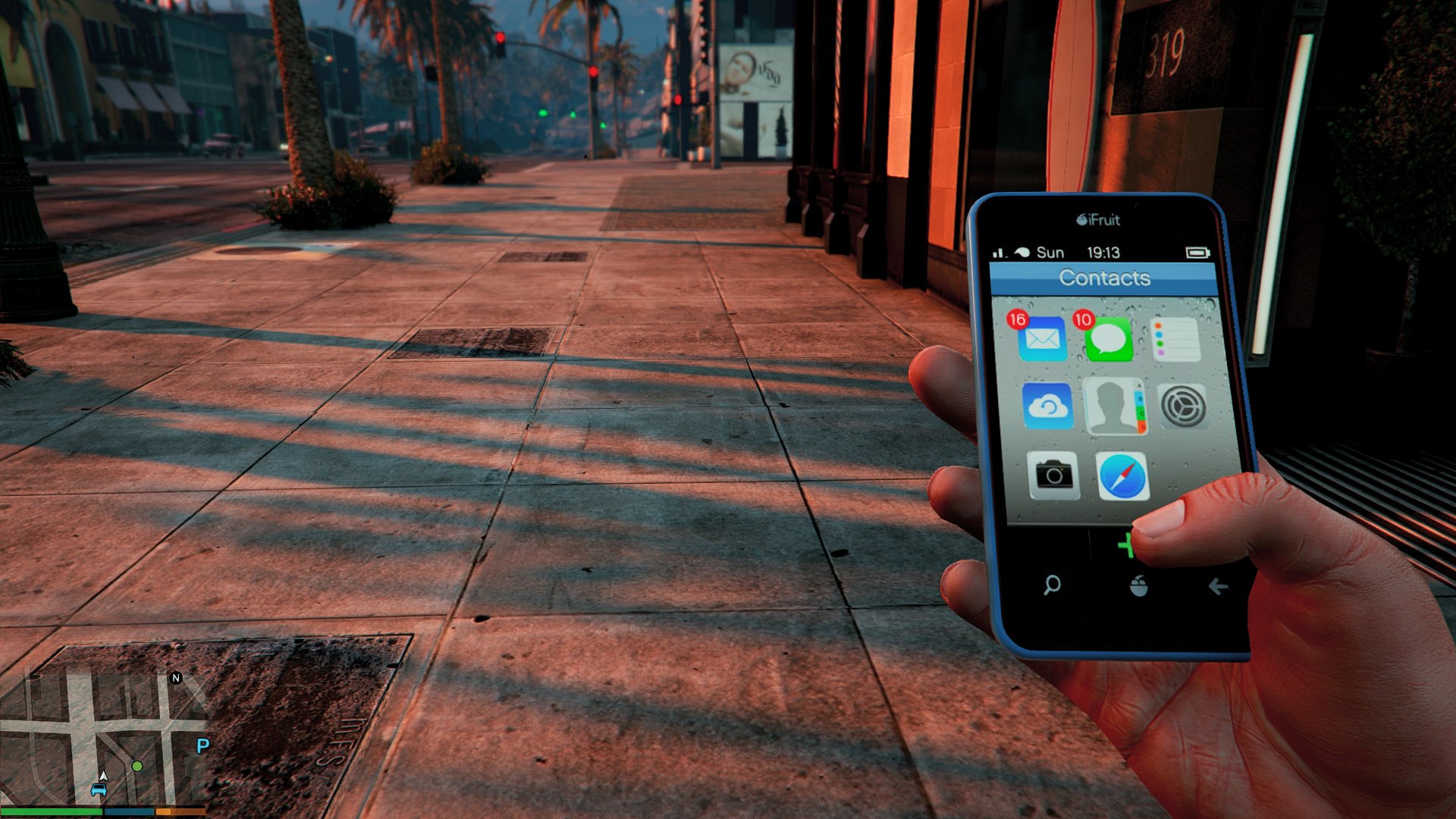
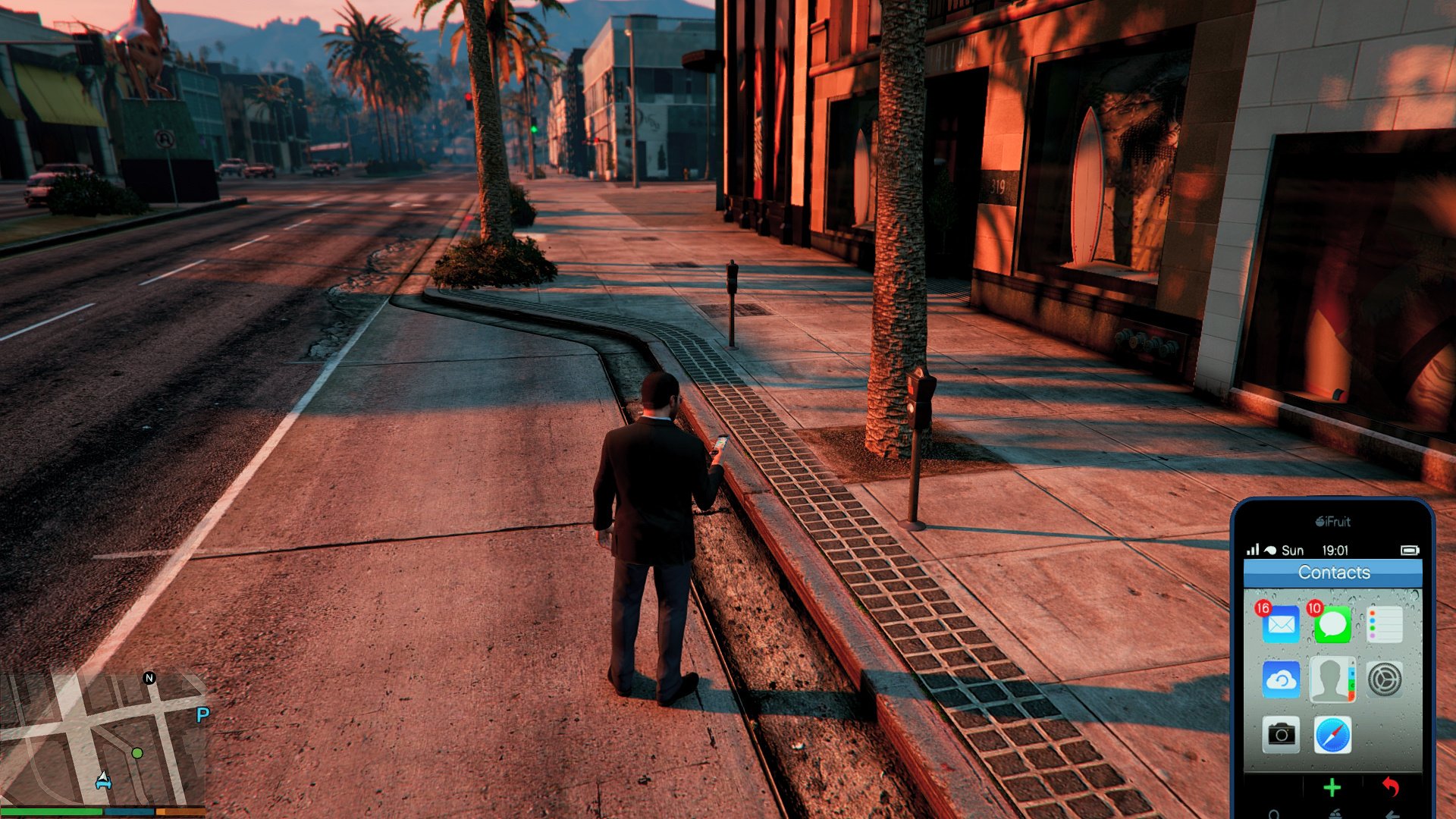
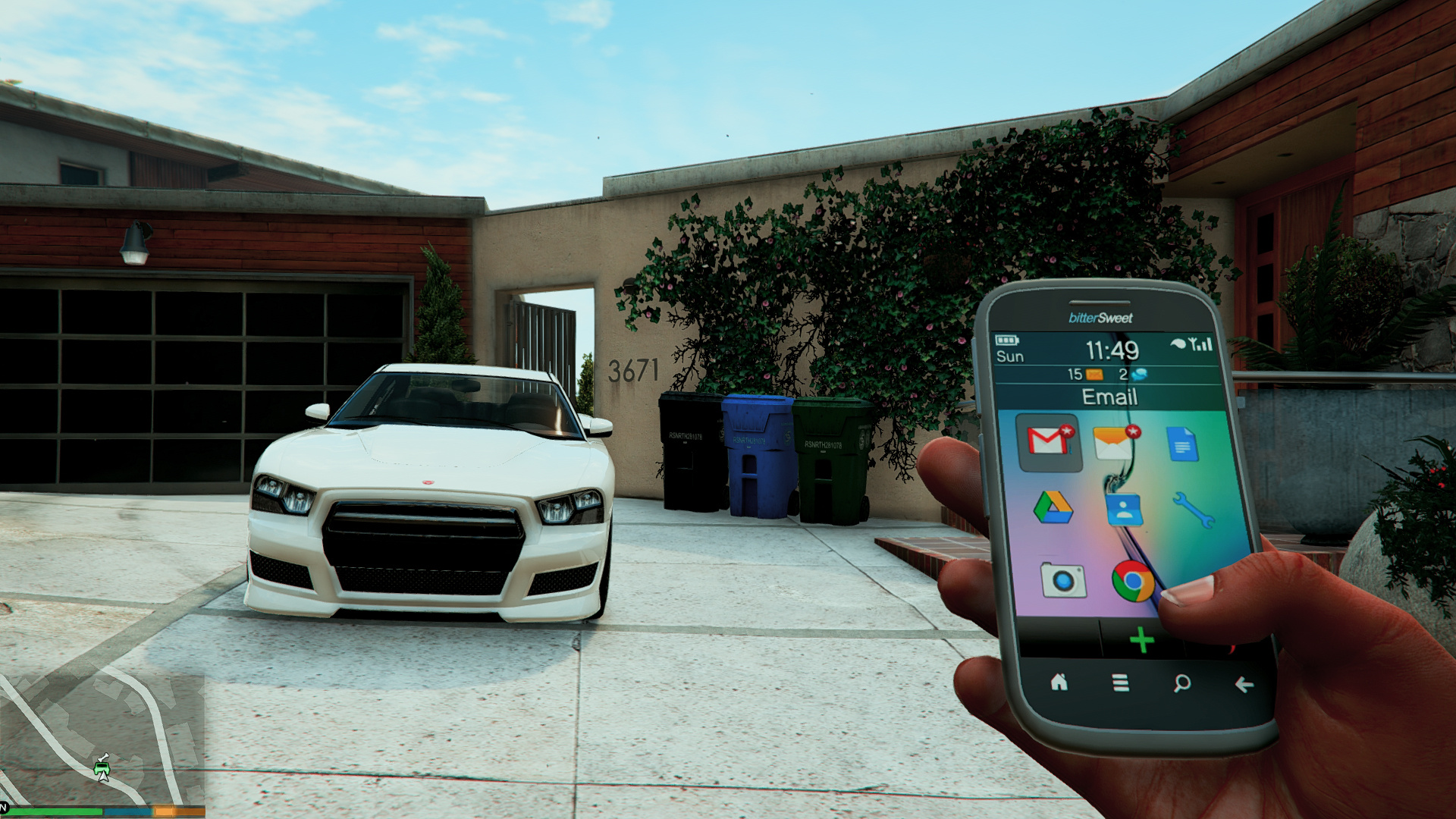
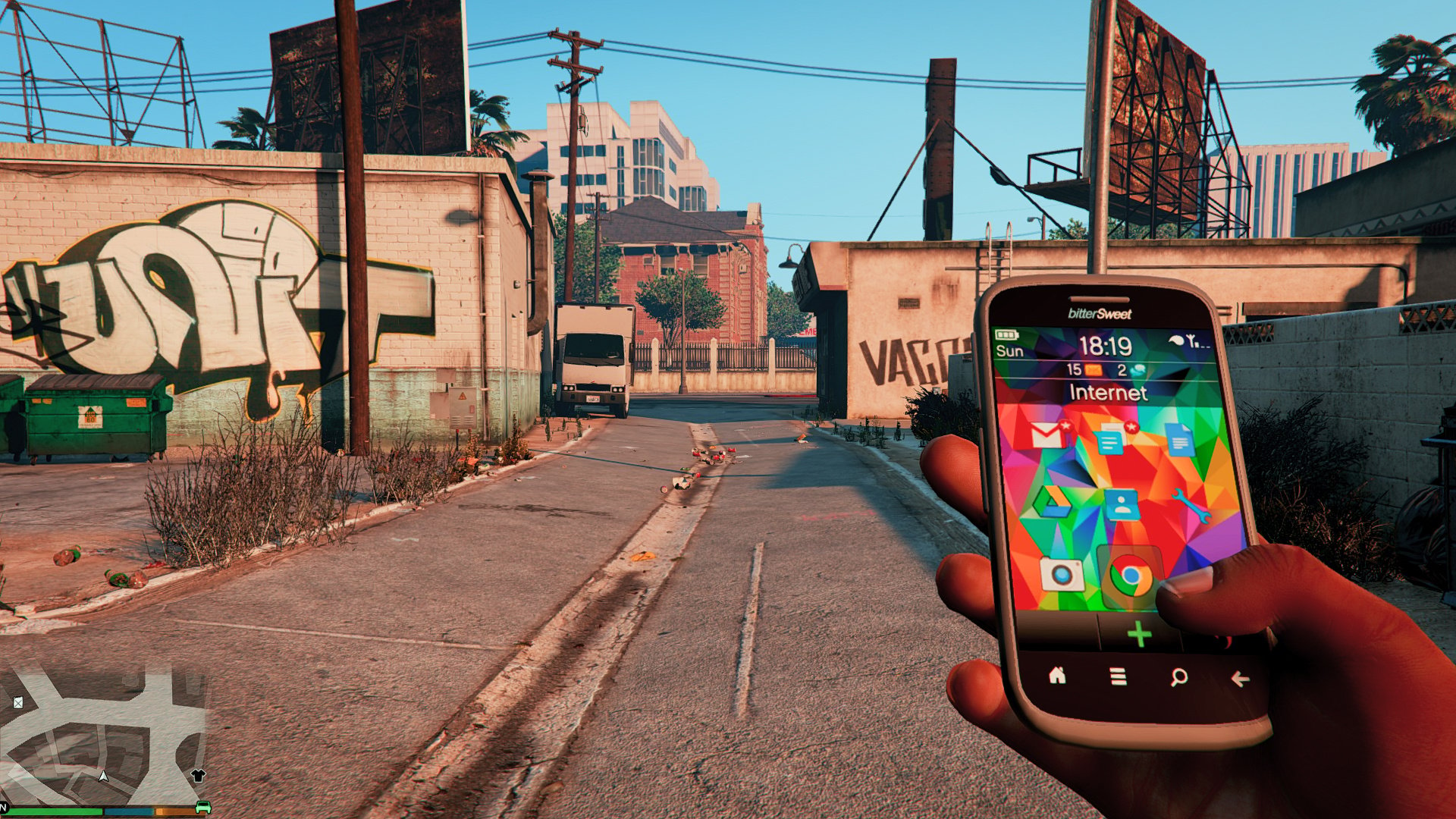
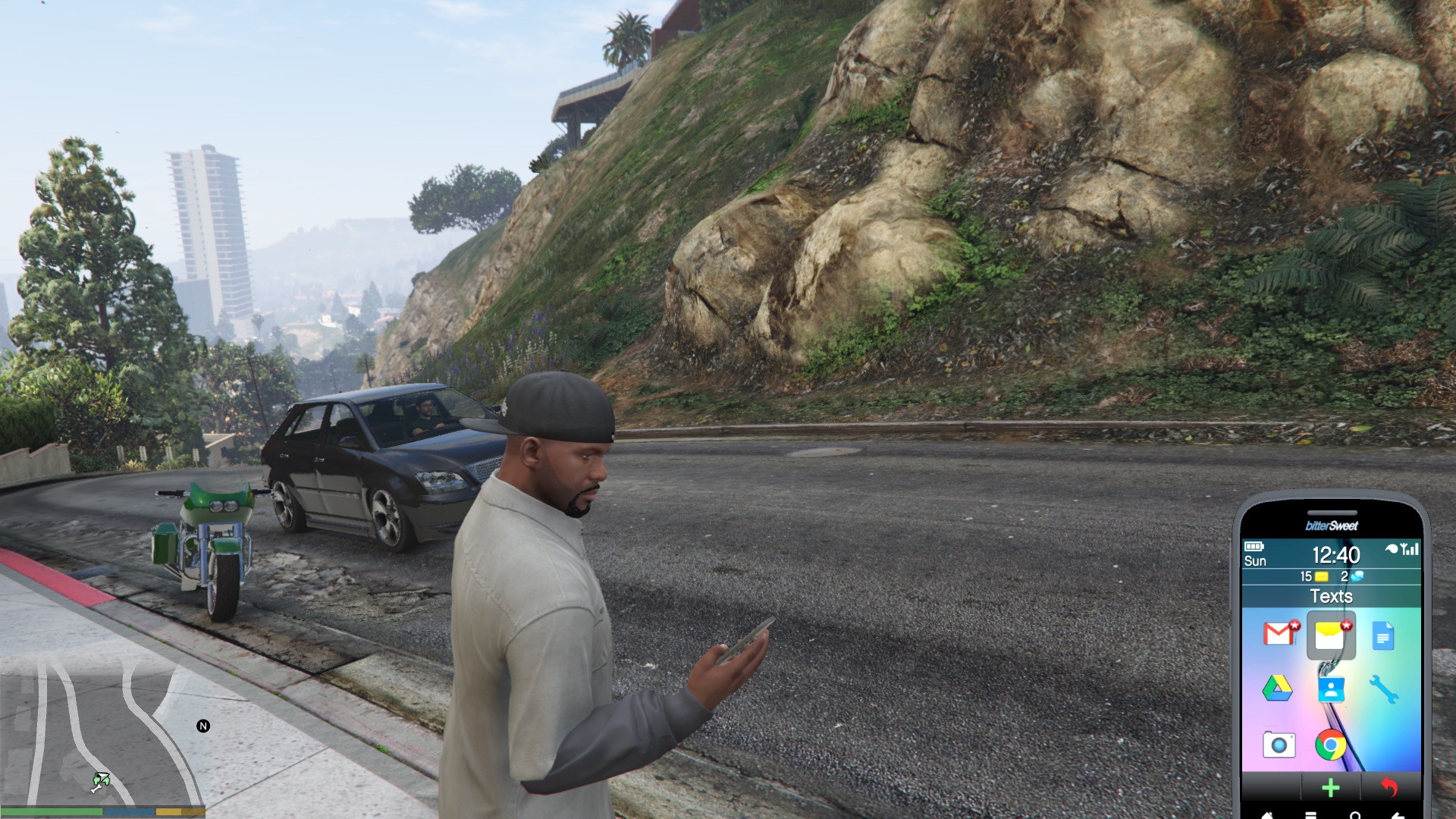
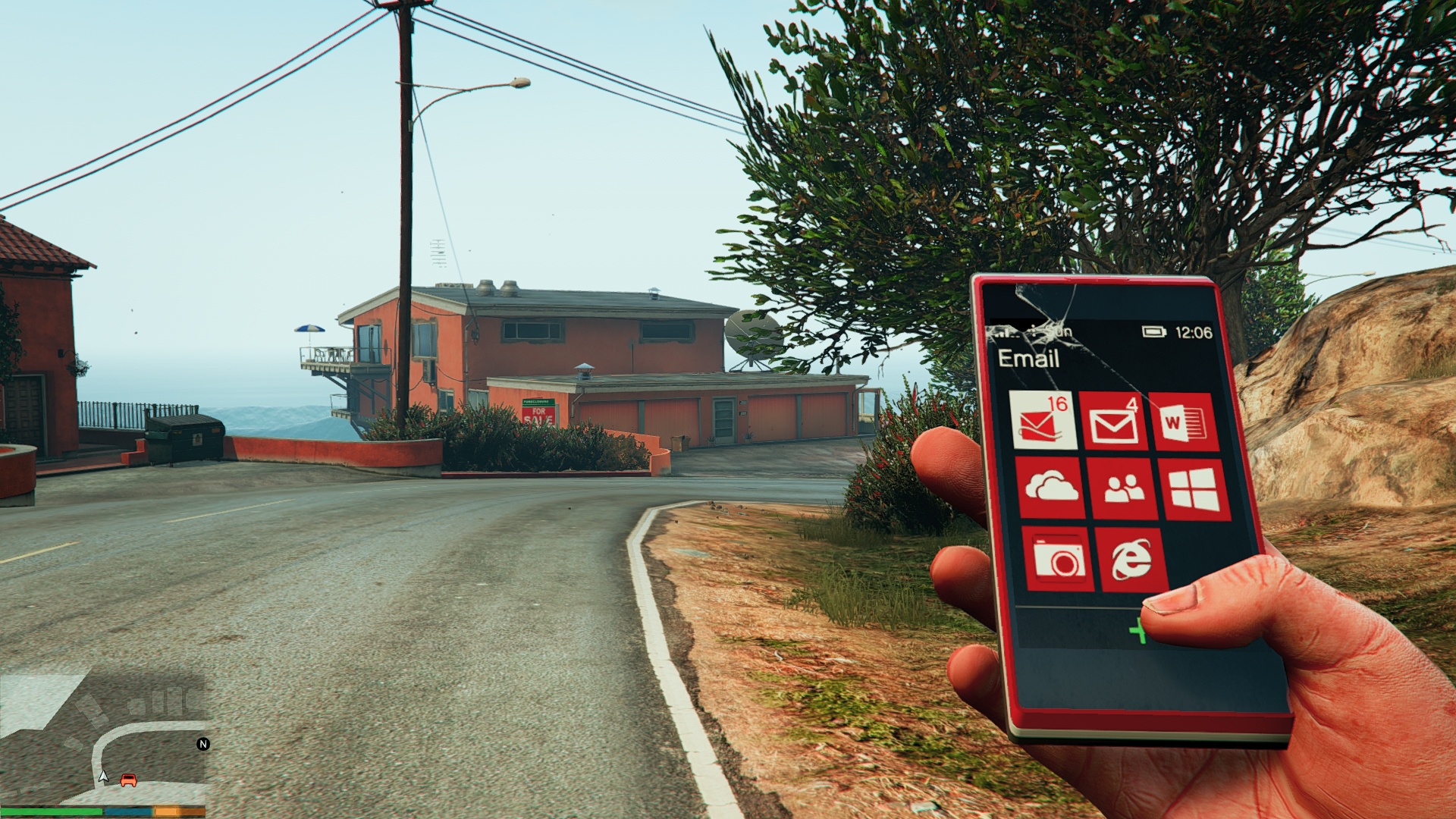
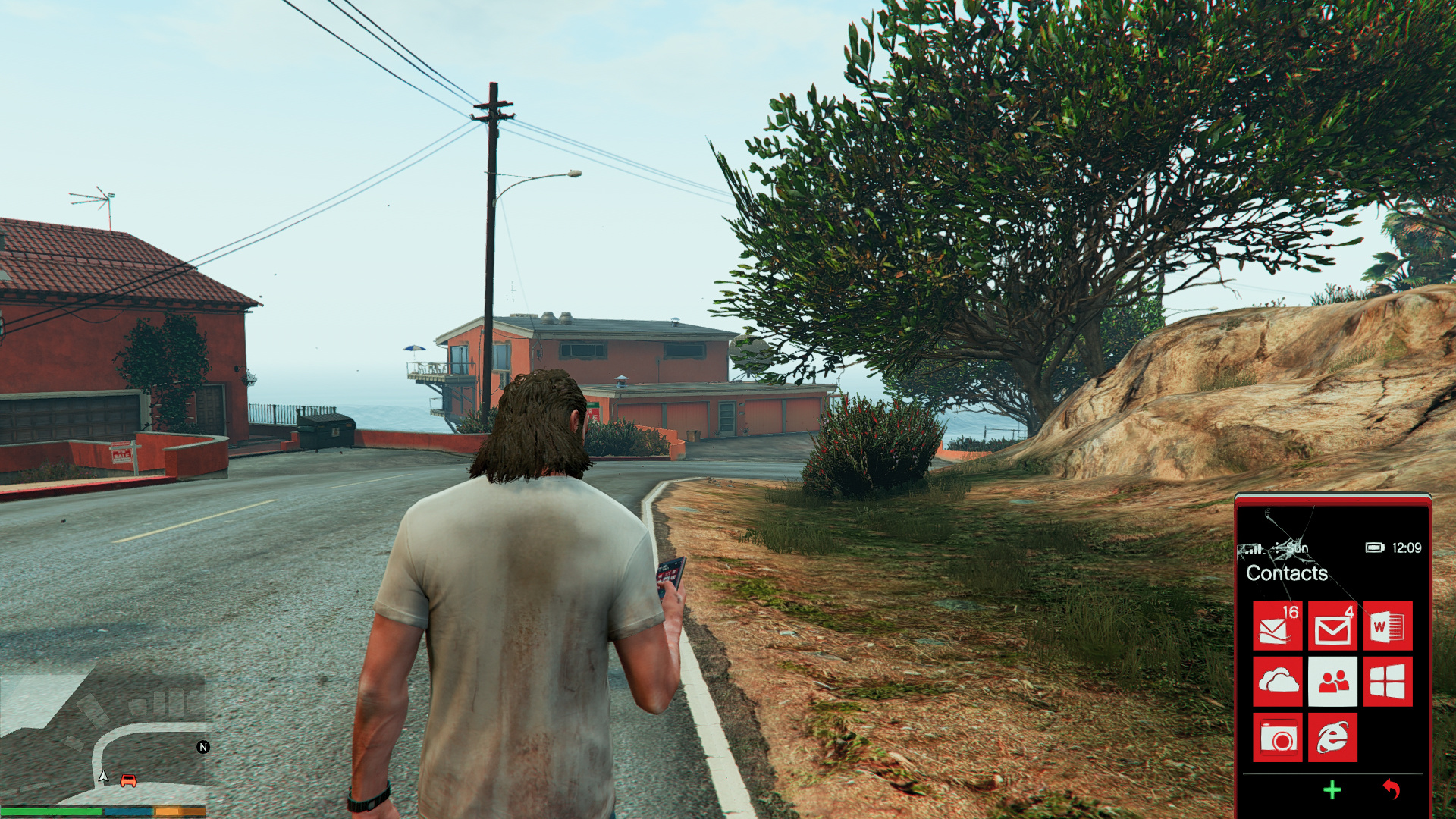
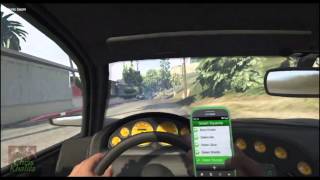
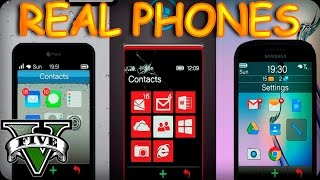
This mod replaces Michael, Trevor and Franklin's phone with HD iPhone, Windows Phone and Android icons and default wallpapers. It also changes the in-game logo to match their real world counterpart.
Note
The screenshots with the Galaxy S5 Wallpaper are from a pre-release version, the icons have since been updated. However, the wallpaper is still present and remains unchanged.
Known Issues
1. None
Installation
1. Extract Files and open OpenIV
2. (Icons) Navigate to Update>update.rpf>x64>patch>data>cdimages>scaleform_generic.rpf
3. (Icons) Drag and drop cellphone_badger.ytd, cellphone_ifruit.ytd and cellphone_facade.ytd
4. (Wallpaper) Navigate to x64b>data>cdimage>scaleform_generic.rpf
5. (Wallpaper) Drag and drop phone_wallpaper_ifruitdefault.ytd, phone_wallpaper_greentriangles.ytd and phone_wallpaper_greensquares.ytd
6. *Navigate to settings>backgrounds and select Green Triangles/Green Squares for the Galaxy S5/6 wallpaper
7. (Real Logos) Navigate to x64c.rpf>levels>gta5>props>lev_des>lev_des.rpf and drag and drop prop_ig_phone1.ytd
8. Rebuild archive and launch game.
*Franklin Only.
Change Log
-1.2:
Added back up files
-1.1:
Added real world logos and changed icons on shell of phone.
-1.0
--Initial Release
Note
The screenshots with the Galaxy S5 Wallpaper are from a pre-release version, the icons have since been updated. However, the wallpaper is still present and remains unchanged.
Known Issues
1. None
Installation
1. Extract Files and open OpenIV
2. (Icons) Navigate to Update>update.rpf>x64>patch>data>cdimages>scaleform_generic.rpf
3. (Icons) Drag and drop cellphone_badger.ytd, cellphone_ifruit.ytd and cellphone_facade.ytd
4. (Wallpaper) Navigate to x64b>data>cdimage>scaleform_generic.rpf
5. (Wallpaper) Drag and drop phone_wallpaper_ifruitdefault.ytd, phone_wallpaper_greentriangles.ytd and phone_wallpaper_greensquares.ytd
6. *Navigate to settings>backgrounds and select Green Triangles/Green Squares for the Galaxy S5/6 wallpaper
7. (Real Logos) Navigate to x64c.rpf>levels>gta5>props>lev_des>lev_des.rpf and drag and drop prop_ig_phone1.ytd
8. Rebuild archive and launch game.
*Franklin Only.
Change Log
-1.2:
Added back up files
-1.1:
Added real world logos and changed icons on shell of phone.
-1.0
--Initial Release
First Uploaded: May 25, 2015
Last Updated: May 30, 2015
Last Downloaded: 2 hours ago
61 Comments
More mods by T9X69:
This mod replaces Michael, Trevor and Franklin's phone with HD iPhone, Windows Phone and Android icons and default wallpapers. It also changes the in-game logo to match their real world counterpart.
Note
The screenshots with the Galaxy S5 Wallpaper are from a pre-release version, the icons have since been updated. However, the wallpaper is still present and remains unchanged.
Known Issues
1. None
Installation
1. Extract Files and open OpenIV
2. (Icons) Navigate to Update>update.rpf>x64>patch>data>cdimages>scaleform_generic.rpf
3. (Icons) Drag and drop cellphone_badger.ytd, cellphone_ifruit.ytd and cellphone_facade.ytd
4. (Wallpaper) Navigate to x64b>data>cdimage>scaleform_generic.rpf
5. (Wallpaper) Drag and drop phone_wallpaper_ifruitdefault.ytd, phone_wallpaper_greentriangles.ytd and phone_wallpaper_greensquares.ytd
6. *Navigate to settings>backgrounds and select Green Triangles/Green Squares for the Galaxy S5/6 wallpaper
7. (Real Logos) Navigate to x64c.rpf>levels>gta5>props>lev_des>lev_des.rpf and drag and drop prop_ig_phone1.ytd
8. Rebuild archive and launch game.
*Franklin Only.
Change Log
-1.2:
Added back up files
-1.1:
Added real world logos and changed icons on shell of phone.
-1.0
--Initial Release
Note
The screenshots with the Galaxy S5 Wallpaper are from a pre-release version, the icons have since been updated. However, the wallpaper is still present and remains unchanged.
Known Issues
1. None
Installation
1. Extract Files and open OpenIV
2. (Icons) Navigate to Update>update.rpf>x64>patch>data>cdimages>scaleform_generic.rpf
3. (Icons) Drag and drop cellphone_badger.ytd, cellphone_ifruit.ytd and cellphone_facade.ytd
4. (Wallpaper) Navigate to x64b>data>cdimage>scaleform_generic.rpf
5. (Wallpaper) Drag and drop phone_wallpaper_ifruitdefault.ytd, phone_wallpaper_greentriangles.ytd and phone_wallpaper_greensquares.ytd
6. *Navigate to settings>backgrounds and select Green Triangles/Green Squares for the Galaxy S5/6 wallpaper
7. (Real Logos) Navigate to x64c.rpf>levels>gta5>props>lev_des>lev_des.rpf and drag and drop prop_ig_phone1.ytd
8. Rebuild archive and launch game.
*Franklin Only.
Change Log
-1.2:
Added back up files
-1.1:
Added real world logos and changed icons on shell of phone.
-1.0
--Initial Release
First Uploaded: May 25, 2015
Last Updated: May 30, 2015
Last Downloaded: 2 hours ago
 5mods on Discord

Don't have a samsung note7?
Love it. I'm a bit hooked on getting every bit closer to real counterparts of things in GTA. Love this.
worked like a charm and looks awesome nice mod bud :-)
This is insane! Thank you. :)
Sorry, but i can't found:
4. (Wallpaper) Navigate to x64b>data>cdimage>scaleform_generic.rpf
:(
@T9X69 wooo good mod. I want you make this. You know old texture gta v phone/ old gen phone gta v right?. So i want you make this mod make old gta v phone for pc i like trevor is old phone for franklin just make the mod ok please!
Real Phones HD 1.2 [.OIV]
https://drive.google.com/open?id=0B9zhJbWahZDENVFZaDJuMGlEdzQ
6.*Navigate to settings>backgrounds and select Green Triangles/Green Squares for the Galaxy S5/6 wallpaper how????????????????
can you make it ios 6?
Thumbs.db What is this and how should it be used?
Mod no longer works, but it looks pretty nice. I doubt it'll be updated again, but if it does someday, I'll re-review it. Sadly, I can't give a positive review now, but I really hope that this mod is fixed.
@Charger99 Thanks a lot dude
good mod
Nice, thank you!
man we need oiv installation
@Wons its upwards
@Charger99 This comment needs to be pinned! Thx man!
phone turns black
i was installing the icons but the problem is the directory "scaleform_generic.rpf" file is missing. please update the mod.
Every time I try to open the mail app the phone screen goes black and becomes unusable