Simple Police Helper Build 1.2.1.1


![Wanted Curve The Bullet [Legacy & Enhanced]](https://img.gta5-mods.com/q75-w500-h333-cfill/images/wanted-curve-the-bullet-legacy-enhanced/82bf9e-curve.jpg "Wanted Curve The Bullet [Legacy & Enhanced]")
![Modern Car Dealership [LEGACY]](https://img.gta5-mods.com/q75-w500-h333-cfill/images/modern-car-dealership-gta5-singleplayer/0eea8e-shot.png "Modern Car Dealership [LEGACY]")
![Minecraft Steve Passthrough [Enhanced]](https://img.gta5-mods.com/q75-w500-h333-cfill/images/gta-v-enhanced-minecraft-steve-passthrough-mod-files/03e491-GTA5_Enhanced2026-10-04-13-05-45_1.png "Minecraft Steve Passthrough [Enhanced]")


44,258
185
44,258
185
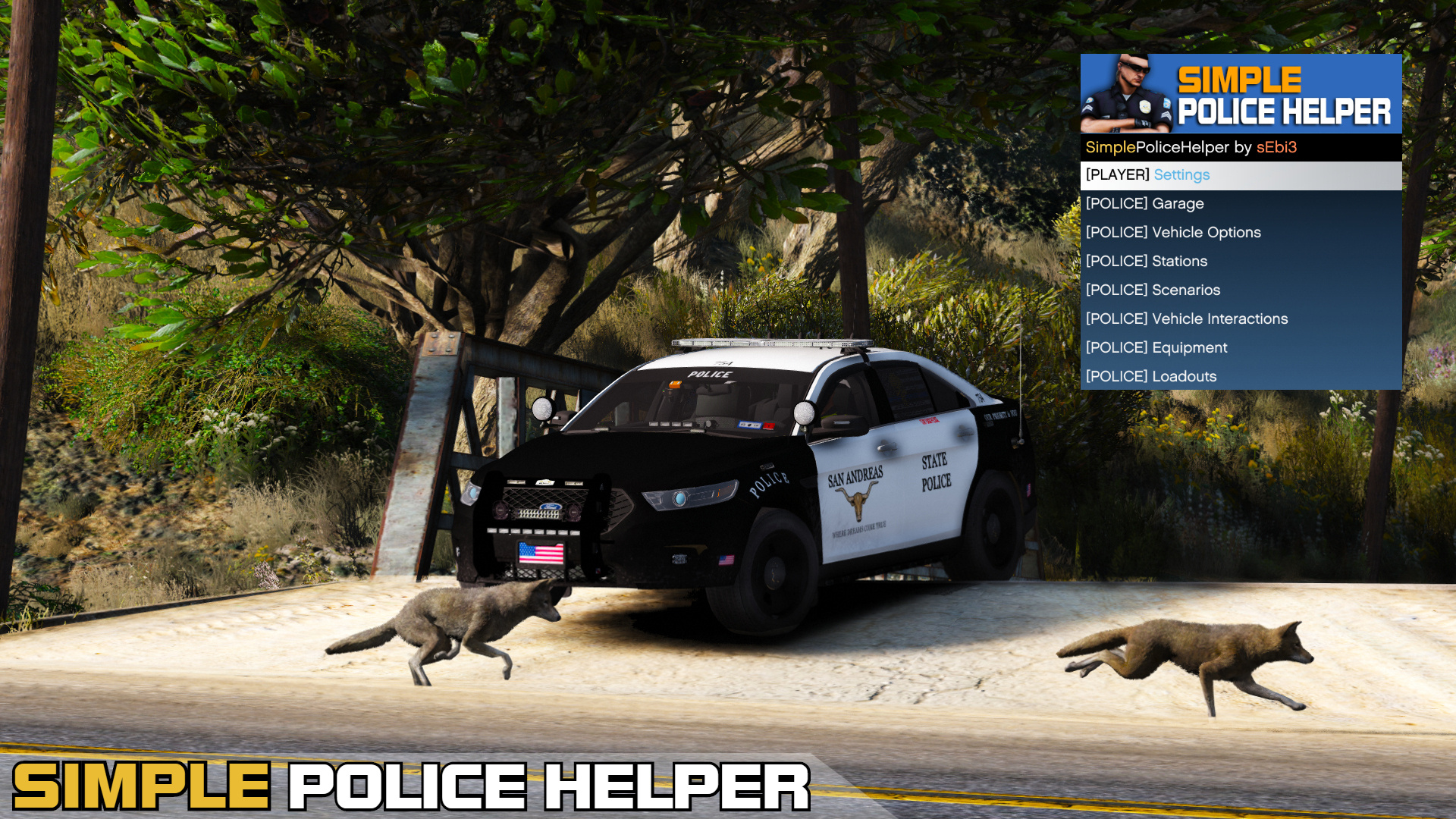
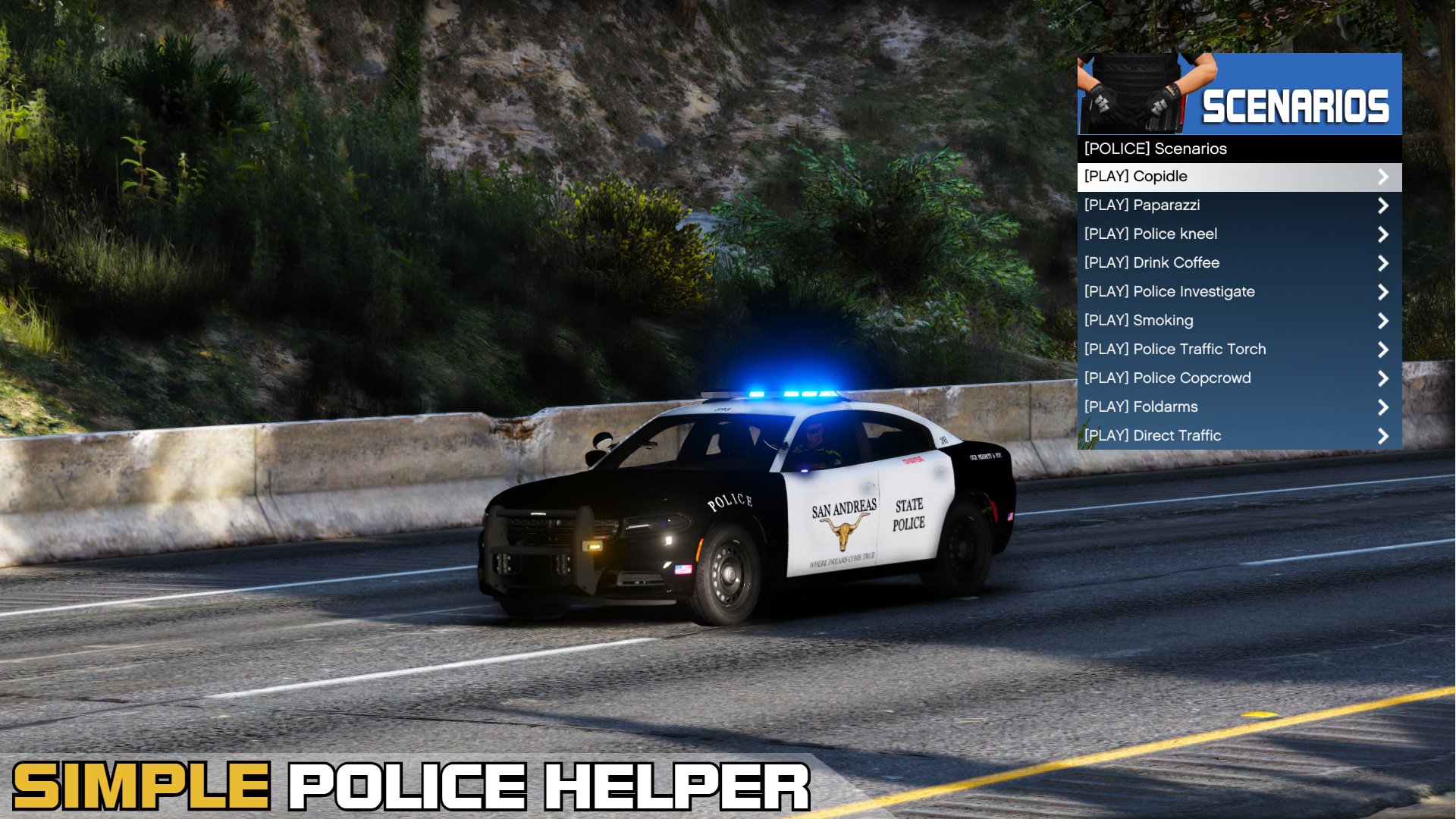
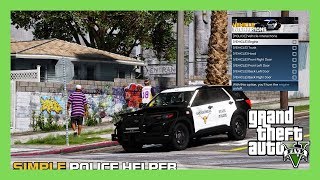
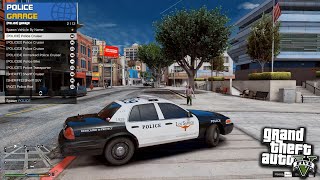
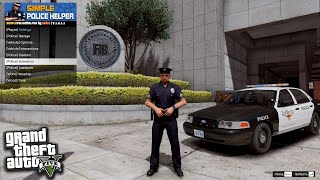
Simple Police Helper is a lightweight menu for LSPDFR. It provides a clean, easy-to-use interface with multiple categories and useful features that players can access quickly during patrol, helping streamline gameplay and making everyday police duties more efficient and convenient.
You can also find Simple Police Helper on the official LSPDFR Page.
Take a look on GitHub or the LSPDFR Page for general solutions.
How to Install
1) Copy the contents of the "scripts" folder into: GTA V directory\scripts.
2) Alternative: Drag and drop the "scripts" folder into your main directory of GTAV.
Requirements
Menu Controls & Customization
The menu can be opened in-game by default with F5. If you prefer a different key, you can change the keybind in the configuration file. The menu banners are also customizable. You can find them in the GTAV / scripts / SPH folder, where they can be replaced with your own images.
Features of this Mod
Player Settings
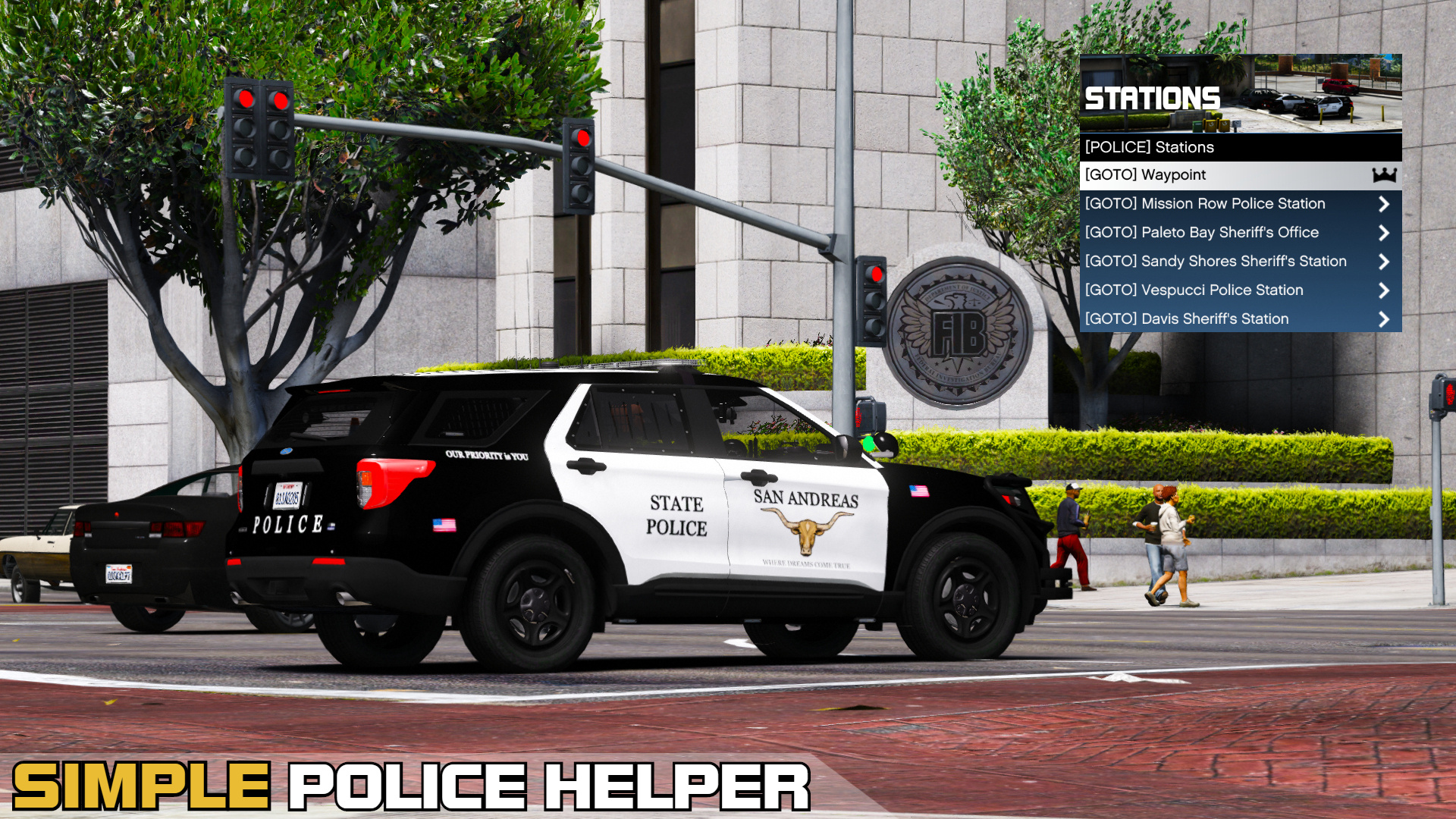
Police Garage and Stations
Vehicle Options and Interactions
Loadouts for your Patrols
Weather and Time Options
Stay up to Date
You can also find Simple Police Helper on the official LSPDFR Page.
Take a look on GitHub or the LSPDFR Page for general solutions.
How to Install
1) Copy the contents of the "scripts" folder into: GTA V directory\scripts.
2) Alternative: Drag and drop the "scripts" folder into your main directory of GTAV.
Requirements
- Script Hook V .NET – Download here
- Script Hook V – Download here
- NativeUI – Download here
- A legal copy of Grand Theft Auto V (Supported platforms include Retail, Epic Games, and Steam versions.)
Menu Controls & Customization
The menu can be opened in-game by default with F5. If you prefer a different key, you can change the keybind in the configuration file. The menu banners are also customizable. You can find them in the GTAV / scripts / SPH folder, where they can be replaced with your own images.
Features of this Mod
Player Settings
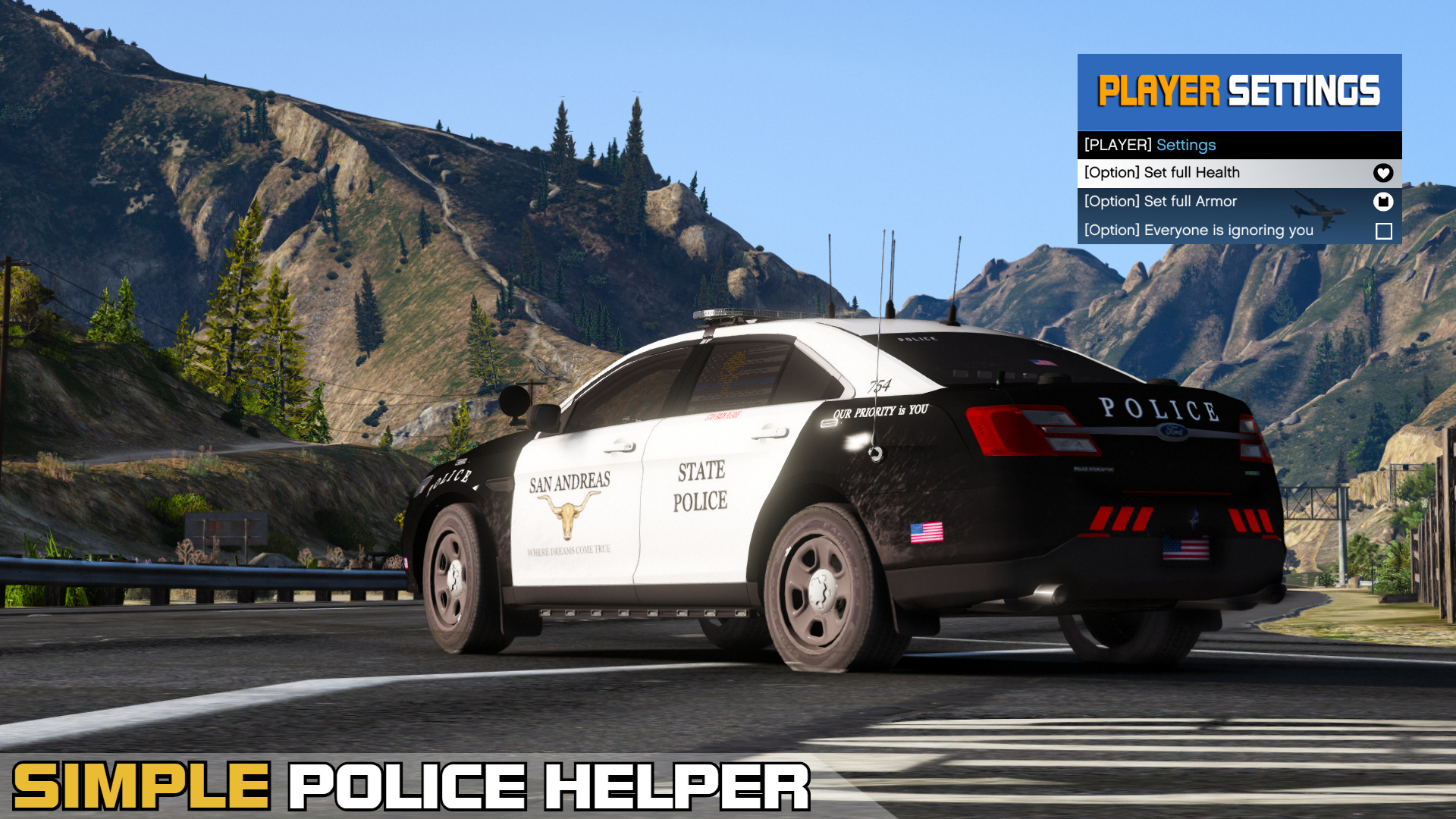
- Heal yourself and add armor at any time to stay prepared for any situation.
- Instantly clean your character’s clothes from blood and dirt.
- Option to be ignored by all Peds. (Useful if you want peds to remain calm during firefights.)
- Equip Night Vision and Thermal Vision directly from the Player Settings menu.
Police Garage and Stations
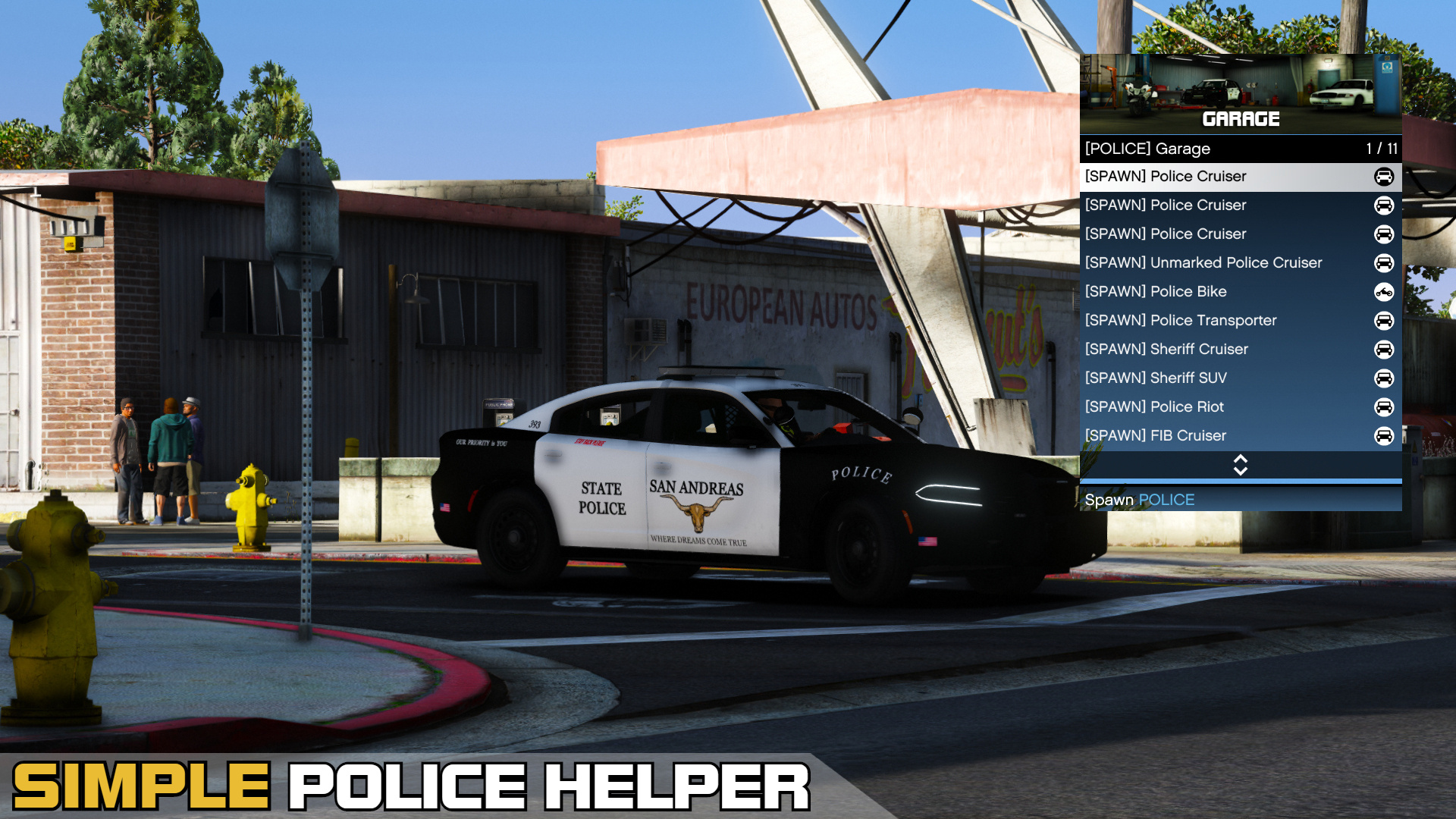
- Spawn all default police vehicles available in the game from various agencies such as BCSO, LSPD, FIB, and more.
- Spawn any vehicle by name that exists in the game.
- All default police vehicles are supported.
- Includes a system that automatically deletes your previously spawned vehicle when entering a new one, preventing vehicle clutter.
- Instantly teleport to any police station across the map within seconds.
- Note: This option teleports the player only, not the vehicle.
Vehicle Options and Interactions
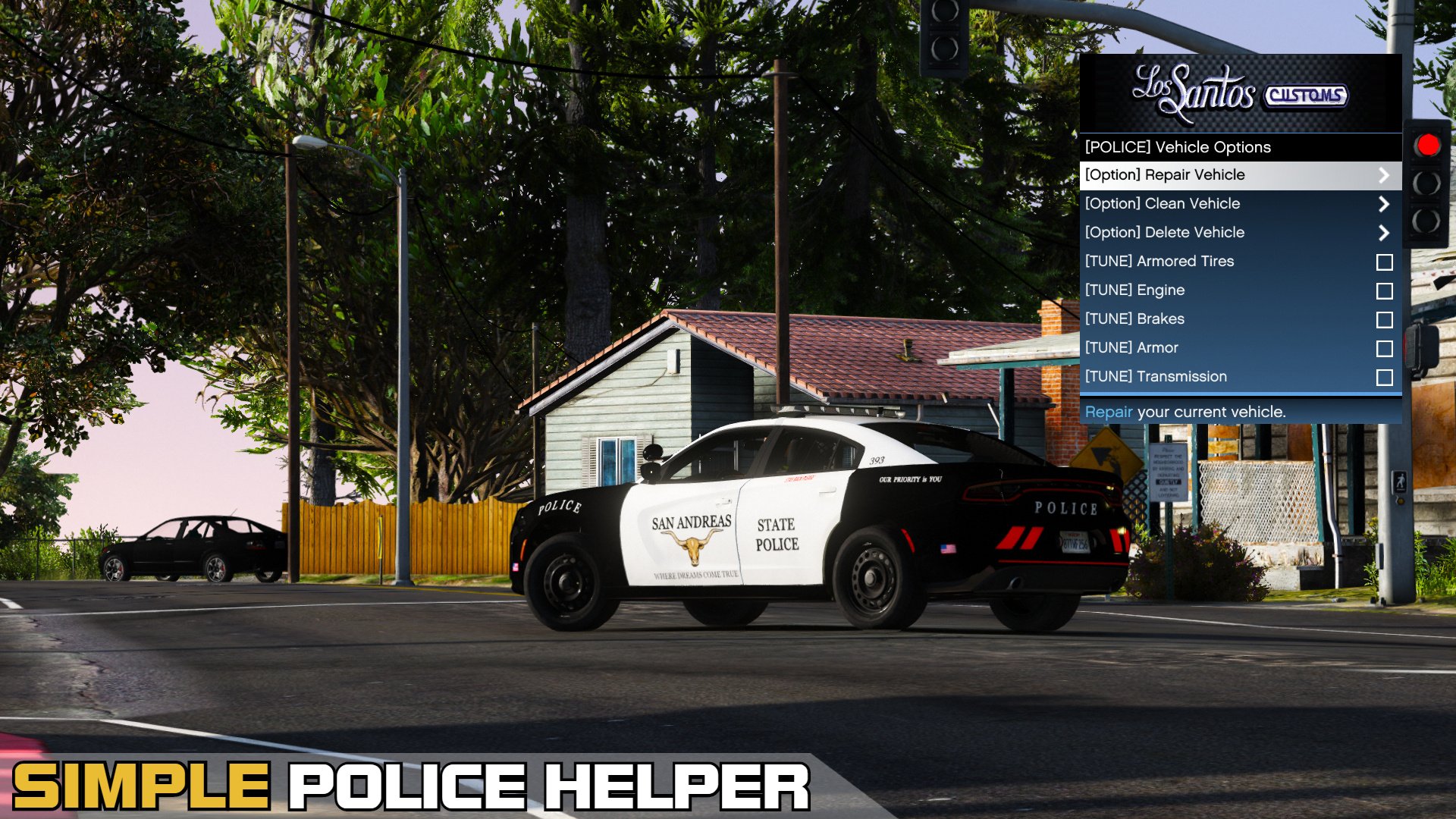
- Quickly repair and clean your vehicle or enable God Mode.
- Delete the vehicle you are currently using.
- Vehicle Tuning: Upgrade your vehicle with a single click. (engine, brakes, amored tires, transmission and more)
- Door Control: Open or close all or specific vehicle doors. (trunk, hood and more)
- Easily toggle the engine on or off and roll vehicle windows up or down.
Loadouts for your Patrols
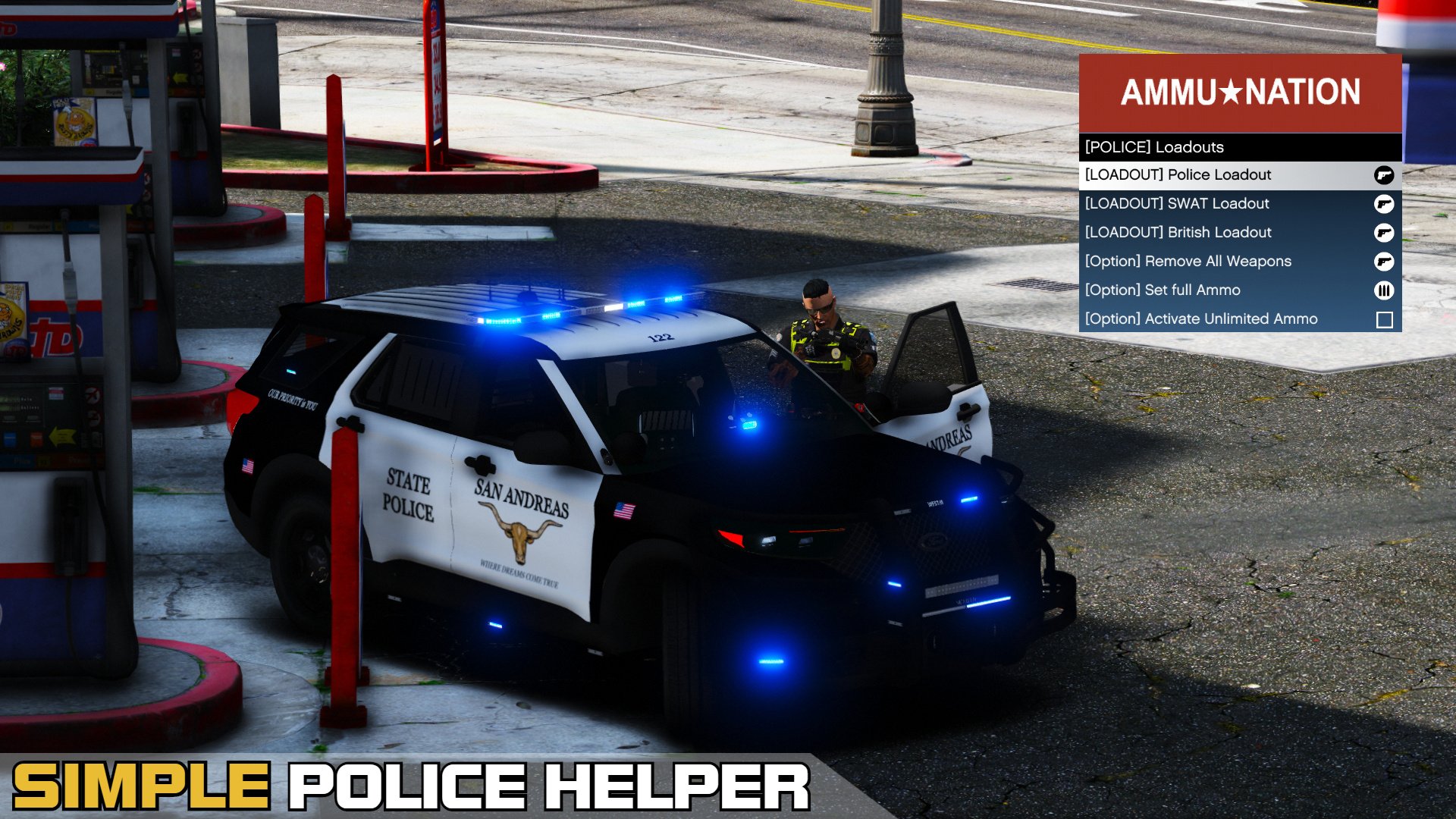
- Choose between three different police loadouts: Police, British and SWAT.
- Enable unlimited ammo and instantly refill ammunition for your current weapon.
- Remove all currently equipped weapons from your inventory.
Weather and Time Options
- Change the weather to your preference. Choose from sunny, neutral, clearing, foggy, raining, thunder, and more.
- If you are using another trainer, it may override this mod’s weather system.
- Adjust the in-game time as desired, including morning, afternoon, evening, and night.
Stay up to Date
- This plugin includes an integrated version control system that notifies players when a new update is available.
- While older versions may remain playable, using outdated builds is done at the player’s own risk. Updating to the latest available version is always strongly recommended for stability and compatibility.
First Uploaded: April 18, 2020
Last Updated: June 29, 2020
Last Downloaded: 4 hours ago
63 Comments
More mods by sEbi3:
Simple Police Helper is a lightweight menu for LSPDFR. It provides a clean, easy-to-use interface with multiple categories and useful features that players can access quickly during patrol, helping streamline gameplay and making everyday police duties more efficient and convenient.
You can also find Simple Police Helper on the official LSPDFR Page.
Take a look on GitHub or the LSPDFR Page for general solutions.
How to Install
1) Copy the contents of the "scripts" folder into: GTA V directory\scripts.
2) Alternative: Drag and drop the "scripts" folder into your main directory of GTAV.
Requirements
Menu Controls & Customization
The menu can be opened in-game by default with F5. If you prefer a different key, you can change the keybind in the configuration file. The menu banners are also customizable. You can find them in the GTAV / scripts / SPH folder, where they can be replaced with your own images.
Features of this Mod
Player Settings
Police Garage and Stations
Vehicle Options and Interactions
Loadouts for your Patrols
Weather and Time Options
Stay up to Date
You can also find Simple Police Helper on the official LSPDFR Page.
Take a look on GitHub or the LSPDFR Page for general solutions.
How to Install
1) Copy the contents of the "scripts" folder into: GTA V directory\scripts.
2) Alternative: Drag and drop the "scripts" folder into your main directory of GTAV.
Requirements
- Script Hook V .NET – Download here
- Script Hook V – Download here
- NativeUI – Download here
- A legal copy of Grand Theft Auto V (Supported platforms include Retail, Epic Games, and Steam versions.)
Menu Controls & Customization
The menu can be opened in-game by default with F5. If you prefer a different key, you can change the keybind in the configuration file. The menu banners are also customizable. You can find them in the GTAV / scripts / SPH folder, where they can be replaced with your own images.
Features of this Mod
Player Settings
- Heal yourself and add armor at any time to stay prepared for any situation.
- Instantly clean your character’s clothes from blood and dirt.
- Option to be ignored by all Peds. (Useful if you want peds to remain calm during firefights.)
- Equip Night Vision and Thermal Vision directly from the Player Settings menu.
Police Garage and Stations
- Spawn all default police vehicles available in the game from various agencies such as BCSO, LSPD, FIB, and more.
- Spawn any vehicle by name that exists in the game.
- All default police vehicles are supported.
- Includes a system that automatically deletes your previously spawned vehicle when entering a new one, preventing vehicle clutter.
- Instantly teleport to any police station across the map within seconds.
- Note: This option teleports the player only, not the vehicle.
Vehicle Options and Interactions
- Quickly repair and clean your vehicle or enable God Mode.
- Delete the vehicle you are currently using.
- Vehicle Tuning: Upgrade your vehicle with a single click. (engine, brakes, amored tires, transmission and more)
- Door Control: Open or close all or specific vehicle doors. (trunk, hood and more)
- Easily toggle the engine on or off and roll vehicle windows up or down.
Loadouts for your Patrols
- Choose between three different police loadouts: Police, British and SWAT.
- Enable unlimited ammo and instantly refill ammunition for your current weapon.
- Remove all currently equipped weapons from your inventory.
Weather and Time Options
- Change the weather to your preference. Choose from sunny, neutral, clearing, foggy, raining, thunder, and more.
- If you are using another trainer, it may override this mod’s weather system.
- Adjust the in-game time as desired, including morning, afternoon, evening, and night.
Stay up to Date
- This plugin includes an integrated version control system that notifies players when a new update is available.
- While older versions may remain playable, using outdated builds is done at the player’s own risk. Updating to the latest available version is always strongly recommended for stability and compatibility.
First Uploaded: April 18, 2020
Last Updated: June 29, 2020
Last Downloaded: 4 hours ago
 5mods on Discord

V.1.2.1.1
- [Fixed] a bug with turning the engine of your current vehicle off.
- [Added] a new category to change the weather.
- [Added] a new category to change the time (morning, afternoon, evening and night).
- [Added] a option to spawn a vehicle by name.
- [Removed] the mouse control option.
- [Removed] the Equipment category and added night- and thermalvision to the player settings.
- [Changed] the subtitle-font of the menu.
- [Changed] a few banner designs.
it exactly working with epic games version?
Can I play as a cop without LSPDFR with this mod?. And arrest etc?
I need to bind the menu to Numpad minus (NumpadSub), but mod wont let me. I need most of my numpad keys, and I currently have so many mods that I struggle to find a key for this mod. I can use following, but don't seemt to work.
NumpadDiv / (division)
NumpadMult * (multiplication)
NumpadAdd + (addition)
NumpadSub - (subtraction)
NumpadEnter
Bonjour c’est possible d’ajouter dans le menu un fichier la ou on peut rajouter des véhicules de police?
@dudu66750 Hi, can you please translate that into English? That would help me a lot to understand your question better. :-)
If you have any suggestions, ideas, problems/issues or bugs, then please join on my discord server.
I won't help in the comments since I don't have a lot of time!
I also have a patreon page for the ones, who want to support my current and future projects.
If you want to be a part of the development and want to have early-access versions, then have a look here: https://www.patreon.com/sEbi3
@sEbi3 hey man i think ScriptHookVDotNet now cause to crash with Lspdfr .. the developers in lspdfr said that .. and i tasted it without ScriptHookVDotNet everything is alright !! are u still using SHVDN with Lspdfr ??
@sEbi3 i can translate what he want from you ( @dudu66750 ) he said > is it possible to add a file in the menu where we can add police vehicles?
@sEbi3 I actually downlaoded this at LSPDFR website and remembered you also make the Enhanced Trainer Mod as well. The ini is very limited, is there a way you could add options the create and then save the type of weapon loadout that you want in this mod. It would make life real easy to just lock and load before going out on patrol, rather than activating each individual weapon from the trainer. I also dig how this mod helps clear your inventory of unwanted weapons first!
Can I use this and menyoo at the same time? Like without removing each one each time
@Nelson Davies Yes, you can use both menus at the same time.
Awesome!
Is it work with the new Update?
@SIrmario Yes, this plugin should work with the new GTA5 update.
Works great with the actual version. If anybody need a installation tutorial (in german): https://gta-lspdfr-mods.de/infos/wie-installiert-man-simple-police-helper-sph-in-gta5/
@sEbi3 i did myn the correct way and nothing still happens
@Cannabird420_710 Hi, can you please have a look here: https://sebi3.de/troubleshooting
If you still have any problems after you've visted the troubleshooting page, let me know again. :)
Hi, here you can add cars to the garage template, from the addon, without entering their name every time?
@RampagOverem Hi, there's currently no support for customization and I don't have enough time to update SPH.
However, I'm planing on doing a supported version for RageNativeUI with customization configs for loadouts and vehicles.
how do i open it