Garage multiplex Michael v02 1.2
![Kame House [ Dragon Ball ]](https://img.gta5-mods.com/q75-w500-h333-cfill/images/kame-house/7264d3-20231221210558_1.jpg "Kame House [ Dragon Ball ]")
![Red Farm + secret drugs lab [YMAP]](https://img.gta5-mods.com/q75-w500-h333-cfill/images/red-farm-secret-drugs-lab-ymap/96b76a-20231104225200_1.jpg "Red Farm + secret drugs lab [YMAP]")
![Stargate [Menyoo]](https://img.gta5-mods.com/q75-w500-h333-cfill/images/stargate-1-0/f3b3ac-20211005032649_1.jpg "Stargate [Menyoo]")
![Mafia Design Hill House I [YMAP][Addon]](https://img.gta5-mods.com/q75-w500-h333-cfill/images/mafia-design-hill-house-i-ymap-addon/56a18a-20241215230828_1.jpg "Mafia Design Hill House I [YMAP][Addon]")



3,509
18
3,509
18
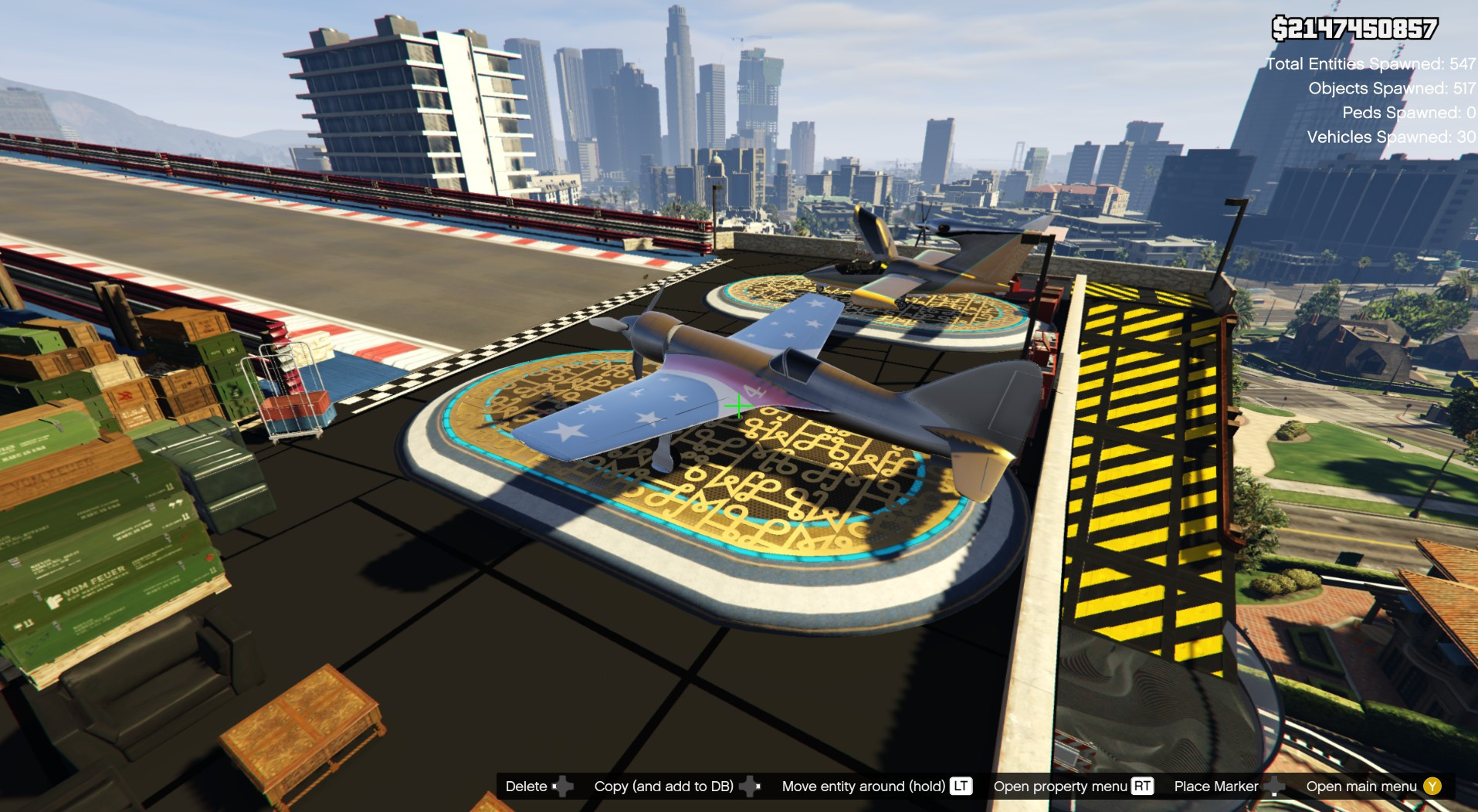
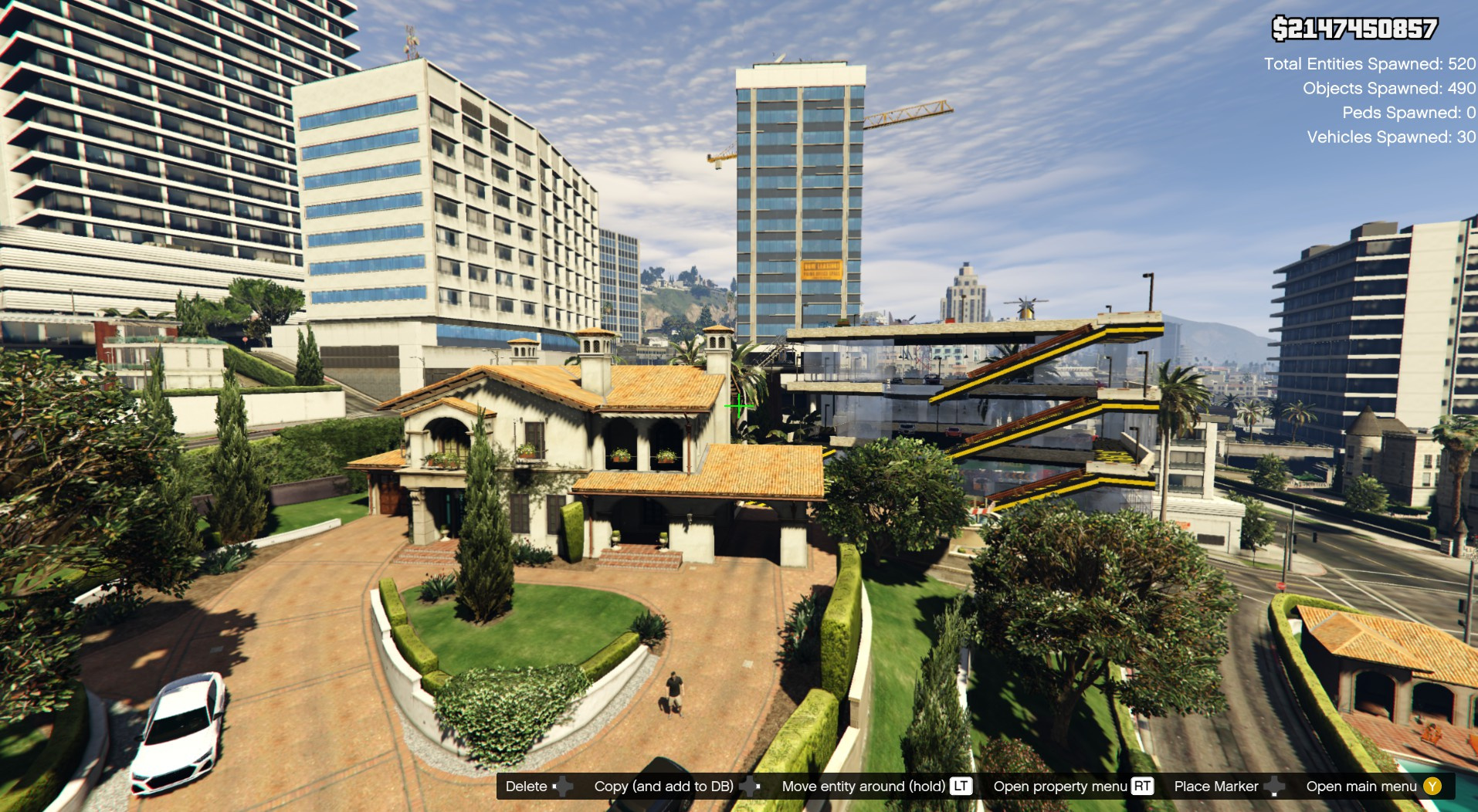
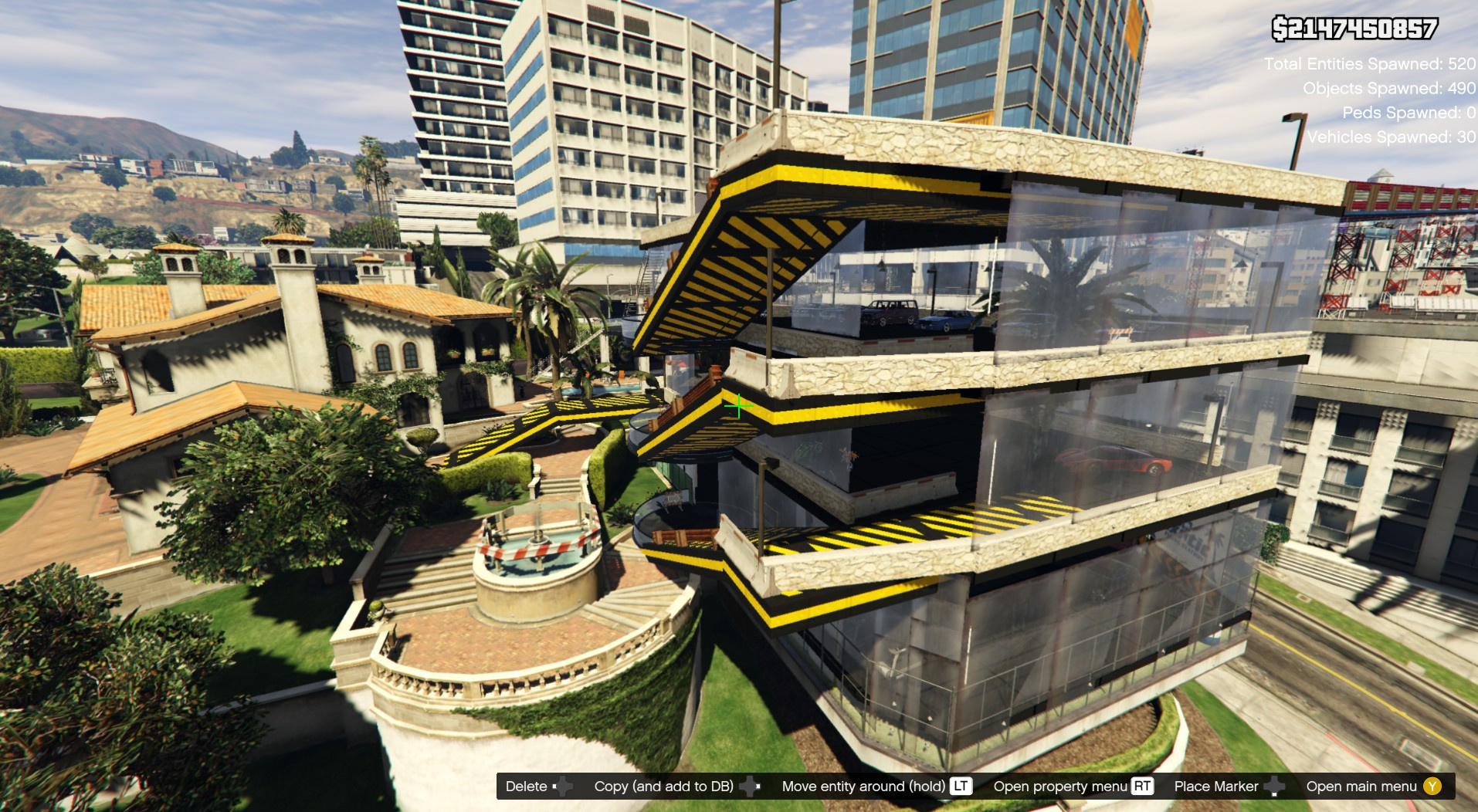
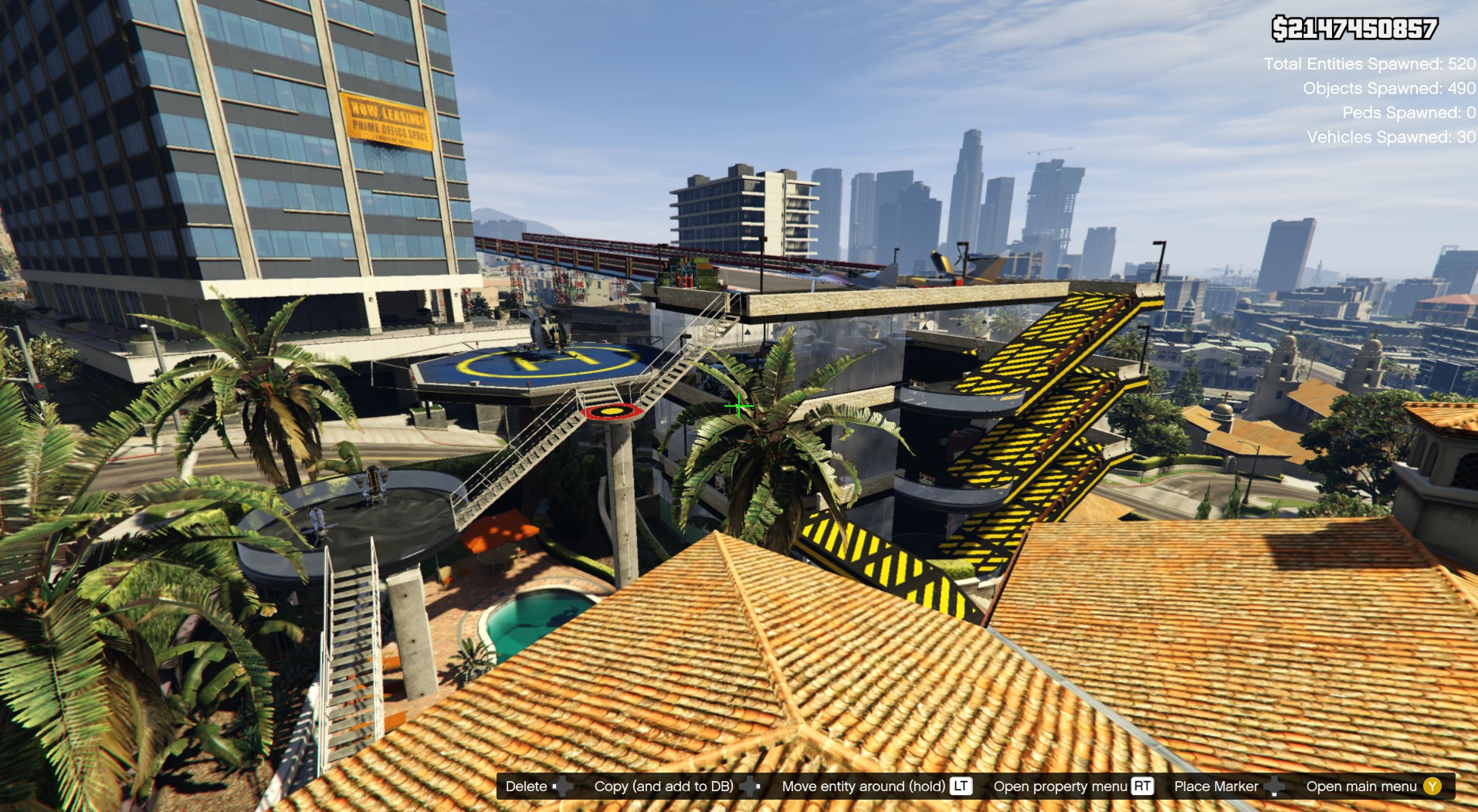
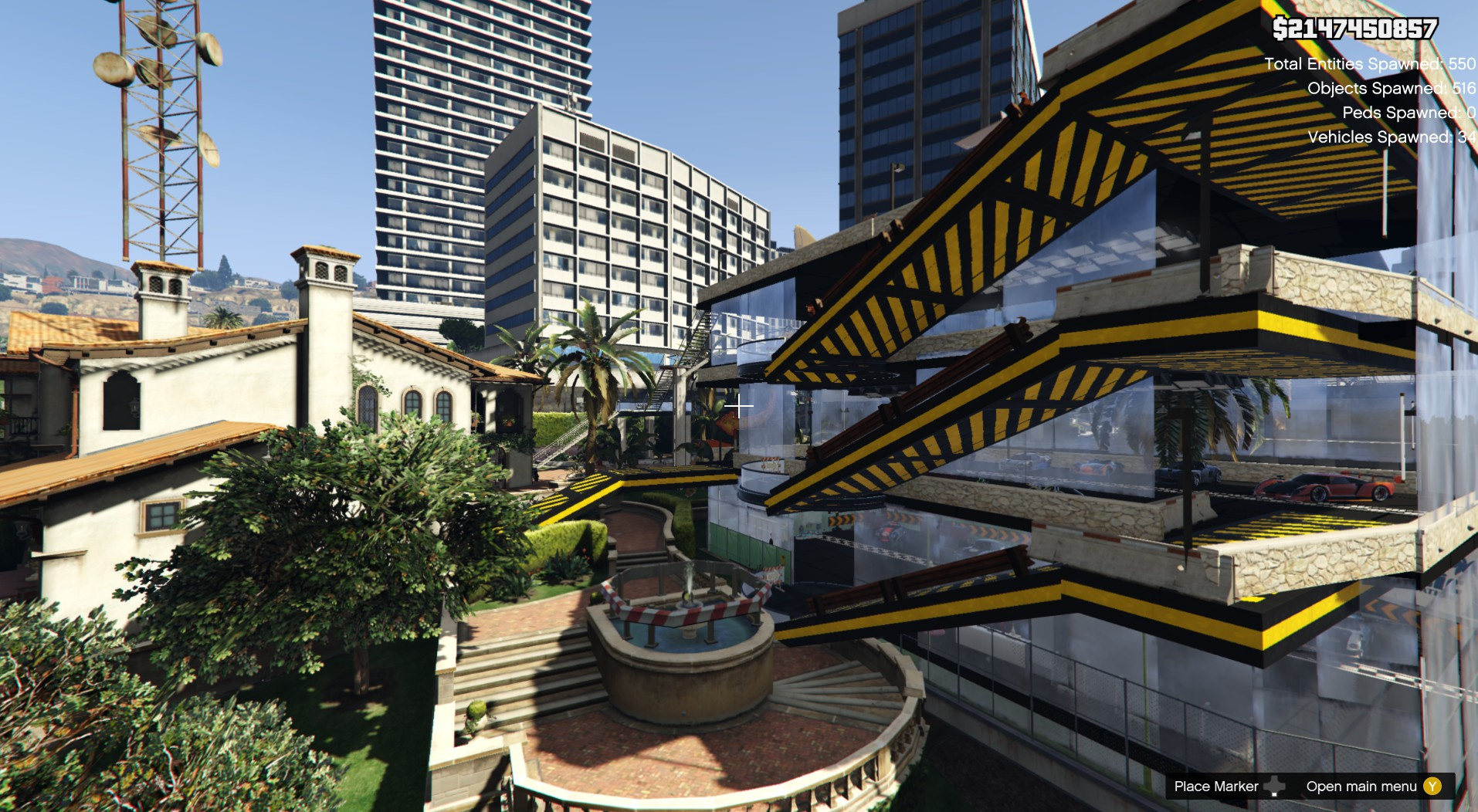
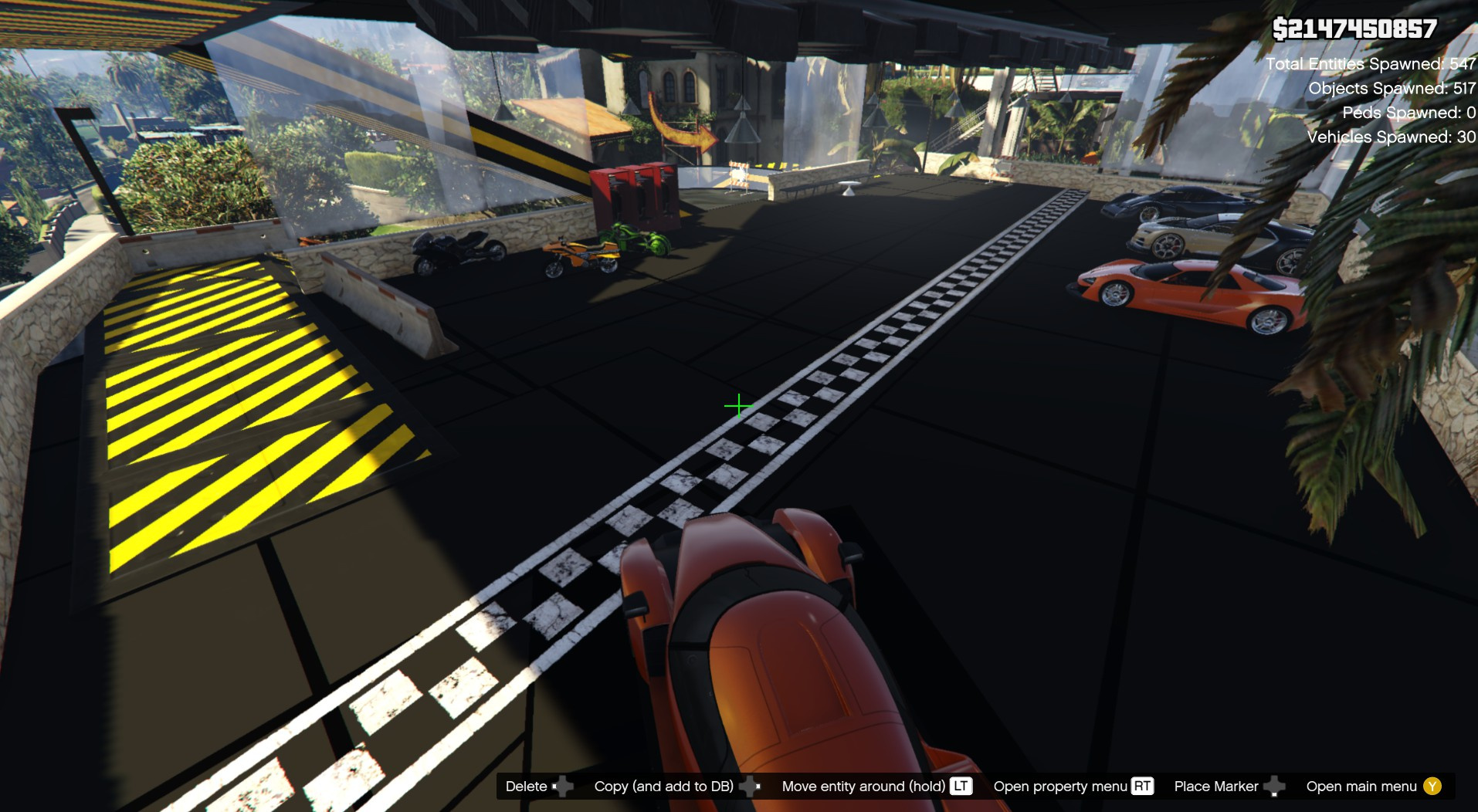
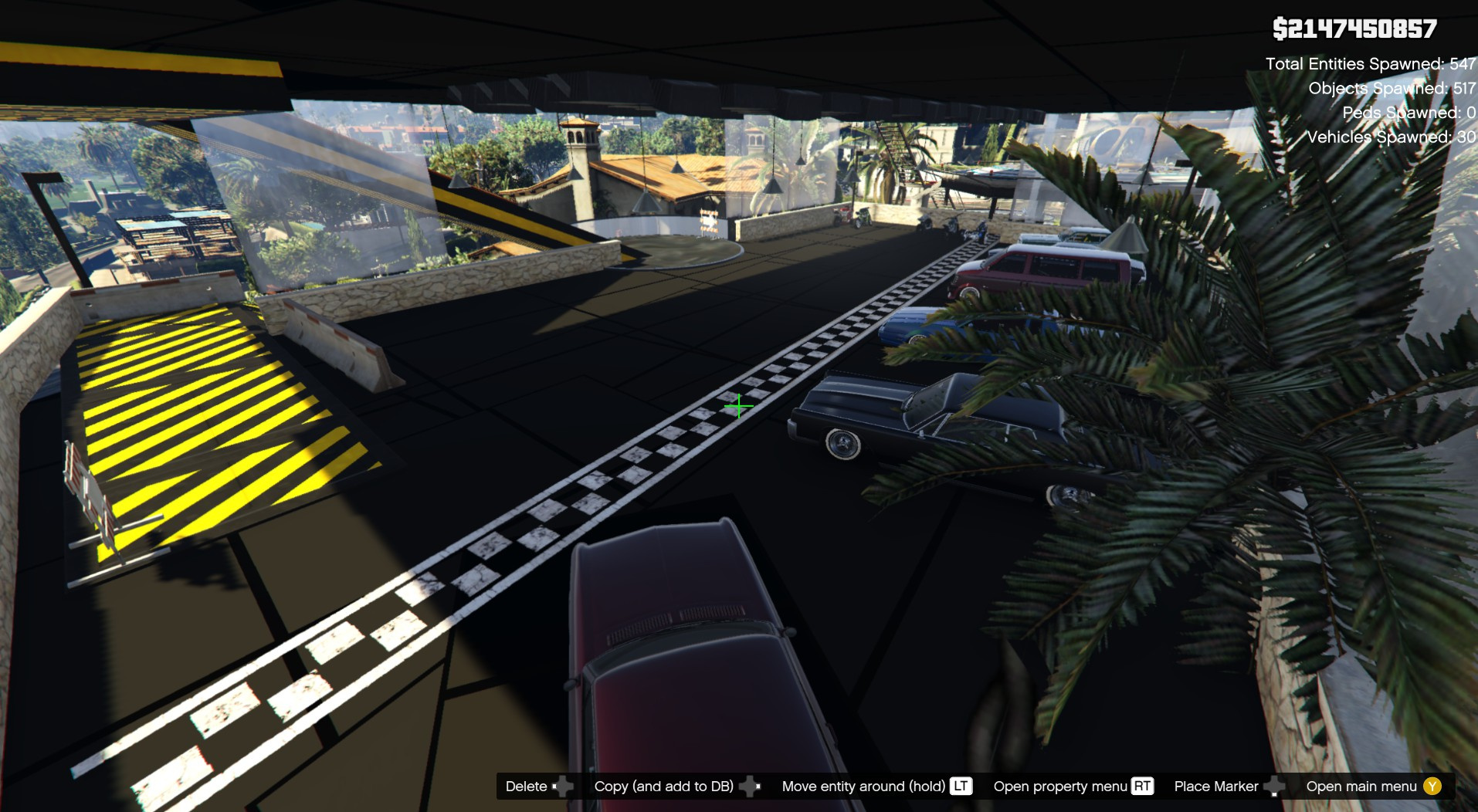
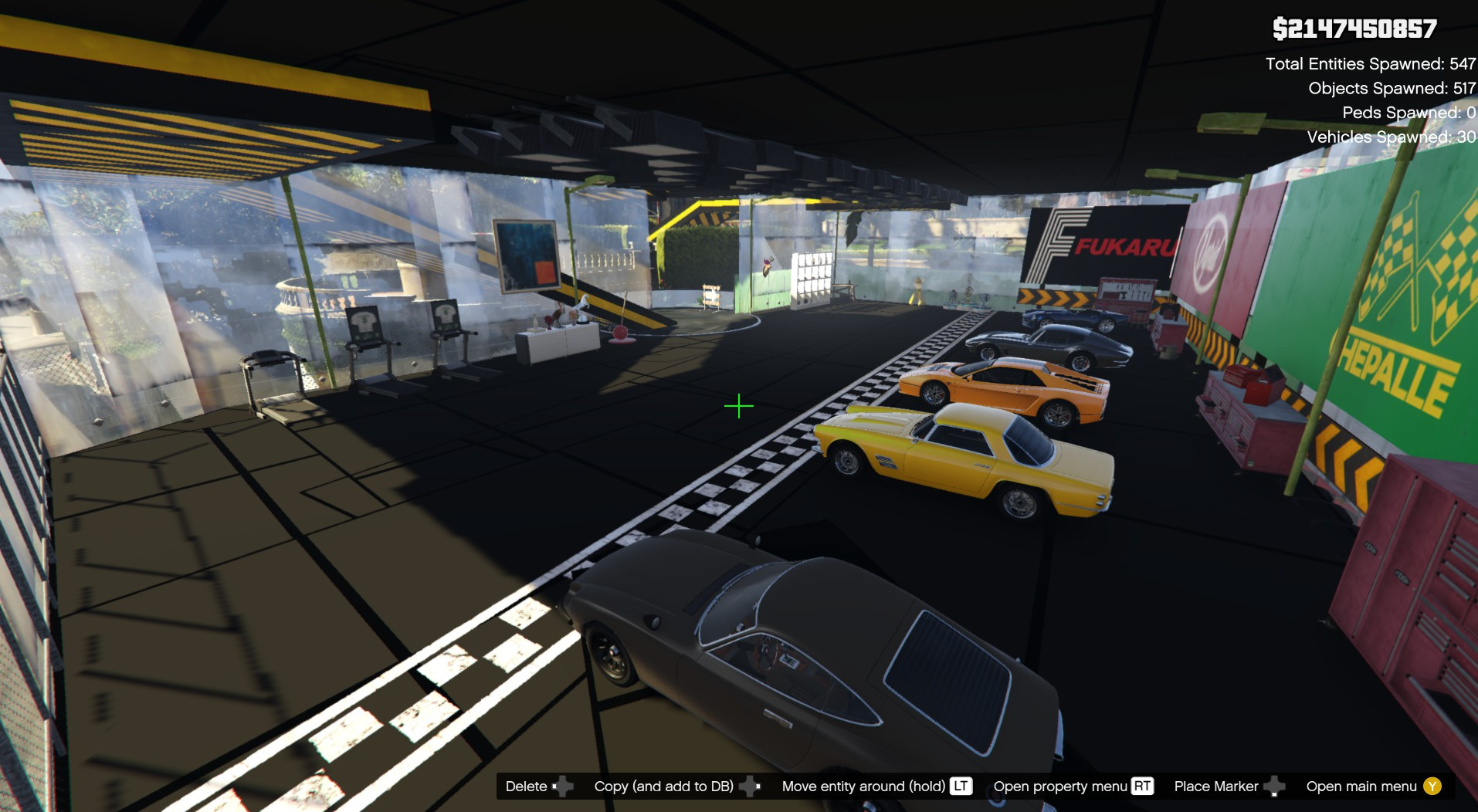
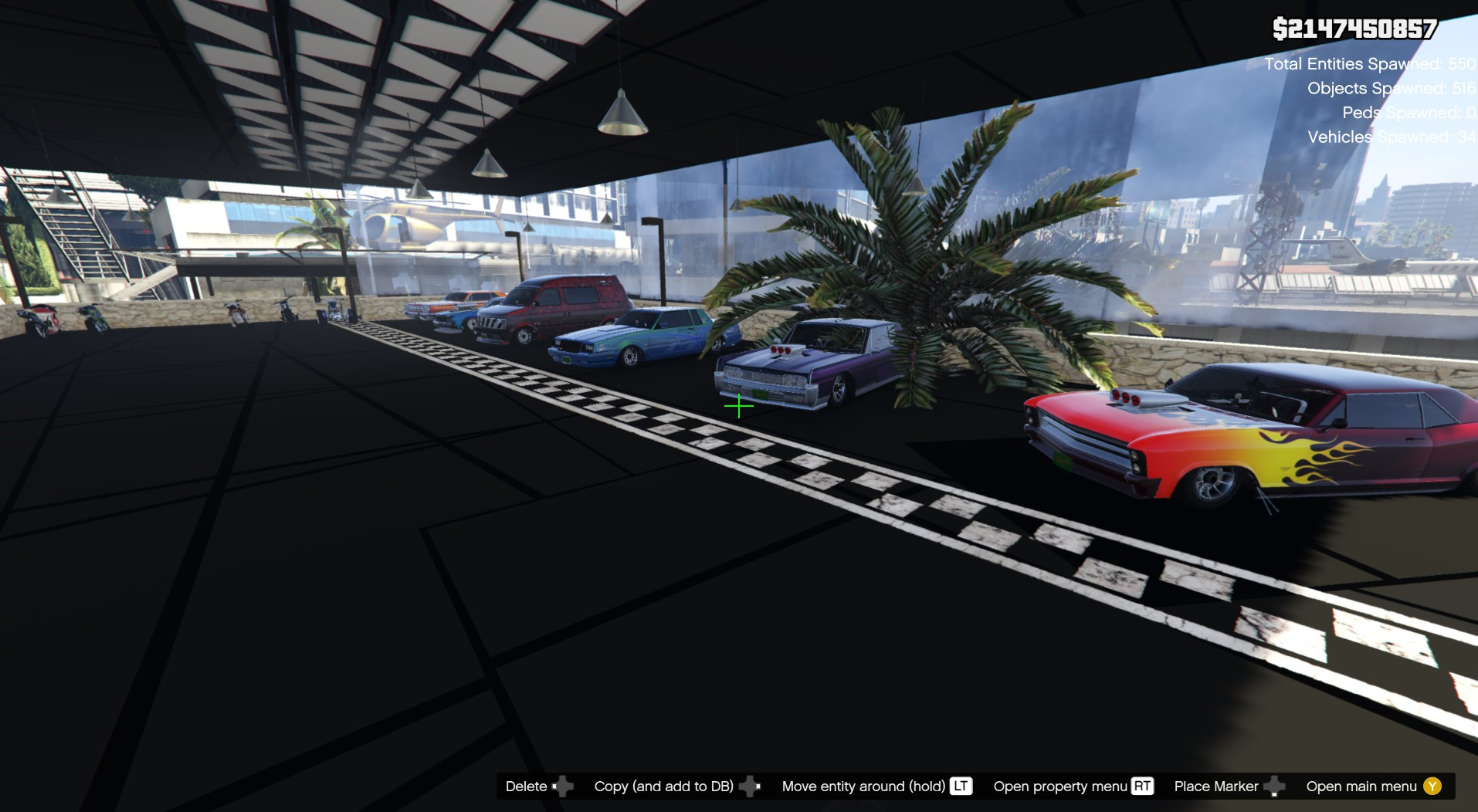
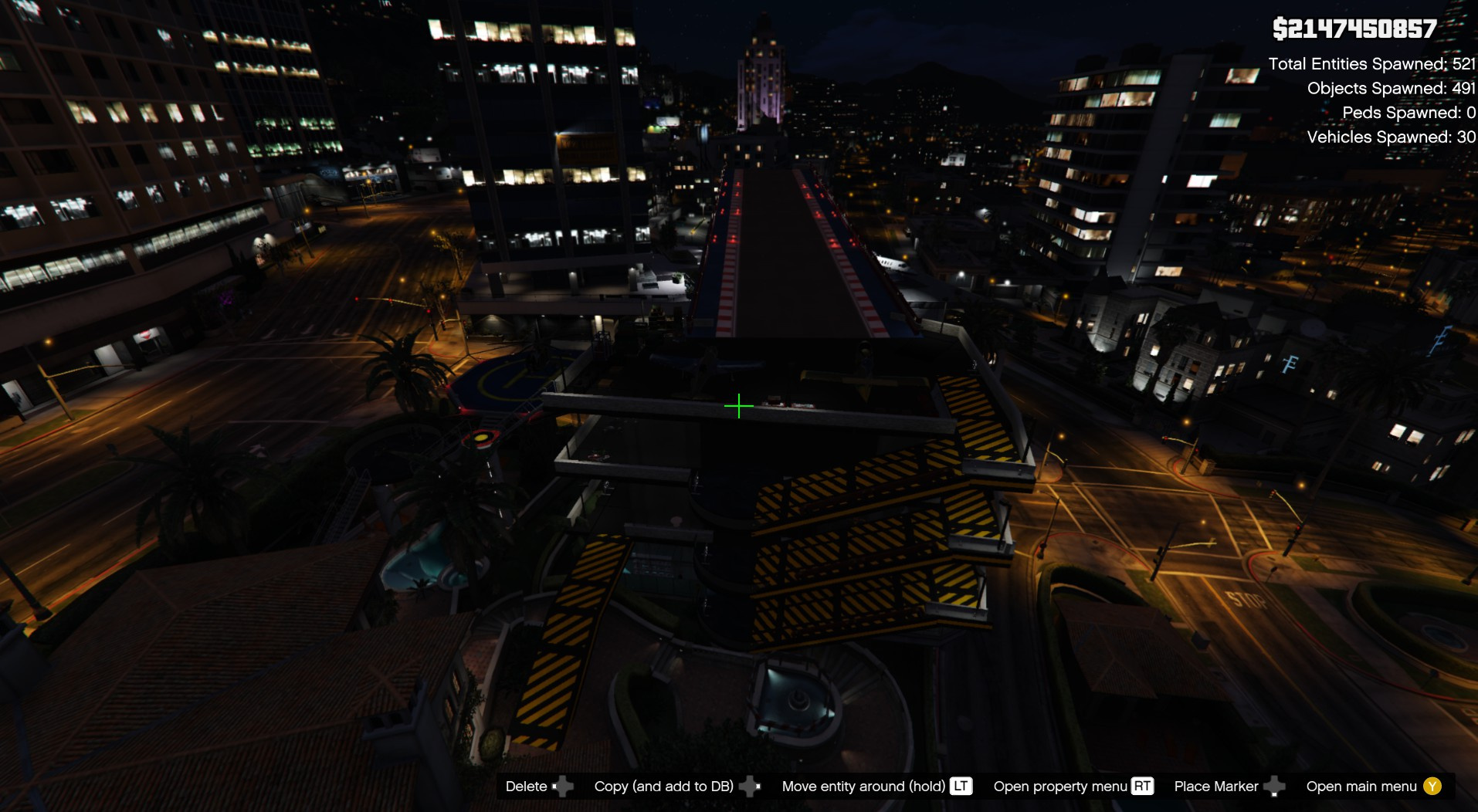
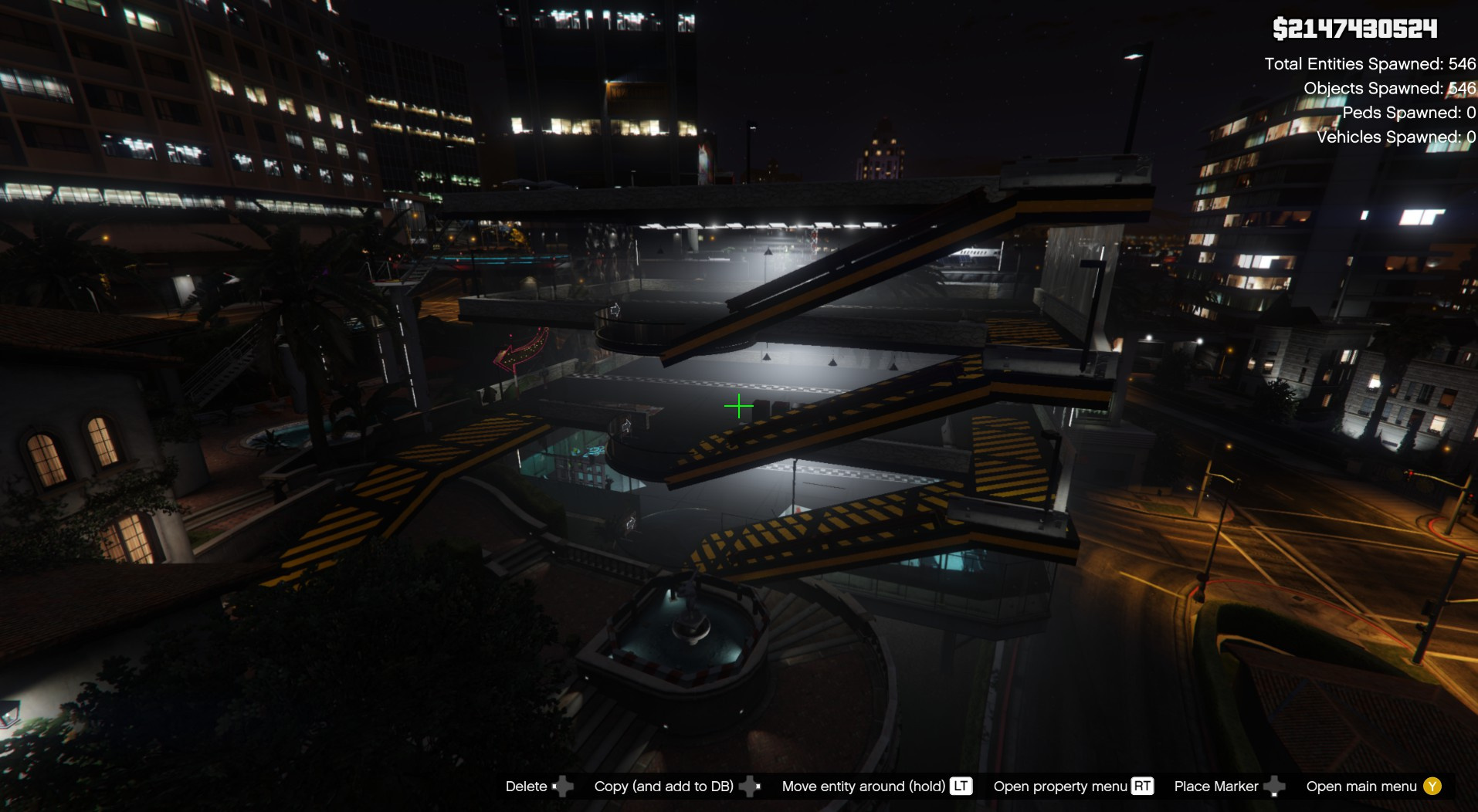
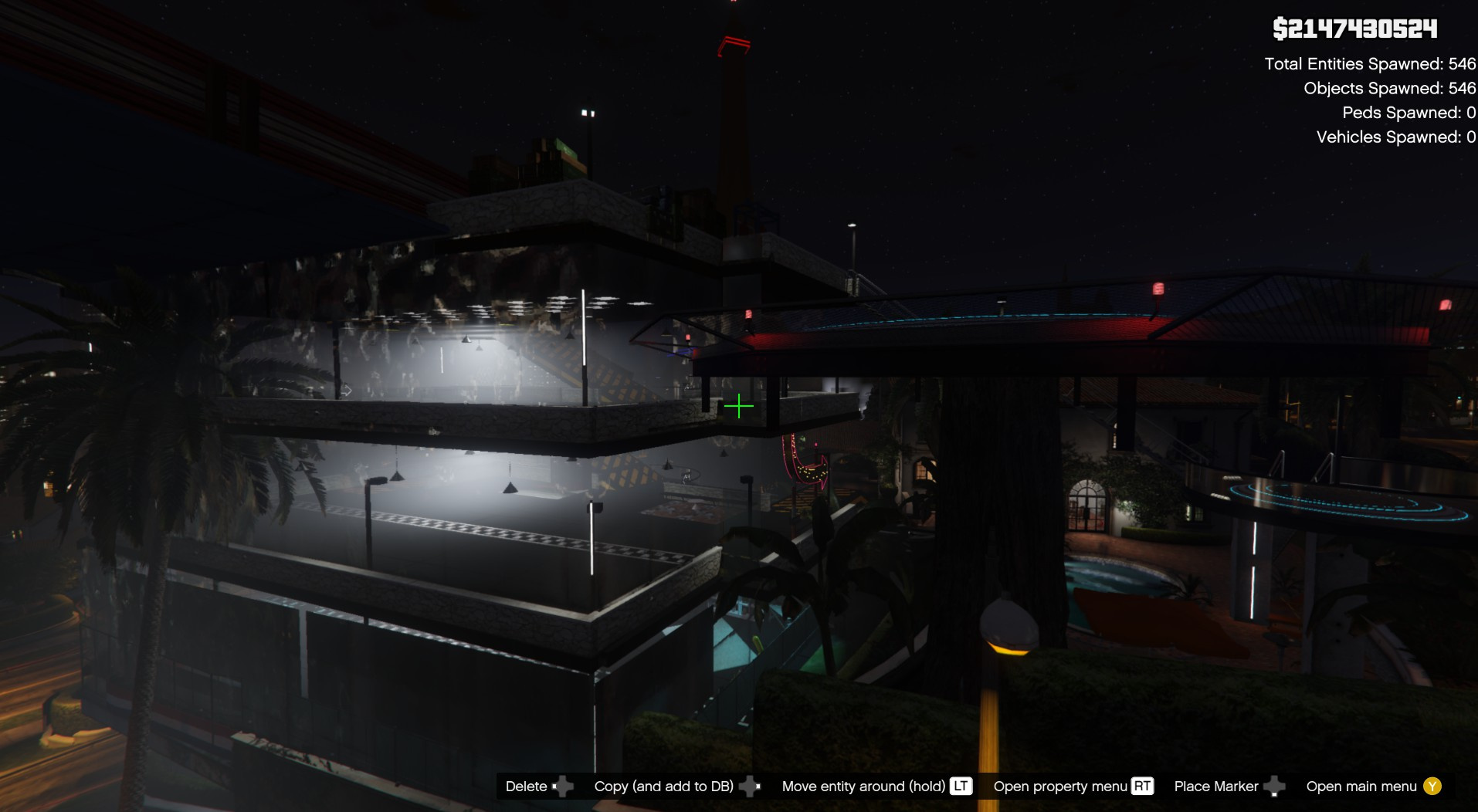
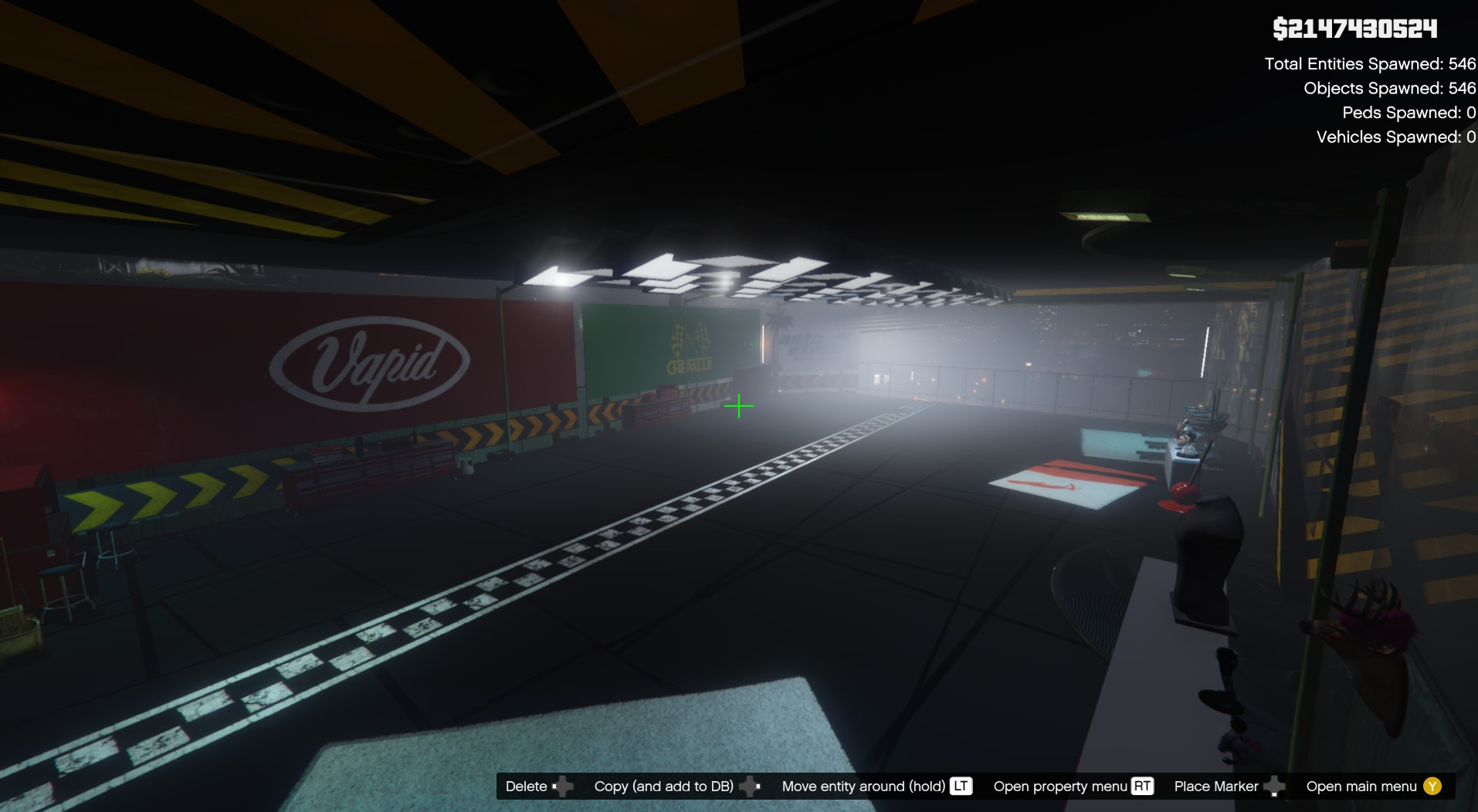
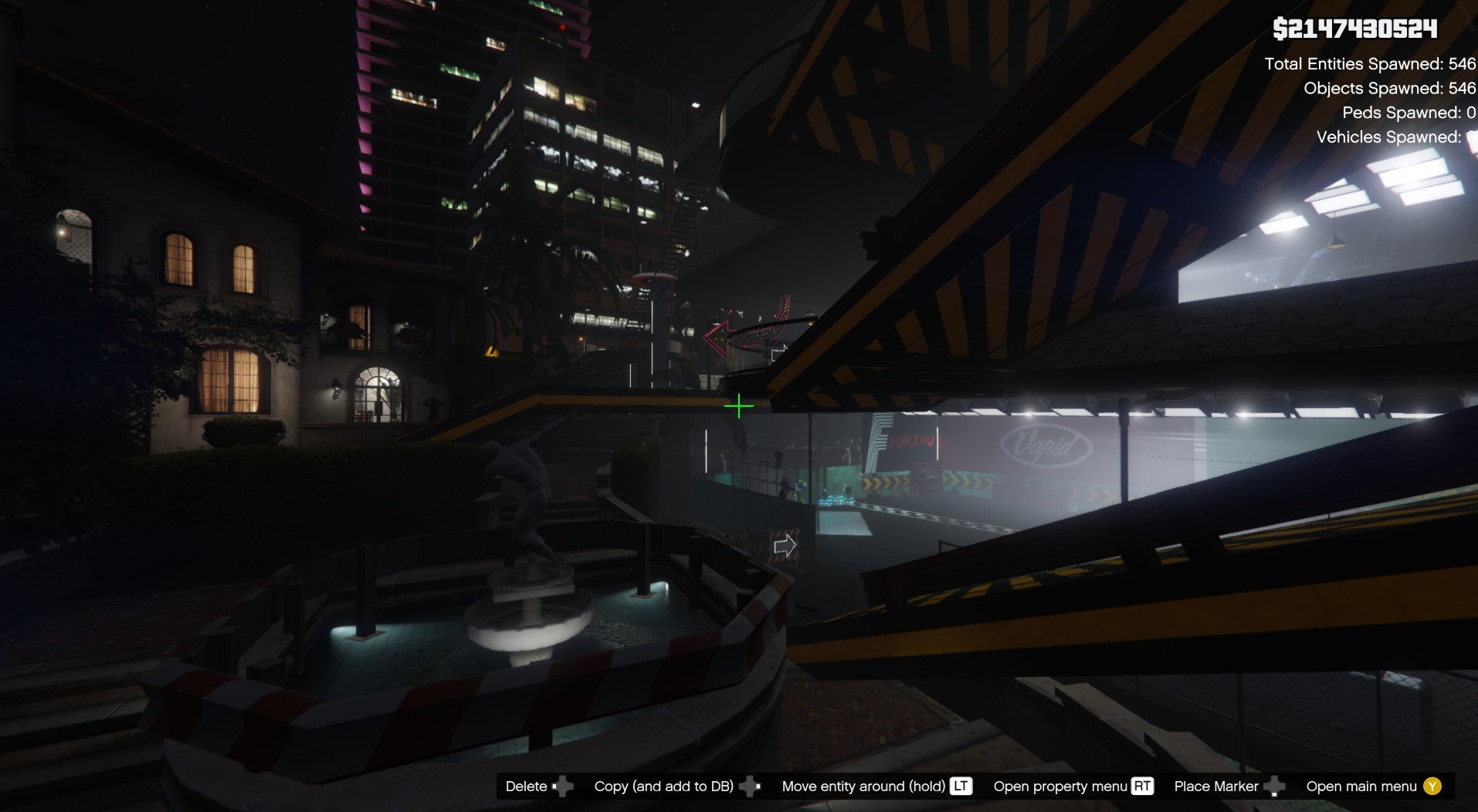
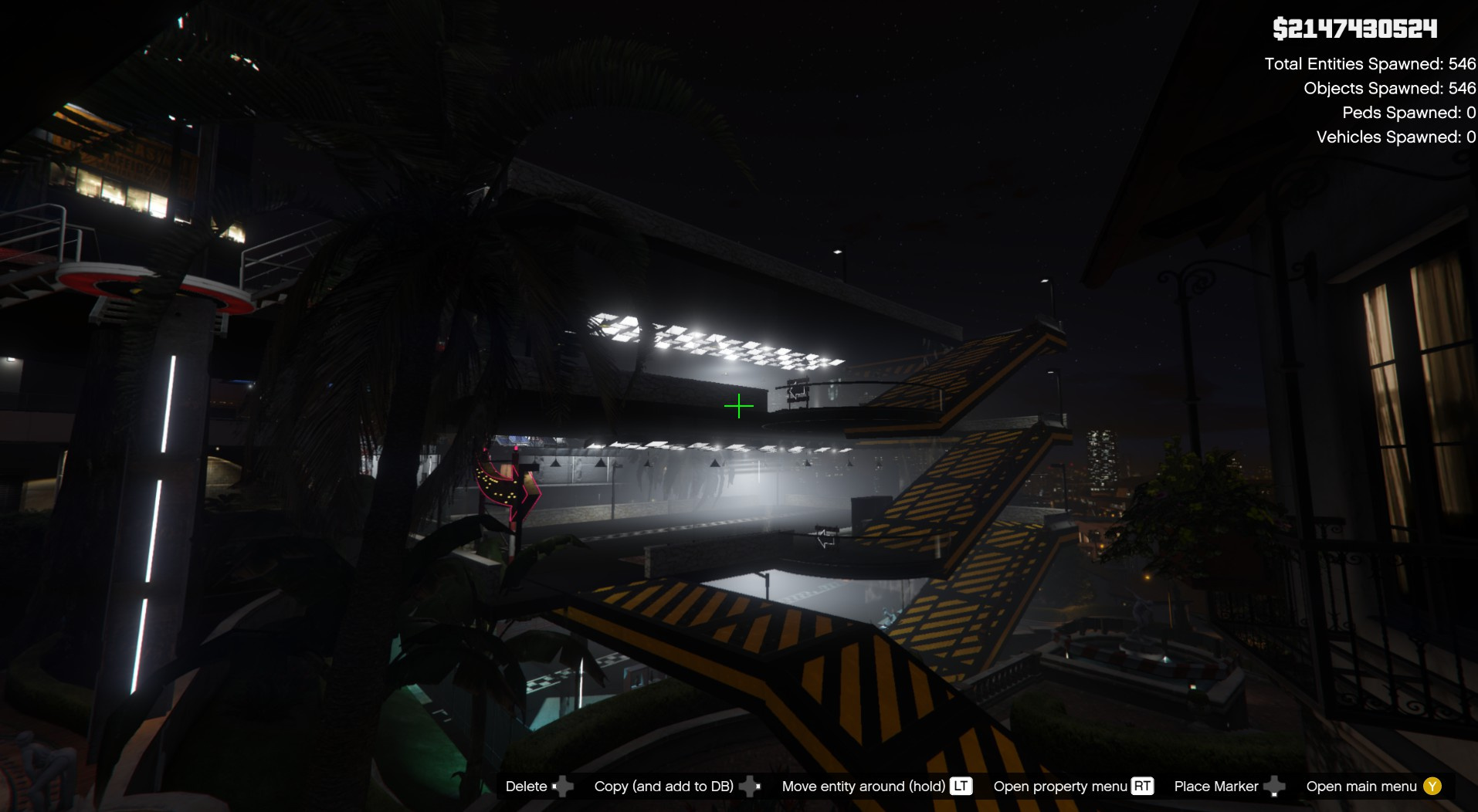
Garage multiplex Michael V02 [Addon] creat by me.
(In Addon YMAP version without vehicles, and Menyoo XML version with vehicles)
HOW TO INSTAL:
PLEASE READ IT CAREFULLY !
If you don't have mods folder, just create it and put the original common.rpf locate in GTA5 main folder in your mods folder
Download and install ScriptHook V, ScriptHook V .NET and OpenIV and Menyoo
1 ADDON Installation for the main file of the garage (OPEN IV needed for this)
(The garage will spawn automaticly on the map)
copy and paste folder "custom maps" to:
mods update x64 dlcpacks
Finally add "dlcpacks:\custom maps\" in dlclist.xml using OpenIV to:
mods update.rpf common data
Or, when you already have your custom maps folder then go to:
mods update x64 dlcpacks custom maps dlc.rpf x64 levels gta5 citye maps custom maps.rpf
and add the file : Garage Multiplex Michael V02 [Addon].ymap.xml (don t rename the file. OpenIV will do the rest)
2 MENYOO for get all vehicles and the landing zone
Copy: Garage Multiplex Michael.xml
of my archive to GTAV menyooStuff Spooner.
Now launch in GTA5, press F8 to open Menyoo, select "ObjectSpooner", "SavedFiles", and load Garage Multiplex Michael.xml
(You will be teleported to the garage and get all vehicles)
Have fun and good ride:)
CHANGELOG:
1.0 Creat the multiplex parking with landing zone on the roof and put all cars in XML file by menyoo
1.1 Creat the YMAP file in custom maps dlc with the file version XML 1.0
1.2 remove landing zone in ymap(custom map), now its spawn only with xml (menyoo)
(In Addon YMAP version without vehicles, and Menyoo XML version with vehicles)
HOW TO INSTAL:
PLEASE READ IT CAREFULLY !
If you don't have mods folder, just create it and put the original common.rpf locate in GTA5 main folder in your mods folder
Download and install ScriptHook V, ScriptHook V .NET and OpenIV and Menyoo
1 ADDON Installation for the main file of the garage (OPEN IV needed for this)
(The garage will spawn automaticly on the map)
copy and paste folder "custom maps" to:
mods update x64 dlcpacks
Finally add "dlcpacks:\custom maps\" in dlclist.xml using OpenIV to:
mods update.rpf common data
Or, when you already have your custom maps folder then go to:
mods update x64 dlcpacks custom maps dlc.rpf x64 levels gta5 citye maps custom maps.rpf
and add the file : Garage Multiplex Michael V02 [Addon].ymap.xml (don t rename the file. OpenIV will do the rest)
2 MENYOO for get all vehicles and the landing zone
Copy: Garage Multiplex Michael.xml
of my archive to GTAV menyooStuff Spooner.
Now launch in GTA5, press F8 to open Menyoo, select "ObjectSpooner", "SavedFiles", and load Garage Multiplex Michael.xml
(You will be teleported to the garage and get all vehicles)
Have fun and good ride:)
CHANGELOG:
1.0 Creat the multiplex parking with landing zone on the roof and put all cars in XML file by menyoo
1.1 Creat the YMAP file in custom maps dlc with the file version XML 1.0
1.2 remove landing zone in ymap(custom map), now its spawn only with xml (menyoo)
First Uploaded: August 30, 2021
Last Updated: September 25, 2021
Last Downloaded: 9 hours ago
12 Comments
More mods by zamalone:
Garage multiplex Michael V02 [Addon] creat by me.
(In Addon YMAP version without vehicles, and Menyoo XML version with vehicles)
HOW TO INSTAL:
PLEASE READ IT CAREFULLY !
If you don't have mods folder, just create it and put the original common.rpf locate in GTA5 main folder in your mods folder
Download and install ScriptHook V, ScriptHook V .NET and OpenIV and Menyoo
1 ADDON Installation for the main file of the garage (OPEN IV needed for this)
(The garage will spawn automaticly on the map)
copy and paste folder "custom maps" to:
mods update x64 dlcpacks
Finally add "dlcpacks:\custom maps\" in dlclist.xml using OpenIV to:
mods update.rpf common data
Or, when you already have your custom maps folder then go to:
mods update x64 dlcpacks custom maps dlc.rpf x64 levels gta5 citye maps custom maps.rpf
and add the file : Garage Multiplex Michael V02 [Addon].ymap.xml (don t rename the file. OpenIV will do the rest)
2 MENYOO for get all vehicles and the landing zone
Copy: Garage Multiplex Michael.xml
of my archive to GTAV menyooStuff Spooner.
Now launch in GTA5, press F8 to open Menyoo, select "ObjectSpooner", "SavedFiles", and load Garage Multiplex Michael.xml
(You will be teleported to the garage and get all vehicles)
Have fun and good ride:)
CHANGELOG:
1.0 Creat the multiplex parking with landing zone on the roof and put all cars in XML file by menyoo
1.1 Creat the YMAP file in custom maps dlc with the file version XML 1.0
1.2 remove landing zone in ymap(custom map), now its spawn only with xml (menyoo)
(In Addon YMAP version without vehicles, and Menyoo XML version with vehicles)
HOW TO INSTAL:
PLEASE READ IT CAREFULLY !
If you don't have mods folder, just create it and put the original common.rpf locate in GTA5 main folder in your mods folder
Download and install ScriptHook V, ScriptHook V .NET and OpenIV and Menyoo
1 ADDON Installation for the main file of the garage (OPEN IV needed for this)
(The garage will spawn automaticly on the map)
copy and paste folder "custom maps" to:
mods update x64 dlcpacks
Finally add "dlcpacks:\custom maps\" in dlclist.xml using OpenIV to:
mods update.rpf common data
Or, when you already have your custom maps folder then go to:
mods update x64 dlcpacks custom maps dlc.rpf x64 levels gta5 citye maps custom maps.rpf
and add the file : Garage Multiplex Michael V02 [Addon].ymap.xml (don t rename the file. OpenIV will do the rest)
2 MENYOO for get all vehicles and the landing zone
Copy: Garage Multiplex Michael.xml
of my archive to GTAV menyooStuff Spooner.
Now launch in GTA5, press F8 to open Menyoo, select "ObjectSpooner", "SavedFiles", and load Garage Multiplex Michael.xml
(You will be teleported to the garage and get all vehicles)
Have fun and good ride:)
CHANGELOG:
1.0 Creat the multiplex parking with landing zone on the roof and put all cars in XML file by menyoo
1.1 Creat the YMAP file in custom maps dlc with the file version XML 1.0
1.2 remove landing zone in ymap(custom map), now its spawn only with xml (menyoo)
First Uploaded: August 30, 2021
Last Updated: September 25, 2021
Last Downloaded: 9 hours ago
 5mods on Discord

Merci super pratique !
just i need to corrrect the airplane drop in YMAP but everything else is fonctional
1.2 is coming ;-) sorry for waiting
@zamalone
Put the changelog in the description.
@ikt i have already change it .
@zamalone
That's not what a changelog looks like.
@ikt and now its ok?
i have writing the Changelog:
@zamalone The changelog should include the changes made in every mod update, not just the latest one.
does that keep the tennis court or not ?
@BladeRJ no the tennis court is cover by the parking
@BladeRJ if you like, i make an other map for the parking of Michael not on the tennis court:
https://fr.gta5-mods.com/maps/new-garage-michael
This