Sniper Outpost [YMAP / FiveM] 1.0

![USS Forrestal [Add-On SP / FiveM]](https://img.gta5-mods.com/q75-w500-h333-cfill/images/uss-forrestal-add-on-sp-fivem/a8e11d-ld_uss_forrestal2.jpg "USS Forrestal [Add-On SP / FiveM]")
![Yankee FOB [YMAP / FiveM]](https://img.gta5-mods.com/q75-w500-h333-cfill/images/yankee-fob-ymap-fivem/088fb7-yankeefob1.png "Yankee FOB [YMAP / FiveM]")
![Money Laundering Tugboat [Add-On SP / Enhanced / FiveM]](https://img.gta5-mods.com/q75-w500-h333-cfill/images/moeny-laundering-tugboat-add-on-sp-fivem/0dd2ca-ld_moneytug_2.jpg "Money Laundering Tugboat [Add-On SP / Enhanced / FiveM]")
![USS Type 004 Aircraft Carrier [Add-On SP / FiveM]](https://img.gta5-mods.com/q75-w500-h333-cfill/images/uss-type-004-aircraft-carrier-add-on-sp-fivem/6fb67b-ld_type_004_3.jpg "USS Type 004 Aircraft Carrier [Add-On SP / FiveM]")
![Coke Tugboat [Add-On SP / FiveM]](https://img.gta5-mods.com/q75-w500-h333-cfill/images/coke-tugboat-add-on-sp-fivem/96008a-ld_coketug_1.jpg "Coke Tugboat [Add-On SP / FiveM]")
1,226
18
1,226
18
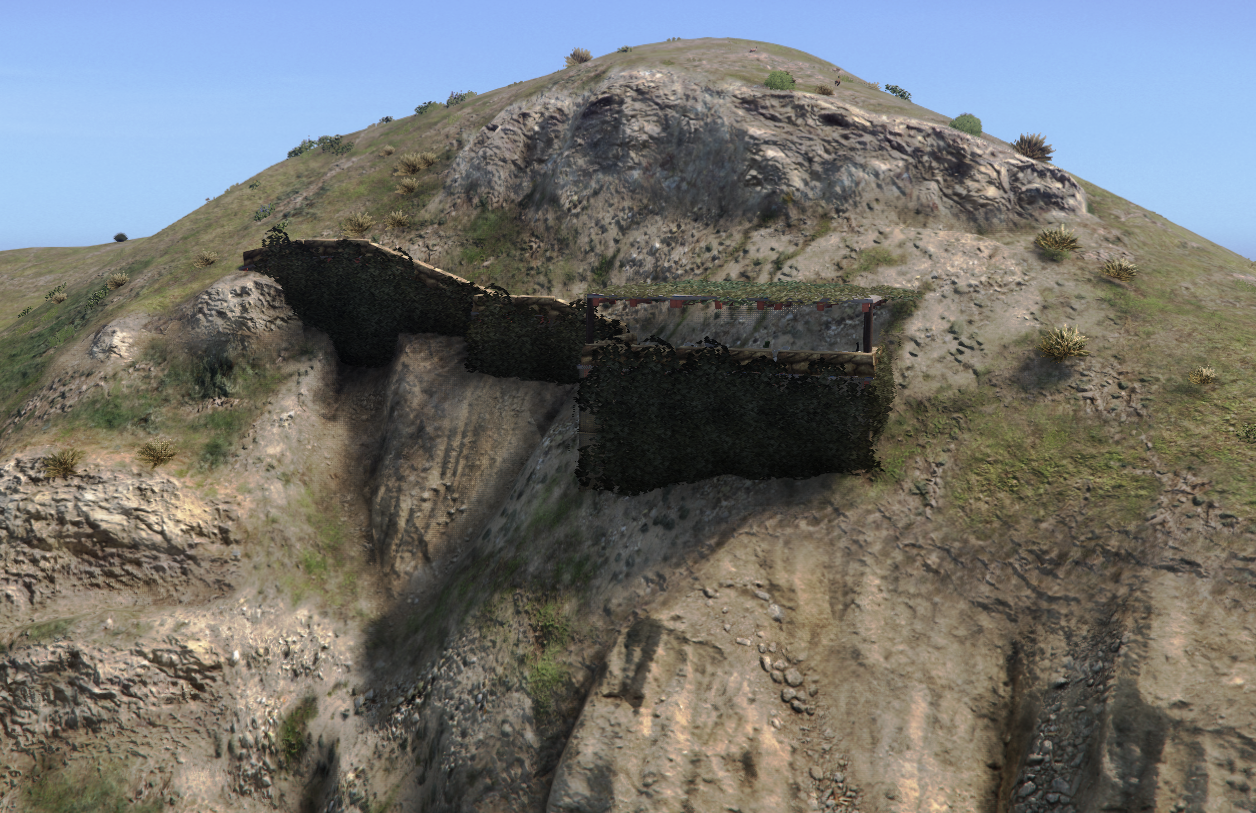
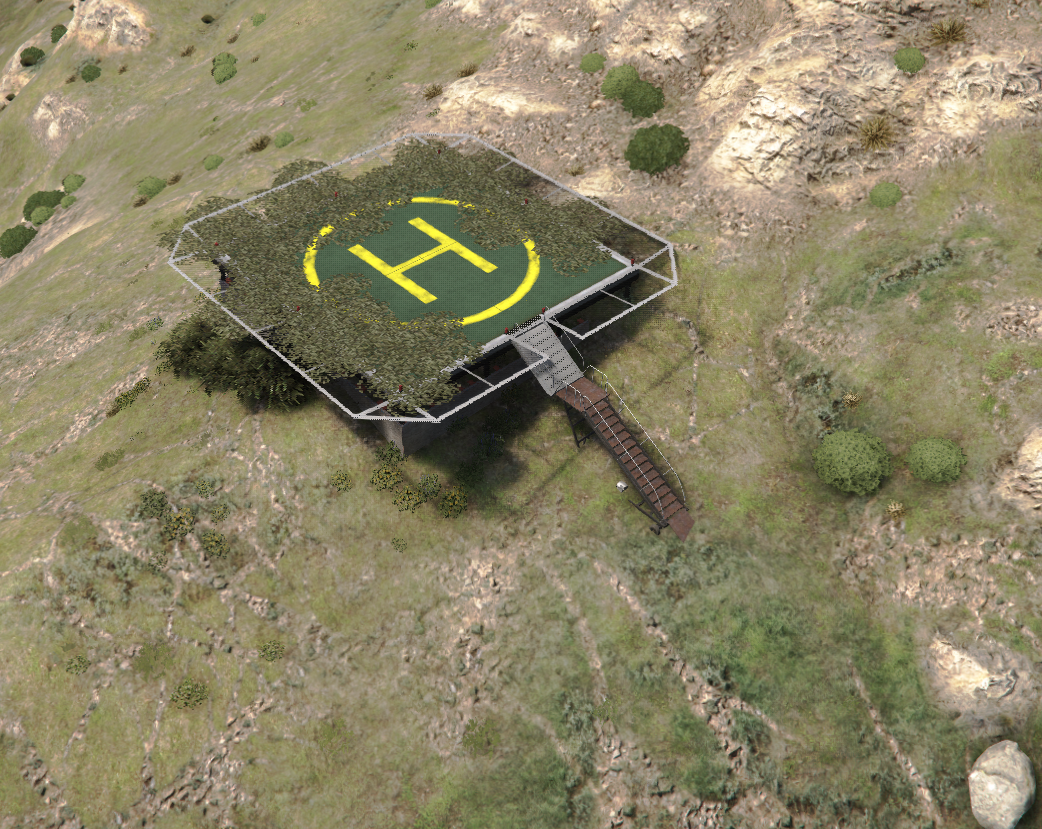
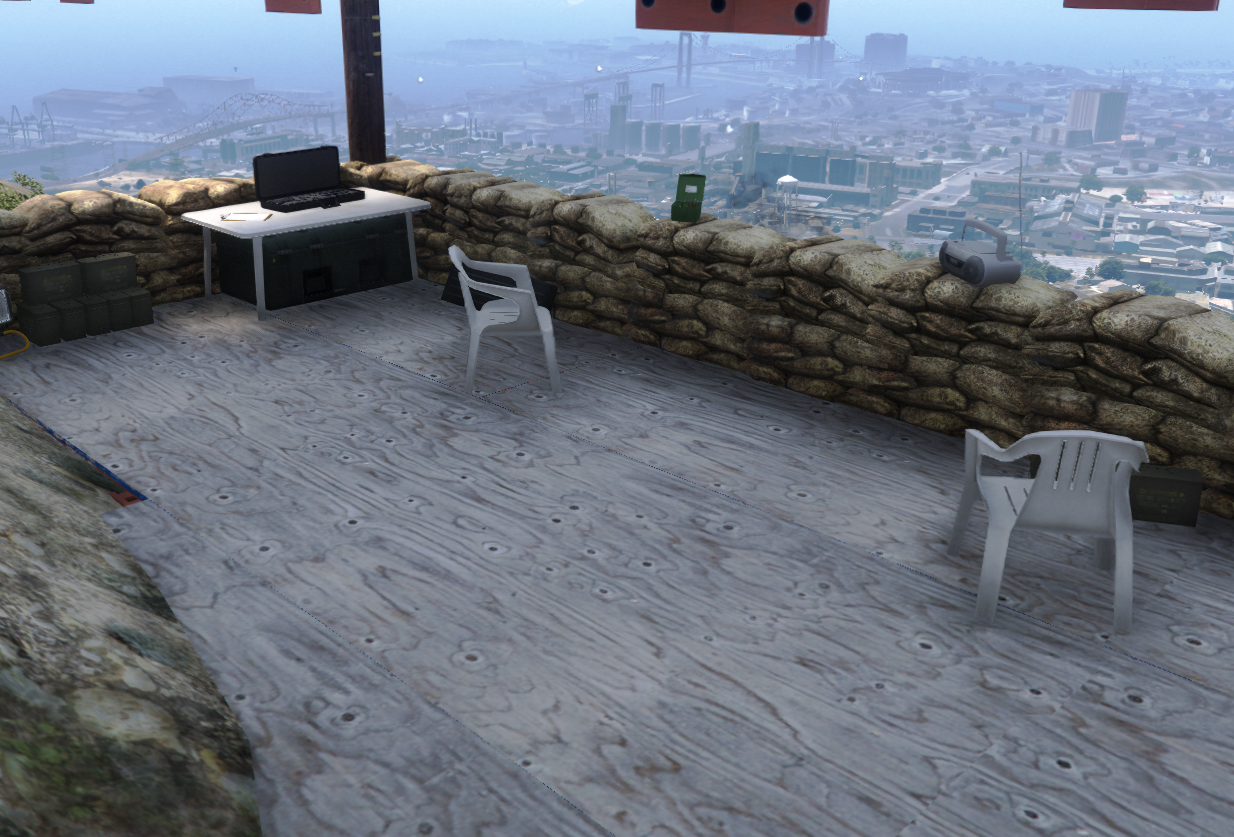
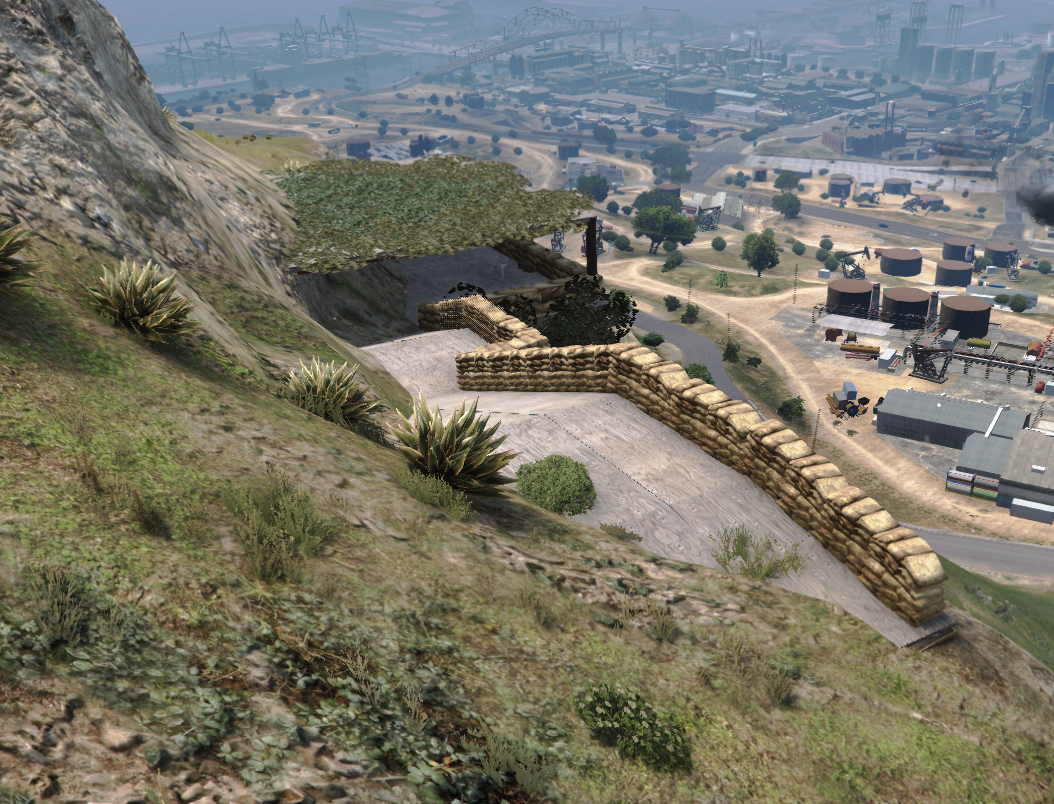
Description: A simple outpost covered in camouflage and with a helipad on the backside of the mountain that is also covered in camouflage.
-----------------------------------------
Credits:
"Rockstar" for the all props used in ymap
-----------------------------------------
Features:
Camouflage building
Super Optimized
Helipad covered in camouflage
-----------------------------------------
Installation FIVEM:
A - Open the file with 7zip, Winrar, or any other program that allows you to unzip these types of files
B - Unzip the file into your MAP FOLDER and start on your server.cfg
Installation Single Player
A - Open OpenIV and enable Edit Mode
B - Navigate to the path mods\update\x64\dlcpacks
C - Drag the map DLC folder into the dlcpacks folder then copy the name of this DLC folder
D - Return to the update folder and double click to open update.rpf
E - Open common\data find dlclist.xml right click it and select Edit
F - Scroll to the bottom of the file copy the last line of code press Enter and paste it on a new line
G - Replace the DLC name in the new line with the name of your map DLC folder
H - Save the file Installation is complete launch the game to use the mod
-----------------------------------------
Credits:
"Rockstar" for the all props used in ymap
-----------------------------------------
Features:
Camouflage building
Super Optimized
Helipad covered in camouflage
-----------------------------------------
Installation FIVEM:
A - Open the file with 7zip, Winrar, or any other program that allows you to unzip these types of files
B - Unzip the file into your MAP FOLDER and start on your server.cfg
Installation Single Player
A - Open OpenIV and enable Edit Mode
B - Navigate to the path mods\update\x64\dlcpacks
C - Drag the map DLC folder into the dlcpacks folder then copy the name of this DLC folder
D - Return to the update folder and double click to open update.rpf
E - Open common\data find dlclist.xml right click it and select Edit
F - Scroll to the bottom of the file copy the last line of code press Enter and paste it on a new line
G - Replace the DLC name in the new line with the name of your map DLC folder
H - Save the file Installation is complete launch the game to use the mod
First Uploaded: February 01, 2025
Last Updated: February 01, 2025
Last Downloaded: 1 day ago
5 Comments
More mods by LouieDevs:
Description: A simple outpost covered in camouflage and with a helipad on the backside of the mountain that is also covered in camouflage.
-----------------------------------------
Credits:
"Rockstar" for the all props used in ymap
-----------------------------------------
Features:
Camouflage building
Super Optimized
Helipad covered in camouflage
-----------------------------------------
Installation FIVEM:
A - Open the file with 7zip, Winrar, or any other program that allows you to unzip these types of files
B - Unzip the file into your MAP FOLDER and start on your server.cfg
Installation Single Player
A - Open OpenIV and enable Edit Mode
B - Navigate to the path mods\update\x64\dlcpacks
C - Drag the map DLC folder into the dlcpacks folder then copy the name of this DLC folder
D - Return to the update folder and double click to open update.rpf
E - Open common\data find dlclist.xml right click it and select Edit
F - Scroll to the bottom of the file copy the last line of code press Enter and paste it on a new line
G - Replace the DLC name in the new line with the name of your map DLC folder
H - Save the file Installation is complete launch the game to use the mod
-----------------------------------------
Credits:
"Rockstar" for the all props used in ymap
-----------------------------------------
Features:
Camouflage building
Super Optimized
Helipad covered in camouflage
-----------------------------------------
Installation FIVEM:
A - Open the file with 7zip, Winrar, or any other program that allows you to unzip these types of files
B - Unzip the file into your MAP FOLDER and start on your server.cfg
Installation Single Player
A - Open OpenIV and enable Edit Mode
B - Navigate to the path mods\update\x64\dlcpacks
C - Drag the map DLC folder into the dlcpacks folder then copy the name of this DLC folder
D - Return to the update folder and double click to open update.rpf
E - Open common\data find dlclist.xml right click it and select Edit
F - Scroll to the bottom of the file copy the last line of code press Enter and paste it on a new line
G - Replace the DLC name in the new line with the name of your map DLC folder
H - Save the file Installation is complete launch the game to use the mod
First Uploaded: February 01, 2025
Last Updated: February 01, 2025
Last Downloaded: 1 day ago
 5mods on Discord

@LouieDevs a YMAP is not a MapModel, which is the tag used for 3D generated terrain like cities, race tracks etc using Blender/3DsMax
@LouieDevs What location on the map is this at?
@nj5050 https://imgur.com/a/hZ6WD8f
@LouieDevs Oh ok cool, now for a moment I thought you had placed it very near fort zancudo entrance or something.
Wouldn't that be a nice area too?
this one i found and works