
8 files liked
175 comments
21 videos
18 uploads
9 followers
25,697 downloads


 5mods on Discord

all who want help with the here sub up to my youtube channle jamalrodney77 for help here is the link it the channle ok https://www.youtube.com/@jamalrodney77-ye2nt
@AlexPlayzGTA sub up to my youtube channle for help ok jamalrodney77 here is thre link ok https://www.youtube.com/@jamalrodney77-ye2nt go on there for help will show what top do ok in full
@AlexPlayzGTA is not the same ok is the fix ok have to puting all the lightbar s in to x64e where the part all of the vehicles is ok you in read the Description at all
@rareusername YOU RED WHAE SAY TO DO IS Open OpenIV and navigate to: Grand Theft Auto V\mods\update\update.rpf\common\data
Right-click dlclist.xml and choose Edit.
Add a new line at the very bottom of the list:
dlcpacks:/fbiold/
Save the file.
Copy the included fbiold folder into: Grand Theft Auto V\mods\update\x64\dlcpacks\ that is have to do ok sub to my channly here is the link
https://www.youtube.com/@jamalrodney77-ye2nt go on the will have i will have a video on it ok
@rareusername yes put the 15files in to x64e in the part say vehuvle put all 15 files inside of there ok
ok np
thatnk
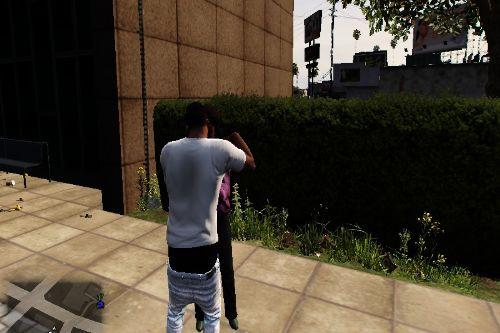
ewhat the mod about where is the video show the mod in action the shad had a video withe what the mod is all bout ppictures is not enough it sho have sone king of video
@12345ghlg np safe
@12345ghlg Yes, you have my permission to publish the Simplified-Chinese translation of my mod.
Thank you for translating my mod. Please give full credit to me as the original author and include a direct link to my original mod page in your release post.
Thank you!
— @jamalrodney77
ok thank for you all feedback an lock the right side of the screen ok will see can get add custom text for the chat ok this gta gta5 not gta6 ok custom text for the chat will work for gta5 ok will see ok will have the fix up soon just fixing the part move the move the chat to the right side of the screen ok v1.1 for the fix ok look ad my youtuber channel ok to