Rampage Trainer 1.4.7 (Legacy)



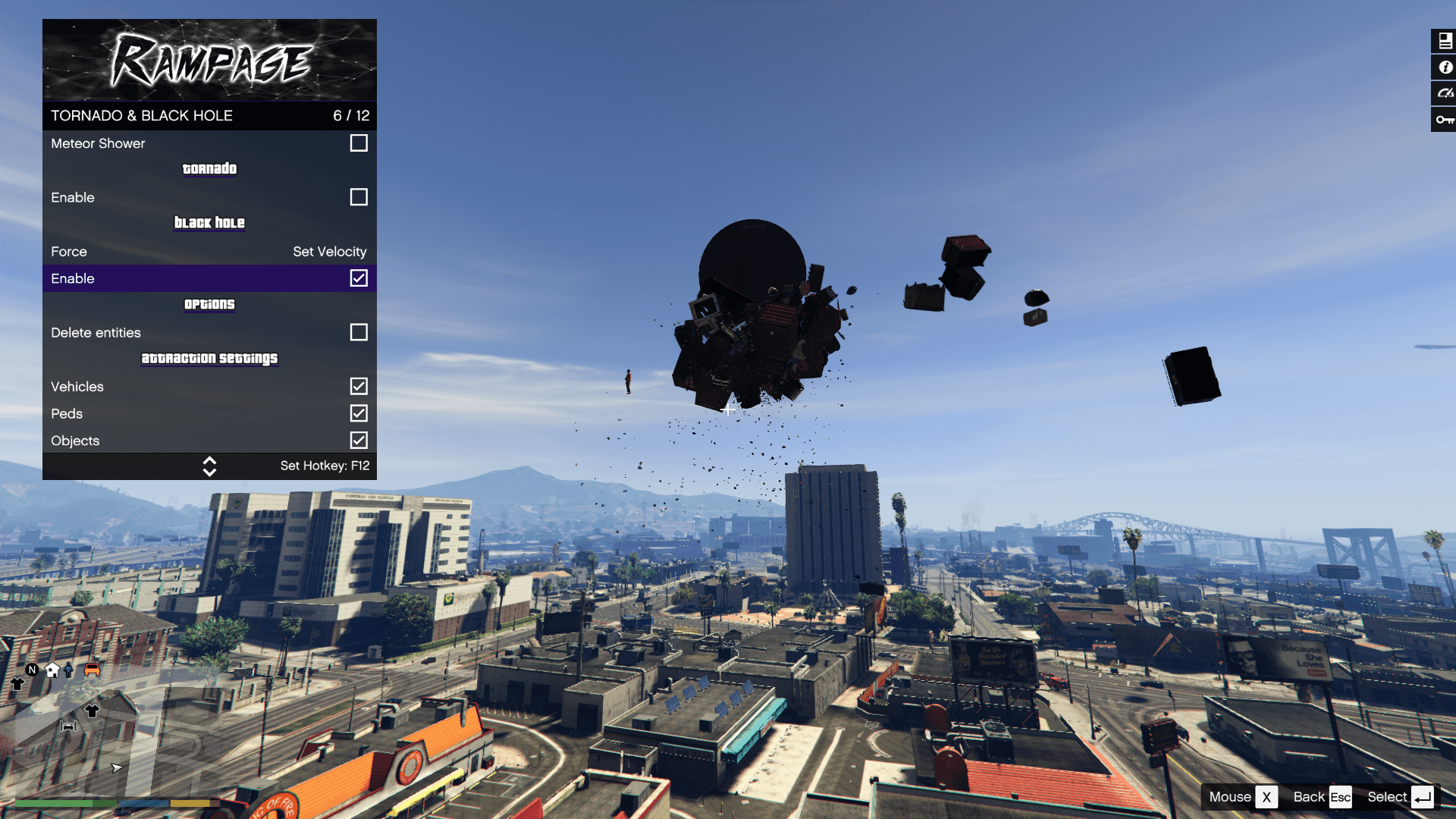




1,598,799
1,277
-
 March 24, 2025
Rampage needs the latest version of Alexander Blade's ScriptHookV plugin
(ScriptHookV.dll and dinput8.dll)
If you encounter file saving issues on the Enhanced Version use this fix from alloc8or
DirectStorageFix
Install Instructions and other Information can be found in the readme file.
(Just drag the files from the .zip file into your GTA V directory)
The Main Version will always be the Legacy one so to Download the Enhanced version select it from the left side (Not the Big Green Button)
--- Controls ---
[ Keyboard ]
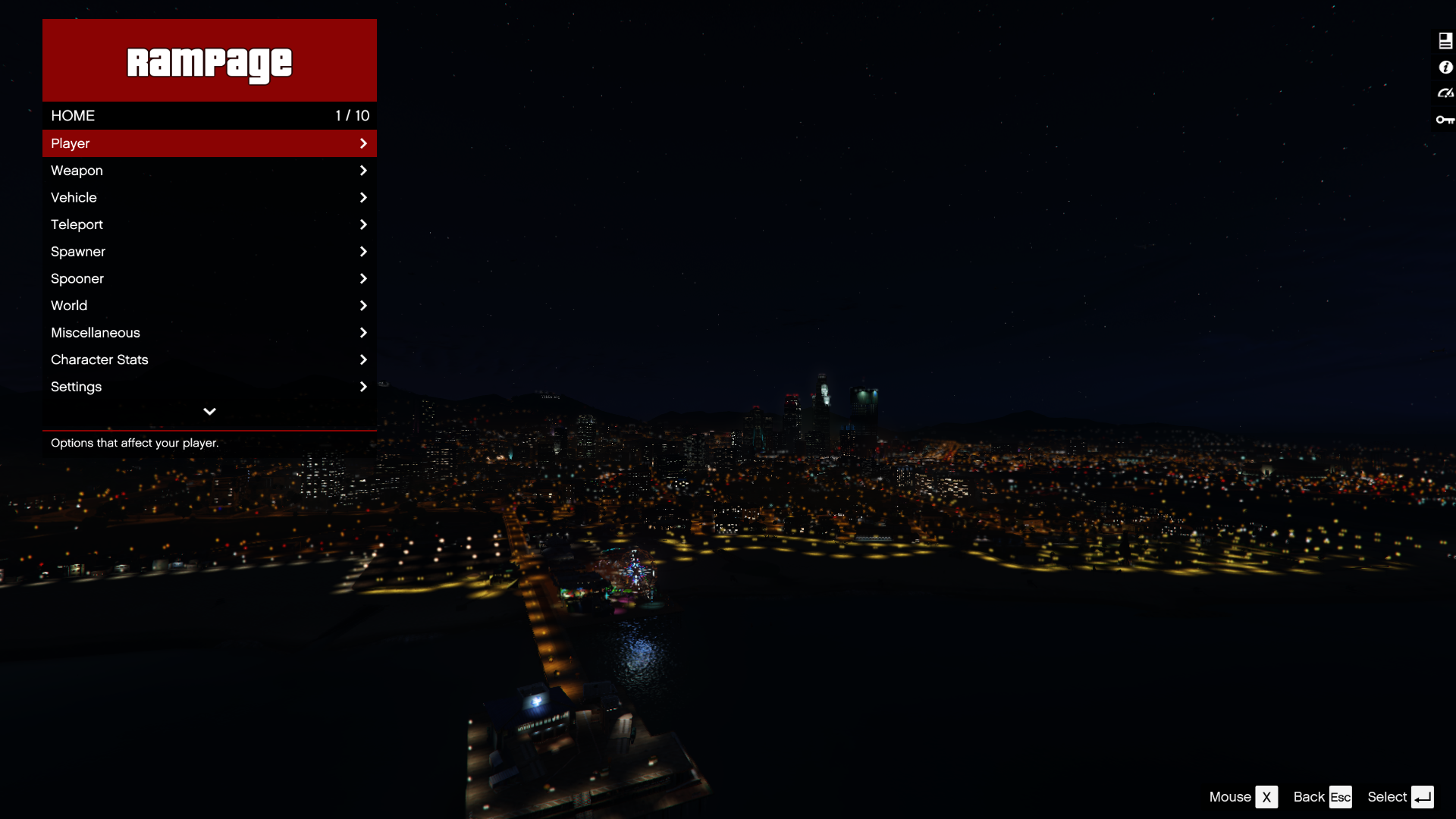
F4 - Open Trainer / F5
Arrow Up - Up
Arrow Down - Down
Left Arrow - Left
Right Arrow - Right
Backspace - Back
Enter - Select
You can also use your numpad to control the trainer.
[ Controller ]
[Press RB and A] / [Press R1 and X] - Open Trainer
DPAD Up - Up
DPAD Down - Down
DPAD Left - Left
DPAD Right - Right
B/Circle - Back
A/X - Select
--- Credits ---
[ Json Loader ]
Credits to Thenecromance for his .json vehicle-loader.
[ Enabeling MP Vehicles in SP ]
Credits to Unknown Modder (alloc8or) for his bypass function.
[ XML compatibility ]
Credits to MAFINS (Menyoo)
--- Important Things ---
To change a Key in Rampage you can either change its VK Key Code in the Settings.json / Hotkeys.json or you can click on the info option inside Rampage to use the builtin Hotkey Manager to set a new one.
If you have any issues with Settings not Loading always try to use a fresh RampageFiles folder it may fix your issue.
--- Changelog ---
[Version 1.5E / 1.4.7]
- Updated to game patch 1.0.1158.13 & 1.0.3889.0
- Added new DLC vehicles
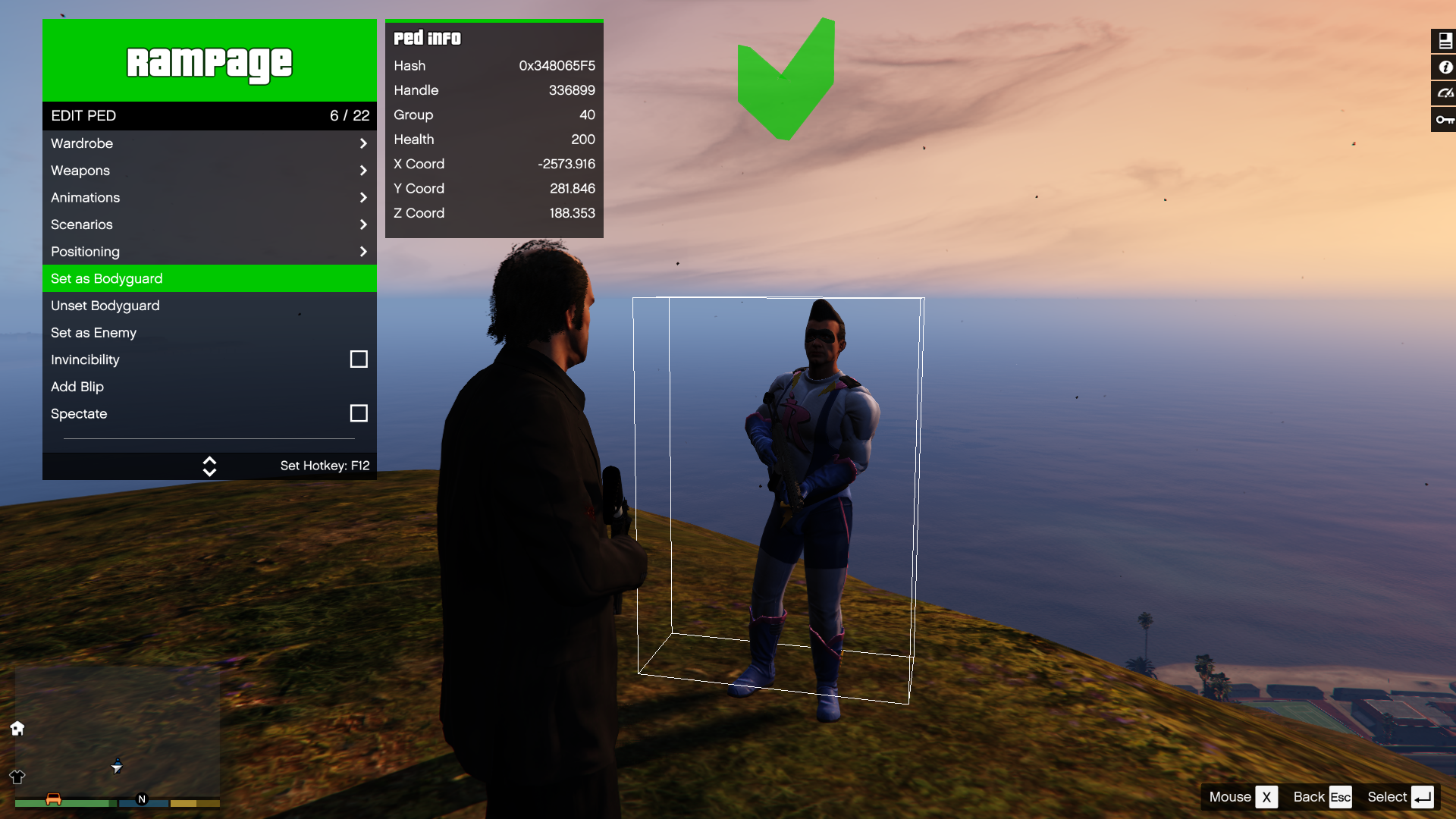
- Added new DLC peds
- Added new DLC objects
- Added an option to retrieve the current Interior ID
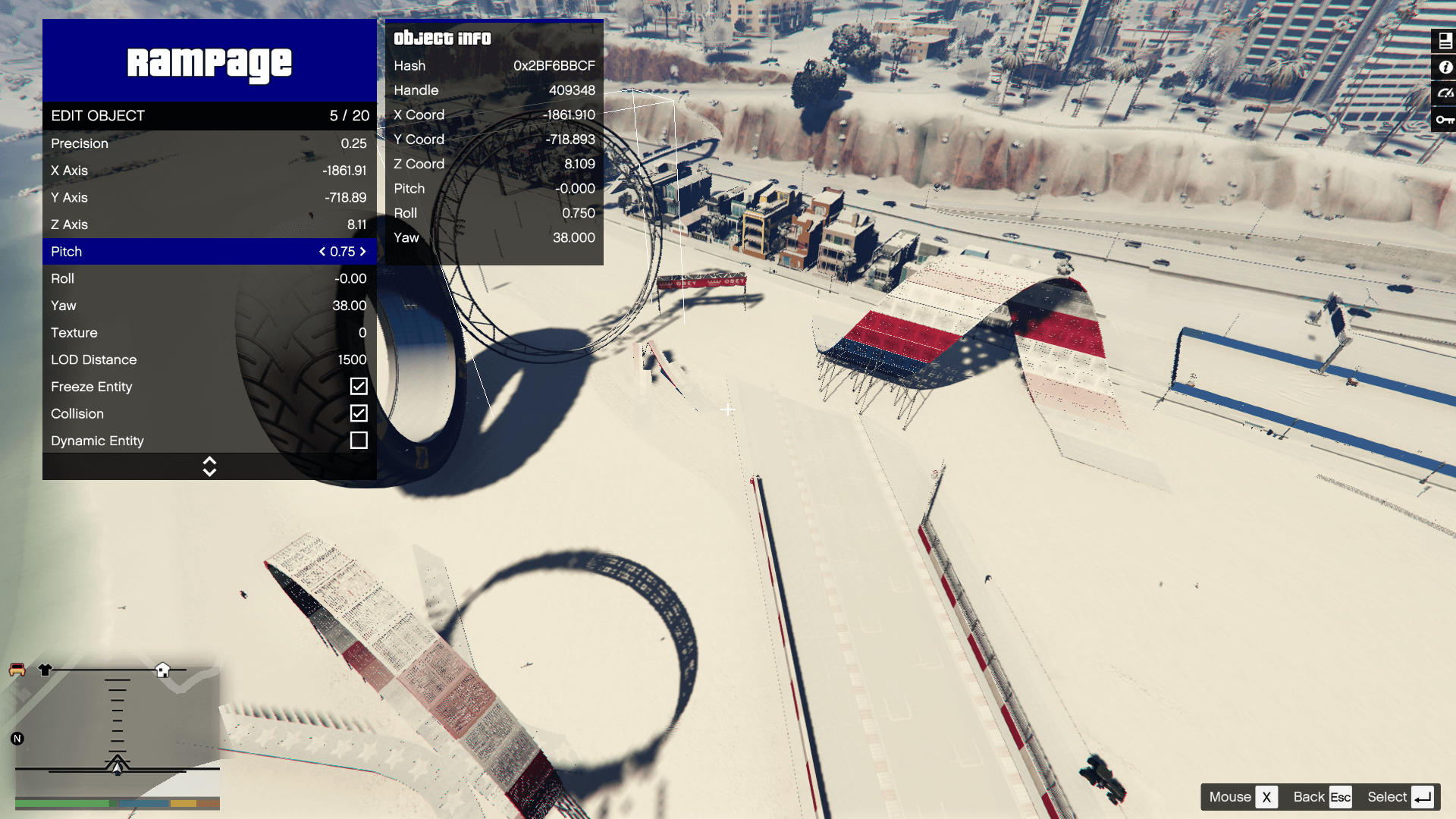
- Added more advanced theming options
- Added Darts cheat for minigames
- Added option to fix tyres
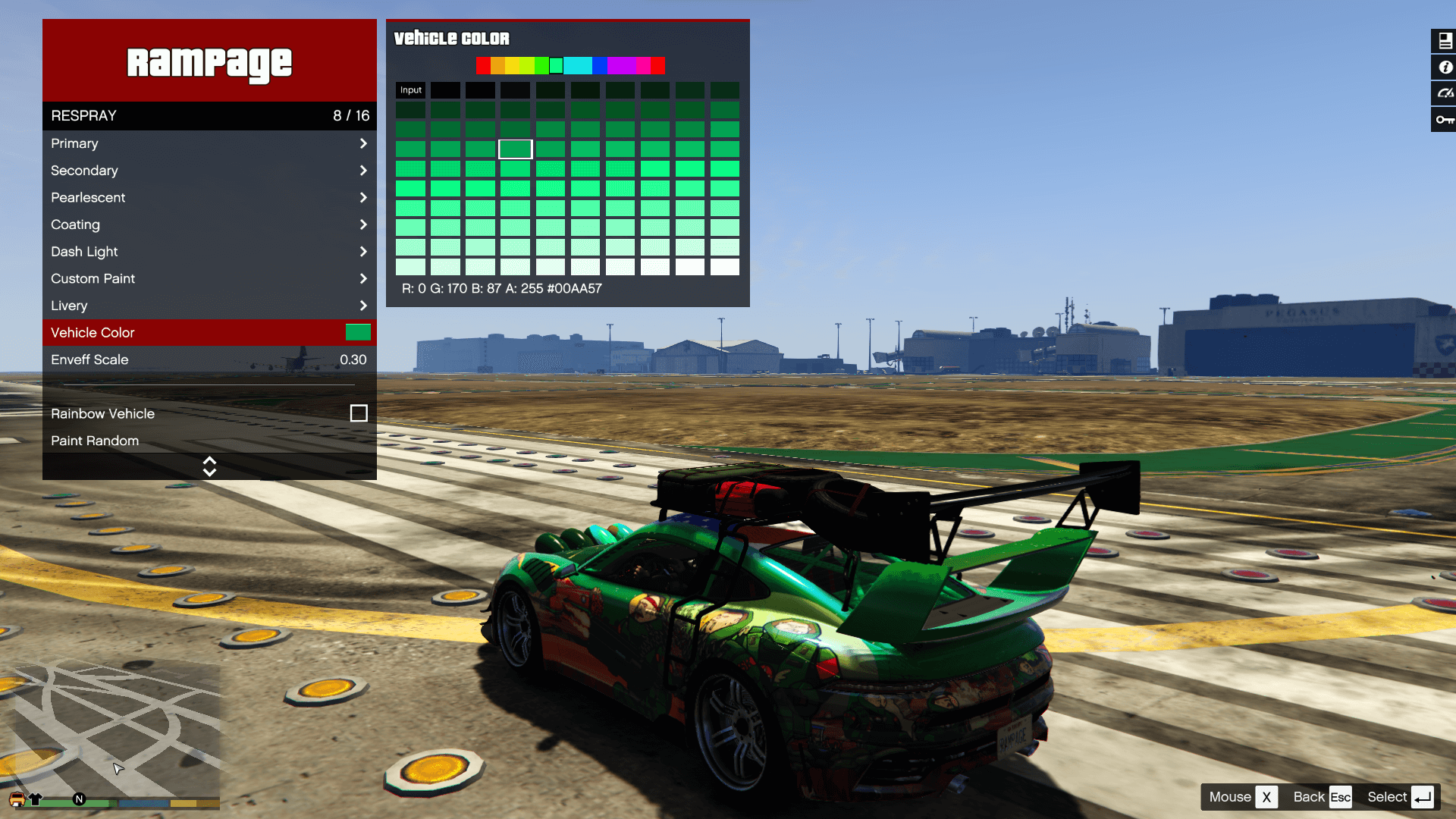
- Added built-in vehicle color combinations
- Vehicle make is now displayed on the on-screen speedometer
- Added an option to play music only on radio stations
- Vehicle emblems are now applied correctly
- Added a new Weapon Customization submenu
- Improved the Train Creator with additional spawn options
- Added driving speed to Vehicle AI options
- Puddle lights now support custom textures
- Fixed some issues with vehicle customization
[Version 1.4E / 1.4.6]
- Update to game patch 1.0.1013.17 & 1.0.3717.0
- Added new DLC Vehicles
- Added new DLC Peds
- Added new DLC Objects
- Added new DLC Weapons
[Version 1.3E / 1.4.5]
- Update to game patch 1.0.889.22 & 1.0.3586.0
- Added Stats Editor
- Fixed bug with vehicle lights in XML Loader
- Fixed issue with saving selected text color
- Added toggle for Auto Save (saves toggles every minute)
First Uploaded: October 11, 2019
Last Updated: July 15, 2026
Last Downloaded: 1 minute ago
All Versions
1,179 Comments
Rampage needs the latest version of Alexander Blade's ScriptHookV plugin
(ScriptHookV.dll and dinput8.dll)
If you encounter file saving issues on the Enhanced Version use this fix from alloc8or
DirectStorageFix
Install Instructions and other Information can be found in the readme file.
(Just drag the files from the .zip file into your GTA V directory)
The Main Version will always be the Legacy one so to Download the Enhanced version select it from the left side (Not the Big Green Button)
--- Controls ---
[ Keyboard ]
F4 - Open Trainer / F5
Arrow Up - Up
Arrow Down - Down
Left Arrow - Left
Right Arrow - Right
Backspace - Back
Enter - Select
You can also use your numpad to control the trainer.
[ Controller ]
[Press RB and A] / [Press R1 and X] - Open Trainer
DPAD Up - Up
DPAD Down - Down
DPAD Left - Left
DPAD Right - Right
B/Circle - Back
A/X - Select
--- Credits ---
[ Json Loader ]
Credits to Thenecromance for his .json vehicle-loader.
[ Enabeling MP Vehicles in SP ]
Credits to Unknown Modder (alloc8or) for his bypass function.
[ XML compatibility ]
Credits to MAFINS (Menyoo)
--- Important Things ---
To change a Key in Rampage you can either change its VK Key Code in the Settings.json / Hotkeys.json or you can click on the info option inside Rampage to use the builtin Hotkey Manager to set a new one.
If you have any issues with Settings not Loading always try to use a fresh RampageFiles folder it may fix your issue.
--- Changelog ---
[Version 1.5E / 1.4.7]
- Updated to game patch 1.0.1158.13 & 1.0.3889.0
- Added new DLC vehicles
- Added new DLC peds
- Added new DLC objects
- Added an option to retrieve the current Interior ID
- Added more advanced theming options
- Added Darts cheat for minigames
- Added option to fix tyres
- Added built-in vehicle color combinations
- Vehicle make is now displayed on the on-screen speedometer
- Added an option to play music only on radio stations
- Vehicle emblems are now applied correctly
- Added a new Weapon Customization submenu
- Improved the Train Creator with additional spawn options
- Added driving speed to Vehicle AI options
- Puddle lights now support custom textures
- Fixed some issues with vehicle customization
[Version 1.4E / 1.4.6]
- Update to game patch 1.0.1013.17 & 1.0.3717.0
- Added new DLC Vehicles
- Added new DLC Peds
- Added new DLC Objects
- Added new DLC Weapons
[Version 1.3E / 1.4.5]
- Update to game patch 1.0.889.22 & 1.0.3586.0
- Added Stats Editor
- Fixed bug with vehicle lights in XML Loader
- Fixed issue with saving selected text color
- Added toggle for Auto Save (saves toggles every minute)
First Uploaded: October 11, 2019
Last Updated: July 15, 2026
Last Downloaded: 1 minute ago
-

-
hello, does anyone know how to solve the hash names in spawner? happened in the mansions dlc
July 20, 2026 -

For some reason I can't download the lastest version of Rampage Trainer because your ZIP file has some of virus inside the zip folder but I can old version not the new one.
July 21, 2026 -
hey can you just make a one version :"Rampage Trainer>World Settings>Ped Manager>Hostile Peds", that hostile peds only attack player?
July 23, 2026 -

please fix the toggles.json file because it dosent have some options that are in the menu meaning that when i enable first person on aim and i save the settings and toggles and i launch the game again then i load settings and toggles and it dosent turn on the settings
July 24, 2026 -
My addons peds not detected in Rampage Trainer (but fine with other add on changer), any fix/workaround?
August 02, 2026 -
Hello, could you tell me when the cars from the new update will be available? Right now, the car doesn’t spawn in GTA Enhanced.
August 07, 2026 -
@Sauerland69 download the last version of scripthookV and NativeTrainer
Script Hook V + Native Trainer - GTA5-Mods.com https://share.google/UWsBLFeWOJMVWQiPP
August 10, 2026 -
-

@RampageDev Does this have in game control disabling while the trainer is open?
August 23, 2026 -

Spawner > Load/Save does not work saving or loading.
It keeps saying "Error: Unable to save database"
YMAP saving works but can't load anywhereAugust 25, 2026 -
The game showed a prompt related to Rampage Trainer (Failed to save setting). Please fix it. Thank you.
August 28, 2026 -
-
@RampageDev Is it possible to move the location of the speedometer? It overlaps the character select with where it's at now.
September 07, 2026 -

Sorry, but what is it? Can I save a pet with the changes I applied? I've been trying for hours but nothing works.
September 07, 2026 -
Is there any chance to adjust the speedometer location? i want to bring it closer to the bottom right of the screen. Thank you!
September 10, 2026 -
@RampageDev Enabled explosion proof yet the PC still died from an explosion.
Went to the DIscord channel to post this but not able to make any comments.
September 10, 2026 -
-

-
@RampageDev Proofs are not staying active. I'll have to find an alternative option. Are you even reading these comments?
5 days ago
 5mods on Discord

For those crashing on enhanced, make sure you download the 1.0E version, as it's not the default one